Hackers rarely break Bitcoin or Ethereum. They break people. A reused password, a fake login page, a seed phrase saved in a screenshot, or one careless "Approve" click hands attackers everything they need. Because crypto transfers are final, nobody can reverse the damage once the coins leave your wallet.
The good news: you control most of the risk. This guide walks you through the habits and settings that protect your coins, whether you keep them on an exchange, in a phone app, or on a hardware device.
How to Keep Crypto Safe: The 5 Rules That Matter Most
- Lock down every exchange account with a unique password and an authenticator app or security key.
- Secure your email first, since it can reset almost every other account.
- Keep only trading money on exchanges. Move long-term holdings to a hardware wallet.
- Write your seed phrase on paper or metal and never store it on any device or cloud service.
- Check every address, link, and transaction prompt before you confirm it.
Can Hackers Break Bitcoin? How Crypto Actually Gets Stolen
Blockchains record transactions that a private key signs. If an attacker can't get that key or trick you into signing something, they can't move your coins. So criminals target the weak points around the blockchain:
- Account takeovers through leaked or reused passwords
- Phishing sites that copy real exchanges and wallets
- Malware that logs keystrokes or swaps copied wallet addresses
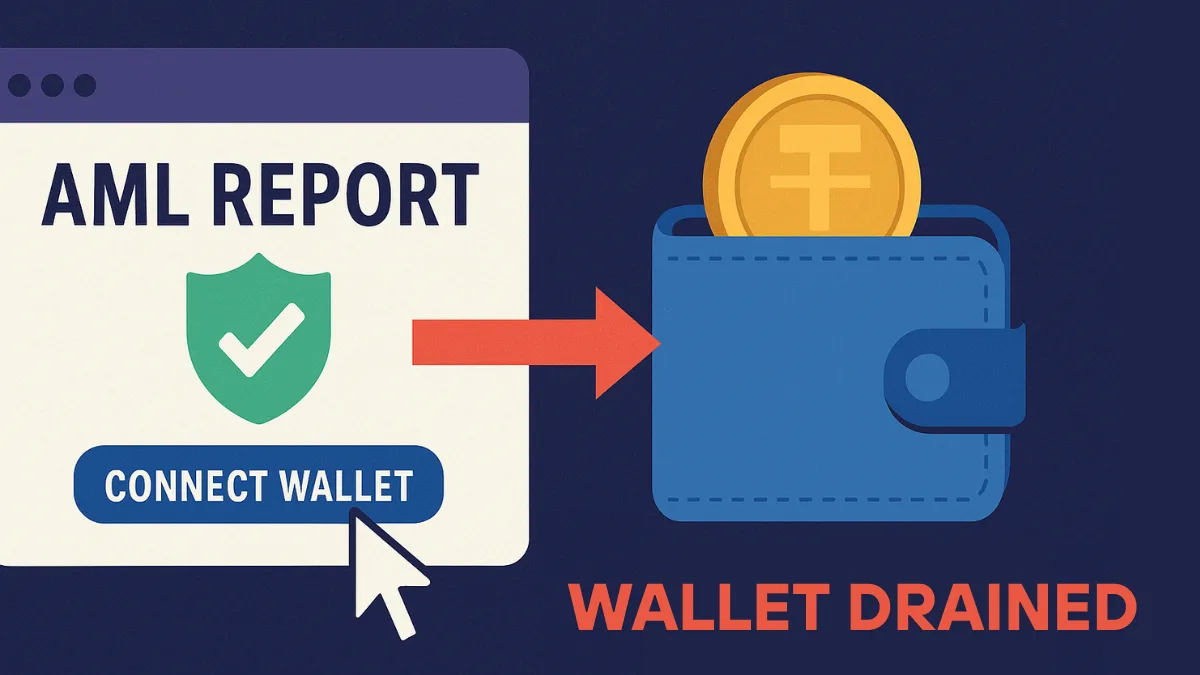
- Malicious token approvals that let a contract drain your wallet later
- Social engineering, where a fake support agent asks for your codes or recovery phrase
Every section below closes one of these doors.
How to Secure Your Crypto Accounts With Passwords and 2FA
Use a password manager
Let a password manager such as Bitwarden, 1Password, or Proton Pass create a random password of 16 characters or more for each crypto account. Never reuse a password. When another site leaks its user database, attackers test those email and password pairs on exchanges within hours.
Don't let your browser save exchange passwords. Info-stealing malware targets browser storage first.
Pick the right two-factor method
Two-factor authentication blocks most account takeovers, but the method matters.
| 2FA Method | Protection | Weak Spot |
|---|---|---|
| SMS code | Basic | SIM swap attacks can redirect your number |
| Authenticator app (Google Authenticator, Authy, Aegis) | Strong | Phone loss without backup codes |
| Hardware security key (YubiKey and similar) | Strongest | You must carry the key |
Switch off SMS 2FA wherever the platform offers an app or key option. Turn on 2FA for logins, withdrawals, password changes, and API key creation, not just sign in. Save your backup codes offline.
Protect your email like a vault
Your inbox can reset your exchange password. Give it its own unique password, add an authenticator app or security key, remove old recovery addresses, and revoke third-party apps you no longer use. Many people use a separate email address only for crypto accounts so phishing emails have a harder time finding it.
How to Pick a Safe Crypto Exchange and Lock Down Its Settings
What to look for
Before you deposit money, check the platform for these signs:
- Regulatory licence in your country or region
- Proof of reserves that outside parties can verify
- Cold storage for the bulk of customer funds
- A public security track record, including how it treated users after any past breach
- Bug bounty programs and regular third-party security testing
- Reachable customer support through the official app or website
Walk away from platforms that promise fixed high returns, hide who owns them, pressure you to deposit fast, or freeze withdrawals without explanation.
Settings to switch on today
Most major exchanges include these protections, but many users leave them off:
- Withdrawal address whitelist: restricts withdrawals to addresses you approved earlier, usually with a waiting period for new ones
- Anti-phishing code: a word you choose that appears in every genuine email from the exchange
- Login and withdrawal alerts: instant notice of any activity
- Device management: shows every logged-in device so you can kick out unknown ones
- API key limits: if you use trading bots, give keys trade-only rights and no withdrawal permission, and lock them to fixed IP addresses
An email that claims to come from your exchange but lacks your anti-phishing code is fake. Delete it.
Is It Safe to Keep Crypto on an Exchange?
It depends on how you use your coins. A licensed exchange with proof of reserves, cold storage, and the settings above handles active trading well. You also get account recovery and customer support, which self-custody never offers.
The trade-off is trust. The exchange holds your keys, so a hack, a freeze, or a collapse can lock you out. Exchange coins also have no deposit insurance like a bank account, and if an attacker takes over your account through your own weak password, the platform usually won't pay you back.
Use this rule of thumb:
| Your Style | Where Your Coins Belong |
|---|---|
| Active trader | Trading funds on one well-established exchange, everything else offline |
| Occasional buyer | A small exchange balance, with the rest in a hardware wallet |
| Long-term holder | Mostly a hardware wallet, with only a small amount on an exchange |
Avoid spreading money across many little-known exchanges just to reach obscure tokens. Each extra account is another target.
What a Crypto Wallet Really Stores: Keys, Addresses, and Seed Phrases
A wallet doesn't store coins. The coins sit on the blockchain. Your wallet stores the keys that prove you own them.
- Public address: what you share to receive funds, like an account number
- Private key: signs transactions and moves funds; never share it
- Seed phrase (recovery phrase): 12 to 24 words that rebuild all your private keys on any device
Anyone with your seed phrase owns your crypto. Unlike a password, you can't reset it. If it leaks, your only fix is to move everything to a brand new wallet.
Custodial vs self-custody
| Custodial (exchange holds keys) | Self-custody (you hold keys) | |
|---|---|---|
| Account recovery | Support can help | Only your seed phrase can help |
| Main risk | Platform hack, freeze, or collapse | Your own mistakes or theft of your backup |
| Best for | Beginners and active traders | Long-term holders and DeFi users |
Hot Wallet vs Cold Wallet: Which One Fits You?
Hot wallets run on internet-connected devices: phone apps, browser extensions, and desktop programs. They make swaps, payments, and DeFi easy, but malware and malicious websites can reach them.
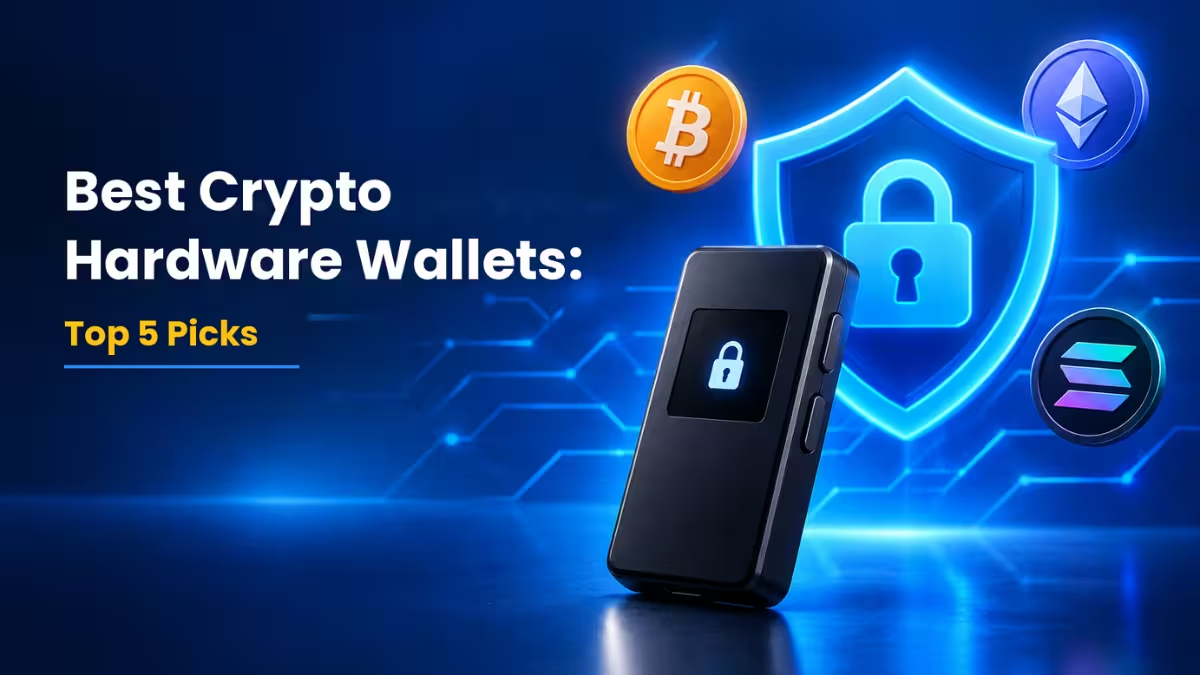
Cold wallets keep keys offline. A hardware wallet signs transactions inside the device, so your keys never touch your computer. Expect to pay roughly $50 to $350 for a reputable model from Ledger, Trezor, Keystone, or similar brands.
| Hot Wallet | Cold Wallet | |
|---|---|---|
| Connection | Always online | Offline until you sign |
| Convenience | High | Moderate |
| Security | Good | Excellent |
| Best for | Daily use, DeFi, small balances | Long-term savings, large balances |
Paper wallets belong to crypto history. Most of them required browser tools to generate keys, and paper burns, fades, and gets lost. Skip them.
How to Split Your Crypto Across Exchange, Hot, and Cold Wallets
Don't keep everything in one place. Give each pot of money its own home:
| Where | What to keep there |
|---|---|
| Exchange account | Money you actively trade |
| Phone or browser wallet | Small amounts for spending, DeFi, and experiments |
| Hardware wallet | Long-term savings, the bulk of your holdings |
Advanced users go further and keep a "burner" wallet for new dApps, airdrops, and mints. If that wallet signs something bad, the attacker only gets pocket change.
How to Set Up a Hardware Wallet Safely
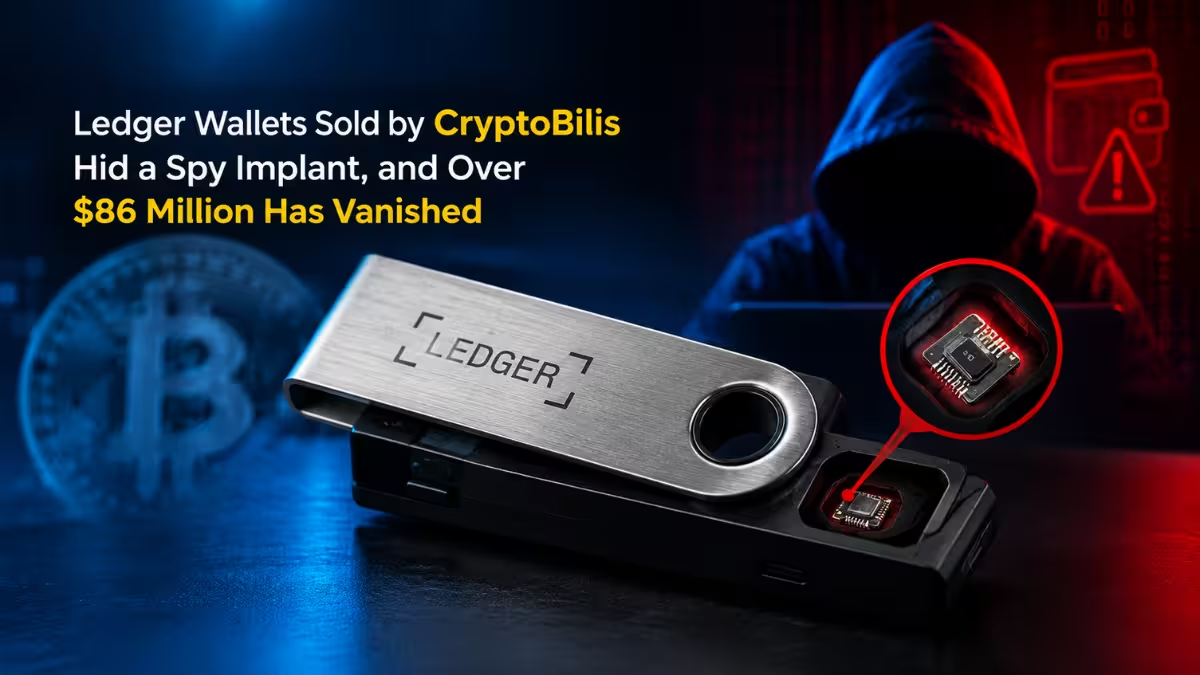
- Buy direct. Order from the manufacturer's website or an authorised reseller. Never buy a used device or one from a random marketplace listing.
- Inspect the box. If the package contains a pre-filled recovery phrase card, stop. Real devices generate a new phrase during setup.
- Get the official app. Type the manufacturer's URL yourself instead of clicking ads or search results.
- Set a strong PIN. Thieves need this PIN before they can touch the device.
- Record the seed phrase offline. Write the words in order on paper or stamp them into a metal backup plate.
- Run a recovery test. Wipe the device and restore it from your backup before you send real money. This proves your backup works.
- Add a passphrase (optional). Many devices support an extra word that creates a hidden wallet. It protects you if someone finds your seed phrase, but if you forget it, you lose access.
- Update firmware only through the official app when the manufacturer releases fixes.
How to Store Your Seed Phrase So Nobody Can Steal It
Treat your seed phrase as the master key to your money.
Do:
- Write it by hand and store two copies in different secure places, such as a home safe and a bank locker
- Use a fireproof and waterproof metal backup for large holdings
- Tell a trusted person how to find your recovery instructions for inheritance purposes, without revealing the words
Never:
- Type it into a website, form, or chat
- Photograph or screenshot it
- Save it in notes apps, email drafts, cloud drives, or messaging apps
- Read it out to anyone, including someone claiming to be support
No real wallet company, exchange, or support agent will ever ask for your seed phrase. A request for it always means theft.
How to Verify Addresses and Token Approvals Before You Sign
Verify addresses
Clipboard malware can replace a copied address with the attacker's address. Before you send:
- Compare the first and last six characters on both screens
- Confirm the address on the hardware wallet's own display
- Send a small test amount before any large transfer
- Make sure you chose the correct network, since sending on the wrong chain can lose funds
Read what you approve
Modern drainer scams don't need your seed phrase. They need one signature. A fake mint or airdrop site asks you to "approve" a token, and that approval lets the attacker pull funds whenever they want.
- Read each wallet prompt. If it asks for unlimited spending of a token you didn't plan to use, reject it.
- Treat "Permit" and "SetApprovalForAll" requests with extra care.
- Ignore random tokens that appear in your wallet. Trying to sell them often leads to a drainer site.
- Review and revoke old approvals regularly with a tool like Revoke.cash or your wallet's built-in permission manager.
Common Crypto Scams and How to Spot Each One
| Scam | How It Works | Your Defence |
|---|---|---|
| Lookalike websites | A URL with one changed letter copies a real exchange | Bookmark official sites and log in only from bookmarks |
| Sponsored search ads | Scammers buy ads for fake wallet downloads | Scroll past ads and use the official site link |
| Fake support | "Agents" on Telegram, Discord, X, or WhatsApp offer help | Contact support only through the official app |
| Fake wallet apps | Cloned apps send your new seed phrase to criminals | Follow the app store link from the official website |
| Investment and "doubling" schemes | Promises of guaranteed daily profit | Treat any guaranteed return as fraud |
| Romance and "pig butchering" scams | A new online friend steers you to a fake trading platform | Never invest through a platform a stranger recommends |
| AI deepfakes | Cloned voices or videos of executives or friends ask for crypto | Confirm through a separate, known channel |
A simple rule covers most of these: if a message you didn't expect asks for codes, keys, phrases, or a quick payment, it's a scam.
How to Secure the Phone and Computer You Use for Crypto
Your phone and computer hold the keys to your hot wallets, so protect them:
- Install operating system and app updates promptly
- Lock devices with a strong PIN or biometrics and turn on full-disk encryption
- Don't install cracked software, game cheats, or unknown browser extensions on the device you use for crypto
- Avoid public Wi-Fi for financial logins; use mobile data or a trusted VPN instead
- Consider one dedicated device or browser profile just for crypto activity
Crypto Security Mistakes That Cost People Their Funds
Experienced users make these errors too:
- Keeping a large balance in a browser wallet. Extensions face the most phishing and malware attacks.
- Saving the seed phrase in cloud storage or a screenshot. One breached account exposes everything.
- Reusing one password across exchanges. A single leak opens every door.
- Downloading a wallet from a search ad or app store lookalike. Always start from the official site.
- Connecting to unknown dApps. A single bad connection can lead to a drained wallet.
- Signing prompts without reading them. Most drainer losses start with a rushed click.
- Skipping firmware and software updates. Patches close holes attackers already know.
- Never testing the backup. A seed phrase with a typo is worthless when you need it.
- Chasing hype and guaranteed returns. FOMO pushes people to skip every check in this guide.
What to Do Right Away If Your Crypto Wallet Gets Compromised
Act fast. Minutes matter.
- Stop using the affected wallet. Don't sign anything else from it.
- Move remaining funds to a brand new wallet with a fresh seed phrase, ideally on a different, clean device.
- Revoke token approvals from the compromised address.
- Change passwords for your email, exchanges, and password manager, and reset 2FA.
- Scan or wipe the infected device. A full reinstall is the safest option.
- Report the incident to the exchange or wallet provider and to local cybercrime authorities.
- Record the evidence: transaction hashes, addresses, and screenshots from a block explorer.
Beware of "recovery experts" who contact you after a theft and promise to get your crypto back for a fee. They run a second scam on victims.
Crypto Security Checklist to Review Every Few Months
| Task | Done |
|---|---|
| Unique password for every crypto account | ☐ |
| Authenticator app or security key instead of SMS | ☐ |
| Email account secured with 2FA | ☐ |
| Withdrawal whitelist turned on | ☐ |
| Anti-phishing code set | ☐ |
| Long-term holdings on a hardware wallet | ☐ |
| Seed phrase backed up offline in two places | ☐ |
| Recovery test completed | ☐ |
| Old token approvals revoked | ☐ |
| Devices and wallet firmware up to date | ☐ |
Run through this list whenever you buy a new device, add a wallet, or join a new platform.
Crypto security doesn't depend on one perfect tool. It comes from layers: strong accounts, a careful exchange choice, offline storage for savings, a protected seed phrase, and a habit of checking before you click. Set these up once, review them a few times a year, and you'll shut out the attacks that drain most victims.
Frequently Asked Questions
What is the safest way to store crypto?
A hardware wallet from a trusted brand, paired with an offline metal or paper backup of your seed phrase stored in two secure places, gives most people the best protection.
What happens if I lose my hardware wallet?
Buy a new compatible device and restore your wallet with your seed phrase. Then move your funds to a new seed, since someone may try to crack the lost device. Without the seed phrase, you can't recover the funds.
Can I store my seed phrase in a password manager?
Security experts generally advise against it, because it puts your master key online. Offline physical backups remain the safer choice for most people.
Can someone hack the Bitcoin or Ethereum network itself?
Practically no. Thousands of nodes verify every transaction, and each one needs a valid signature from the private key. Theft almost always happens through the user, not the blockchain.
Is SMS 2FA good enough?
It beats no 2FA, but SIM swap attacks can defeat it. Use an authenticator app or a hardware security key for any account that holds crypto.
Related Guides
- Binance P2P Scam Explained: Flash USDT, AML Bots and How Victims Lose Crypto
- Crypto AML Scam Draining Wallets: How to Avoid P2P Trading Frauds
- P2P Crypto Trading Risks: How a Buyer Lost 900 USDT Despite Proof
- Where to Buy Cryptocurrency: Best Platforms Compared
- How to Invest in Cryptocurrency for Beginners