Motorola is all set to launch its new mid-range smartphone, the Motorola Edge 40, in India on May 23rd, after it was unveiled earlier this month.
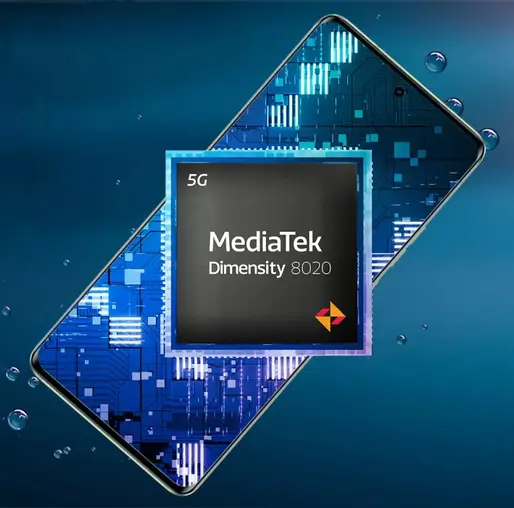
It has the world’s first MediaTek Dimensity 8020 processor, which is a powerful and efficient chipset for 5G connectivity and performance. The device comes with P-OLED panel with a 144Hz refresh rate, HDR10+ support, and a peak brightness of 1200 nits.
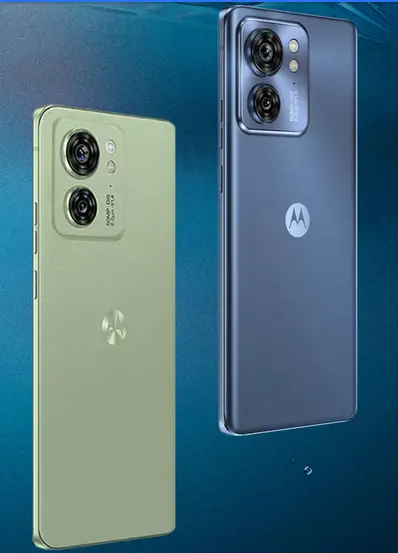
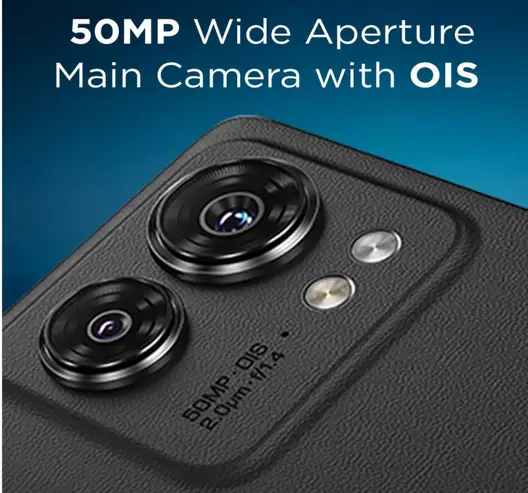
Motorola Edge 40 has 50MP wide aperture Main camera with OIS and Quad Pixel Technology. It has a sleek design with IP68 ratings and available in four color options: Nebula Green, Lunar Blue, Eclipse Black, and Viva Magenta
Motorola Edge 40 specifications
- Brand: Motorola Edge 40
- Dimensions (mm): 158.43 x 71.99 x 7.49
- Weight (g): 167
- Display size: 6.55 inches
- Display: P-OLED, HDR10+
- Refresh Rate: 144Hz
- Brightness: 1200 nits (peak)
- Display resolution: 1080 x 2400 pixels
- Protection: Dust/water resistance IP68 rating
- Processor: Mediatek Dimensity 8020 (6 nm)
- CPU: Octa-core (4×2.6 GHz Cortex-A78 & 4×2.0 GHz Cortex-A55)
- GPU: Mali-G77 MC9
- RAM: 8GB
- storage: 256GB with UFS 3.1 storage
- Card slot: No
- Rear camera: 50 MP, f/1.4, (wide), multi-directional PDAF, OIS, Quad Pixel Technology+ 13 MP, f/2.2 (ultrawide), AF
- Selfie camera: 32 MP, Quad Pixel Technology
- Battery: 4600 mAh with 68W wired charging+ 15W wireless
- Features: 5G SA/NSA, Bluetooth 5.2, USB Type-C, NFC
- OS: Android 13
Price and Availability:
The pricing of the Edge 40 smartphone is yet to be revealed and will be known when it is launched next week. Users can purchase this smartphone from flipkart.com starting from May 23rd.