Nothing, the innovative tech company, has rolled out its most significant update since the launch of OS 2.0, presenting Phone (1) users with Nothing OS 2.5 powered by Android 14. Packed with exciting features and improvements, this update aims to enhance the everyday smartphone experience.
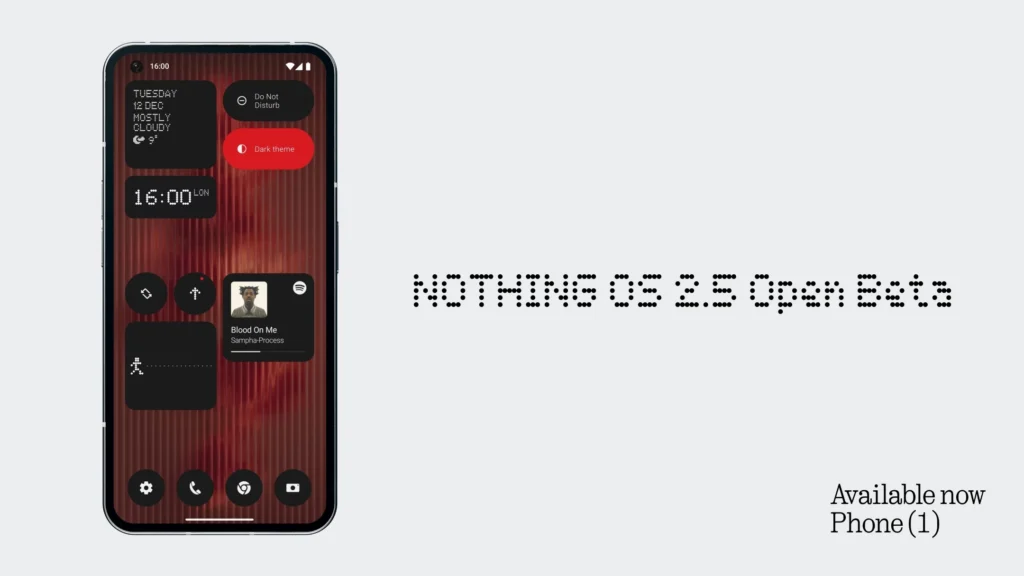
Home/ Lock Screen customization
Among the noteworthy features, Nothing OS 2.5 introduces a redesigned joint Home Screen and Lock Screen customization page, offering an improved edit wallpaper flow for a comprehensive view of options.
Users can now enjoy the new Atmosphere wallpaper effect, transforming background photos into dynamic wallpapers that seamlessly transition between lock and home screens.
Additionally, the update brings solid color wallpapers for a cleaner Home Screen appearance and introduces a monochrome color theme in the basic color section.
Enhanced Gestures
The customization journey continues with customizable double-press power buttons to access chosen features quickly. More lock screen shortcut options, such as Do Not Disturb, Mute, QR code scanner, and video camera, provide added convenience.
Users can now capture screenshots swiftly with a three-finger swipe gesture. The update also introduces a new screenshot editor and menu, enabling advanced editing features and quick deletions.
New Widgets
Nothing OS 2.5 introduces new widgets to enrich the user experience. The Pedometer Widget allows users to track daily steps directly from the home screen, set goals, and monitor progress.
The Media Player Widget displays the currently playing song, offering easy music control on the move. For those who cares about screen time, the Screen Time Widget helps monitor and manage daily screen time, promoting a healthy digital lifestyle.
- How to Get Free 5 Star Character in Honkai Star Rail 4.2
- How to Fix Discord Streaming Failed to Start Error 2007
- How to Build the Best Sun Team in Pokemon Champions
- How to Fix Rockstar Error Code 4 (Authentication & Launcher Issues)
- How to Fix Zillow Upstream Connect Error or Disconnect/Reset Before Headers
To access these new widgets, users are needed to update their Nothing Launcher and Nothing Widgets app to the latest versions available on the Play Store.
Functional Improvements
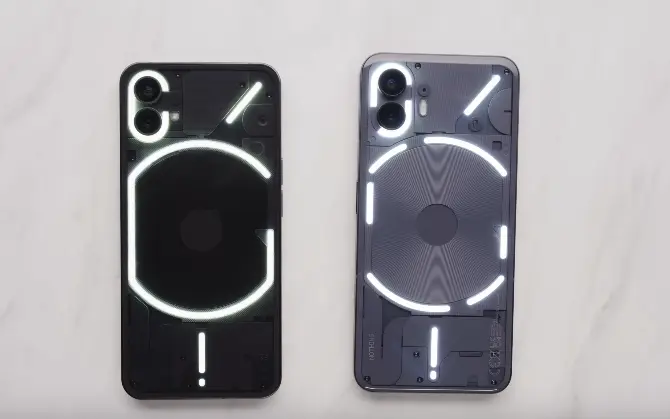
The update comes with a range of improvements, including a new Glyph animation for NFC usage, an enhanced Flip to Glyph experience, optimized Weather app experience, and improved notification of weather alerts.
Visual enhancements include a refreshed back gesture arrow aligned with Nothing’s style, the ability to set ringtone and notification sound volumes separately with an updated volume control interface, an updated Quick Settings layout, and support to show more device icons.
Stability enhancements cover the camera and overall system, promising users a more reliable and smooth experience.
Nothing OS 2.5 is currently undergoing Beta testing on Phone (1), following its rollout on Phone (2). Phone (1) users can anticipate an enriched smartphone experience with the imminent stable release of this significant update.
Source: via

