Microsoft has rolled out an optional Windows 11 update that quietly changes how users access Storage settings and manage temporary files. The update, KB5074105, introduces a new administrator requirement for Storage access and alters what appears inside the built-in cleanup tools.
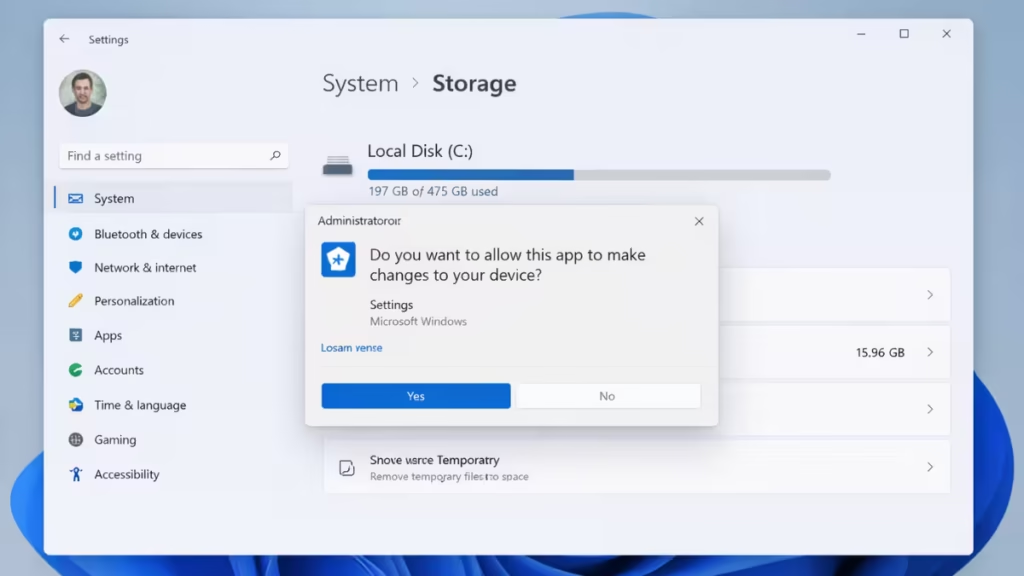
The changes are intentional and tied to security hardening, according to Microsoft, but they may surprise users who rely on Storage settings for routine cleanup tasks.
Storage Settings Now Require Admin Approval
After installing KB5074105, opening Settings > System > Storage on Windows 11 triggers a User Account Control (UAC) prompt on standard user accounts. Windows asks for administrator approval before loading the page.
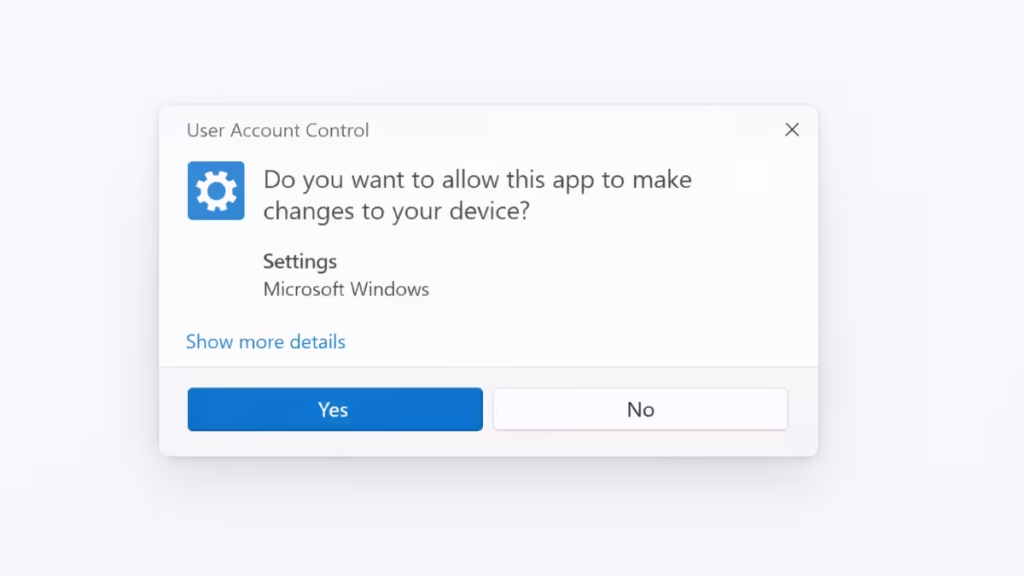
Microsoft says this design prevents unauthorized users or background processes from accessing protected storage locations or system-level files. Instead of prompting only when a risky action starts, Windows now checks permissions before the Storage page loads at all.
This change affects daily workflows on shared PCs, school systems, and office devices where users often run without full admin rights.
Temporary Files Cleanup Shows Fewer Categories
The update also changes what users see under Temporary files in Storage settings. Several cleanup categories, including Windows Update files and some driver-related items, no longer appear after KB5074105 is installed.
See also: Microsoft Releases Windows 11 KB5074105 Preview With Critical Boot, Sign-In, and Activation Fixes
These options are not removed from the system. Windows simply hides cleanup areas that require elevated permissions. As a result, the Storage cleanup scan only lists files that a standard user account can safely enumerate and delete.
Disk Cleanup Still Works for System Files
Microsoft’s recommended workaround is to use Disk Cleanup with administrator rights. When launched in elevated mode and set to Clean up system files, Disk Cleanup continues to show Windows Update Cleanup, upgrade logs, and other admin-only items.
This behavior confirms that the files still exist and remain manageable. The limitation only affects the modern Settings interface, not the underlying cleanup tools.
Other Fixes and Known Side Effects
Beyond Storage changes, KB5074105 includes fixes for File Explorer freezing during startup and removes earlier restrictions around toggling Smart App Control. However, some users report new issues after installing the preview update, including camera problems and lock screen glitches.
Because KB5074105 is an optional preview release, Windows does not install it automatically. Users can skip it and wait for these changes to arrive in a future mandatory Patch Tuesday update instead .
See also: Windows 11 KB5074105 Camera Issue Causes Webcam and Lock Screen Failures
For most users, this update shifts cleanup tasks toward administrator-only workflows and reinforces Windows’ push toward tighter system protection. If you manage multiple user accounts or rely on Storage settings for quick cleanup, expect a slightly different experience until Microsoft refines the interface in a future release.
As with any optional update, installing KB5074105 makes sense if you need its fixes. Otherwise, waiting for the stable rollout may be the safer choice.

