Fire-Boltt, a popular smartwatch brand, has launched the Ninja Fit Pro smartwatch to catchup the upcoming Prime Day sale. It boasts a sleek and sturdy design with multi UI screen of 2-inch HD display with a resolution of 240 x 240 pixels and 500 nits peak brightness offering users a vibrant and clear visual experience.
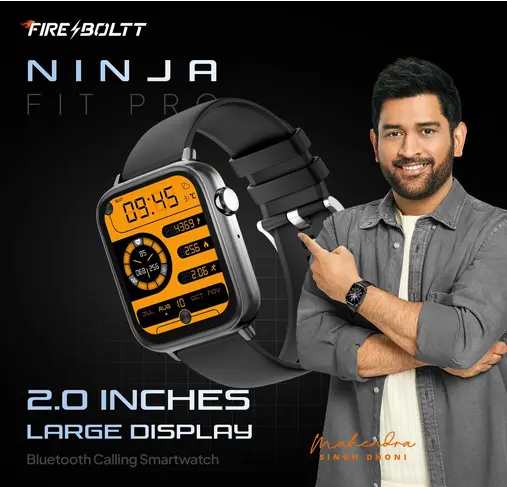
The Ninja Fit Pro comes with Bluetooth calling support and AI voice assistant- enabling users to perform tasks and access using voice commands.
In terms of health and fitness tracking, the Fire-Boltt Ninja Fit Pro offers heart rate monitor, SpO2 monitor, blood oxygen level tracking, sleep monitoring functionality, and calorie and step counting capabilities. For fitness tracking, comes with over 123 sports modes.
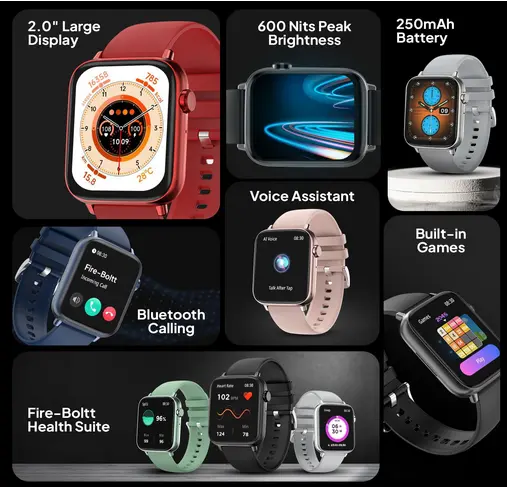
The smartwatch boasts a 250mAh battery that provides up to 20 days standby battery life on single charge. Additionally, it has IP68 water resistance, allowing users to wear it confidently during water-related activities or in wet conditions.
Fire-Boltt Ninja Fit Pro Smartwatch Specifications
- Display: 2.0″ HD () LCD screen
- Resolution: 240 x 282 pixels
- Brightness: 600 nits peak
- Refresh Rate: 70Hz
- Durability: Dust and water-resistant (IP68)
- Watch faces: Yes
- Bluetooth Calling: Yes
- Quick Dial Pad: Yes
- Sync contacts: Yes
- Sports Modes: 123 sports modes
- AI Voice Assistant: Yes
- Health Monitoring: heart rate, monitor sleep patterns, SpO2 monitoring, Breathe Training, track running, cycling, swimming
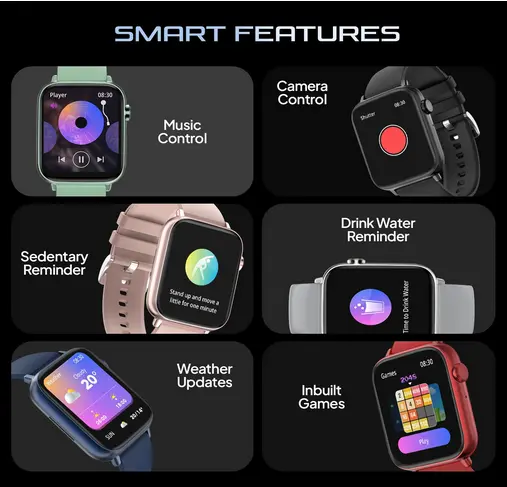
- Other Features: Built in Games, Smart Notifications, Music control, Sedentary remainder, and more
- Battery: 250mAh battery
- Battery Life: Up to 20 days standby on full charge
Price and availability
The Fire-Boltt Ninja Fit Pro comes in six (6) attractive colors: beige, black, blue, grey, green, and red. Buyers can purchase this smartwatch for an introductory price of Rs. 1,699 starting from July 14, 7 P.M. on Amazon.in and the Fire-Boltt website

