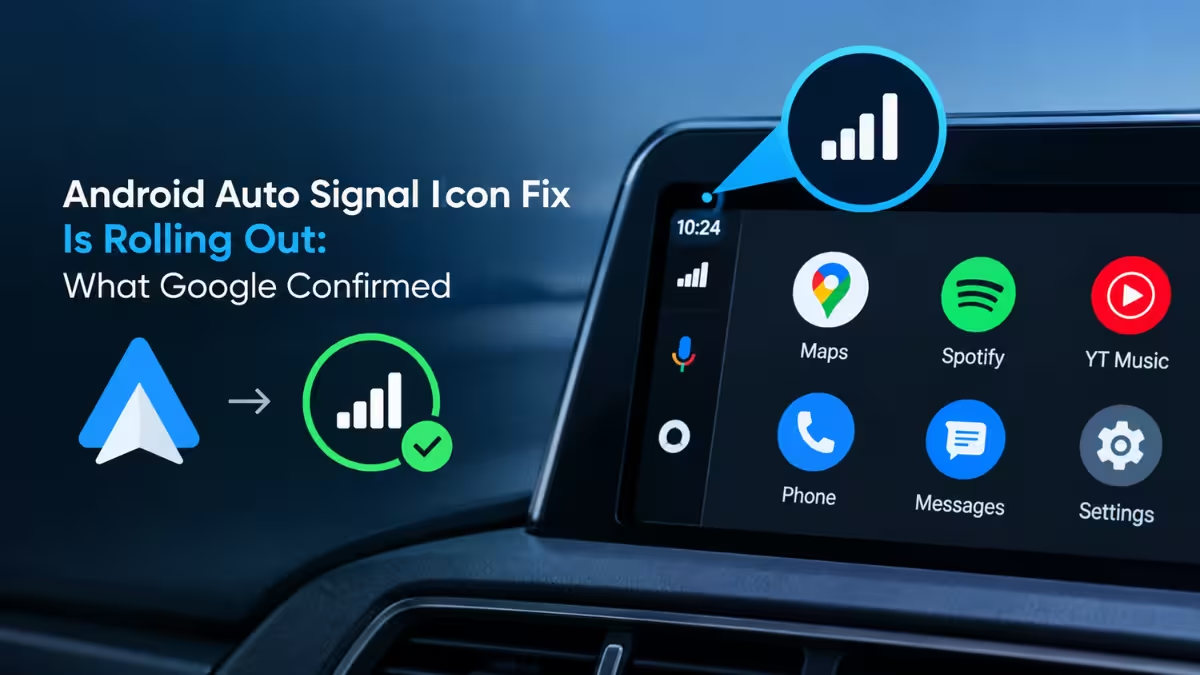
If your Android Auto dashboard has been missing its cellular signal indicator, you're not dealing with a broken phone or a bad connection. It's a known app bug that has been showing up for months, leaving a blank gap next to the battery icon on the dashboard bar. Google appears to be fixing it, with early signs of a repair already showing up for some drivers. Here's what's causing the bug and how to check if the fix has reached your Android Auto app.
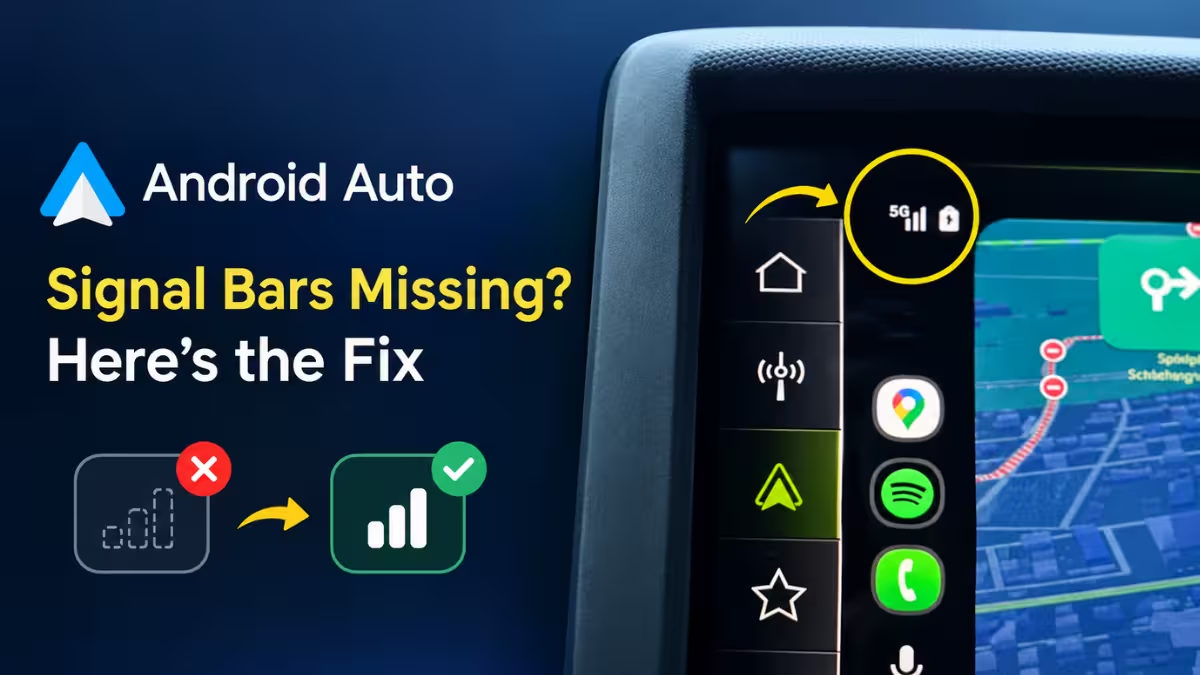
Why Android Auto signal bars disappear
The bug removes the small signal strength icon that normally sits next to the battery status on the dashboard bar.
Drivers first started reporting the missing signal bars earlier this year. The icon simply vanishes, leaving a blank space where it used to sit. Calls, mobile data, and navigation keep working normally throughout, so the bug is cosmetic rather than functional. That doesn't make it less annoying if you rely on the indicator to gauge coverage before a call or while heading into a low-signal area.
The behavior is inconsistent. Some users lose the icon permanently until an update. Others see it disappear, come back, then vanish again, even while running the exact same app version. That pattern points to a server-side component alongside the app itself, though Google hasn't confirmed the root cause publicly.
Despite that uncertainty, a specific beta build is already restoring the icon for a growing number of drivers.
How to get the signal bars back
Android Auto version 17.8.1638 appears to restore the missing icon for a growing number of users.
This build is currently in beta, so it isn't available to everyone on the stable release yet. Follow these steps if you want to try it:
- Enroll in the Android Auto beta program through the Google Play Store.
- Update to version 17.8.1638 or newer.
- Open Android Auto and check whether the signal icon has returned next to the battery status.
- If it hasn't, clear the Android Auto app cache from your phone's app settings, then reconnect to your car.
Clearing the cache after updating has fixed the issue for several users who didn't see the bars return immediately after installing the beta.
Signal bars still missing? Try this
Not every beta tester sees the fix right away, and that's expected given the rollout pattern.
Since Google appears to be adjusting things on its servers as well as through app updates, the fix can reach different accounts at different times even on identical app versions. If clearing the cache doesn't help, try:
- Restarting your phone and reconnecting Android Auto.
- Checking for a newer beta build, since Google has pushed incremental updates during this rollout.
- Waiting a few days and testing again, since some users report the bars returning after multiple connection cycles rather than immediately.
If none of that works, the fix simply hasn't reached your account yet. Users who'd rather not join the beta can wait for it to arrive on the stable channel instead.
Frequently Asked Questions
Does the missing signal bar affect calls or data on Android Auto?
No. The bug only affects the visual indicator. Phone calls, mobile data, and navigation continue to function normally even when the icon is missing.
Which Android Auto version fixes the missing signal bars?
Version 17.8.1638, currently in beta, is the build where users are reporting the icon's return. It has not yet rolled out to the stable channel.
Why do the signal bars keep disappearing and reappearing?
Some beta testers see the icon return, vanish, and reappear again without any app update in between. This suggests Google is making changes on its backend servers alongside the app itself.
Do I need to clear the app cache for the fix to work?
Not always, but several users needed to clear the Android Auto app cache after updating before the signal bars showed up again.
Related Guides
- Google Discover Not Working on Android? 11 Fixes That Work
- How to Fix Wi-Fi Not Connecting on Windows, Android, and iPhone (2026)
- How to Fix Southwest Airlines Error 500120309 on Android and iPhone
- What to Do With Your Old Android Phone: 7 Smart Ways to Reuse It
- How to Build Android Apps Using Google AI Studio (No Setup Required)