In recent days, iPhone users have taken to social media to voice their concerns over a perplexing issue – their smartphones are mysteriously turning off during the night. This unusual problem has left many users puzzled and frustrated. Reports of alarms not going off and the need to enter PINs upon waking up have sparked discussions on platforms like Reddit, MacRumors, and 9to5Mac. It’s an issue that appears to be affecting a wide range of iPhone models and, while many speculate that it’s related to the new iOS 17 software, Apple has yet to officially address the problem.
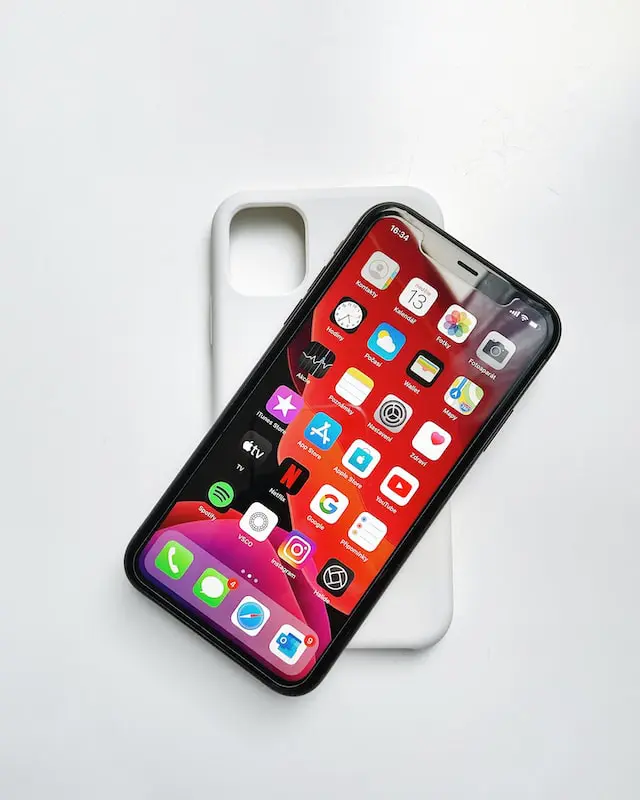
iPhone Mysteriously Turning Off
Many users have experienced a jarring start to their day, as their iPhones prompt them to enter their PIN codes first thing in the morning. This implies that a reboot has occurred during the night. Another noticeable sign of this issue is a gap of several hours in the iOS battery health graph, which indicates that the iPhone was turned off overnight.
This issue doesn’t seem to be exclusive to the latest iPhone 15 models, suggesting it may be related to the iOS 17 software rather than a hardware problem. Apple, however, has not officially acknowledged the issue at this point.
How to Verify if Your iPhone is Turned Off at Night
For affected iPhone users, finding out if their device has turned off during the night can be done by checking the battery health graph. To do this, open the Settings app, navigate to Battery, and look for any gaps in the chart for the early morning hours. If there are no green lines during that time, you may have encountered the same issue.

Though the cause of this issue remains uncertain, the online community has been busy trying to unravel the mystery. Some theories include aggressive memory management, battery settings such as Optimized Charging, or other software-related factors.
Apple Response
As of now, Apple has not officially addressed the problem or provided any information regarding a potential fix. This leaves affected users with limited options to resolve the issue, other than perhaps setting their morning alarms on alternative devices for added assurance.
While it’s challenging to determine the exact cause and extent of this issue, it’s reasonable to expect that Apple will address it in a future iOS update. Just recently, an update was issued to rectify iPhone 15 overheating problems, suggesting that Apple is actively working to solve software issues as they arise. Users can hope for a timely resolution that will allow them to use their iPhones without the anxiety of waking up to a mysteriously turned-off device. Let’s hope that Apple addresses this issue in a future update, offering users peace of mind and uninterrupted smartphone experiences.

