Google has confirmed that a fix for Android Auto’s missing cellular signal icon is on its way to phones. The bug has frustrated drivers for about six months, and the first signs of relief arrived with a recent update.
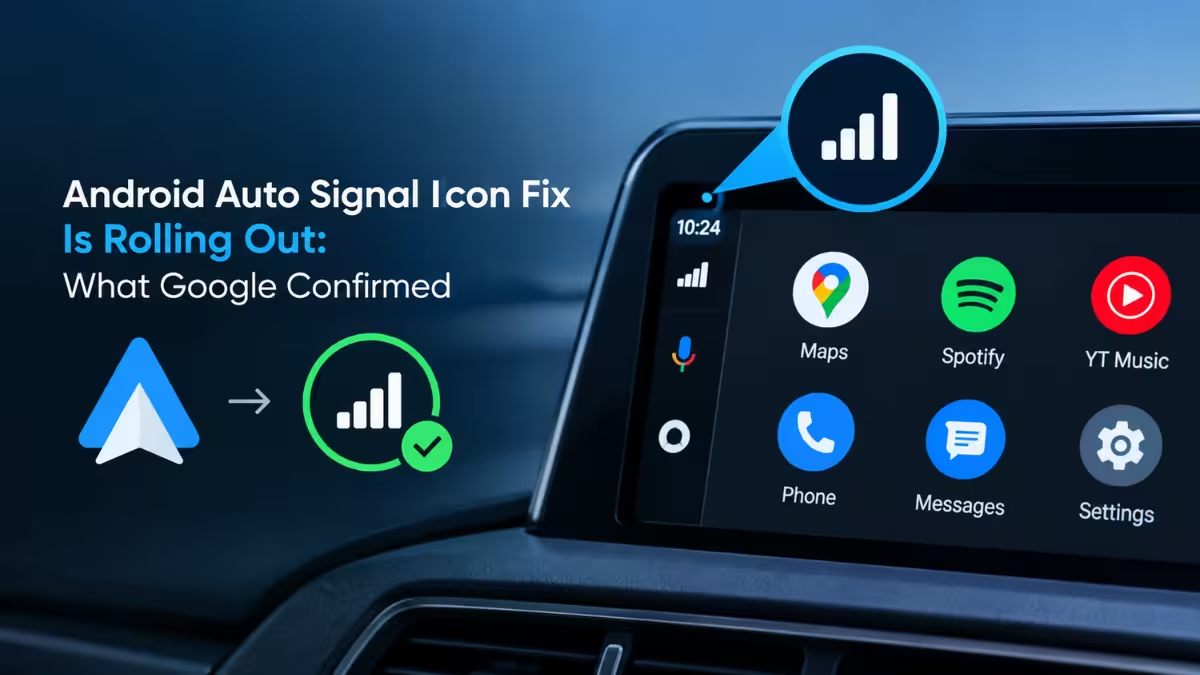
What Google Confirmed About the Android Auto Signal Icon Fix
A Google representative addressed the problem directly in a Reddit thread on r/AndroidAuto.
The company said it knows about the reports of a missing cellular signal indicator and is rolling out a fix that should address the issue. Google also warned that the fix has not reached everyone yet, so your phone may need some time to receive it. Android Authority identified the commenter as Mishaal Rahman, a former Android Authority writer who now works at Google.
What the Missing Signal Icon Looked Like
The bug affected the small cellular indicator that shows how strong your phone’s mobile connection is while you drive. It sits in a corner of the Android Auto display.
That corner also shows the battery level, the time, and a notification count. Over the past months, the cellular signal indicator vanished for many users. For some drivers it disappeared and returned at random. For others it stayed gone. The problem never hit every user in the same way, which made it harder to pin down.
Which Android Auto Version Carries the Fix
Reports of the icon coming back point to one update: Android Auto 17.8, which appears to deliver the fix, at least in part.
Users first reported the signal bars returning after they installed 17.8 as a beta build. That build has since moved to the stable track, so regular users now receive it through the normal Google Play update path. Google has not published a full changelog that names the signal fix, so the 17.8 link rests on user reports and the timing of Google’s statement.
How to Get the Android Auto Signal Icon Fix Sooner
Because 17.8 now sits on the stable channel, a regular update is the simplest route. Google also points impatient users toward the Android Auto beta program, but that route has a catch.
- Open the Google Play Store on your phone and check whether an Android Auto update is waiting.
- Install version 17.8 or later, then reconnect your phone to your car and look at the corner of the display.
- If no update appears, wait. Google is rolling the fix out in stages, and your device may sit later in the queue.
- If waiting does not suit you, try to enroll in the Android Auto beta program. The program is currently full, so new enrollments may not go through.
- If the beta stays closed, sideloading an Android Auto APK is the remaining option. You take on the risk yourself, because a manually installed build bypasses the safeguards of Google Play.
Frequently Asked Questions
Is the Android Auto signal icon fix available to everyone?
No. Google says the rollout is gradual, so some phones receive the update before others.
Which Android Auto version brings the signal icon back?
Version 17.8 appears to restore the icon for many users. It first appeared as a beta build and now rolls out on the stable channel.
Can I join the Android Auto beta to get the fix faster?
Google recommends the beta program as the faster route, but the program is full at the moment. Enrollment may not be possible until spots open.
Is it safe to sideload Android Auto to fix the signal icon?
Sideloading works, but it carries risk. A manual install skips the checks that Google Play applies, so you accept that risk when you choose this route.
Why did the cellular signal icon disappear from Android Auto?
Google has not shared a cause. The company only confirmed that it knows about the missing icon and has a fix in rollout.

