Microsoft is investigating a boot failure affecting a limited number of Windows 11 systems after users installed the January 2026 cumulative update KB5074109. According to Windows Latest, impacted PCs fail to start and display the UNMOUNTABLE_BOOT_VOLUME stop error during boot, forcing users to rely on manual recovery to regain access.
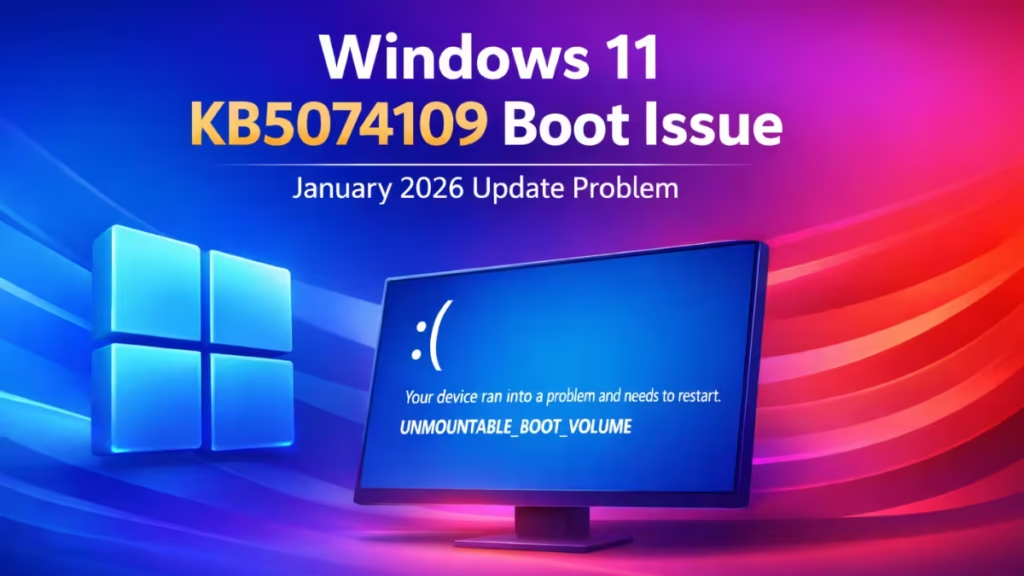
The update shipped on January 13, 2026 as part of Microsoft’s monthly Patch Tuesday release and installed automatically on supported devices. While most systems continue to run normally, the reports highlight a serious stability risk for certain hardware configurations.
Microsoft Confirms the Issue on Release Dashboard
Microsoft confirmed on its Windows Release Health Dashboard that the issue affects Windows 11 versions 24H2 and 25H2 after installing KB5074109. The company stated that it has received a limited number of reports and continues investigating whether the update directly triggered the regression.
The company also encouraged affected users and IT administrators to submit diagnostic data through the Feedback Hub app to help engineers analyze crash patterns and system configurations.
See also: How to Fix Outlook Freezes After KB5074109 Update on Windows 11
The problem surfaced publicly after AskWoody identified internal Microsoft documentation referencing boot failures tied to the January update. The report triggered broader testing and additional confirmations from independent Windows researchers and enterprise administrators.
Microsoft later acknowledged the reports internally and began collecting telemetry data to isolate the cause.
Only Physical PCs Appear Affected So Far
Microsoft clarified that the problem currently affects only physical devices, and no virtual machines have reported similar failures. This suggests the issue may involve storage controllers, firmware behavior, or low-level hardware interactions rather than virtualization layers.
The company has not yet disclosed which device models or storage configurations face higher risk.
How to Check If Your PC Has the January Update Installed
You can confirm whether your PC has KB5074109 installed:
- Open Settings.
- Go to System → About.
- Scroll to Windows specifications.
- Check the OS build number.
If your build shows 26200.7623, your system has the January 2026 update installed.
If your PC boots normally, you do not need to take any action.
Why the UNMOUNTABLE_BOOT_VOLUME Error Is Critical
The UNMOUNTABLE_BOOT_VOLUME stop code prevents Windows from accessing the system drive during startup. When this happens, the operating system cannot load core files needed to complete boot.
In typical scenarios, this error relates to corrupted boot records, file system damage, firmware misconfiguration, or storage driver conflicts. In this case, Microsoft suspects the January update introduced a conflict that triggers the failure on specific systems.
How Affected Users Can Recover Their Systems
Users who encounter the boot failure can attempt recovery using Windows Recovery Environment.
Try Automatic Repair
- Power off the PC during boot two or three times.
- Allow Windows to launch Recovery Mode automatically.
- Select Troubleshoot → Advanced Options → Startup Repair.
Use System Restore
If restore points exist, open Advanced Options → System Restore and roll back to a state created before installing the update.
Reinstall Windows If Recovery Fails
If recovery tools cannot repair the system, create a bootable USB using the official Windows ISO and perform a clean installation.
Most systems recover successfully, but some configurations may require a full reinstall.
Other Issues Reported in the January 2026 Windows Updates
The boot failure is not the only problem linked to January’s updates. Microsoft has already released emergency out-of-band patches to address several unrelated issues, including Outlook freezing, Remote Desktop disruptions, and shutdown failures on certain builds.
These fixes indicate that Microsoft continues to stabilize the update cycle while monitoring additional feedback.
Should Users Uninstall KB5074109?
Microsoft does not currently recommend uninstalling KB5074109 unless a system becomes unstable or fails to boot. The update patches numerous security vulnerabilities and protects systems against active threats.
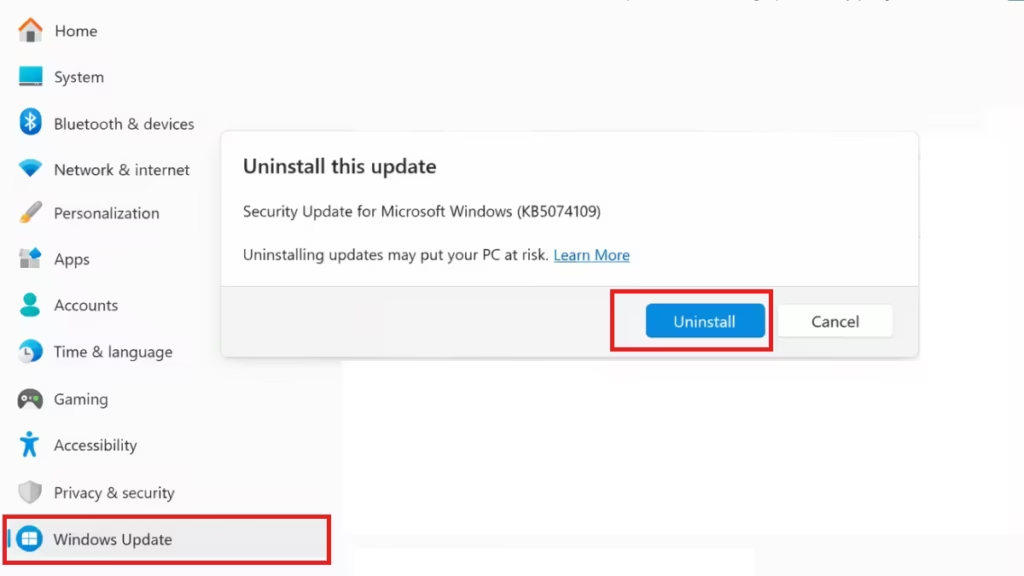
Users whose PCs operate normally should keep the update installed and monitor future patch notes.
Microsoft continues analyzing crash reports and hardware telemetry to identify the root cause. The company plans to update its documentation once engineers confirm the trigger and validate a permanent fix.
Users who experience boot failures should report the issue through Feedback Hub after restoring access. Those without problems can continue using their systems normally while awaiting further guidance.

