If your Outlook emails show your signature logo as a winmail.dat attachment instead of displaying inline when recipients open the message in Apple Mail on macOS, the issue does not originate from the Mail app. Microsoft Exchange converts certain outbound messages into Rich Text using a packaging method called TNEF, which Apple Mail cannot decode.
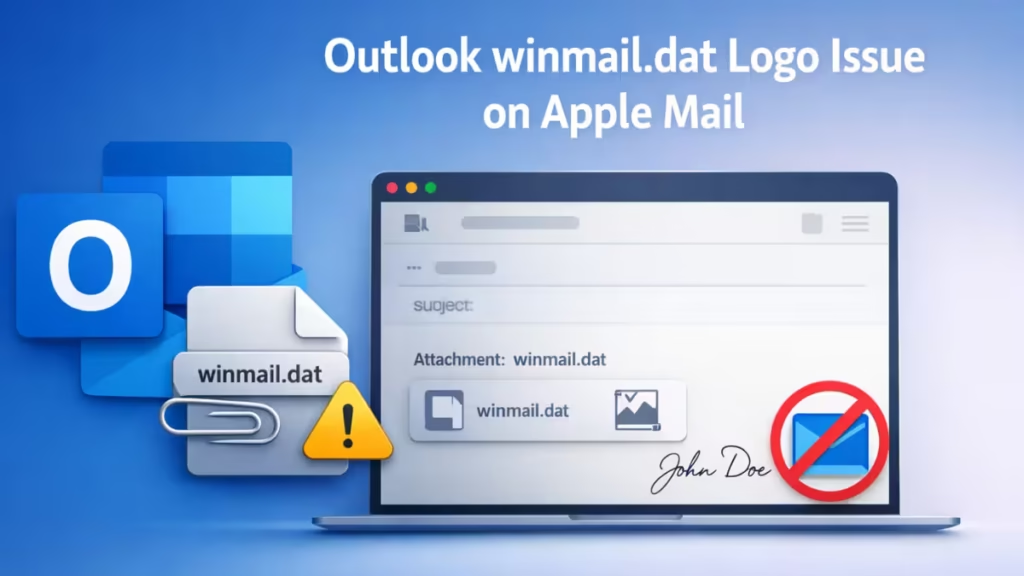
This behavior appears specifically when sending from Microsoft 365 mailboxes to external recipients and persists even when Outlook composes messages in HTML.
Fix: Disable TNEF (Rich Text) in Microsoft 365 Exchange
This permanently forces Exchange to send HTML instead of Rich Text.
Option A — Microsoft 365 Admin Center
Requires Global Admin or Exchange Admin rights.
- Go to Microsoft 365 Admin Center – https://admin.microsoft.com
- Open: Admin centers → Exchange
- Go to: Mail flow → Remote domains
- Select the Default remote domain (or the affected external domain).
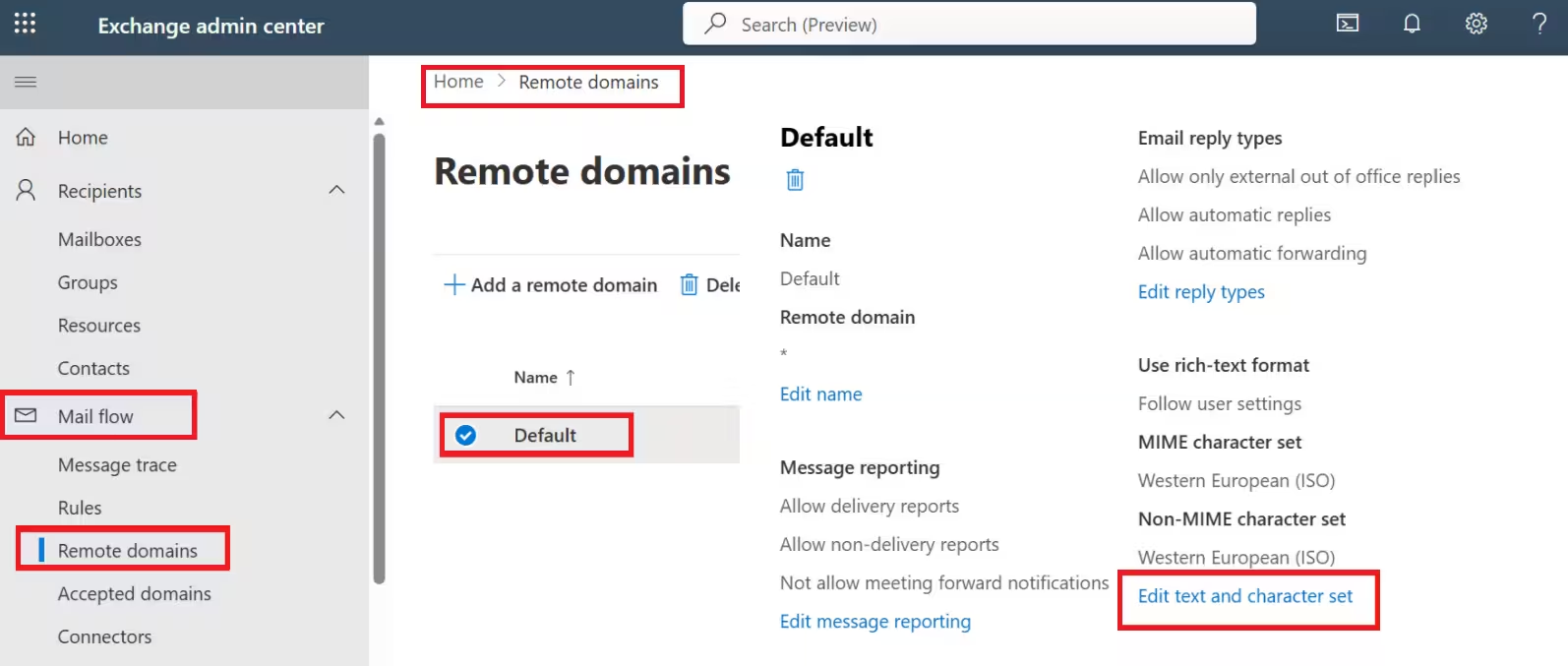
- Set: Use Rich Text format = Never
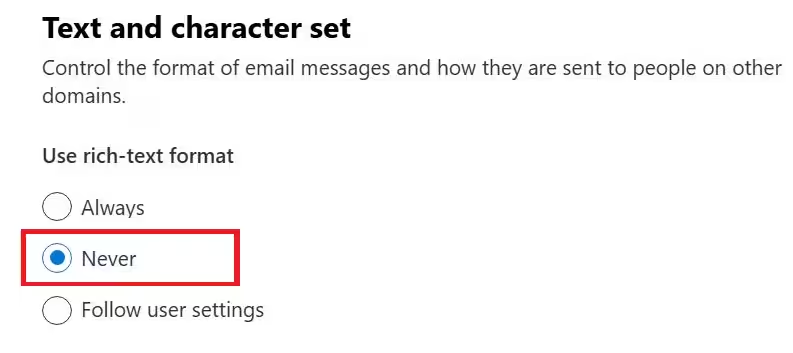
- Save changes.
This disables TNEF packaging for all external recipients.
Option B — PowerShell (Precise, Fast)
If you manage Exchange via PowerShell:
Set-RemoteDomain Default -TNEFEnabled $falseIf you target a specific domain instead of all external mail:
Set-RemoteDomain gmail.com -TNEFEnabled $falseOption C — Per-User Outlook Safety Net (Client-Level)
This protects against Outlook forcing Rich Text.
In Outlook (Windows or Mac):
- Open Outlook Settings / Preferences.
- Locate Message format / Composing.
- Set:
When sending messages in Rich Text format to Internet recipients → Convert to HTML
This does not override Exchange policies, but it prevents client-side Rich Text fallback.
FAQs
Why does my logo show correctly in Outlook but not in Mac Mail?
Outlook can decode TNEF containers, while Apple Mail cannot. When Exchange sends Rich Text emails wrapped as winmail.dat, Outlook renders the logo normally but Mac Mail exposes the attachment instead of the image.
Does changing Outlook to HTML mode fix this permanently?
No. The HTML compose setting affects only the local client. Exchange remote domain policies can still override it and force Rich Text formatting.
Is winmail.dat caused by Apple Mail blocking images?
No. This issue has nothing to do with privacy settings or remote image loading. The logo never reaches Apple Mail as a standard image file because Exchange packages it inside TNEF.
Can this affect Gmail, Yahoo, or mobile mail apps?
Yes. Any email client that cannot decode TNEF may display winmail.dat instead of inline images.
Do I need to recreate my email signature after fixing this?
No. Once Exchange stops sending TNEF messages, existing HTML signatures display correctly without rebuilding them.
The winmail.dat logo issue occurs because Microsoft Exchange sends Rich Text messages using TNEF instead of standard HTML. Disabling TNEF in Exchange remote domain settings permanently fixes the problem and restores inline signature images across all major mail clients, including Apple Mail on macOS.

