Every Apple Pencil ships with a removable tip, and that tip takes all the friction when you write or draw. It wears down gradually, so many people keep using a bad tip without realizing it is the cause of sloppy lines. This guide covers how often to replace it, the signs that tell you it is time, the exact steps, and ways to make the next tip last.
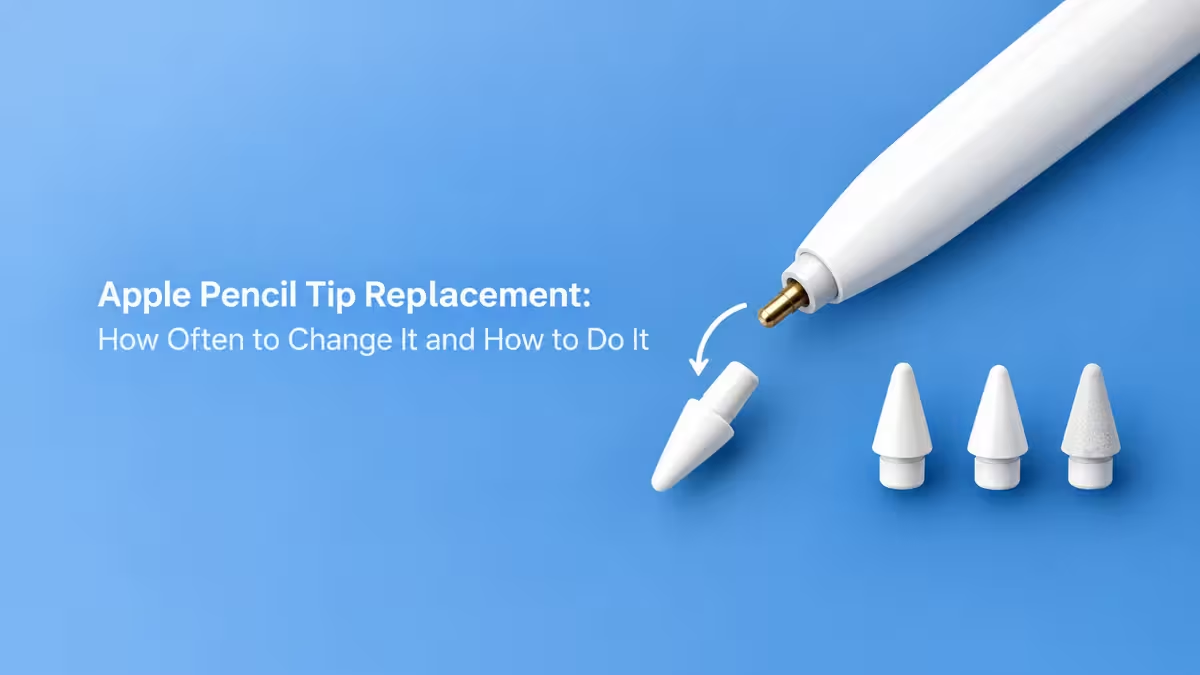
How Long Does an Apple Pencil Tip Last?
Replacement timing depends on how many hours you spend with the Pencil and what surface you write on.
Use these intervals as a starting point:
- Light use (a few notes per week): every 12 to 24 months
- Regular note-taking: every 6 to 12 months
- Daily study or office work: every 3 to 6 months
- Heavy drawing or design work: every 1 to 3 months
Treat these numbers as estimates. A tip that feels wrong after two months needs replacing, and a tip that still feels smooth after a year can stay.
How to Tell If Your Apple Pencil Tip Is Worn Out
The intervals above give a rough schedule, but the tip itself gives the final answer, so check it by sight, by touch, and by how the Pencil behaves on the screen.
The tip looks uneven or shows metal
A new tip has a smooth, round dome. A worn tip develops flat spots and rough edges. If you see metal through the plastic, replace the tip right away, because exposed metal can scratch the iPad display.
Strokes land in the wrong place
Lines that drift from where you aim, shaky handwriting, and thin details that look off often point to the tip. Many people blame the app or the iPad first, so check the tip before you troubleshoot software.
The Pencil sounds scratchy on the glass
A louder tapping noise or a scraping sound means the tip has lost its original shape and now drags across the screen.
The iPad stops responding to the Pencil
Missed strokes and laggy input can also come from a worn tip. Before you buy a new one, unpair and re-pair the Pencil and charge it fully. If the problem stays, swap the tip.
How to Change an Apple Pencil Tip Step by Step
Once you confirm the tip is the problem, the swap takes under a minute and needs no tools. Have a new tip ready before you start.
Method: Unscrew the old tip and fit a new one
Follow these steps:
- Hold the Pencil body steady in one hand.
- Pinch the old tip with your other hand and turn it counterclockwise until it comes off.
- Place the new tip on the exposed metal threads.
- Turn the tip clockwise until it sits snug. Do not overtighten it.
- Open the Notes app and draw a few lines to confirm the new tip works.
If the new tip wobbles or the Pencil does not register, remove the tip and thread it on again straight.
Apple Pencil Tip Price and Where to Buy Replacements
If you do not have a spare tip yet, buy one from a source you trust, because poor quality tips can feel rough and wear out fast.
Apple sells a four-pack of Pencil tips for about $19, and the pack works with every Apple Pencil model. Third-party brands such as PenTips and Delidigi also sell replacements. These options focus on a specific feel, either a drawing feel or a ballpoint writing feel, so pick the one that matches how you use the Pencil.
Does a Screen Protector Wear Down Your Apple Pencil Tip?
Yes, because the friction between the tip and the display decides how fast the tip wears.
A bare glass screen lets the tip glide with little resistance. A textured protector gives a more paper-like feel, but the extra friction grinds the tip down faster, especially if the material is not made for stylus use. If you write on your iPad every day, choose a protector designed for Apple Pencil and expect to replace tips a bit sooner than the intervals above suggest.
Why Apple Pencil Tips Wear Out Fast and How to Slow It Down
Beyond the screen surface, a few habits reduce friction and extend the life of each tip.
- Press lightly. The Pencil tracks input accurately without heavy pressure, so a firm grip only wears the tip faster.
- Wipe the tip and screen regularly. Dust and grit act like sandpaper between the tip and the glass.
- Keep spare tips on hand. A spare in your bag means you never keep using a worn tip because a replacement is out of reach.
Frequently Asked Questions
Can a worn Apple Pencil tip scratch my iPad?
A tip with exposed metal can scratch the screen. A tip that is only rough or flat rarely does damage, but replace it before it wears further.
Do I need tools to change the tip?
No. The tip screws on and off by hand.
Do all Apple Pencil models use the same tip?
Yes. The replaceable tip works across the Apple Pencil lineup, including the first generation, second generation, USB-C, and Pro models.
How do I know the problem is the tip and not the Pencil battery?
Charge and re-pair the Pencil first. If the iPad still misses strokes or the lines stay imprecise, the tip is the likely cause, so replace it.
Can I replace the tip on a Pencil that has never been used?
You do not need to. Replace the tip when it shows wear or when the Pencil’s performance drops.

