Scrapers rarely fail because of your code. They fail because sites add bot checks, load content with JavaScript, or block your IP address. A web scraping API takes over that fight: you send a URL, and the service handles proxies, headless browsers, and CAPTCHAs, then returns clean HTML, JSON, or Markdown. The best web scraping APIs in 2026 cover everything from quick price checks and search tracking to AI data pipelines and enterprise-scale collection, and these seven stand out for their features, pricing, and fit.
7 Best Web Scraping APIs Compared in 2026
Web scraping APIs differ most in what they cost, which sites they handle well, and what format they return, and the table below puts those differences side by side.
| Tool | Best for | Starting price | Free plan | Output formats |
|---|---|---|---|---|
| Apify | Ready-made scrapers and automation | $29 per month | $5 monthly credit | JSON, CSV, Excel |
| Bright Data | Protected sites and enterprise scale | About $1.50 per 1,000 requests | Free trial | JSON, CSV, HTML |
| Decodo | E-commerce and search data on a budget | $19 per month | 2,000 requests | HTML, JSON, CSV, Markdown |
| Firecrawl | AI and RAG pipelines | $16 to $19 per month | 1,000 credits per month | Markdown, JSON |
| Scrape.do | Simple single-endpoint scraping | $29 per month | 1,000 credits per month | HTML, JSON, XML, Markdown |
| ScrapingBee | Beginners and Python users | $49 per month | Free trial credits | HTML, JSON, CSV |
| ScrapingDog | Structured data from popular sites | $40 per month | Free trial credits | HTML, JSON |
What Is a Web Scraping API and How Does It Work?
A web scraping API is a hosted service that visits a URL on your behalf and returns the page content in a format your code can use.
You send one request with a target URL and an API key. Behind that request, the service picks a proxy, loads the page in a real or headless browser when needed, solves CAPTCHAs, retries blocked attempts, and returns HTML, JSON, or Markdown. You skip the work of buying proxy pools, running browser fleets, and patching your scraper whenever a site changes its markup or adds a new bot check.
A homemade script with Requests and BeautifulSoup still makes sense for simple, cooperative sites. An API starts to pay off once your targets render content with JavaScript, sit behind Cloudflare-style protection, or change layout often, because that maintenance grows into a job of its own.
Web Scraping API vs Building Your Own Scraper
Your target sites and your maintenance budget decide whether an API or a homemade script makes more sense.
A script built with Requests and BeautifulSoup costs nothing per request and works well on cooperative sites that serve plain HTML. It breaks when a site adds bot protection, renders content with JavaScript, or changes its layout. At that point you start buying residential proxies, running headless browsers, handling CAPTCHAs, and fixing selectors, and that upkeep often costs more than an API subscription.
Three signals point toward an API: your success rate drops below about 90% for no clear reason, proxies show up as a separate line item on your bills, and layout changes keep forcing emergency fixes. If you scrape a few cooperative sites on a predictable schedule, keep your own script.
Apify: Best for Ready-Made Scrapers and Automation
Apify is a cloud platform where you run ready-made scrapers called Actors instead of calling one generic endpoint.
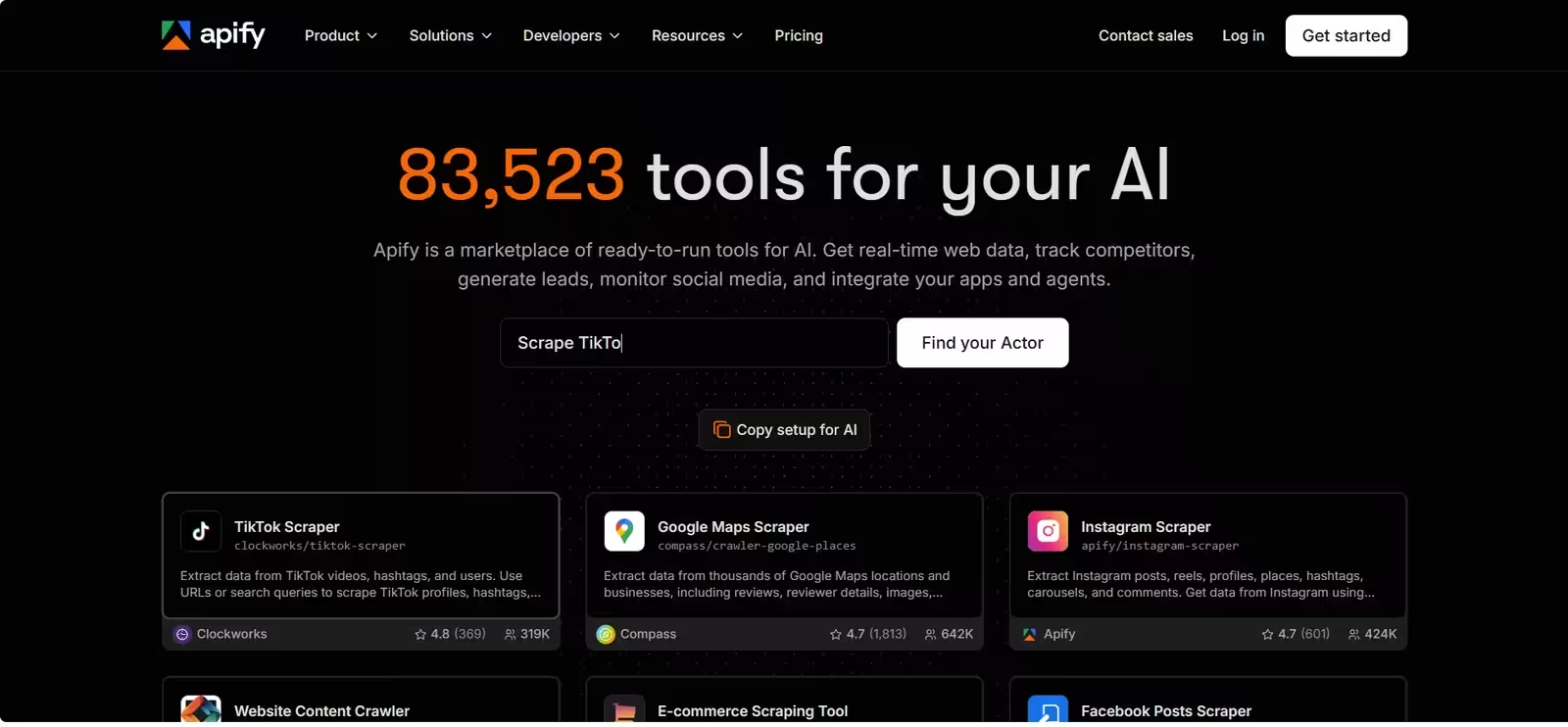
The public store holds more than 31,000 Actors, including scrapers for Google Maps, Amazon, Instagram, TikTok, and LinkedIn. If nothing fits, you write your own Actor in JavaScript or Python with the open-source Crawlee library, develop it locally, and deploy it with one command. The platform bundles datacenter and residential proxies, dataset storage, request queues, scheduling, and webhooks, so you do not need a separate database to hold results.
Apify also leans into AI work. Its Website Content Crawler prepares pages for language model ingestion, any Actor can run as an MCP tool, and integrations cover LangChain, LlamaIndex, n8n, Make, and Zapier. Because each run starts a full program, expect slower responses than a single-endpoint API.
Apify pricing
| Plan | Price | What you get |
|---|---|---|
| Free | $0 | $5 of platform credit each month, all features |
| Starter | $29 per month | Larger credit pool and lower unit rates |
| Scale | $199 per month | More credit, proxy traffic, and team seats |
| Business | $999 per month | Highest allowances and priority support |
- Usage bills by compute unit (memory multiplied by runtime).
- Residential proxy traffic and storage carry separate charges.
- Many Actors use pay-per-result pricing, typically $0.30 to $5 per 1,000 results.
Best for: teams that want a finished scraper for a popular site, or a complete automation platform with storage and scheduling built in.
Limitation: the concepts (Actors, compute units, datasets, request queues) take an afternoon to learn, costs are hard to predict before a test run, and community Actors range from excellent to abandoned. Check an Actor’s success rate, last update, and reviews before you depend on it.
Bright Data: Best for Protected Sites and Enterprise Scale
Bright Data is an enterprise-grade data collection platform built on one of the largest proxy networks in the industry.
It offers more than 150 million IPs across 195 countries, covering residential, datacenter, ISP, and mobile addresses. The Web Scraper API handles single requests and bulk jobs of up to 5,000 URLs per call, and it returns JSON, NDJSON, or CSV. Around that core sit hundreds of prebuilt scrapers for sites like Amazon, LinkedIn, and Walmart, a Web Unlocker for heavily protected pages, a Scraping Browser for JavaScript-heavy targets, SERP tools, and a no-code panel for non-developers.
The service selects the proxy type, browser fingerprint, and retry strategy for each domain automatically, so you send a URL and receive results without tuning parameters. Bright Data holds SOC 2 Type II certification and complies with GDPR, which helps when procurement or legal teams review a vendor.
Bright Data pricing
| Option | Price | Details |
|---|---|---|
| Pay as you go | About $1.50 per 1,000 successful requests | No monthly commitment |
| Protected retail sites | $2.50 per 1,000 requests | Flat rate for sites like Walmart, Lowe’s, and Costco |
| Scale plan | $499 per month | 384,000 records, then about $1.30 per 1,000 |
- Failed requests cost nothing.
- The flat rate applies whether or not a page needs rendering or premium proxies.
Best for: large teams that scrape protected sites at scale and need compliance documentation.
Limitation: the setup is complex and the documentation takes patience. The flat rate also means you pay the same for easy pages that lighter tools handle for far less.
Decodo: Best for Low-Cost E-commerce and Search Data
Decodo, the 2024 rebrand of Smartproxy, packs web, e-commerce, search, and social media scraping into one affordable API.
All four products (Web Scraping API, eCommerce Scraping API, SERP Scraping API, and Social Media Scraping API) share one endpoint on a pool of more than 100 million IPs. Ready-made parsers for Amazon, Bing, Google, Reddit, Walmart, and YouTube return structured JSON, and a library of scraping templates covers common targets. Output formats include HTML, JSON, CSV, PNG, and Markdown, and you can run requests synchronously or in async batches. It connects to n8n and MCP for automation and AI workflows.
The dashboard includes a playground and code generator, which makes the first test request quick. Some third-party tutorials still use the old Smartproxy name, so search for both when you look for guides.
Decodo pricing
| Plan | Price | What you get |
|---|---|---|
| Free | $0 | 2,000 requests for testing |
| Starter | $19 per month | 38,000 requests (about $0.50 per 1,000), 10 requests per second |
| $49 plan | $49 per month | Higher volume, up to 50 requests per second |
| $99 plan | $99 per month | Higher volume, up to 50 requests per second |
- Premium proxies and JavaScript rendering run about $1.00 per 1,000 requests.
- Paid plans carry a 14-day money-back guarantee.
Best for: budget-conscious projects focused on e-commerce, search results, or social data.
Limitation: JavaScript-heavy pages, such as real estate listings and social feeds, run slowly, and dedicated parsers stop at roughly six targets, so you write your own parsing elsewhere.
Firecrawl: Best for AI and RAG Pipelines
Firecrawl turns any URL into clean Markdown or structured JSON that language models can read without extra processing.
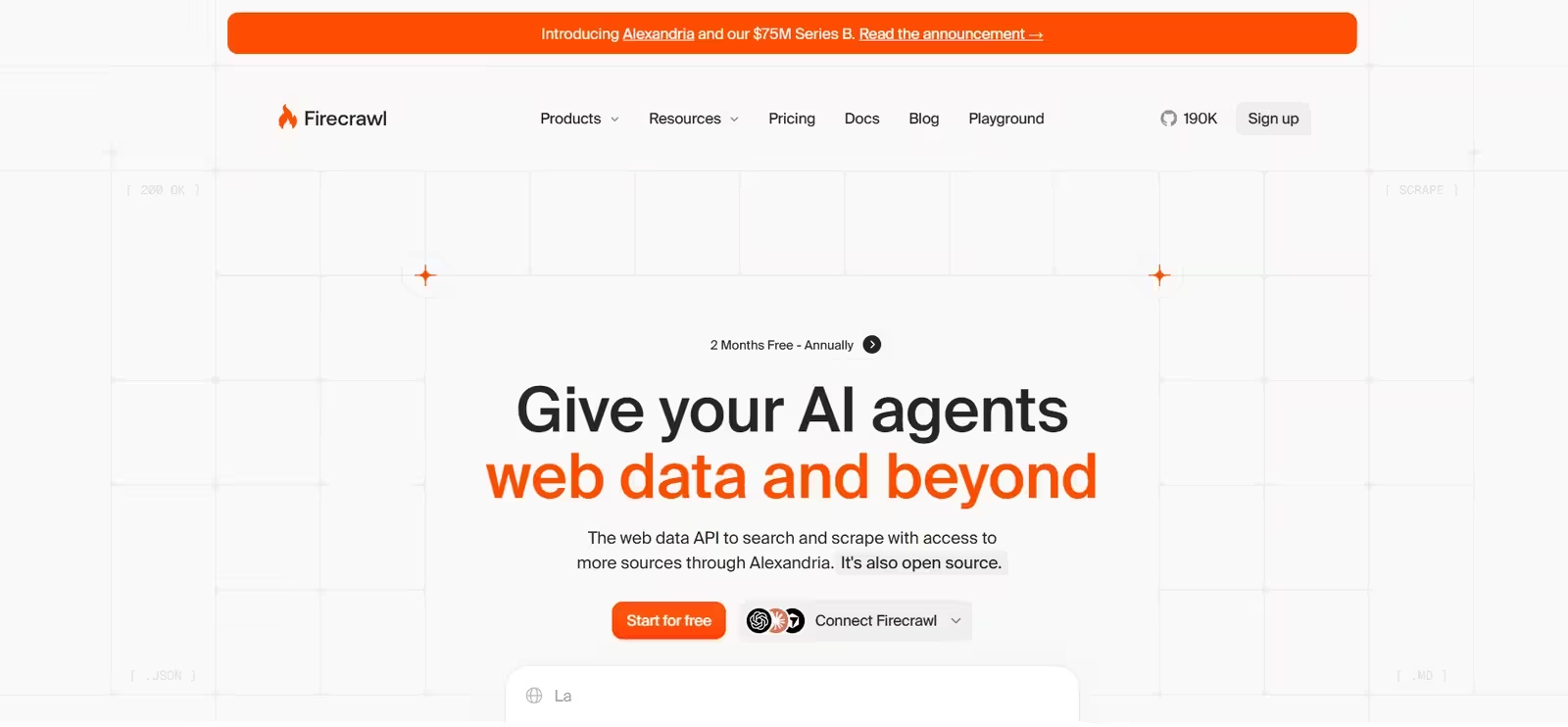
It renders JavaScript by default, strips navigation, ads, and footers, and returns only the content that matters, often cutting token use by around two thirds compared with raw HTML. The API has separate endpoints for scrape, crawl, map, search, agent, interact, and parse. The agent endpoint lets you describe what you need in plain language and navigates sites on its own, the interact endpoint clicks buttons and fills forms before extracting content, and the parse endpoint converts PDF, DOCX, XLSX, and PPTX files into Markdown.
The project is open source, holds SOC 2 Type 2 compliance, ships SDKs for Python, Node, Go, and Rust, and integrates with LangChain, LlamaIndex, and MCP-based coding tools. A keyless mode gives you 1,000 free credits with no account or API key, which makes a first test easy.
Firecrawl pricing
| Plan | Monthly billing | Annual billing | Credits |
|---|---|---|---|
| Free | $0 | $0 | 1,000 per month |
| Hobby | $19 per month | $16 per month | 5,000 |
| Standard | $99 per month | $83 per month | 100,000 |
| Growth | $399 per month | $333 per month | 500,000 |
- Scrape, crawl, and map cost 1 credit per page.
- Search costs 2 credits per 10 results.
- The agent endpoint uses separate token-based plans from $89 to $719 per month.
Best for: RAG pipelines, AI agents, and content ingestion from open web pages such as documentation, blogs, and articles.
Limitation: it struggles on some heavily protected sites, refuses Instagram, LinkedIn, and Reddit at the API level, and stealth modes burn credits quickly.
Scrape.do: Best for a Simple Single-Endpoint API
Scrape.do is a single-endpoint scraping API that keeps integration simple and bills only for successful requests.
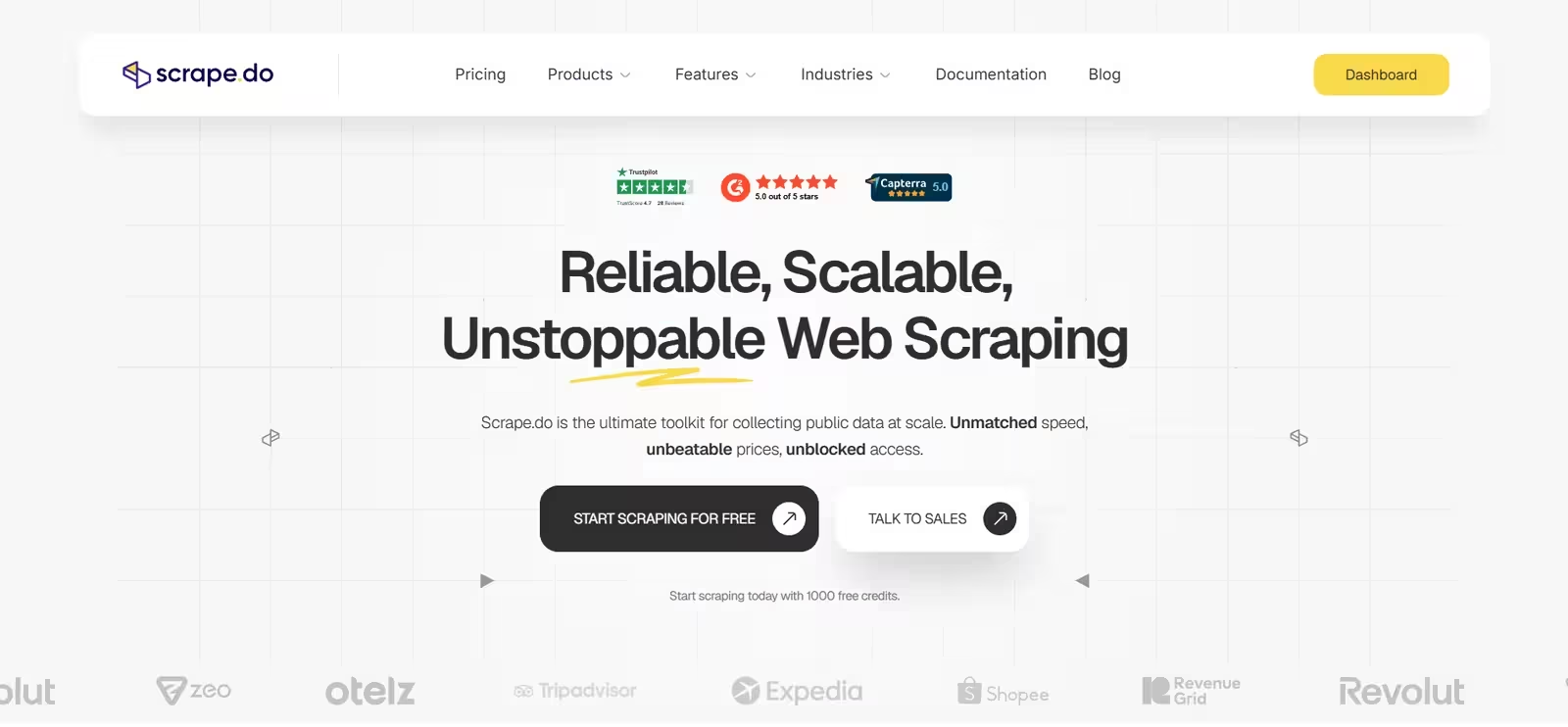
You pass a target URL and receive HTML, JSON, XML, or Markdown through a pool of more than 110 million datacenter, residential, and mobile proxies. JavaScript rendering, geotargeting, and automatic proxy rotation arrive as optional parameters, so a basic call needs only a few lines of HTTP code. The free plan includes 1,000 credits every month with no card and no expiry, and it unlocks every feature, which makes it easy to test your real targets before paying.
Scrape.do pricing
| Plan | Price | Credits |
|---|---|---|
| Free | $0 | 1,000 per month |
| Hobby | $29 per month | 250,000 |
| Pro | $99 per month | 1.25 million |
| Business | $249 per month | 3.5 million |
| Advanced | $699 per month | 10 million |
Credit cost per request
- Plain request: 1 credit
- JavaScript rendering: 5 credits
- Residential or mobile proxies: 10 credits
- Rendering plus premium proxies: 25 credits
The Hobby plan covers about 50,000 rendered requests or 10,000 fully protected ones, and a 7-day money-back guarantee applies.
Best for: developers who want a lightweight API without learning a platform.
Limitation: it ships no official SDKs, only community libraries, so you write a small wrapper in your language of choice.
ScrapingBee: Best for Beginners and Python Users
ScrapingBee focuses on an easy start, with clear documentation, a dashboard that tracks credit use, and an official Python SDK.
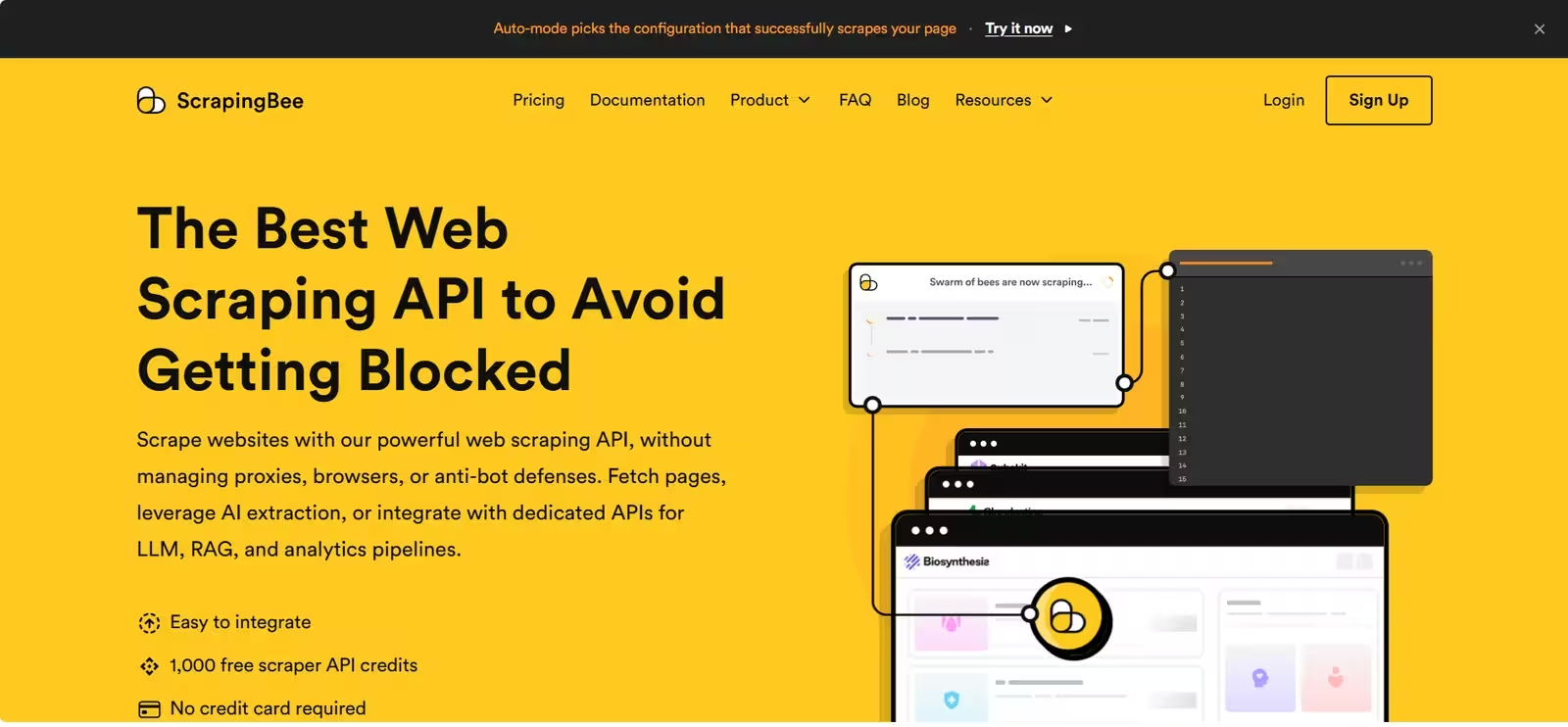
It runs thousands of headless Chrome instances behind rotating proxies and adds extras that save development time: screenshots, custom header forwarding, geographic targeting, a search engine API, and JavaScript scenarios that click buttons or fill forms. Its AI extraction feature lets you describe the data you want in plain English and returns structured JSON or CSV, so you skip writing CSS selectors.
Watch the defaults. JavaScript rendering is on by default and costs 5 credits per request, so switch it off for pages that load fine without it.
ScrapingBee pricing
| Plan | Price | Credits | Concurrent requests |
|---|---|---|---|
| Free trial | $0 | 1,000 | N/A |
| Freelance | $49 per month | 250,000 | 10 |
| Startup | $99 per month | 1 million | 50 |
| Business | $249 per month | 3 million | 100 |
Credit cost per request
- Plain request without rendering: 1 credit
- JavaScript rendering (on by default): 5 credits
- Premium proxies: 10 credits without rendering, 25 with it
- Stealth proxies: 75 credits
Credits do not roll over, and the $49 plan covers only about 3,300 stealth requests.
Best for: first-time scraper builders and small teams that value clean documentation and a polished developer experience.
Limitation: credit multipliers add up quickly on protected sites, concurrency is low on smaller plans, and pricing details sit across several documentation pages.
ScrapingDog: Best for Structured Data from Popular Sites
ScrapingDog specializes in dedicated endpoints that return structured JSON for popular sites, so you skip HTML parsing entirely.
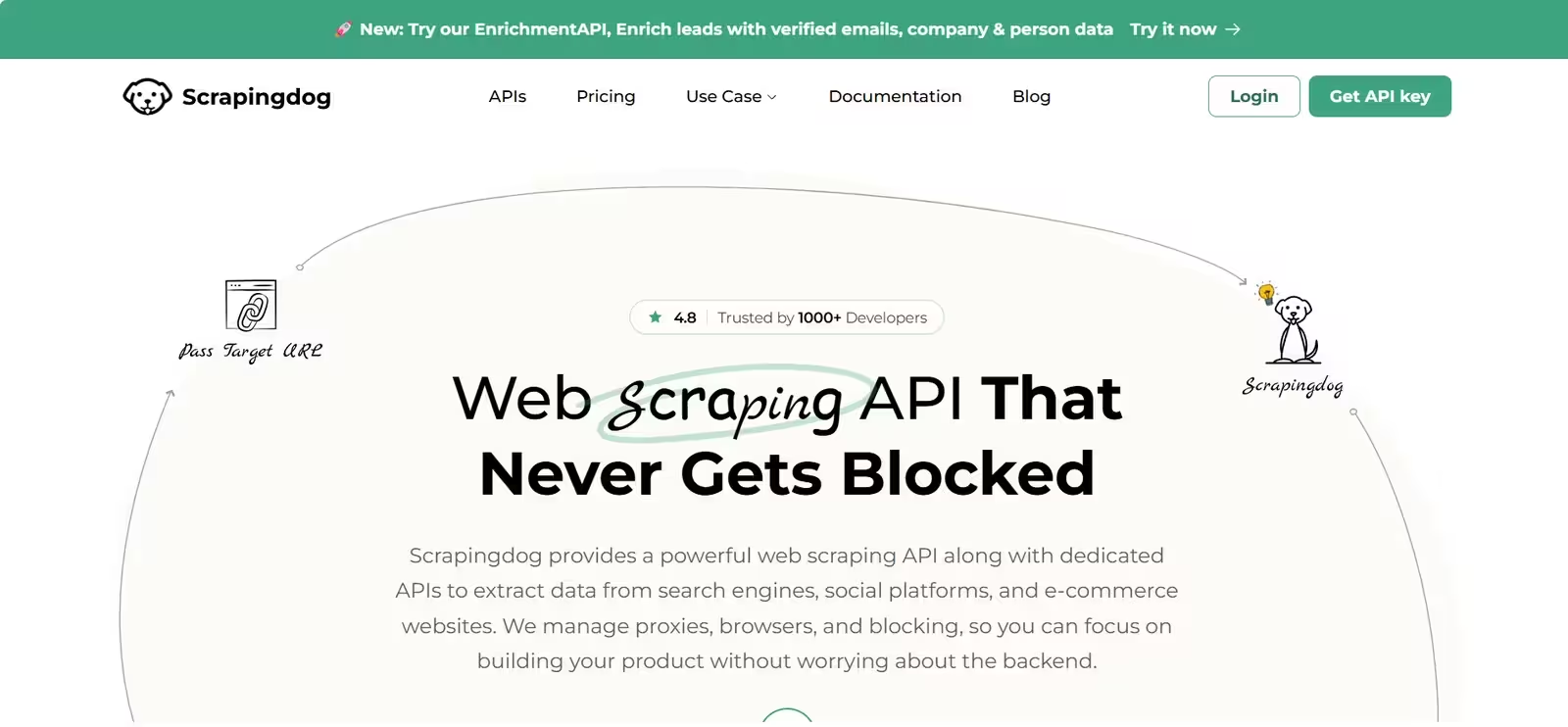
Instead of one generic route, you call purpose-built endpoints for Google Search, Maps, News, and Hotels, plus Amazon, Walmart, eBay, LinkedIn, YouTube, Instagram, X, Zillow, and Indeed. A generic endpoint handles other URLs with proxy rotation and headless Chrome. The service retries failed requests automatically for up to 60 seconds, charges nothing when a request fails, and offers 24/7 support.
Pick the right endpoint for each target. The dedicated routes produce far better results than the generic one, and the documentation assumes some developer experience.
ScrapingDog pricing
| Plan | Price | Credits |
|---|---|---|
| Free trial | $0 | Trial credits |
| Lite | $40 per month | 200,000 |
| Standard | $90 per month | 1 million |
| Pro | $200 per month | 3 million |
| Premium | $350 per month | 6 million |
Credit cost per request
- Generic endpoint, plain request: 1 credit
- Generic endpoint with JavaScript rendering: 5 credits
- Generic endpoint with premium proxies: 10 credits
- Rendering plus premium proxies: 25 credits
- Most dedicated endpoints: 1 credit
- Zillow endpoint: 5 credits
Best for: projects that match its dedicated endpoints and need fast, low-cost structured data.
Limitation: it offers no official Python SDK, and the generic endpoint trails the dedicated ones in reliability.
How Much Does a Web Scraping API Cost?
Most scraping APIs price requests in credits, and the credits a request consumes depend on how hard the target site is to fetch.
A plain page usually costs 1 credit. JavaScript rendering typically costs 5, premium proxies cost 10, and combining both costs 25 or more. A plan that lists 250,000 credits therefore covers about 250,000 simple pages, 50,000 rendered pages, or only 10,000 pages that need rendering and premium proxies together.
Run that math on your hardest target before you buy. On a protected, JavaScript-heavy site, Scrape.do’s $29 plan works out to roughly $2.90 per 1,000 requests, and ScrapingBee’s $49 plan works out to roughly $4.90. Bright Data’s flat $1.50 per 1,000 beats both once your targets sit in the expensive tiers, but it overcharges on simple pages. Also compare billing rules for failures, concurrency caps, and whether unused credits roll over, since those details change the real cost more than the headline price.
How Do Web Scraping APIs Handle JavaScript Sites?
Most modern sites build their content in the browser, so a plain HTTP request often returns an empty shell.
Frameworks such as React and Vue load data after the first HTML response, which means you need to render the page to see the content. Scraping APIs solve this by loading the page in a headless browser on their servers and returning the finished result. Every tool in this guide supports rendering, usually through a single parameter, and most charge about five times the normal credit cost for it. They also rotate proxies and solve common CAPTCHAs automatically.
When the data appears only after a click, form fill, or scroll, Firecrawl’s interact endpoint and ScrapingBee’s JavaScript scenarios run those actions for you. Turn rendering on only for pages that need it, since it multiplies your bill on pages that load fine without it.
Which Web Scraping API Should You Use for Your Project?
Your target site type narrows the field faster than any feature list.
- E-commerce price monitoring: Decodo and ScrapingDog offer dedicated Amazon and Walmart parsers at low cost, Scrape.do and ScrapingBee handle general retail pages, and Bright Data covers heavily protected retailers at a flat rate.
- Real estate listings: ScrapingDog has a dedicated Zillow route, Apify hosts ready-made Zillow Actors, and Bright Data handles protected property portals.
- Job boards: ScrapingDog and Apify offer Indeed-specific tools, while Bright Data and Scrape.do cover job sites through their general APIs.
- Search results and rank tracking: ScrapingDog’s Google suite, Decodo’s SERP product, and Bright Data’s SERP API return structured search data.
- Social media data: Apify’s Actors cover Instagram, TikTok, and LinkedIn, and ScrapingDog covers X, Instagram, and YouTube. Firecrawl refuses Instagram, LinkedIn, and Reddit.
- AI and RAG pipelines: Firecrawl returns Markdown by default, Scrape.do and Decodo also output Markdown, and Apify’s Website Content Crawler targets language model ingestion.
- Large, compliance-sensitive projects: Bright Data, with its certifications, bulk requests, and unlocking tools.
How to Choose the Right Web Scraping API
Five questions decide which API fits.
- Which sites do you scrape? Open pages work with almost any tool. Sites with strong bot protection need a service with unlocking tools, and popular sites often have a dedicated endpoint or ready-made Actor that beats a generic call.
- What format do you need? Raw HTML suits BeautifulSoup or Cheerio parsing. Markdown or schema-based JSON saves cleanup when the output feeds a language model or database.
- How much will you scrape? Entry plans suit prototypes. At hundreds of thousands of requests per month, per-request price, concurrency limits, and rollover rules matter more than the monthly fee.
- How does billing work? Check credit multipliers, failed-request rules, and free plan limits against your real targets.
- How do you want to integrate? Python teams value an official SDK, no-code teams look for n8n, Make, or Zapier connectors, and agent builders look for MCP support.
Mistakes to Avoid When Choosing a Web Scraping API
Most overspending and failed jobs trace back to the same few habits.
- Leaving JavaScript rendering on. It multiplies cost by five on pages that load fine without it.
- Judging by list price. Compare cost per successful request on your own pages, not the plan price.
- Ignoring concurrency limits. A plan capped at 10 requests per second slows a large job to a crawl.
- Using a generic endpoint when a dedicated one exists. Dedicated routes and parsers return cleaner data and cost less.
- Skipping a pilot. Run 20 to 50 real URLs through a free plan before you commit to a paid one.
- Ignoring site rules. Read each target’s terms and robots.txt file, and avoid collecting personal data without a legal basis.
Is Web Scraping Legal?
Scraping public data is generally lawful in many countries, but the details depend on what you collect and how you collect it.
Risk rises when you scrape personal data, which can trigger privacy laws such as GDPR and CCPA, when you bypass logins or other technical controls, or when you reuse copyrighted content at scale. Visiting a page does not always bind you to its terms of service, but agreeing to those terms can create contract risk, and rules vary by country.
Check each site’s terms and robots.txt file, prefer an official API or licensed dataset when one solves your problem, and talk to a lawyer before any commercial project. This article does not offer legal advice.
Frequently Asked Questions
Which web scraping API has a free plan?
Scrape.do, Apify, Decodo, and Firecrawl all offer free monthly allowances, and ScrapingBee and ScrapingDog provide free trial credits. Firecrawl also has a keyless mode that needs no account. Free plans suit testing and small projects but run out quickly in production.
Which API works best for AI and RAG projects?
Firecrawl returns Markdown by default and offers agent and interact endpoints for dynamic pages. Scrape.do and Decodo also output Markdown, and Apify supplies a content crawler built for language model ingestion and exposes Actors through an MCP server.
Do web scraping APIs charge for failed requests?
Most of these services bill only for successful requests, including Bright Data, Scrape.do, ScrapingBee, and ScrapingDog. Apify works differently: it bills by compute time and by each Actor’s own pricing model, so check an Actor’s pricing before a large run.
Which web scraping API is easiest for beginners?
ScrapingBee offers clear documentation, an official Python SDK, and a simple dashboard, and Scrape.do keeps everything in one endpoint with a free monthly plan. Both let you start with a few lines of code.
