Google Play services version 26.39 adds NFC support to Find Hub trackers and rebuilds the setup flow for new tags. The changes arrive with Google’s October 2026 system updates and sit under the Security & Privacy section of the release notes.
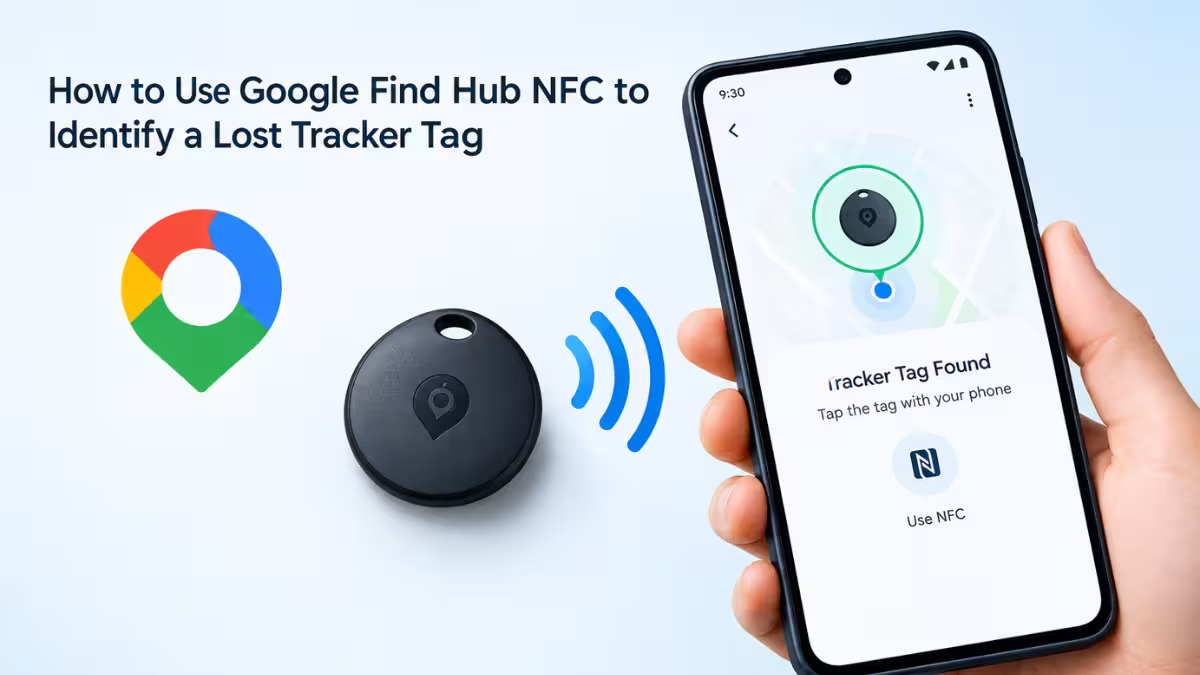
Both features target the same weak spot: the clumsy moments before and after you lose something. NFC helps someone identify a tag once it turns up, and the new setup flow helps you configure a tag correctly on day one.
How Google Find Hub NFC Tap Support Works
Tapping an NFC phone against an NFC-enabled Find Hub tag now opens that tag’s details and settings, or helps identify a lost tag.
Today, identifying a found tag means putting it into an identification mode, and each manufacturer handles that differently. A tap replaces that guesswork with one gesture. You also skip the trip into the Find Hub app to hunt for the right tracker in your list.
Picture a backpack left at a cafe with a tracker inside. The person who finds it can tap the tag with their phone instead of wondering what the small device does.
Which Find Hub Trackers Have NFC (Pixel Tag and Xiaomi Tag)
The tap only works with a tag that has an NFC chip, and very few Find Hub trackers include one today, so most owners will see no change from this feature.
Both the phone and the tag need NFC hardware. Google’s upcoming Pixel Tag reportedly lacks NFC. The Xiaomi Tag, released earlier this year, includes NFC, but it appears to work only with Apple’s Find My network, so it does not help Find Hub owners. Google adding the software support suggests NFC-equipped Find Hub tags will follow.
A Play services update cannot add a chip to a tag that shipped without one. Check your tracker’s product page for NFC before you expect the tap feature to work.
Does Find Hub NFC Show the Owner’s Contact Info?
Some coverage suggests a tap shows the owner’s contact information, but Google has not confirmed that.
One report points to strings found in an earlier Play services build (version 26.33.60) that hint at this behavior. The October release notes only say the tap opens details and settings or helps identify a lost tag. Treat the contact detail as unconfirmed until Google documents it or someone tests it on a live tag.
Find Hub Tracker Setup: Rename Tags, Set Categories, and Enable Left-Behind Reminders
The second change in 26.39 rebuilds registration, so you finish the key settings while you pair a tag instead of opening the Find Hub app afterward.
During setup, you can now:
- Rename the tag
- Assign a category such as Bag, Bike, or Car
- Turn on features like Left-Behind Reminders
Unlike the tap feature, this change does not depend on NFC, so it applies to any tag you register after the update reaches your phone.
Other Google Play System Update Changes in October 2026
Two smaller items shipped in the same release, and neither involves Find Hub.
Card tokenization notifications now show card artwork and payment network logos, so you can see which card a prompt refers to at a glance. Apps that use certain Google Maps features can now show terms and attribution through the info icon next to the Google Maps logo.
How to Check if Your Phone Has Google Play Services 26.39
Both Find Hub changes need Google Play services 26.39 or later, and the rollout reaches phones gradually.
- Open Settings on your Android phone.
- Go to Apps and select Google Play services.
- Scroll to the bottom and read the version number.
Having 26.39 does not guarantee every feature is live on your phone yet. Features in system updates often turn on in stages.
Frequently Asked Questions
Does Google Find Hub NFC work with every tracker?
No. The tag needs an NFC chip, and most Find Hub trackers on sale today do not include one.
Does the Google Pixel Tag support NFC?
Current reporting says the upcoming Pixel Tag lacks NFC. Wait for Google’s official spec sheet before you assume either way.
Do I need NFC to use the new Find Hub setup flow?
No. The registration changes apply to tags you pair after the update, whether or not they include NFC.
Which Play services version adds Find Hub NFC support?
Google Play services version 26.39 adds it.
Can a tap locate a missing tag?
No. NFC works only when someone stands next to the tag. It does not help you find a tracker that is out of reach.
