BloxStrike is one of the closest Roblox experiences to a competitive tactical shooter, offering gameplay similar to Counter-Strike. While aim and game sense decide your performance, your settings play a major role in how consistent and accurate you feel during matches. Even small adjustments can improve visibility, reaction time, and overall control.
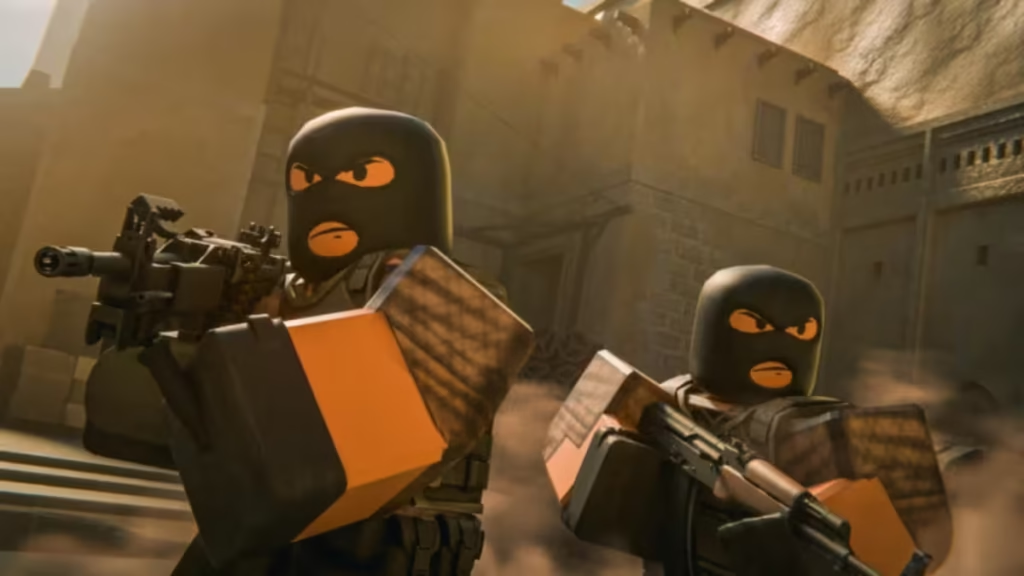
This guide covers the best BloxStrike settings, including video, audio, crosshair, sensitivity, and keybinds. You’ll find simple, tested configurations along with pro-level references so you can fine-tune your setup and perform better in every round.
Best BloxStrike Settings Overview
BloxStrike settings are divided into four main categories:
- Video
- Audio
- Game / HUD
- Keybinds & Sensitivity
Out of these, game settings and sensitivity matter the most because they directly affect your aim and reaction time..
Best Video Settings (FPS + Visibility)
If you want better aim, you need a clean screen. Extra effects reduce visibility and lower FPS.
| Setting | Recommended |
|---|---|
| Global Shadows | Off |
| Glass Shatter | Off |
| First Person Tracers | On |
| Muzzle Flash | Off |
| Ragdolls | Off |
Turn off visual distractions. Keep tracers on so you can track your shots easily.
Best Audio Settings
Audio helps you detect enemies, but over-adjusting can hurt clarity.
| Setting | Recommended |
|---|---|
| Master Volume | 100 |
| All Other Volumes | 50 |
| MVP Music Mute | Off |
Keep everything close to default. The game already balances footsteps and key sounds well.
Best Item and HUD Settings
These settings improve awareness and remove unnecessary distractions during fights.
| Setting | Recommended |
|---|---|
| Auto Re-Zoom Sniper | On |
| Always Show Inventory | On |
| Auto Pickup Weapons | On |
| Glow Weapon Rarity | Off |
| Game Instructor Messages | Off |
Turn off instructor messages. They add noise and don’t help during real gameplay.
Best Crosshair Settings (Pro-Level Setup)
Your crosshair directly affects accuracy. Most pro players use simple static crosshairs without recoil follow.
Recommended Base Setup:
- Style: Classic Static
- Follow Recoil: No
- Center Dot: Optional
- Gap: -3 to -4
- Thickness: 1
- Length: 1–2
Popular Pro Crosshair Styles
| Player | Key Style |
|---|---|
| donk | Small green crosshair with center dot |
| ZywOo | Cyan static crosshair |
| m0NESY | Minimal cyan crosshair |
| NiKo | Thin and tight crosshair |
| XANTARES | Slightly larger visible crosshair |
These setups focus on clarity and precision, not design.
How to Use Custom Crosshair (Image Method)
You can also use custom crosshairs from Roblox decals.
Steps:
- Open Roblox Creator Store
- Go to Decals
- Copy asset ID
- Set Crosshair Style → Image
- Paste the ID
If the crosshair doesn’t load, try another decal or switch back to default.
Best Sensitivity Settings (Most Important)
Sensitivity controls your aim more than any other setting.
Pro-Level Reference
| Player | DPI | Sensitivity | eDPI |
|---|---|---|---|
| donk | 800 | 1.25 | 1000 |
| ZywOo | 400 | 2.0 | 800 |
| m0NESY | 400 | 2.3 | 920 |
| NiKo | 800 | 0.7 | 560 |
How to Find Your Perfect Sensitivity:
- Start with medium sensitivity
- Play 1–2 matches
- Adjust slightly every round
- Stop when your aim feels natural
Never copy pro settings blindly. Use them as a starting point.
Viewmodel, Radar, and Other Settings
These settings improve awareness and help you react faster in matches.
| Setting | Recommended |
|---|---|
| X Offset | 0 |
| Y Offset | 0 |
| Z Offset | 0 |
| Radar Rotation | On |
| Radar Size | 1.3 |
| Map Zoom | 0.7 |
| Show Ping | On |
| Show FPS | On |
Keep ping and FPS visible so you know when to switch servers or adjust performance.
Default keybinds work well, but you can improve comfort by rebinding awkward keys, keeping movement keys standard, and assigning quick access for grenades. Comfort matters more than complexity.
These settings don’t replace skill, but they remove limitations. They help you aim consistently, react faster, reduce distractions, and maintain stable FPS. Without proper settings, even skilled players struggle to perform consistently. Play Now!
FAQs
How do you open settings in BloxStrike?
You can open the settings menu during a match by pressing the “N” key on your keyboard. This lets you adjust settings without leaving the game.
What are the best settings for BloxStrike?
The best settings focus on performance and clarity. Turn off visual effects like shadows and ragdolls, use a static crosshair, and keep audio settings near default for better awareness.
What is the best crosshair in BloxStrike?
There is no single best crosshair. Most players prefer a static crosshair with a small gap and thickness, as it improves accuracy and consistency in gunfights.
How do you get more coins in BloxStrike?
You earn coins by completing matches. Better performance gives more rewards, but leaving a match early results in no coins.
Can you use custom crosshairs in BloxStrike?
Yes, you can use custom crosshairs by importing decals from the Roblox Creator Store using an asset ID and setting the crosshair style to Image.
Is BloxStrike available on mobile and consoles?
Yes, BloxStrike is available on all platforms supported by Roblox, including PC, mobile, and consoles.

