The Xbox sign-in error 0x87DD0019 is a common issue that users may encounter. This error usually occurs when there’s an Xbox Live service outage or a connection error. In this guide, we will discuss several methods to resolve this issue.
![How to Fix Xbox Sign-In Error 0x87DD0019 [Solved]](https://www.fdaytalk.com/wp-content/uploads/2024/03/0x87DD0019-error-2-1024x576.webp)
- Check Xbox Live Service Status: Start by visiting the Xbox Status page to check the status of Xbox Live service. If you see any alerts, sign in to get notified when the service is back up.
- Ensure Stable Internet Connection: Make sure your internet connection is stable when you’re signing in to Xbox. If you’re on a wireless connection, try connecting your Xbox Console or Windows PC directly to your router using an Ethernet cable.
- Power Cycle Your Console and WiFi Router: If you’re still facing issues, try power cycling your console. Here’s how:
- Hold the power button for 10 seconds while the system is on to turn off your console.Turn it back on.
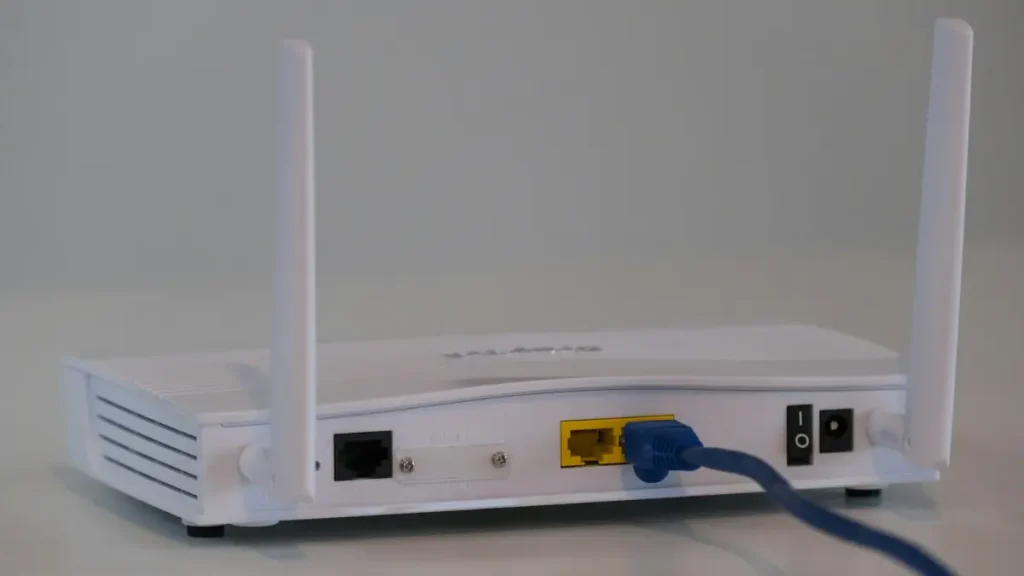
- If you’re on a wireless connection, power cycle your WiFi router as well:
- Turn off the router.
- Unplug the power adapter and wait for a few minutes.
- Plug it back in and wait for the router to start up and connect to the internet.
- Clear Your Xbox Console Cache: Clearing the cache on your Xbox console might help. Here’s how:
- Go to Settings > System Settings > Storage.
- Highlight a storage device and press the Y button on your controller for Device Options.
- Select Clear System Cache.
- Remove and Re-add Your Account: If the error persists, remove your account from the console and re-add it. This can often fix any account-related issues causing the sign-in error.
Conclusion:
These are some of the most common solutions to the Xbox sign-in error 0x87DD0019. Remember, these are general solutions and might not work for everyone. If the problem persists, you may need to contact Xbox support for further assistance. We hope this guide helps you resolve your Xbox sign-in error and get back to gaming!

