Noise launched a new wireless earbud, Noise Buds Trance wireless earbuds into the Indian market. These earbuds feature 6mm drivers with clear bass, crisp mids, and bright highs. You can enjoy your favourite music for up to 45 hours without worrying about recharging- Non-stop fun.

Noise Buds Trance also has a low latency (40ms) feature, which means there won’t be any annoying delays when you’re listening to your music or watching videos. You can expect a smooth and immersive audio experience.
The earbuds are designed to be sleek and stylish, resembling beans. They come in five vibrant colours: Jet Black, Space Blue, True Blue, Snow White, and True Purple. So you can choose the one that suits your style the best.
With the Noise Buds Trance, you don’t need to worry about water damage. They have an IPX5 water resistance rating, which means they can withstand water, sweat and dust splashes. You can even wear them during your workouts without any issues.
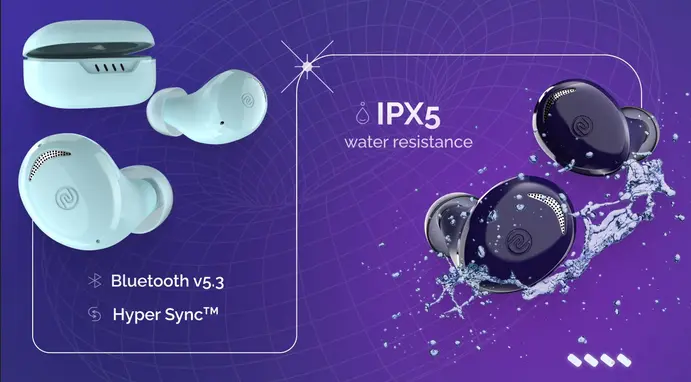
These earbuds also feature HyperSync technology, which makes a seamless connection to your devices super easy. They also support quick charge, you can enjoy 200 minutes of playtime with just a 10-minute charge
Full Specifications
- Build: Bean design
- 6mm driver with AAC support
- Low latency of up to 40m
- IPX5 water resistance
- Bluetooth v5.3
- HyperSync technology for seamless connectivity
- Playtime: Up to 45 hours of playtime with Instacharge technology
- Colours: Jet Black, Space Blue, True Blue, Snow White, True Purple
- Features: Clear bass, crisp mids, and bright highs
Price and availability

Noise Buds Trance Wireless Earbuds are priced at Rs. 999 and come with a 1-year warranty. Buyers can purchase these earbuds from gonoise.com and flipkart.com

