Grand Theft Auto 6 has no native version for Apple devices. You can still play it on an iPhone, iPad or Mac by streaming the game from a PlayStation 5 or Xbox Series X/S. Your console runs the game, and your Apple device shows the video and sends back your button presses.
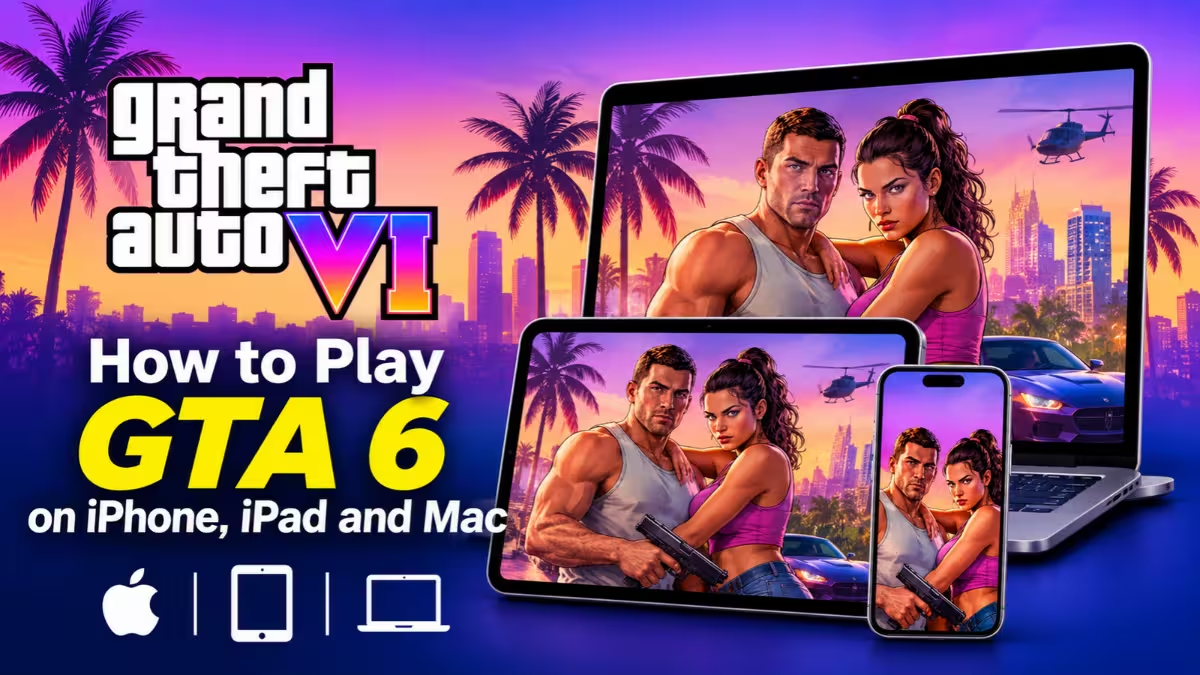
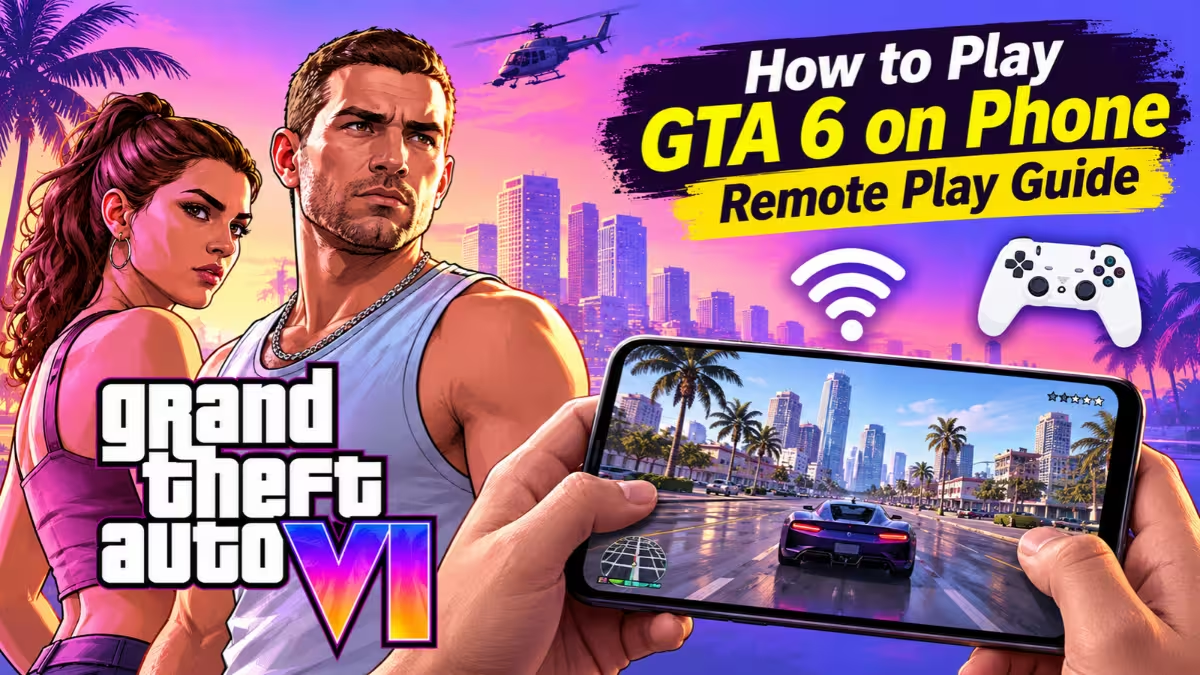
This guide covers what you need, how to set up each console, which apps work best on each Apple device, and how to get smooth gameplay. Android owners can follow our guide to play GTA 6 on phone.
Is There a Native GTA 6 App for iPhone, iPad or Mac?
No. Rockstar released GTA 6 on PS5 and Xbox Series X/S first, so no iOS, iPadOS or macOS build exists. Tools like CrossOver and Apple's Game Porting Toolkit cannot help either, because they translate Windows games and no Windows version exists yet. Check the latest GTA 6 PC release date for updates.
Watch Out for Fake GTA 6 Downloads
Many websites offer a "GTA 6 iPhone download", an unofficial PC port or a console emulator. These almost always push malware, fake survey pages or paid traps. Read how the fake GTA 6 PC download steals logins and wallets, and learn how to avoid GTA 6 scams. Stay with the official streaming methods below.
What You Need to Play GTA 6 on Apple Devices
- A PS5 or Xbox Series X/S with GTA 6 bought and fully installed (see the GTA 6 price by region)
- An iPhone, iPad or Mac signed in with the same PlayStation or Microsoft account as your console
- A stable internet connection on the console and on your Apple device
- A controller, since touch controls handle a game this big poorly
PlayStation tells players to free up at least 212GB before you start the GTA 6 preload, so check your console storage first. Remote streaming only works with a game already installed on the console.
For speeds, Sony asks for at least 5 Mbps and recommends 15 Mbps. Xbox suggests a 5GHz Wi-Fi network with 7 to 10 Mbps or more. Faster is always better for a game with this much detail.
How to Play GTA 6 on iPhone and iPad With PS5 Remote Play
PS5 owners have the most options, including a free official app and several paid apps with extra features.
Step 1: Turn On Remote Play on the PS5
- Open Settings > System > Remote Play and switch on Enable Remote Play.
- Go to Settings > System > Power Saving > Features Available in Rest Mode.
- Turn on Stay Connected to the Internet and Enable Turning on PS5 from Network.
The last two options let your iPhone or iPad wake the console from Rest Mode, so you do not need to leave it running.
Step 2: Install an App and Connect
Install one of the apps listed in the app section below and sign in with the same PlayStation account you use on the console. Pick your PS5 from the list and launch GTA 6 from the console menu.
If the app cannot find the PS5, use Pair Device in the console's Remote Play menu and type the code into the app. Both devices must share a network for this step.
Step 3: Pair a Controller and Play
Hold the PS and Create buttons on a DualSense until the light flashes blue, then pick it in your device's Bluetooth settings. Turn on Background Streaming in the app settings if you want audio to keep playing while you switch apps.
How to Play GTA 6 on Mac With PS5 Remote Play
Mac players have three solid choices: Sony's PS Remote Play app, Asobi, or the free chiaki-ng client.
- Prepare the PS5 with the same Remote Play settings from the section above.
- Install your Mac app. Sony's app needs macOS Big Sur or later. Asobi needs macOS 15.7 or later. chiaki-ng runs on Apple Silicon Macs only.
- Sign in, pick your console and launch GTA 6.
- Connect a DualSense with a USB cable for the most reliable results.
A wired DualSense on a Mac is also the setup where haptics and adaptive triggers tend to work. Intel Mac owners should stick with Sony's app, because chiaki-ng no longer supports Intel builds.
Best Apps for GTA 6 Remote Play: PS Remote Play, Asobi, RemoteLight, Console Remote and chiaki-ng
PS Remote Play
Sony's free app works on iPhone, iPad and Mac. It needs iOS or iPadOS 16 or later on mobile. It is the safest starting point because it costs nothing, and it supports Bluetooth DualSense and DualShock 4 controllers.
Asobi
Asobi runs on iPhone, iPad, Mac, Apple TV and Apple Vision Pro. The free version streams at 1080p and 30 fps. The $4.99 premium upgrade on iOS adds HDR, DualSense support and upscaling, and the Mac version costs $9.99. Its frame generation feature can lift a 30 fps stream to 60 fps, which makes motion look smoother.
RemoteLight
RemoteLight costs $4.99 and runs on iPhone, iPad, Apple Silicon Macs and Vision Pro. You can set the resolution, frame rate, bitrate and codec yourself, including an H.265 HDR option. It also supports DualSense haptics and adaptive triggers.
Console Remote
This $7.99 app supports iPhone, iPad, Mac and Vision Pro. It offers frame generation from 30 to 60 fps and from 60 to 120 fps, plus full DualSense features. Check the current version notes before you rely on HDR.
chiaki-ng
chiaki-ng is a free, open-source client for Apple Silicon Macs. It has no iPhone or iPad version.
How to Play GTA 6 on iPhone, iPad and Mac With Xbox Remote Play
Xbox streaming is simpler but offers fewer apps.
- On the console, open Profile & system > Settings > Devices & connections > Remote features.
- Turn on Enable remote features.
- Set the power mode to Sleep so the console can wake on request.
- On your iPhone, iPad or Mac, open a browser and go to the Xbox Remote Play page.
- Sign in with your Microsoft account, choose your console and select Remote play on this device.
Pair an Xbox controller by holding the Pair button for three seconds, then add it through Bluetooth. Xbox support on Apple devices can change between app and browser versions, so test the connection before you plan a long session away from home.
Xbox One owners cannot run GTA 6 natively. They can try Xbox Cloud Gaming instead, but Game Pass Ultimate now includes only 15 hours of cloud play each month, so extra hours may cost more.
Best Controllers for GTA 6 on iPhone, iPad and Mac
Touch controls work for menus but not for driving, shooting and open-world exploration. Pair a real controller.
- DualSense: Works with PlayStation apps. Hold the PS and Create buttons together until the light flashes blue, then pick it in Bluetooth settings.
- Xbox controller: Works well with Xbox streaming. Hold the Pair button for three seconds, then add it through Bluetooth.
- Backbone One: This clip-on controller suits iPhone and works with PlayStation apps.
DualSense haptics and adaptive triggers do not always work over Bluetooth on iPhone. They work better on a Mac with a wired USB connection, so plug in if you want the full feel.
How to Fix GTA 6 Lag and Stream Quality on Remote Play
- Use Ethernet on the console. A wired connection removes one source of lag.
- Use 5GHz Wi-Fi on your Apple device. Sit close to the router.
- Stay on the same network first. Home streaming beats remote streaming every time. Test away-from-home play only after you confirm it works at home.
- Watch your mobile data. Remote Play uses far more data than regular video apps. Turn on mobile data in the app settings only when you accept that cost.
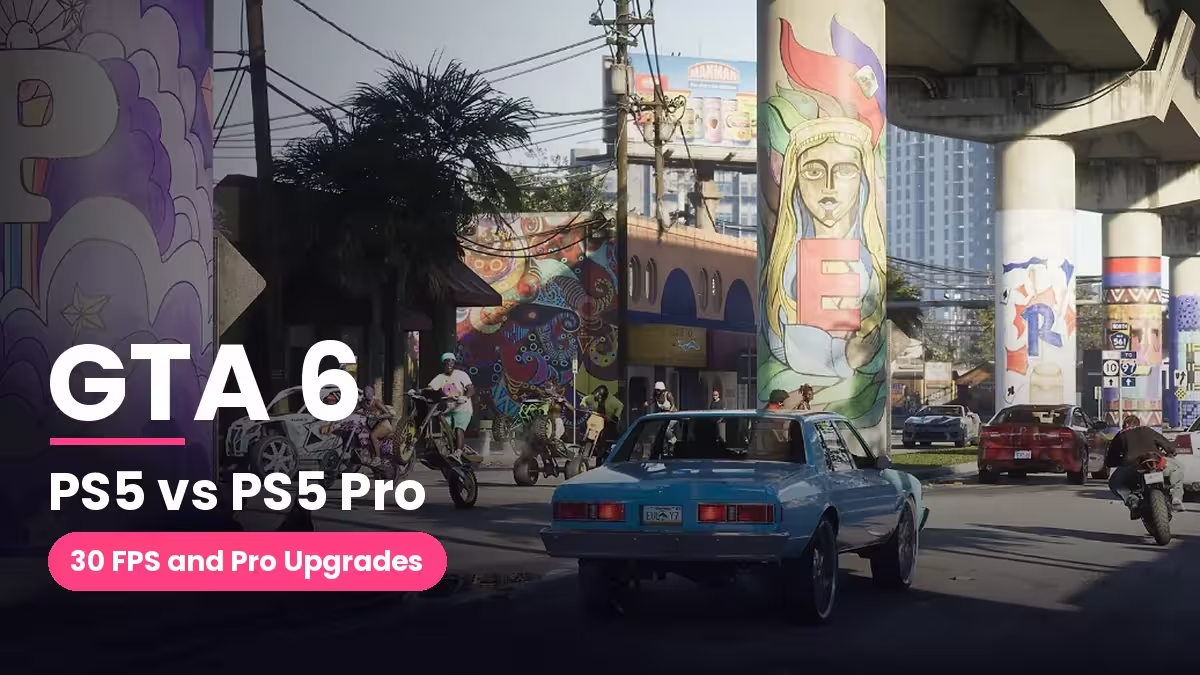
- Expect 30 fps. GTA 6 targets 30 frames per second on PS5 and PS5 Pro, so a smooth 60 fps stream needs frame generation from an app like Asobi or Console Remote.
- Close other apps and downloads. Background traffic adds lag.
- Tune the game itself. Use the best GTA 6 settings for aim, HDR and camera.
Which GTA 6 Streaming Method Fits Your Apple Device?
- Free and official: PS Remote Play on any Apple device
- Best iPhone and iPad experience: Asobi or Console Remote for frame generation
- Most control over quality settings: RemoteLight
- Free option on an Apple Silicon Mac: chiaki-ng
- Xbox owners: The browser-based Xbox Remote Play page
Frequently Asked Questions
Can I play GTA 6 on my iPhone without a console?
Not right now. You need a PS5 or Xbox Series X/S that runs the game. Your iPhone only shows the stream.
Is there a GTA 6 app for iPhone or iPad?
No. Any app claiming to be an official GTA 6 mobile version is fake. Avoid it.
Can I play GTA 6 on a Mac with CrossOver?
No. CrossOver runs Windows games, and GTA 6 has no Windows release yet.
Do I need to be on the same Wi-Fi as my console?
For setup and pairing, yes. After that, some apps stream over the internet, but quality depends on your upload speed at home and your connection away from home.
Does GTA 6 work in 60 fps on streaming apps?
The game itself targets 30 fps on PS5. Apps with frame generation can lift the stream to 60 fps, but this is a visual boost, not true 60 fps gameplay.
Which controller works best?
A DualSense works well with PlayStation apps, and an Xbox controller works well with Xbox streaming. Both connect over Bluetooth.
Can I stream GTA 6 on Apple Vision Pro?
Yes. Asobi, RemoteLight and Console Remote support Vision Pro.
Related Guides
- Best GTA 6 Settings for PS5, PS5 Pro and Xbox Series X|S: Aim, Motion Blur, HDR and Camera
- How to Play GTA 6 on Phone: Remote Play, Cloud Gaming Limits and Best Setup
- GTA 6 Scams: How to Protect Your Account and Crypto From Fake Keys, PC Downloads and Wallet Drainers
- GTA 6 Cheat Codes: All 61 Cheats, PS5 and Xbox Button Combos, and How to Unlock Each One
- GTA 6 Cars and Vehicles: Every Confirmed and Leaked Vehicle So Far