Halloween weather events in GTA Online can quickly become frustrating. The dark filters, fog, and constant atmosphere changes make driving, flying, and combat harder than usual. If you’re tired of resetting the weather every session, there’s a more reliable method that locks the time and prevents the event from triggering.
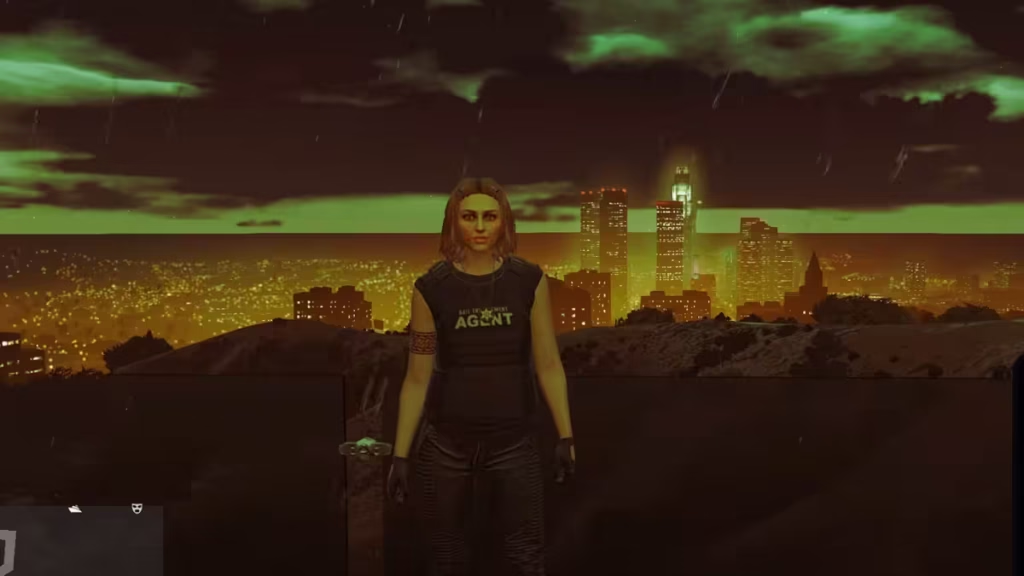
This guide shows you the permanent Director Mode method that players are actively using right now.
The Halloween weather event activates based on time cycles inside the game. When you freeze the time of day, you stop the system that triggers event weather changes.
That’s why this method works better than temporary fixes like switching apartments or sessions.
How to Remove Halloween Weather in GTA Online — Director Mode Method
This is the most effective method available right now. It locks your game time and prevents the weather event from activating.
Step-by-Step Instructions
Follow these steps exactly:
- Leave GTA Online and go to Story Mode
- Load a save file where it is daytime
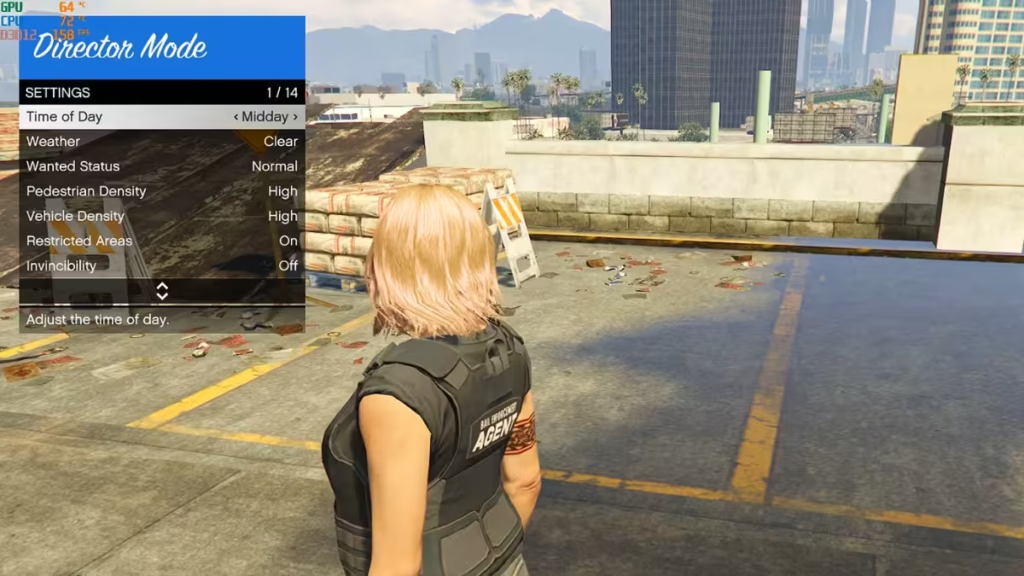
- Open Pause Menu → Rockstar Editor → Director Mode
- Go to Actors → Your GTA Online Character
- Open Director Mode Settings
- Set:
- Time of Day → Midday
- Enable Freeze Time
- Exit and reload the same Story Mode save
- Check your phone clock — it should not change
- Now go to:
- Online → Invite-Only Session
At this point, the weather should stay clear and stable.
Why This Method Works for Removing Halloween Weather in GTA Online
Most players try quick fixes like:
- Sleeping in apartments
- Switching sessions
- Restarting the game
These only reset weather temporarily.
This method works because it locks the time system itself, which prevents event weather from triggering in the first place .
Remove Halloween Weather: Quick Steps Table
| Action | Result |
|---|---|
| Freeze time in Director Mode | Stops weather cycle |
| Set time to midday | Keeps clear visibility |
| Load Invite-Only session | Applies effect online |
| Switch sessions | Effect continues |
| Start missions/heists | Effect may reset |
Fastest Way to Remove Halloween Weather in GTA Online
If you want a simple routine:
- Always freeze time before going online
- Use Invite-Only sessions first
- Avoid starting missions immediately
- Reapply method if weather returns
This reduces the need to repeat the process frequently.
If Halloween weather is ruining your gameplay, use Director Mode to freeze time at midday, then load into an Invite-Only session. Avoid actions that reset time. This keeps the weather clear and stable without constant resets. Play Now!

