Skip to content
fdaytalk

Tech Blog

  • Home
  • Errors & Fixes
  • Game Guides & Walkthroughs
  • Game Reviews
  • Web3 & Crypto
  • Guest Posting
    • Privacy Policy
    • Disclaimer

how to fix 0x80004005

  • Home
  • how to fix 0x80004005
How to Fix Error 0x80004005 in Windows 11: Step-by-Step Guide
Posted inErrors & Fixes

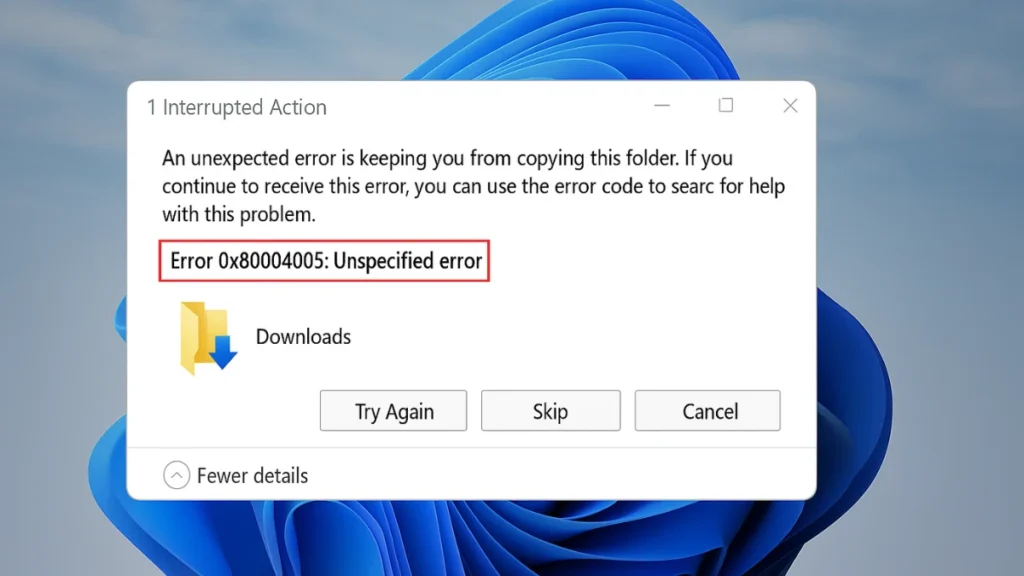
How to Fix Error 0x80004005 in Windows 11 — 12 Proven Fixes

Getting error 0x80004005 in Windows 11? This guide covers 12 proven fixes for file errors, network issues, update failures, and more — with step-by-step instructions.
Trending Now

  • Petit Planet Stardrift Test Sign Up Guide & Requirements
  • FC 26 El Tiburon Evolution Guide: Best Players & Upgrades
  • ARC Raiders: All Enemy Weak Points & How to Destroy Them Fast
  • Windows 11 Screenshots Washed Out Colors: How to Fix Color Profile Issues
  • Crimson Desert Patch 1.02.00 Adds Massive Storage Upgrade, New Options, and Key Fixes
  • How to Fix Blue Screen After Installing Graphics Driver

Game Codes & Rewards
Tech
  • Windows 11 Screenshots Washed Out Colors: How to Fix Color Profile Issues
  • How to Fix Blue Screen After Installing Graphics Driver
  • How to Fix Gemma 4 GGUF “Failed to Load Model” Error in LM Studio on macOS
  • How to Fix Gemma4 Not Supported Error and mlx_vlm.models.gemma4 Missing
  • Microsoft Teams Chat Update May 2026 Fixes Clutter
  • Perplexity Launches AI Tax Assistant: Can It Replace TurboTax?
Gaming Guides
  • Petit Planet Stardrift Test Sign Up Guide & Requirements
  • FC 26 El Tiburon Evolution Guide: Best Players & Upgrades
  • ARC Raiders: All Enemy Weak Points & How to Destroy Them Fast
  • Crimson Desert Patch 1.02.00 Adds Massive Storage Upgrade, New Options, and Key Fixes
  • Crimson Desert Vaporwalker Boots Location Guide
  • How to Fix “There Has Been an Error With This Session” in GTA Online
Contact Us
Privacy Policy
Follow us @Google News
Scroll to Top