Some Windows 11 and Windows 10 PCs are not receiving the new Secure Boot certificate update. Instead of installing automatically through Windows Update, the Windows Security app shows a message saying the update is temporarily paused. This article explains why Microsoft paused the rollout on certain devices, what still works if your PC is affected, and what you can check while you wait.
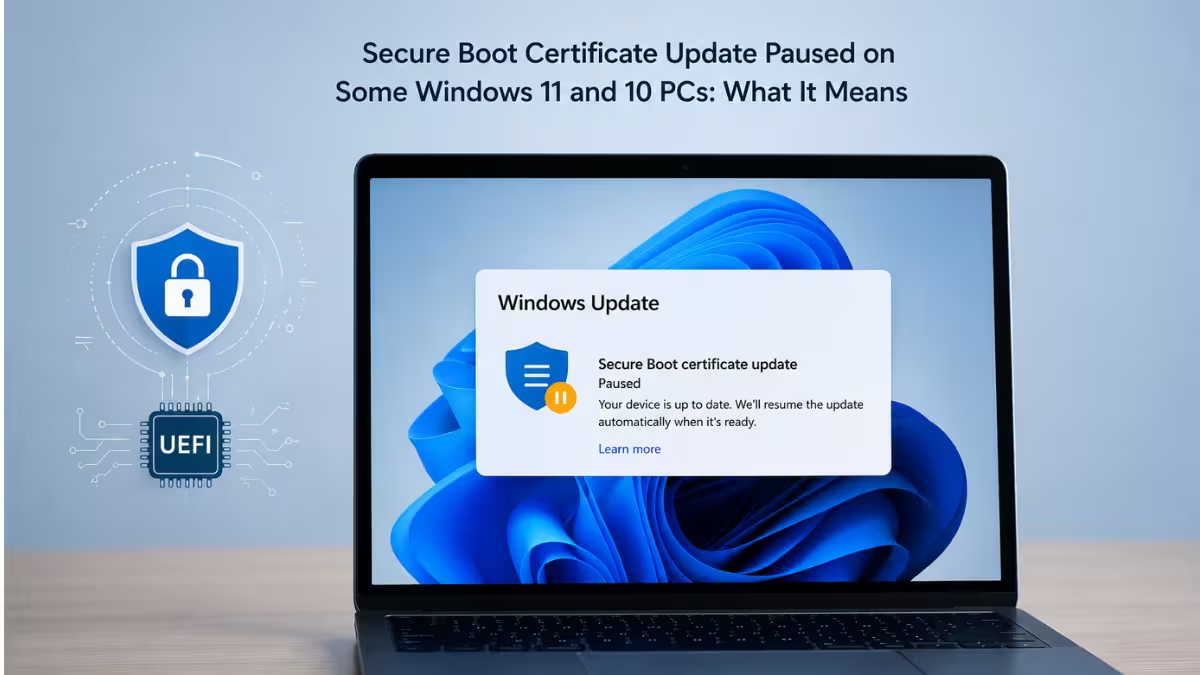
Why Microsoft Paused the Secure Boot Rollout on Some PCs
Secure Boot doesn’t update the way a normal Windows patch does. Its trust certificates live inside the PC’s firmware, not inside Windows itself, so the operating system has no way to swap them in until the firmware on that specific machine is built to accept the new ones. That dependency is why Microsoft can’t simply push the certificate to every device the same way it pushes a security patch. In its official guidance, Microsoft says the pause applies specifically to firmware versions flagged as risky enough that installing the certificate could break the trust chain rather than strengthen it, so holding the update back is treated as the safer option until a fix is ready.
Some manufacturers have confirmed their own role in this. HP, for example, acknowledged that one of its recent BIOS releases, meant to get PCs ready ahead of the Secure Boot deadline, ended up leaving some machines stuck on a BitLocker recovery screen. That failure point is what kept the Secure Boot certificate from applying on those units, according to HP’s support document.
How to Check If Your PC’s Secure Boot Update Is Paused
- Open Windows Security.
- Go to Device security.
- Select Secure Boot.
If it confirms Secure Boot is on and certificates are up to date, there is nothing to do. If it only shows Secure Boot as on without confirming the certificate status, or if it displays a message about a known issue, your device falls into the paused group.
Your PC Will Continue to Work Even Without the Update
- The device keeps starting normally.
- Regular Windows feature and quality updates, including monthly security updates, continue to install.
- Apps, networking, and browsing remain unaffected.
- Secure Boot stays enabled and continues protecting against previously known threats.
What You Lose the Longer the Pause Continues
- New Secure Boot and Boot Manager protections cannot be applied.
- Newly discovered malicious or vulnerable bootloaders may not get blocked, since the device cannot receive new entries to the Forbidden Signature Database.
- Some non-Microsoft components that depend on Microsoft’s Secure Boot trust may fail to update if they need newer certificate entries.
- Long-term boot-level protection gradually falls behind fully updated devices, though there is no immediate risk or system failure.
What You Should Do While the Certificate Update Is Paused
There is little to change from within Windows itself, since the pause is controlled by Microsoft and the fix depends on your manufacturer.
- Check your OEM’s Secure Boot support page periodically for a new firmware update tied to your model.
- Install the firmware update through your manufacturer’s standard update channel once it becomes available. The Secure Boot certificate update then installs automatically on the next Windows Update check.
- Avoid disabling Secure Boot as a workaround. Doing so removes existing protections and leaves your PC in a weaker state than simply waiting with the current certificates.
If your PC model is older and no longer a priority for your OEM, it may not receive a firmware update at all, in which case the pause could remain in place indefinitely. In that case, keep Secure Boot enabled and continue installing regular Windows updates, since the device is not at immediate risk even without the newer certificates.

