Windows 11 24H2 is blocking domain joins for networks using single-label domain names, and the registry workaround that used to fix this in earlier builds is no longer reliable for everyone. Here is what actually causes it and how to get a 24H2 machine onto the domain.
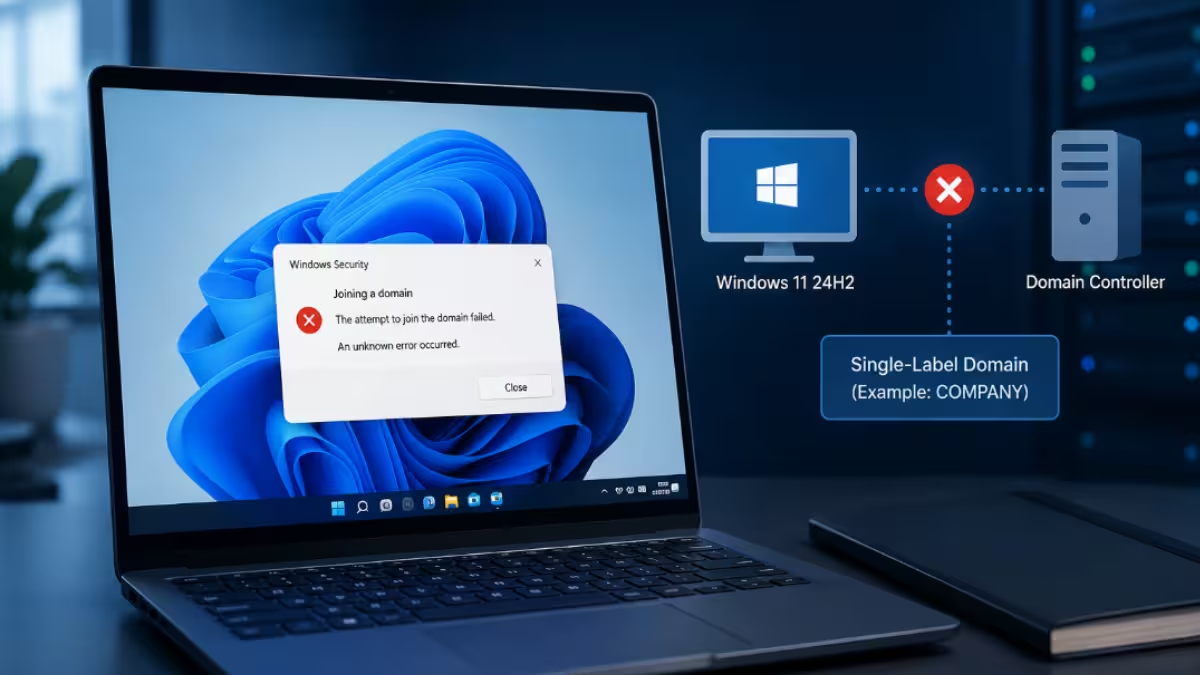
What Causes Windows 11 24H2 Single-Label Domain Join Failures
Before trying fixes, it helps to know why this started happening specifically with 24H2.
- Microsoft tightened validation around single-label DNS domains (domains without a dot, like
CORPinstead ofcorp.example.com) in the 24H2 build, and the Netlogon service now rejects these names during the join process even when DNS resolution and connectivity are fine. - The
AllowSingleLabelDnsDomainregistry value that worked as a bypass on older Windows versions is inconsistently honored on 24H2, and several admins report it stopped working after later cumulative updates. - Some domain join failures on 24H2 are unrelated to the single-label issue and instead come from post-update Netlogon or DNS Client service errors, which show up as sign-in failures rather than join failures.
- Builds with the domain join hardening changes from KB5020276 block reusing an existing computer account unless the joining account created it, which produces a different error and is often mistaken for the single-label problem.
Confirm the Error Before Applying a Fix
Open C:\Windows\Debug\netsetup.log on the failing machine and check the most recent join attempt.
- If you see error
0x7bon the domain name followed byNetpCheckDomainNameIsValidreturning0x54b, this is the single-label issue and the fixes below apply. - If you see error
0xaacinstead, stop here. That points to the account reuse cause listed above, and the fixes below will not resolve it.
Fix 1: Add the AllowSingleLabelDnsDomain Registry Value
This is the primary workaround and still resolves the issue for most single-label domain setups on 24H2.
- Press
Win + R, typeregedit, and press Enter. - Navigate to
HKEY_LOCAL_MACHINE\SYSTEM\CurrentControlSet\Services\Netlogon\Parameters. - Right-click in the right pane and select New > DWORD (32-bit) Value.
- Name the new value
AllowSingleLabelDnsDomainand set it to1. - Restart the PC, then attempt the domain join again through Settings > Accounts > Access work or school > Connect.
Check netsetup.log again once the device restarts. A successful join no longer shows the 0x54b entry, and the log ends with the account being added to the domain instead. If the join still fails, move to Fix 2.
Fix 2: Join Using the Domain Name Plus a DNS Suffix
When the registry value alone does not work, appending a suffix to the domain name during the join step has resolved the issue for several 24H2 users.
- When prompted for the domain name in the join dialog, enter it as
domainname.localinstead of justdomainname. - If your environment does not use
.local, check with your network admin for the correct internal DNS suffix configured on your DNS servers. - Complete the join with your usual domain credentials.
- Once joined, confirm the machine shows up correctly in Active Directory Users and Computers under the expected OU.
This does not change your actual domain name, it only satisfies the stricter name validation 24H2 enforces during the join handshake.
Fixing Domain Sign-In Failures After a Windows Update
If the device was already joined and stops letting anyone sign in after a cumulative update, this is a separate issue from the join failure above, and it is tied to the DNS Client service rather than Netlogon.
- Check Event Viewer under Windows Logs > System for Event ID 7023 referencing the DNS Client service.
- If present, uninstall the most recent cumulative update from Settings > Windows Update > Update history > Uninstall updates.
- Restart and confirm domain sign-in works again.
- Pause further updates until Microsoft ships a fix, since reinstalling the same update reintroduces the problem.
Frequently Asked Questions
Why does Windows 11 24H2 reject single-label domains that worked fine before?
Microsoft changed how Netlogon validates domain names in 24H2, and single-label names now fail validation by default even though earlier Windows versions accepted them without issue.
Does the AllowSingleLabelDnsDomain registry fix work on every 24H2 build?
Not consistently. It resolves the issue for many setups, but some admins report it stops working after later cumulative updates, which is why the domain suffix workaround exists as a backup.
I’m seeing error 0xaac instead of 0x54b, is that the same issue?
No. Error 0xaac (NERR_AccountReuseBlockedByPolicy) comes from the domain join hardening changes in KB5020276, not the single-label domain problem. It means the computer account already exists in Active Directory and was created by someone other than the account performing the join. The registry fixes in this article will not resolve it.
Is there a permanent fix from Microsoft yet?
No official permanent fix has shipped as of this writing. Both workarounds here are temporary measures until Microsoft addresses single-label domain support directly in a future update.

