Microsoft released Windows 11 Insider Preview build 28020.2539 for version 26H1 through the Beta channel on July 20, 2026. The build focuses on accessibility improvements, with the biggest change being native support for HID braille displays in Narrator.
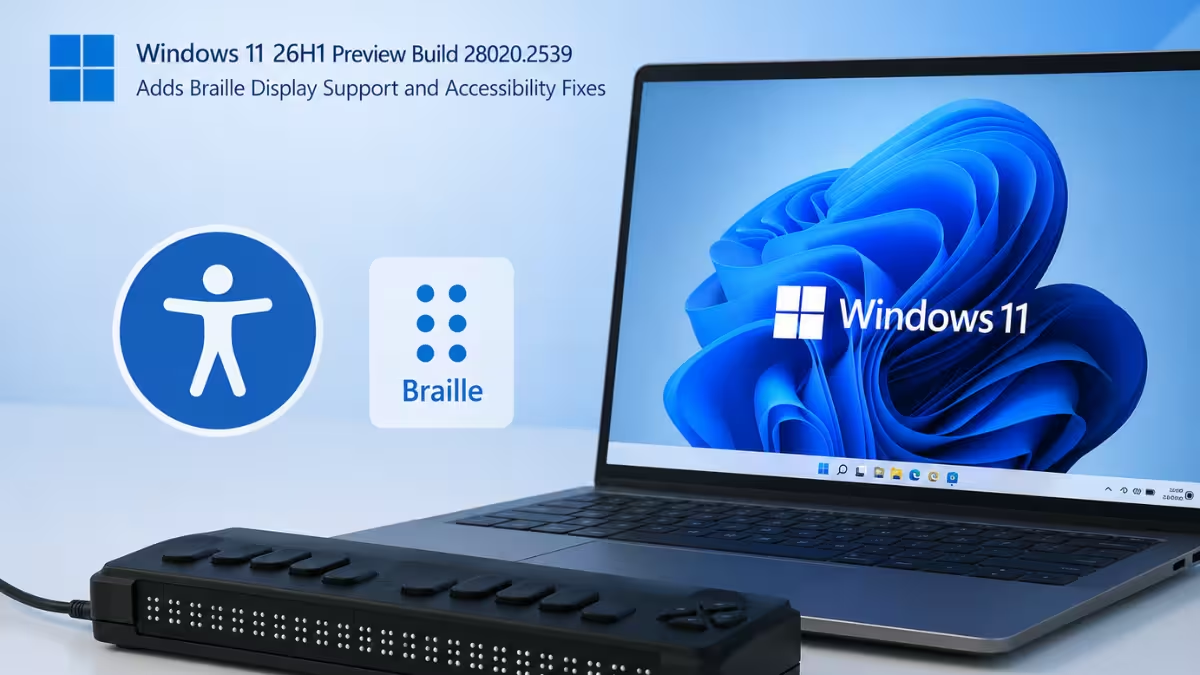
Narrator Now Supports HID Braille Displays
Narrator gains support for braille displays that follow the HID (Human Interface Device) standard, an open standard that lets compatible hardware work without extra drivers.
A supported display just needs to be plugged in over USB, and Narrator picks it up on its own, so there’s nothing extra to download or configure beforehand. Microsoft also added Bluetooth support, so people can pair a HID braille display through Settings > Bluetooth & devices the same way they would pair any other Bluetooth accessory, removing the need for a cable connection.
Confirmed compatible devices include the Orbit Reader 20, Orbit Slate 340, Freedom Scientific Focus 40, and APH Mantis Q40.
HID braille displays also now work during the Out of Box Experience (OOBE), the initial Windows setup screen that runs before a user reaches the desktop. This lets people who are deaf-blind set up a new Windows 11 PC on their own from the very first screen, without needing sighted assistance to get through setup.
Braille input and output settings can be adjusted anytime under Settings > Accessibility > Narrator > Braille.
Voice Access Adds New Languages
Voice Access, the feature that lets users control their PC entirely by speaking commands, now supports three additional languages: Portuguese (Portugal), Portuguese (Brazil), and Korean (South Korea).
Other Fixes in This Build
Microsoft also shipped smaller fixes and improvements alongside the accessibility updates.
- The Bluetooth quick settings page now supports gamepad navigation.
- A crash affecting the Graphics page in Settings has been fixed.
- System sounds now behave better when Windows runs in dark mode.
How to Get Windows 11 26H1 Preview Build 28020.2539
This build is only available to devices enrolled in the Windows Insider Program’s Beta Channel. To receive it, enroll a device in the Beta Channel through Settings > Windows Update > Windows Insider Program, then check for updates from the Windows Update page and turn on the option to get new updates as soon as they release.
Since this is a preview build, Microsoft may change or remove any of these features before they reach a stable, general release.
Frequently Asked Questions
What is build 28020.2539 for Windows 11?
It is a preview build released through the Beta Channel of the Windows Insider Program for Windows 11 version 26H1, focused mainly on accessibility improvements.
Which braille displays work with this update?
Microsoft has confirmed support for the Orbit Reader 20, Orbit Slate 340, Freedom Scientific Focus 40, and APH Mantis Q40, along with any other display that follows the HID standard.
Can I install this build on a regular Windows 11 PC?
Only if the device is enrolled in the Windows Insider Program’s Beta Channel. It is not available through standard Windows Update for devices outside the program.
What is the HID standard for braille displays?
HID stands for Human Interface Device, an open industry standard that lets hardware like braille displays connect to Windows and work right away without needing a manufacturer-specific driver installed first.
Does this build let me set up Windows 11 using a braille display?
Yes. HID braille displays now work during the Out of Box Experience over USB, so a deaf-blind user can complete the initial Windows 11 setup independently, without needing help from another person.
Where can I change braille display settings in Windows 11?
Braille input and output options can be adjusted anytime under Settings > Accessibility > Narrator > Braille.

