Microsoft Scout connects directly to your Microsoft 365 email and calendar, so you can read, send, and organize messages, or check and schedule meetings, just by describing what you need in plain language. This guide covers exactly what Scout can do with your inbox and calendar, and how it handles the details that usually take the most back and forth, like checking availability and resolving names.
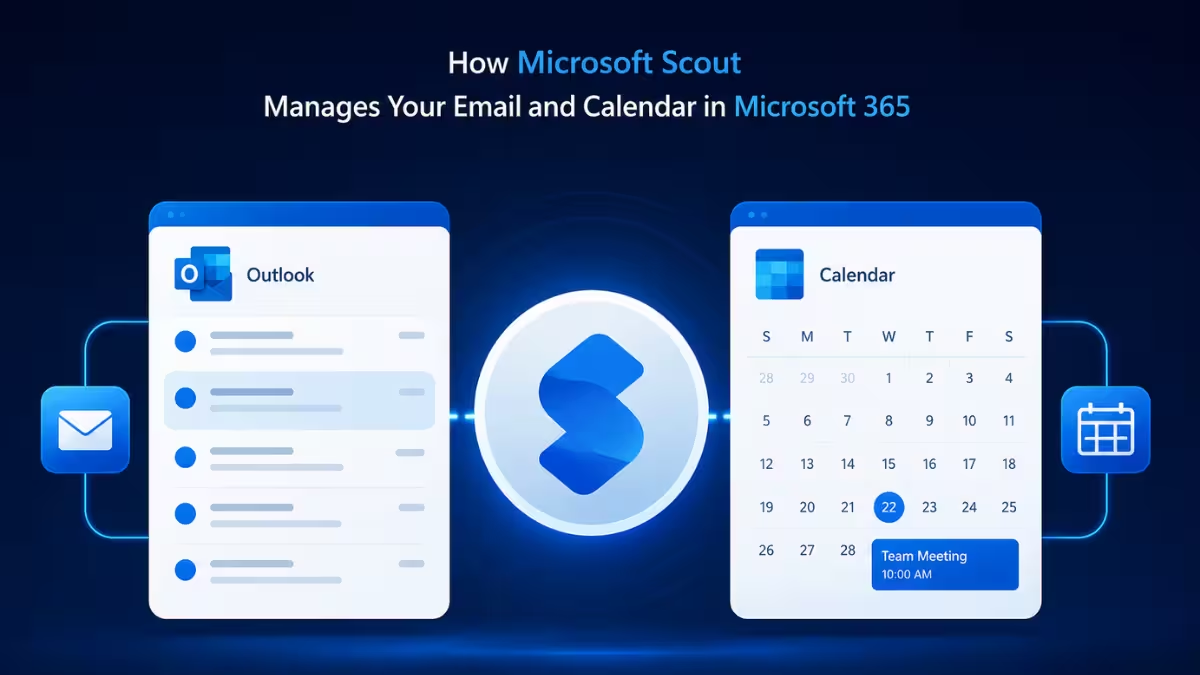
How Microsoft Scout Connects to Email and Calendar
Scout accesses your Microsoft 365 data through direct API tools built for email, calendar, Teams, and OneDrive, along with WorkIQ for questions that need to pull from more than one of these at once. For straightforward email and calendar tasks, Scout uses the direct connection, which keeps things fast and accurate since it is working with structured data rather than reading a webpage.
What Microsoft Scout Can Do With Email
Once connected, you can ask Scout to handle common email tasks directly from the chat:
| Action | Example Request |
|---|---|
| Read emails | “Show me my unread emails from today.” |
| Send email | “Send an email to Alex thanking them for the update.” |
| Reply | “Reply to Sarah’s email and confirm the meeting time.” |
| Forward | “Forward the budget email to the finance team.” |
| Manage | “Move all newsletters to the Archive folder.” |
Sending and forwarding are the two actions here most likely to prompt for approval first, since they send something outside your own inbox. More on how that approval logic works below.
What Microsoft Scout Can Do With Your Calendar
Scout handles calendar requests the same conversational way:
| Action | Example Request |
|---|---|
| View events | “What’s on my calendar tomorrow?” |
| Create events | “Schedule a 30-minute sync with the design team on Thursday at 2 PM.” |
| Find times | “When are Alex and I both free next week?” |
| Accept or decline | “Decline the 4 PM meeting and say I have a conflict.” |
Creating, accepting, or declining an event are the actions here most likely to prompt for approval, since each one changes something on a calendar other people can see.
How Microsoft Scout Handles Meeting Scheduling
Scheduling is where Scout does the most work behind a single request. When you ask it to set up or find time for a meeting, it automatically:
- Checks attendee availability before proposing a time
- Respects out-of-office blocks so it does not suggest times when someone is away
- Resolves names to email addresses using your organization’s directory, so you can say “schedule time with Alex” instead of typing out an email address
- Asks you about tentative or unaccepted events before offering those slots, rather than assuming they are open
This means a request like “find 30 minutes for me and the design team next week” actually checks real calendars, skips blocked time, and confirms with you on anything ambiguous, instead of just picking the first open-looking slot. Once Scout finds a time, actually creating that event is a separate action with its own approval logic, covered next.
Reading Emails and Events vs. Taking Action
It helps to know which of Scout’s email and calendar actions are quiet and which ones stop for your approval. Reading your inbox, checking your calendar, or listing upcoming events typically runs without interruption since nothing changes as a result. Sending a message, replying, forwarding, creating an event, or declining a meeting on your behalf are the actions most likely to prompt for approval first, since these change something other people can see. You can review and adjust exactly which actions need approval from Settings, then Permissions.
Frequently Asked Questions
Will Microsoft Scout send emails without asking me first?
It depends on your permission settings. Sending and forwarding are treated as sensitive actions, so by default Scout is likely to show you the draft and ask for approval before it actually sends. You can adjust this behavior in Settings under Permissions if you want certain senders or message types to go through automatically.
Can Microsoft Scout schedule a meeting with someone outside my organization?
Scout resolves names to email addresses using your organization’s directory, which works reliably for internal contacts. For anyone outside your organization, you will likely need to provide their email address directly in your request rather than just their name.
Does Microsoft Scout check if attendees are actually free before scheduling?
Yes. Before proposing or booking a time, Scout checks attendee availability and respects out-of-office blocks. It also asks you before offering a slot that is only tentatively free, rather than assuming it is open.
Can I ask Microsoft Scout to clean up or organize my inbox?
Yes. You can ask it to move messages to specific folders, such as archiving newsletters, and it will handle the organizing task based on your instructions.
What happens if Scout misidentifies who I mean by a name?
Since Scout resolves names against your organization’s directory, ambiguous or duplicate names can occasionally need clarification. If a request is unclear, it is best practice to confirm the exact name or include the email address to avoid it selecting the wrong contact.

