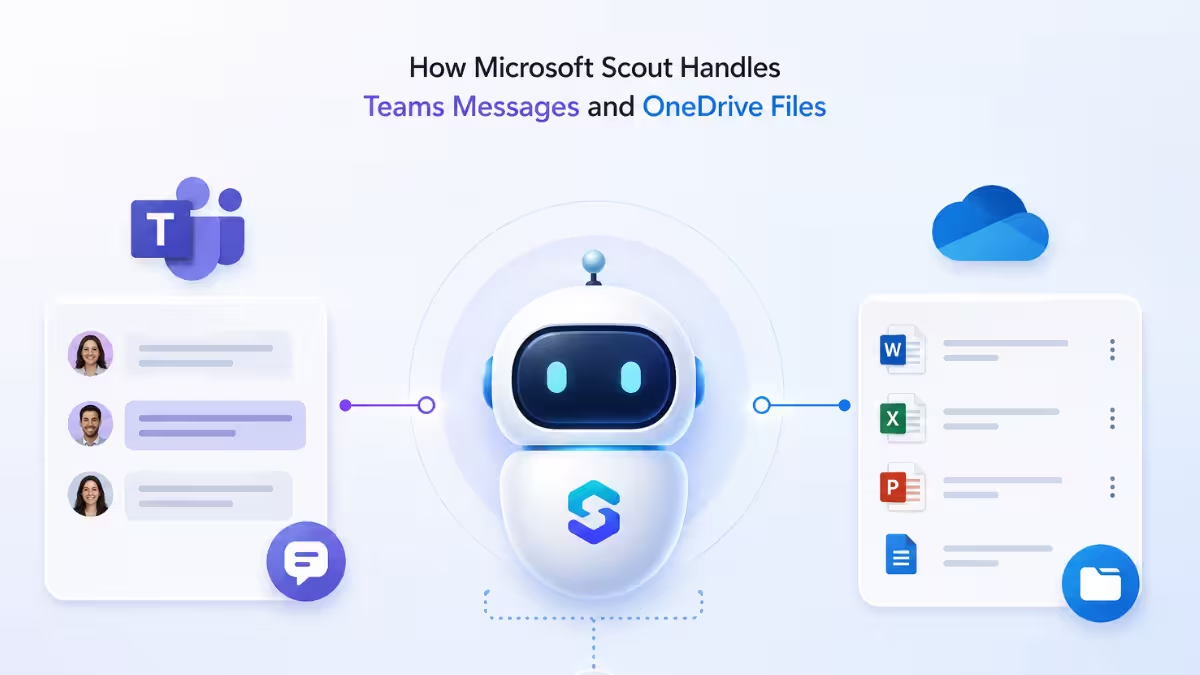
Microsoft Scout reads your Teams conversations and works with your OneDrive files the same way it handles email and calendar, through plain language requests instead of clicking through the apps yourself. This guide covers exactly what Scout can do in Teams and OneDrive, and where it draws the line between reading information and taking action on your behalf.
What Microsoft Scout Can Do in Teams
Scout connects directly to your Teams data, so you can catch up on conversations or send messages without opening the app:
| Action | Example Request |
|---|---|
| Read chats | “Show me my recent Teams messages.” |
| Send messages | “Send a message to the Engineering chat saying the build is fixed.” |
Reading through recent chats runs quietly in the background. Sending a message is the action most likely to prompt for your approval first, since it posts something visible to other people in that channel or chat.
What Microsoft Scout Can Do in OneDrive
Scout can also browse, open, and upload files directly in your OneDrive:
| Action | Example Request |
|---|---|
| Browse files | “What files are in my OneDrive project folder?” |
| Read files | “Open the quarterly report from my OneDrive.” |
| Upload files | “Upload report.pdf to my OneDrive Documents folder.” |
Browsing and reading files typically run without interruption. Uploading a new file is the action most likely to need your approval, since it adds something new to a shared space. Scout works with files as part of a request, such as pulling numbers from a report, rather than as a file sync tool. For downloading files to your computer or keeping folders in sync, the standard OneDrive app or web interface is still the better fit.
How Microsoft Scout Resolves Names in Teams and OneDrive
A lot of Teams and OneDrive requests depend on Scout correctly identifying who you mean. When you ask it to message someone or find a file shared by a specific person, Scout searches your organization’s directory to resolve names, find contacts, and look up reporting relationships. This is the same name resolution it uses for email and calendar, so saying “send this to Alex” works the same way whether you are messaging someone in Teams or looking up a file they shared with you.
When to Use WorkIQ Instead
Some questions need to pull from more than just Teams or OneDrive at once. That’s where WorkIQ comes in. If you ask something like “what did John say about the product deadline across all channels” or “find everything related to the Q4 planning initiative,” Scout switches to WorkIQ, which searches across email, calendar, Teams, and documents together using AI reasoning, then combines the results into one answer. You don’t need to decide which tool to use yourself. Scout picks the right one based on how you phrase the request.
Microsoft Scout Teams and OneDrive Permissions Explained
It helps to know which actions run quietly and which ones stop for your approval. Reading Teams messages or browsing OneDrive files typically completes without interruption, since nothing changes as a result. Sending a Teams message or uploading a file are the actions most likely to prompt for approval, since both put something new in a place other people can see. You can review and adjust exactly which actions need approval from Settings, then Permissions.
Frequently Asked Questions
Can Microsoft Scout read messages from any Teams channel I’m in?
Yes, it can read recent messages from the channels and chats you have access to. It surfaces this the same way you’d scroll through Teams yourself, just summarized through a request instead of manual scrolling.
Will Microsoft Scout post a Teams message without asking me first?
It depends on your permission settings. Sending a message is treated as a sensitive action, so by default Scout is likely to show you the message and ask for approval before posting it. You can adjust this in Settings under Permissions.
Can Microsoft Scout download files from OneDrive to my computer?
Scout works with files as part of a request rather than as a sync tool, as covered above. For syncing files locally, the standard OneDrive app or web interface is still the better tool.
How does Microsoft Scout know which file I mean if I just describe it?
Scout browses your OneDrive folders and matches files based on the details you give it, like a folder name or a document title. Being specific, such as naming the exact folder or file type, helps it find the right one faster.
What’s the difference between asking Scout directly versus using WorkIQ for Teams questions?
A direct request like “show me my recent Teams messages” pulls from Teams alone. A broader question like “what has been discussed about this project across all channels” needs WorkIQ, since it searches Teams alongside email, calendar, and documents to build a complete answer.

