AI has changed video editing more in the last two years than in the decade before. Editors no longer just cut clips and add captions. They now generate missing frames, build rough cuts from a script, clean up audio with one click, and turn a one-hour podcast into a week of Shorts.
I compared the tools creators actually use today. Here are the 7 best, with current pricing and who each one suits.
Best AI Video Editing Tools: Quick Comparison
| Tool | Best For | Free Plan | Starting Price |
|---|---|---|---|
| Adobe Premiere Pro | Professional editors | 7-day trial | $22.99/month (annual) |
| DaVinci Resolve 20 | Filmmakers on a budget | Yes | $295 one-time (Studio) |
| Descript | Podcasts and talking-head videos | Yes | $16/month (annual) |
| CapCut | Short-form social video | Yes | $9.99/month |
| Runway | Generative AI video | Yes (125 credits) | $15/month |
| Final Cut Pro | Mac creators | Free trial | $299.99 one-time |
| VEED | Browser editing and subtitles | Yes | About $25/month |
Types of AI Video Editing Tools
Before you pick a tool, know which job you need done:
- AI-assisted editors: Speed up work on footage you already shot (Premiere Pro, DaVinci Resolve, Final Cut Pro).
- Text-based and social editors: Let you edit by transcript, auto-caption, and repurpose long videos into clips (Descript, CapCut, VEED).
- Generative AI tools: Create brand new footage from a text prompt or image (Runway).
Most creators now combine two of these. A common setup pairs a timeline editor with a generative tool for B-roll.
1. Adobe Premiere Pro: Best AI Video Editor for Professionals
Adobe Premiere Pro remains the industry standard, and Adobe keeps adding Firefly-powered AI to it.
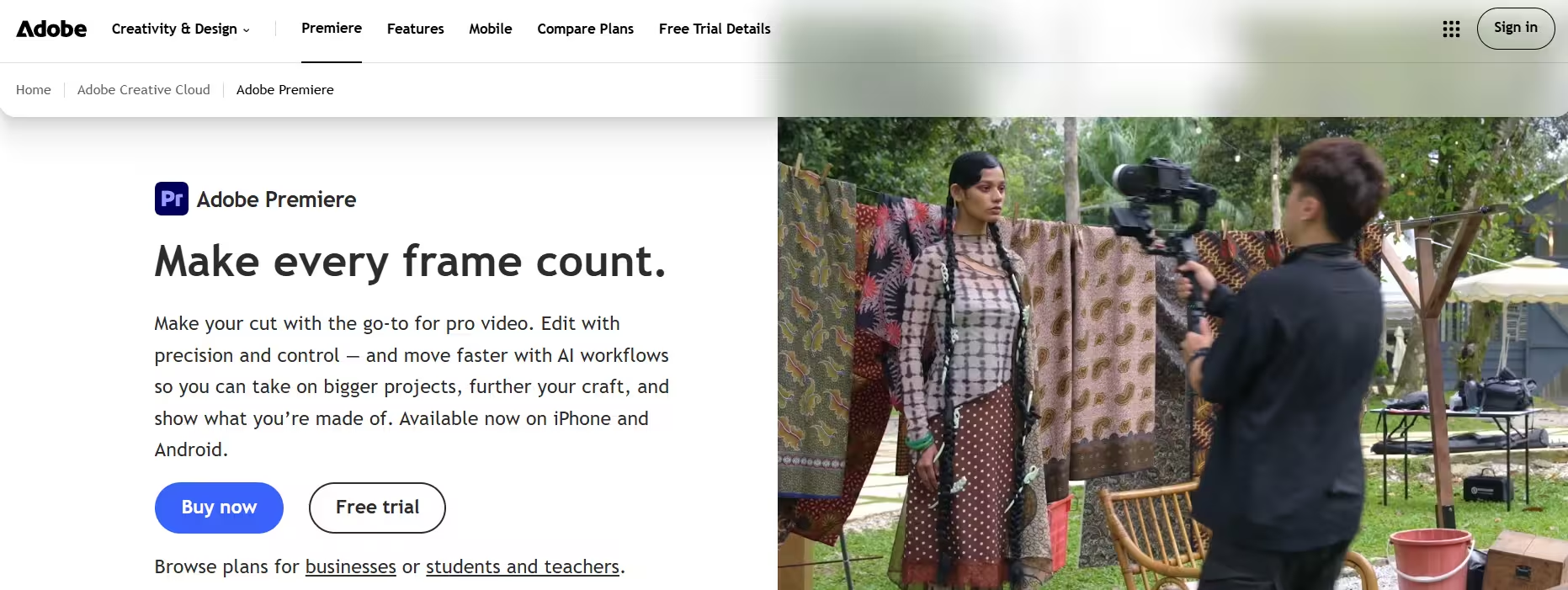
Key AI features: - Generative Extend: Adds a few extra seconds to the start or end of a clip, so you can hold a shot or smooth a transition without reshooting. - Automatic object masking: Selects and tracks people or objects across a shot. - Text-based editing: Transcribes your footage so you can cut video by deleting lines of text. - Auto Reframe and Scene Edit Detection: Resize for vertical platforms and find cuts in finished videos.
Pricing: $22.99/month on an annual plan, or $34.49/month with no commitment. Generative Extend uses Firefly generative credits, so heavy users may need an extra credit plan.
Best for: Professional editors and teams already inside Adobe Creative Cloud.
2. DaVinci Resolve 20: Best Free AI Video Editor
DaVinci Resolve gives you Hollywood-grade editing, color, VFX, and audio in one app, and the free version is still the most generous in the market.
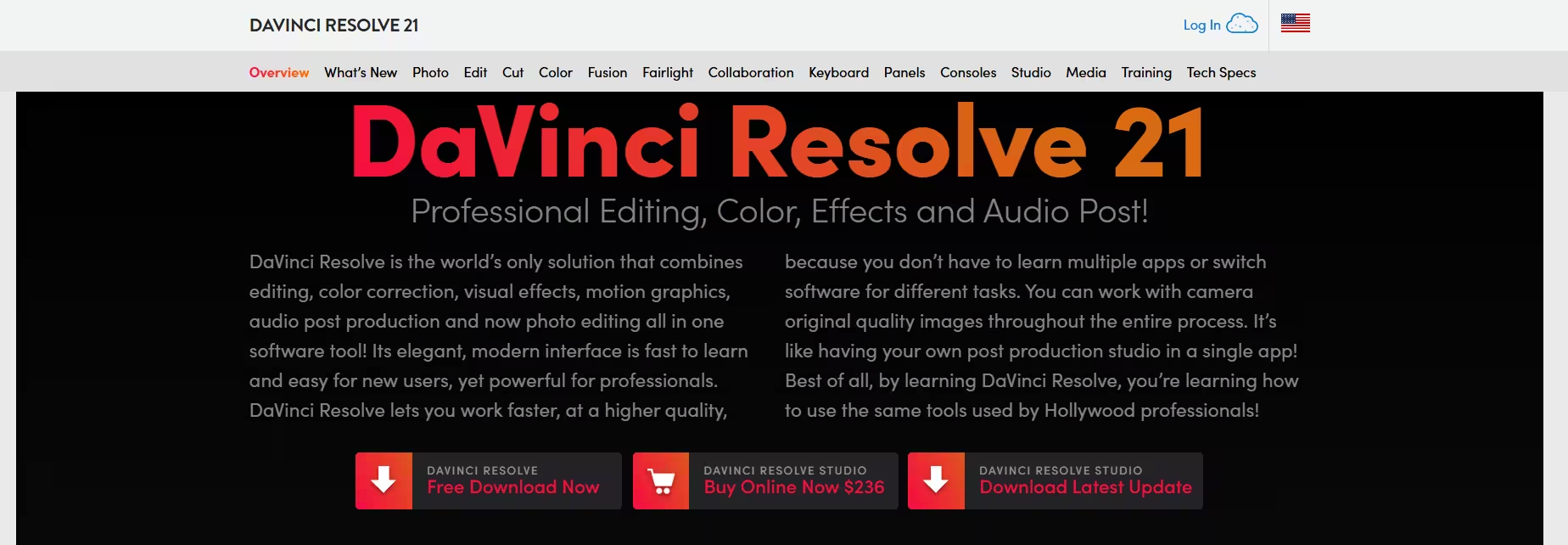
Key AI features: - AI IntelliScript: Builds a timeline automatically from your written script. - AI Animated Subtitles: Animates captions word by word as people speak. - AI Multicam SmartSwitch: Switches camera angles based on who is talking. - AI Audio Assistant: Creates a balanced final mix for you. - Object Remover and Smart Reframe: Erase unwanted elements and resize for social platforms.
Pricing: Free version available. DaVinci Resolve Studio costs $295 as a one-time purchase with no subscription. Most advanced AI tools live in Studio.
Best for: Filmmakers, YouTubers, and anyone who hates monthly fees.
3. Descript: Best AI Editor for Podcasts and Talking-Head Videos
Descript lets you edit video like a document. Delete a word from the transcript and it disappears from the video.
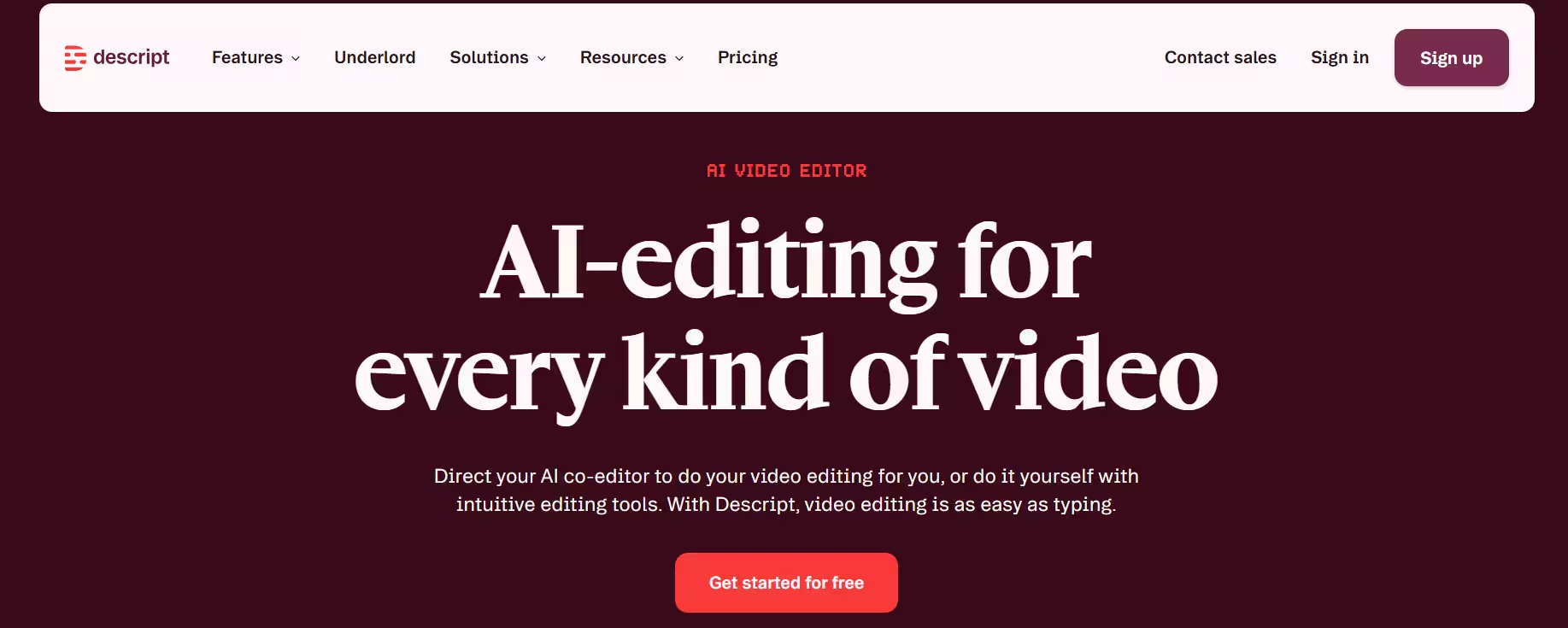
Key AI features: - Underlord AI assistant: Handles rough cuts, removes filler words, writes titles, and creates clips from long recordings. - Studio Sound: Turns noisy or echoey audio into clean, studio-quality voice. - Overdub and AI voices: Fix spoken mistakes by typing the correction. - Remote recording and screen recording built in.
Pricing: - Free: about 1 hour of media per month, watermarked exports - Hobbyist: $16/month (annual) or $24/month (monthly) - Creator: $24/month (annual) or $35/month (monthly) - Business: $50/month (annual) or $65/month (monthly)
Descript now meters AI features through media minutes and AI credits, so check your usage before you pick a plan.
Best for: Podcasters, course creators, and talking-head YouTubers.
4. CapCut: Best AI Video Editor for Shorts, Reels and TikTok
CapCut dominates short-form editing on mobile, desktop, and web, and its AI toolkit has grown fast.
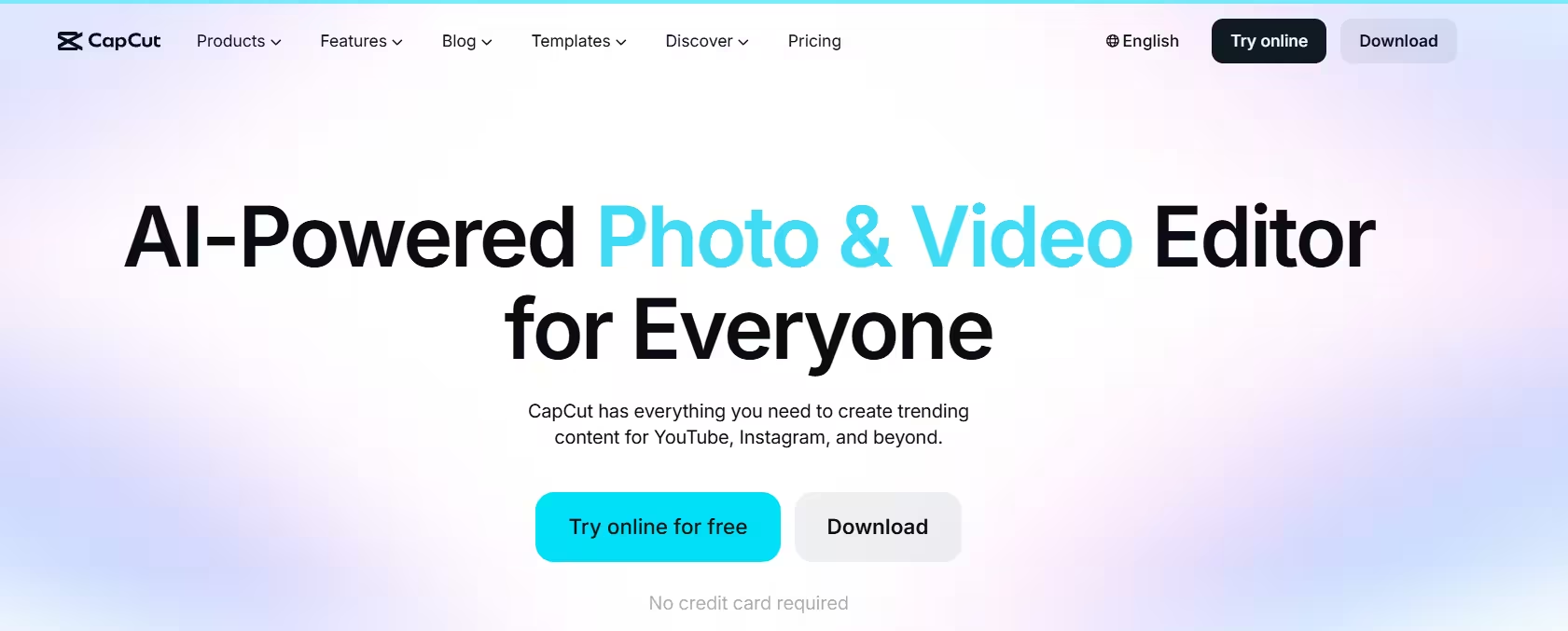
Key AI features: - Auto captions with trendy animated styles - Long video to Shorts: Picks highlights and reformats them for vertical platforms. - Script to video and AI avatars - Background removal, text to speech, and video translation - AI video generation for Pro and Ultra members
Pricing: Free plan available. Standard costs around $9.99/month and Pro around $19.99/month in the US. CapCut prices vary by country, and advanced AI features consume monthly AI credits.
Best for: TikTok, Reels, and YouTube Shorts creators.
5. Runway: Best AI Video Generator for B-Roll and Creative Projects
Runway leads the generative side of video. You can create shots from a text prompt, transform existing footage, and fill gaps in your edit with AI B-roll.
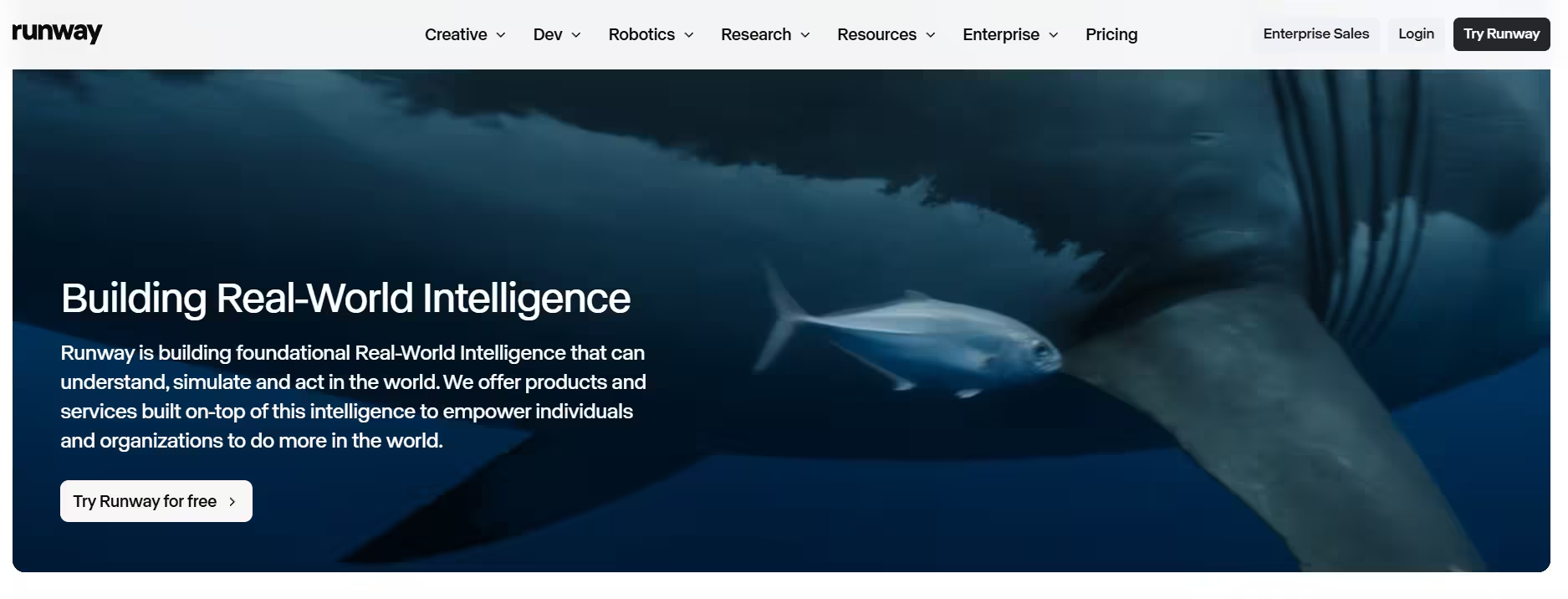
Key AI features: - Gen-4 video generation: Produces realistic clips from text or a reference image. - Act-One: Transfers a real actor's performance onto a generated character. - Video inpainting and background removal: Edit or remove parts of a shot. - Text and image to video for quick concept visuals.
Pricing: - Free: 125 one-time credits - Standard: $15/month - Pro: $35/month - Max: $95/month - Enterprise: custom
Paid plans run on monthly credits, and each generation spends them.
Best for: Creative projects, ads, music videos, and AI B-roll.
6. Final Cut Pro: Best AI Video Editor for Mac
Final Cut Pro is the top pick for Mac users who want speed and a one-time price.
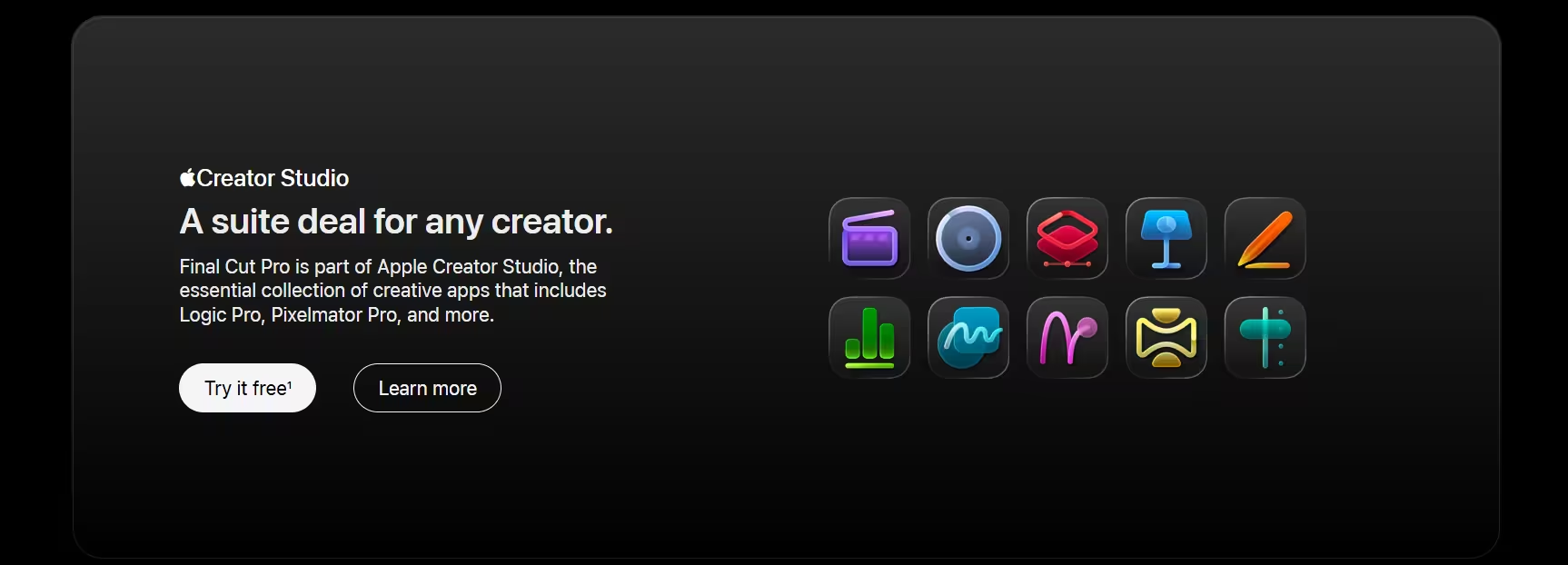
Key AI features: - Magnetic Mask: Isolates people and objects without a green screen. - Transcribe to Captions: Generates captions on your timeline from spoken audio. - Smart Conform: Reframes horizontal video for vertical platforms automatically. - Voice Isolation: Removes background noise from dialogue.
Pricing: $299.99 one-time on the Mac App Store, with a free trial.
Best for: YouTubers and editors on Apple Silicon Macs.
7. VEED: Best Online AI Video Editor for Subtitles and Translation
VEED runs entirely in your browser, so you can edit from any computer without installing anything.
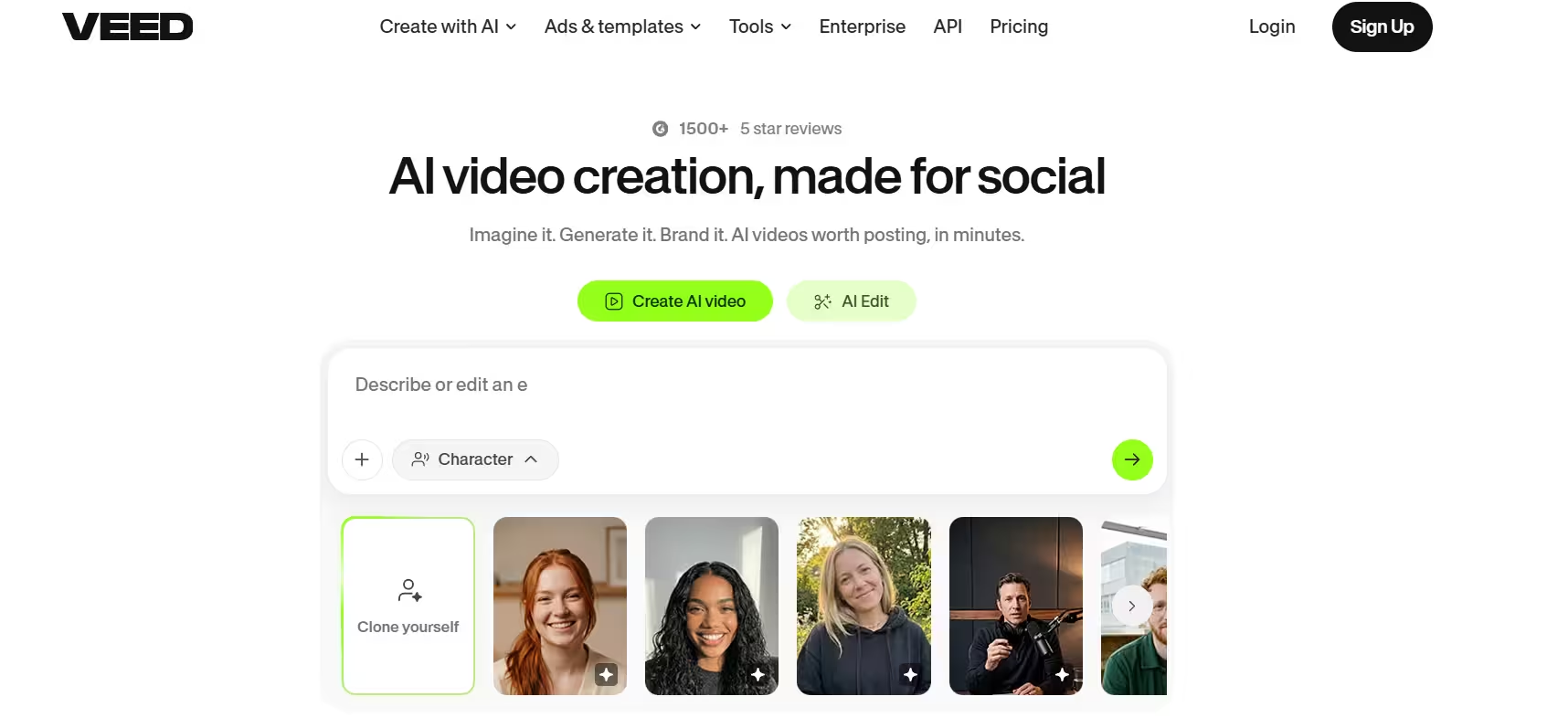
Key AI features: - Auto subtitles in many languages with one-click translation - AI voice translation and dubbing for global audiences - Background and noise removal - AI avatars and text to video for quick explainers
Pricing: Free plan with watermark. Paid plans start at about $25/month, with discounts on annual billing.
Best for: Marketers, educators, and teams who publish subtitled content for multiple languages.
How to Choose the Best AI Video Editing Tool for Your Needs
Ask yourself these questions:
- What do you make most? Short clips point to CapCut or VEED. Long-form interviews point to Descript. Cinematic work points to Resolve, Premiere, or Final Cut.
- Subscription or one-time? Resolve Studio and Final Cut Pro cost a single payment. Everything else bills monthly.
- How much AI will you use? Most tools now charge AI features through credits. A cheap plan can cost more if you generate a lot.
- Do you need generated footage? Only Runway (and to a smaller degree CapCut and Premiere) creates new video from scratch.
- What device do you edit on? Final Cut Pro needs a Mac. VEED works in any browser. CapCut runs everywhere, including phones.
Free vs Paid AI Video Editors: Which Should You Pick?
Start free if you publish occasionally or you are still learning. DaVinci Resolve's free version has no watermark and covers full editing, color, and audio. CapCut and VEED also have free plans, but they add watermarks or limit exports and AI features.
Pay when time is money. Paid plans unlock 4K export, watermark-free output, more AI credits, and tools like Descript's Underlord or Runway's video generation. If AI saves you even a few hours a month, a $15 to $25 plan pays for itself.
Buy once if you hate subscriptions. DaVinci Resolve Studio ($295) and Final Cut Pro ($299.99) give you full AI toolsets with no monthly bill.
Which AI Video Editor Should You Use?
There is no single best AI video editor, only the best one for your workflow. If you want a free, powerful starting point, download DaVinci Resolve. If you edit talking-head content, Descript will save you hours. For short-form creators, CapCut is hard to beat. And if you want to create shots you never filmed, add Runway to your toolkit.
Start with a free plan, test the AI features on a real project, and upgrade only when the tool actually saves you time.
Frequently Asked Questions
What is the best free AI video editor?
DaVinci Resolve offers the most powerful free version. CapCut is the best free option for short-form social videos.
Which AI video editor is best for beginners?
CapCut and VEED have the easiest learning curve. Descript is also simple because you edit text instead of a timeline.
Can AI create a full video from text?
Yes. Runway generates clips from text prompts, and CapCut, VEED, and Descript can turn a script into a video with stock footage, avatars, or generated scenes.
Are AI video editors worth paying for?
If you publish video every week, yes. Features like auto captions, filler-word removal, and clip repurposing can cut editing time in half.
Do AI video tools charge extra for AI features?
Many do. Premiere Pro, Descript, CapCut, and Runway all use credits for advanced AI tasks, so check credit limits before you subscribe.