AI video generators now produce clips with built-in sound, multi-shot scenes and up to 4K output, and avatar tools have become cheaper and more credit-based. Whether you are a marketer, educator, or content creator, these AI tools can turn a prompt or script into a finished video in minutes. Here are the 7 best AI video generators in 2026.

Best AI Video Generators 2026
AI video generators use text prompts, images, or scripts to automatically produce finished video, cutting out cameras, actors, and manual editing. Here’s how the top picks compare on strengths and pricing.
| Tool | Best For | Pricing |
|---|---|---|
| Predis.ai | Social media videos, marketing | Free to $55/month |
| Google Flow (Veo 3.1) | Realistic clips with native audio | Free to $199.99/month |
| Runway | AI-generated films, camera control | Free to $95/month, Custom |
| Kling AI | High-motion scenes, native 4K | Free to $159.99/month |
| Luma AI | Cinematic and HDR video, multi-model access | $30 to $300/month, Custom |
| Synthesia | Corporate training, marketing videos | Free to $89/month, Custom |
| HeyGen | AI avatars, multilingual video creation | Free to $149/month, Custom |
| Pictory | Repurposing content into videos | $29 to $199/month, Custom |
1. Predis.ai
Best for: Creating social media videos and marketing creatives with AI

Predis.ai is an AI-powered content creation platform designed for marketers, creators, and businesses that want to turn ideas, products, or existing content into social-ready videos and creatives. Predis.ai combines AI video generation with editing, captions, branding, and publishing tools in one workflow.
Key Features:
- AI video generation from prompts, images, products, and existing content
- Access to multiple AI video models, including Veo 3.1, Sora 2, Kling, Seedance 2.5, and Hailuo
- Scene-level regeneration for making changes to individual parts of a video
- Built-in captions, editing, and brand kit for consistent visuals
- Social media scheduling and publishing across multiple channels
- Designed for social media marketing, ecommerce, creators, and short-form content
Pricing:
- Free: Limited access to AI content creation features
- Paid plans: Additional AI generations, premium models, brand features, and publishing capabilities are available depending on the plan
2. Google Flow (Veo 3.1)
Best for: Realistic video with synchronized audio
Google Flow is Google’s AI creative studio that combines the Veo 3.1 video model, Nano Banana image generation and Gemini Omni in one workspace. You can start from text, from start and end frames, or from reference images, then extend clips and build them into scenes.
Key Features:
- Veo 3.1 video generation with built-in audio
- Text-to-video, frames-to-video and ingredients-to-video modes
- Gemini Omni model for multi-shot generation and video editing
- Clip extension and scene building tools
- Free access with 50 daily credits
Pricing:
- Free: 50 credits per day
- Google AI Plus: $4.99/month – 200 extra monthly credits
- Google AI Pro: $19.99/month – 1,000 extra monthly credits
- Google AI Ultra: $99.99 to $199.99/month – 10,000 to 25,000 extra monthly credits, and half-price Veo 3.1 Lite and Fast generations
3. Runway
Best for: AI-generated short films and camera control
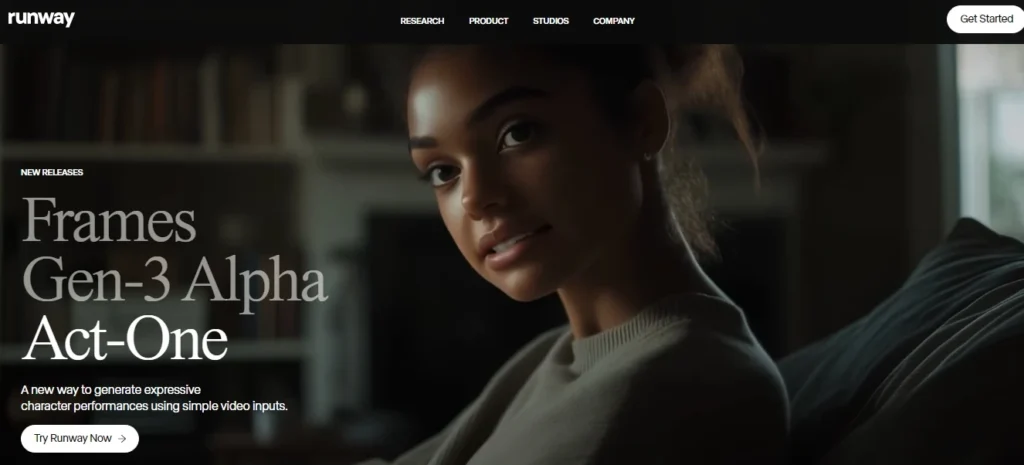
Runway is built around its Gen-4.5 model and Aleph 2.0 editing model, and its paid plans also give access to third-party models such as Veo 3.1, Kling 3.0 and Seedance 2.0. It suits filmmakers and creative teams that want precise camera moves and generative editing in one place.
Key Features:
- Gen-4.5 text-to-video and image-to-video generation
- Aleph 2.0 for editing existing footage
- Access to Veo 3.1, Kling 3.0, Seedance 2.0 and Nano Banana Pro on paid plans
- 4K upscaling and no watermarks on paid plans
- API access through Runway Dev
Pricing:
- Free: 125 one-time credits
- Standard: $12/month billed annually ($15 monthly) – 625 credits/month
- Pro: $28/month billed annually ($35 monthly) – 2,250 credits/month
- Max: $76/month billed annually ($95 monthly) – 9,500 credits/month with one-month rollover
- Enterprise: Custom pricing – Custom credits, SSO and workspace analytics
Gen-4.5 costs 12 credits per second, so Standard covers about 52 seconds of Gen-4.5 video per month. Max replaced the older Unlimited plan.
4. Kling AI
Best for: High-motion scenes and native 4K output
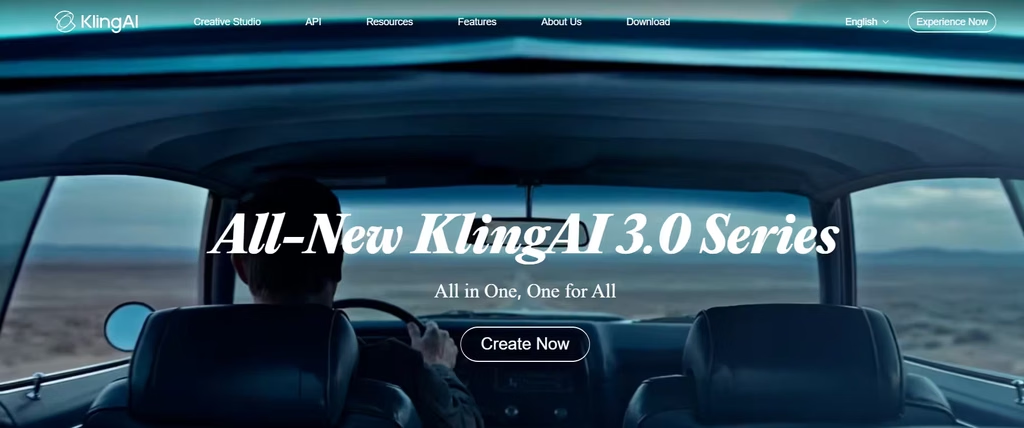
Kling AI is built on the Kling 3.0 model series, which supports native audio, multi-scene sequences and native 4K generation. It is a strong pick for creators who want cinematic motion at a lower monthly cost than most rivals.
Key Features:
- Kling 3.0 and 3.0 Omni video models
- Native audio generation with character voice consistency
- Multi-shot storyboard control
- Motion Control for guiding character movement
- Commercial use on all paid plans
Pricing:
- Free: 66 daily credits – Non-commercial use
- Standard: $8.80/month – 660 credits/month
- Pro: $32.56/month – 3,000 credits/month
- Premier: $80.96/month – 8,000 credits/month
- Ultra: $159.99/month – 26,000 credits/month
New subscribers often get a discounted first month, and annual billing lowers the cost of Standard, Pro and Premier.
5. Luma AI
Best for: Cinematic HDR video and multi-model access
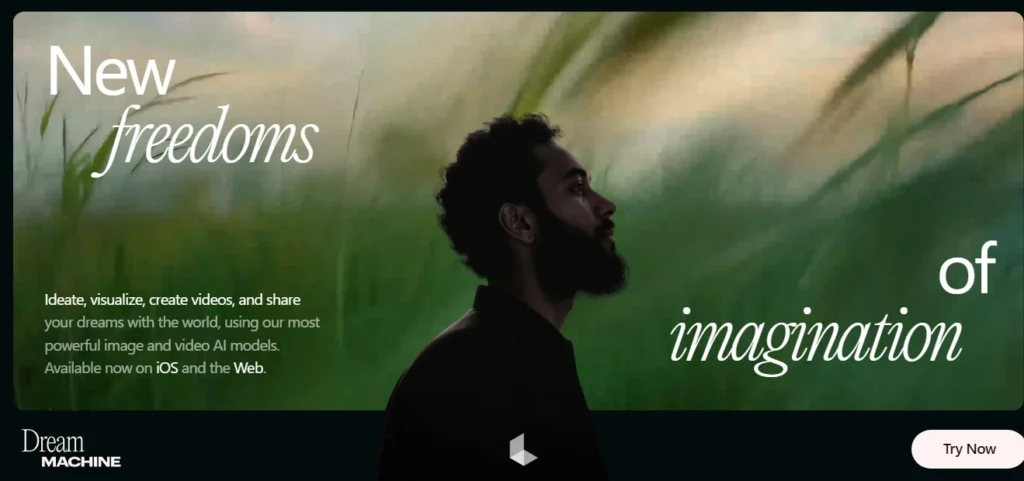
Luma AI is the current name for the product formerly called Dream Machine. Its own Ray3.2 and Ray3.14 models focus on film-style motion and HDR, and paid plans also let you use third-party models such as Veo 3.1, Kling 3.0 and Seedance 2.5 from one credit balance.
Key Features:
- Ray3.2 and Ray3.14 video models with HDR and EXR export options
- Access to third-party video, image and audio models
- Video-to-video, reframe and extend tools
- Luma Agents for multi-step creative workflows
- Commercial use on all paid plans
Pricing:
- Plus: $30/month ($25/month billed yearly) – 10,000 credits
- Pro: $90/month ($75/month billed yearly) – 40,000 credits
- Ultra: $300/month ($250/month billed yearly) – 150,000 credits
- Team and Enterprise: Custom pricing – Shared credits, SSO and fine-tuning
6. Synthesia
Best for: Corporate training, marketing, and explainer videos
Synthesia creates professional videos using AI avatars and voiceovers in 160+ languages. It needs no camera, microphone, or actors, and its usage is now measured through a shared monthly credit pool.
Key Features:
- 125+ stock avatars on Starter, 180+ on Creator, 240+ on Enterprise
- Personal avatars (3 on Starter, 5 on Creator)
- AI Dubbing for translating existing videos
- Interactive videos, API access and multiple avatars per scene on Creator
- SCORM export, SSO and brand kits on Enterprise
Pricing:
- Basic: Free – 1,200 credits/month, about 10 minutes of video
- Starter: $29/month ($18/month billed yearly) – 10 minutes of video/month
- Creator: $89/month ($64/month billed yearly) – 30 minutes of video/month
- Enterprise: Custom pricing – Unlimited video minutes
7. Pictory
Best for: Repurposing existing content into videos
Pictory turns scripts, blog posts, URLs, slides and long recordings into edited videos. It matches text with stock footage and now adds AI credits for generated images, video and avatars.
Key Features:
- Script, URL, PPT and idea-to-video workflows
- Edit videos using text and auto-generate highlights
- AI voices from ElevenLabs in 29 languages on Professional and Team plans
- Stock media from Getty Images and Storyblocks
- Custom avatars and voice cloning on Professional and above
Pricing:
- Starter: $29/month ($25/month billed annually) – 200 video minutes/month
- Professional: $59/month ($35/month billed annually) – 600 video minutes/month
- Team: $199/month ($119/month billed annually) – 1,800 video minutes/month, 3+ users
- Enterprise: Custom pricing – Custom minutes and SSO
A 14-day free trial is available.
8. HeyGen
Best for: AI avatars and multilingual video creation
HeyGen creates avatar-led videos for business presentations, social content and e-learning. It moved to a single credit system in 2026, and its newest Avatar IV model uses more credits than older avatars.
Key Features:
- 700+ stock video avatars on paid plans
- Unlimited photo avatars and voice cloning on Creator and above
- Video translation across 175+ languages and dialects
- Videos up to 30 minutes, with 4K export on Pro
- Interactive video, SCORM export and SSO on Business
Pricing:
- Free: 3 videos/month, up to 1 minute each
- Creator: $29/month ($24/month billed yearly) – 600 credits, 1080p export
- Pro: From $49/month – 1,000 credits, 4K export
- Business: $149/month plus $20 per extra seat – 1,500 credits, videos up to 60 minutes
- Enterprise: Custom pricing – No video duration limit
Avatar IV videos use 20 credits per minute, while the older Avatar III uses 3 credits per minute.
Conclusion
The right AI video generator in 2026 depends on the job: Google Flow, Runway, Kling and Luma lead for generated footage, while Synthesia and HeyGen suit avatar-led business video, and Pictory fits repurposing existing content.
Which AI video generator do you think suits your needs best? Let us know in the comments!
