Running a modded Minecraft server puts real pressure on hardware. Forge-heavy packs, automation chains, custom dimensions, and dozens of active players all push RAM and CPU far beyond what vanilla gameplay demands. Pick the wrong host and you get rubber-banding, world corruption, and crashes after every modpack update.
The right host handles modpack installs cleanly, provides enough RAM headroom for large packs, keeps backups on schedule, and offers support staff who actually understand Forge conflicts and JVM settings. If you want full control over your own world, knowing how to make a Minecraft server yourself is worth learning, but a managed host takes the hardware burden off your hands.
Table of Contents
This guide covers the 7 best modded Minecraft server hosting providers in 2026, ranked by performance, modpack support, ease of use, value, and reliability.
What to Look for in Modded Minecraft Hosting
Before comparing providers, you need to understand what separates modded hosting from standard Minecraft server hosting:
RAM and CPU headroom: Modpacks like All the Mods 9 or FTB StoneBlock 3 easily need 8 to 12 GB of RAM just to stay stable. Kitchen-sink packs with automation and custom dimensions push that even higher. Look for NVMe storage and modern AMD Ryzen or EPYC processors. Single-core clock speed matters more than core count for TPS stability.
Modpack installer quality: One-click installs for CurseForge, Modrinth, and FTB save hours of setup. The best hosts also make switching between packs and rolling back after bad updates painless.
File access and control: Modded servers require hands-on config editing. SFTP or FTP access, a real file manager, and live console logs turn a 2-hour debugging session into a 10-minute fix.
Backups with easy restores: A broken modpack update or corrupted region file can wipe hours of progress. Scheduled automatic backups with a quick restore path are not optional for any serious modded world.
Support quality: Generic ticket responses do not help when you have a Forge version mismatch or a missing dependency crashing your server on startup. Hosts with Minecraft-specific expertise solve modded problems faster.
Top Modded Minecraft Server Hosting Comparison (2026)
| Host | Best For | Performance | Modpack Support | Starting Price (8 GB) |
|---|---|---|---|---|
| Godlike.host | Best overall | AMD Ryzen 9950X3D / NVMe | 18,000+ modpacks | Check site |
| BisectHosting | CurseForge / FTB modpacks | AMD Ryzen / NVMe | 2,300+ packs | ~$23.99/mo |
| Apex Hosting | Beginners | Multiple tiers | 200+ one-click packs | ~$27.99/mo |
| Shockbyte | Budget starts | Solid for smaller packs | One-click installer | ~$3.99/GB |
| Host Havoc | Reliability and backups | Stable baseline | Popular packs + FTP | Check site |
| G-Portal | Global low-latency | AMD Ryzen | Manual + library | Check site |
| Akliz | Experienced admins | Strong hardware | Custom + popular packs | Check site |
Prices change frequently. Always verify current plans on each provider’s website.
1. Godlike.host: Best Overall for Modded Minecraft
Best for: Any modded Minecraft player who wants a heavy modpack online fast with minimal setup work.
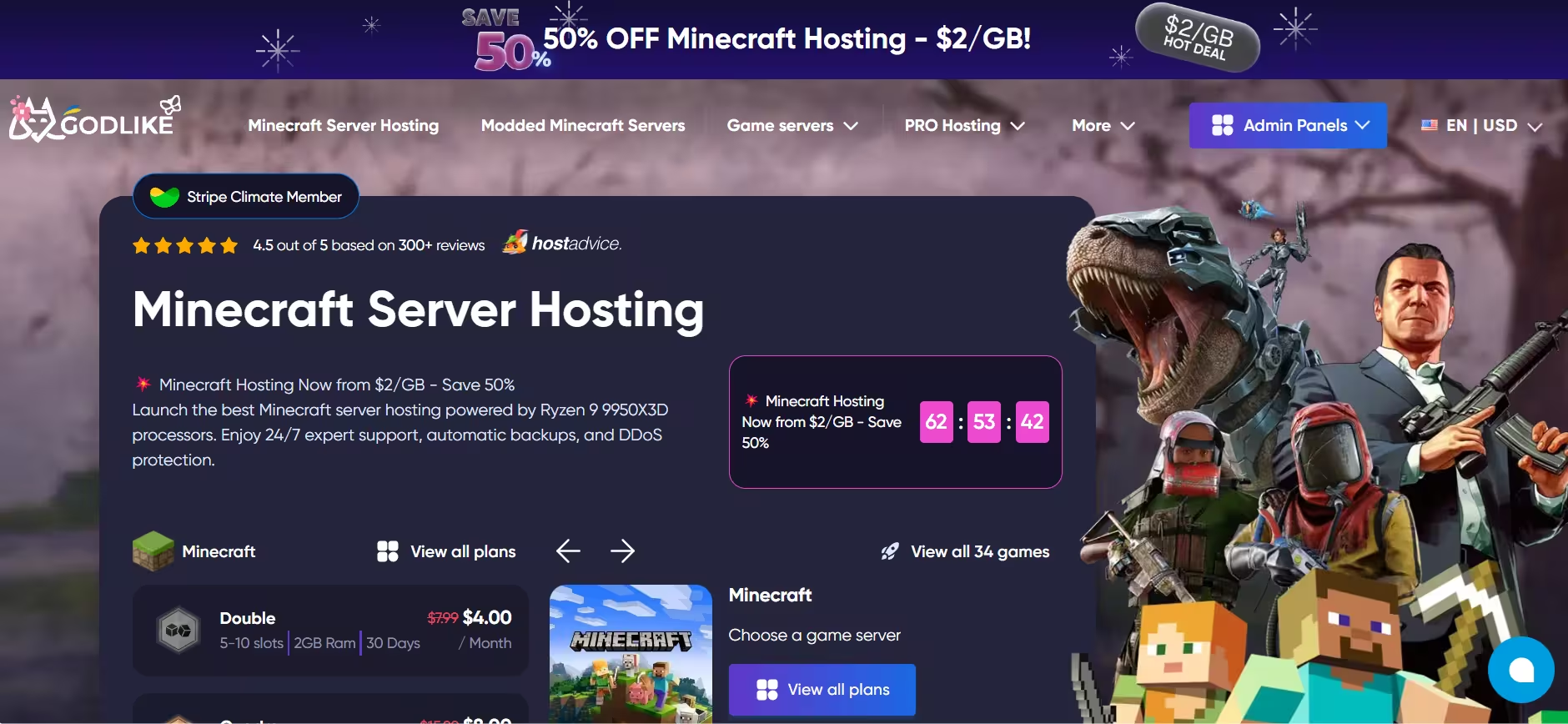
Godlike.host sits at the top of this list because it removes the friction points that slow down modded server admins. The platform runs on AMD Ryzen 9950X3D and AMD EPYC 9474F bare-metal nodes with NVMe storage, which provides the single-core performance that modded TPS stability demands. Path.net L3 to L7 DDoS filtering runs at all times, and backups plus a 99.9% uptime SLA are built into the service.
The standout feature is the modpack library. With access to over 18,000 modpacks across CurseForge, Modrinth, and FTB, you can launch a pre-configured server without downloading or installing anything manually. One-click deployment puts a modded server online in under a minute in most workflows. The control panel also handles modpack switching, config editing, and SFTP access for custom tweaks, and you can upload a custom modpack using a manifest.json or ZIP file when the library does not cover your setup.
Support runs 24/7 through live chat, tickets, and Discord, with an average first response time of around one minute. The panel includes console and log access, team and sub-user permissions, Discord actions for restarts and bans, and a troubleshooting knowledge base. Regional coverage spans North America, Europe, Asia, and Australia, so you can place your server close to your playerbase.
Pros:
- 18,000+ modpack library with one-click deploy
- AMD Ryzen 9950X3D performance nodes for heavy packs
- Always-on DDoS protection and automatic backups
- 24/7 support with under-one-minute average response
- Custom modpack upload support
Cons:
- Hardware availability can vary by region and plan
- Not the most budget-friendly option at higher RAM tiers
2. BisectHosting: Best for CurseForge and FTB Modpacks
Best for: Admins running popular CurseForge or FTB packs who expect to update frequently and want support staff who understand modded issues.
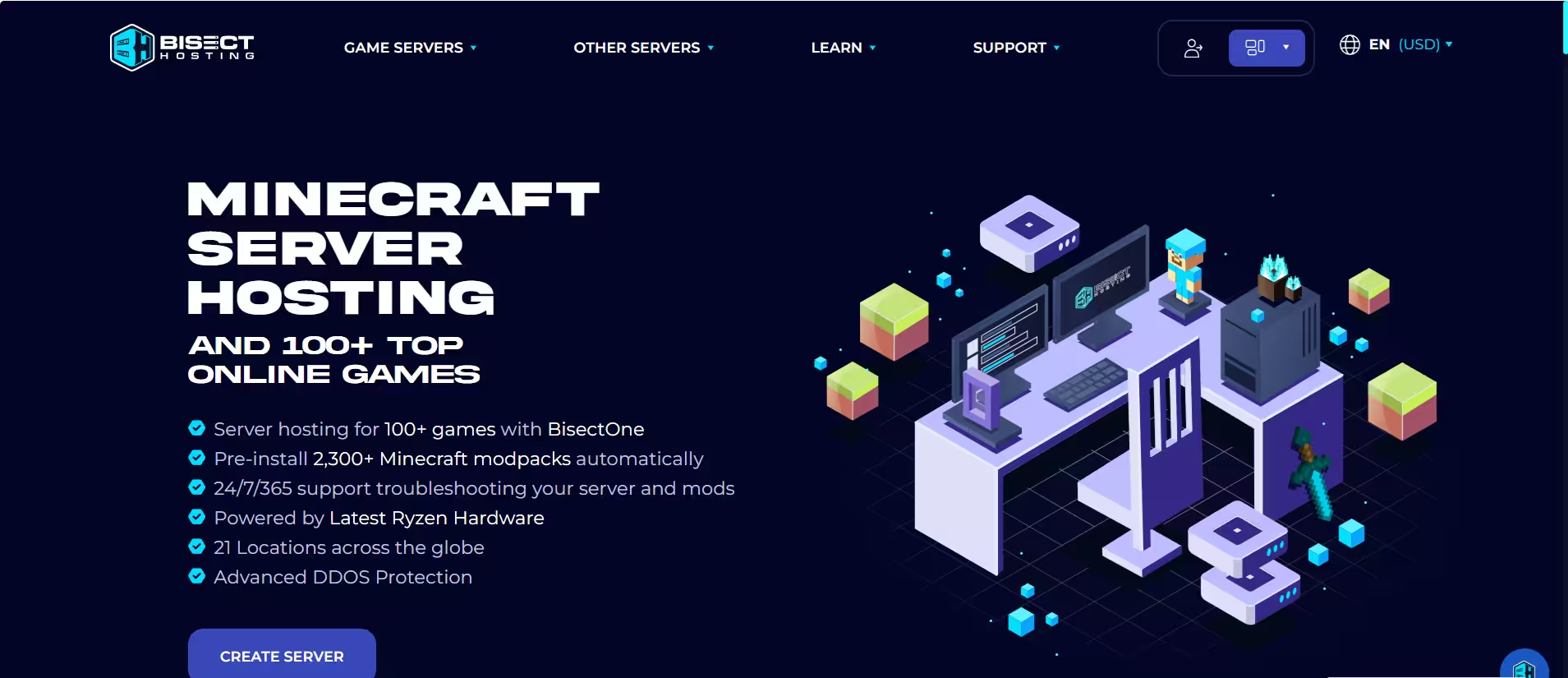
BisectHosting has been in the Minecraft hosting space since 2011 and has built a strong reputation specifically around modded server management. The platform supports over 2,300 modpacks from CurseForge, ATLauncher, FTB, and Technic, with a custom control panel that makes switching between packs and rolling back after bad updates straightforward. Servers run on AMD Ryzen processors with NVMe SSD storage and DDoS protection across 21 worldwide locations.
The real differentiator is support quality for modded problems. When your server crashes with a cryptic Forge log, BisectHosting’s team reads the logs and provides actual guidance rather than generic responses. The average live chat response time runs under 15 minutes. Full FTP access and a capable file manager round out the admin toolkit, and the platform backs up the entire server folder on a schedule.
Note: Higher-tier plans cost more than budget-first hosts. If you want robust modpack support and strong technical help, the price reflects that.
Pros:
- 2,300+ modpacks with one-click switching
- 24/7 live chat with under-15-minute average response
- Strong track record for modded issue resolution
- Full FTP access and server folder backups
- 21 global server locations
Cons:
- More expensive than budget options at higher RAM tiers
- Not a Minecraft-exclusive platform
3. Apex Hosting: Best for Beginners
Best for: Players launching their first modded server who want a guided setup experience with strong documentation.
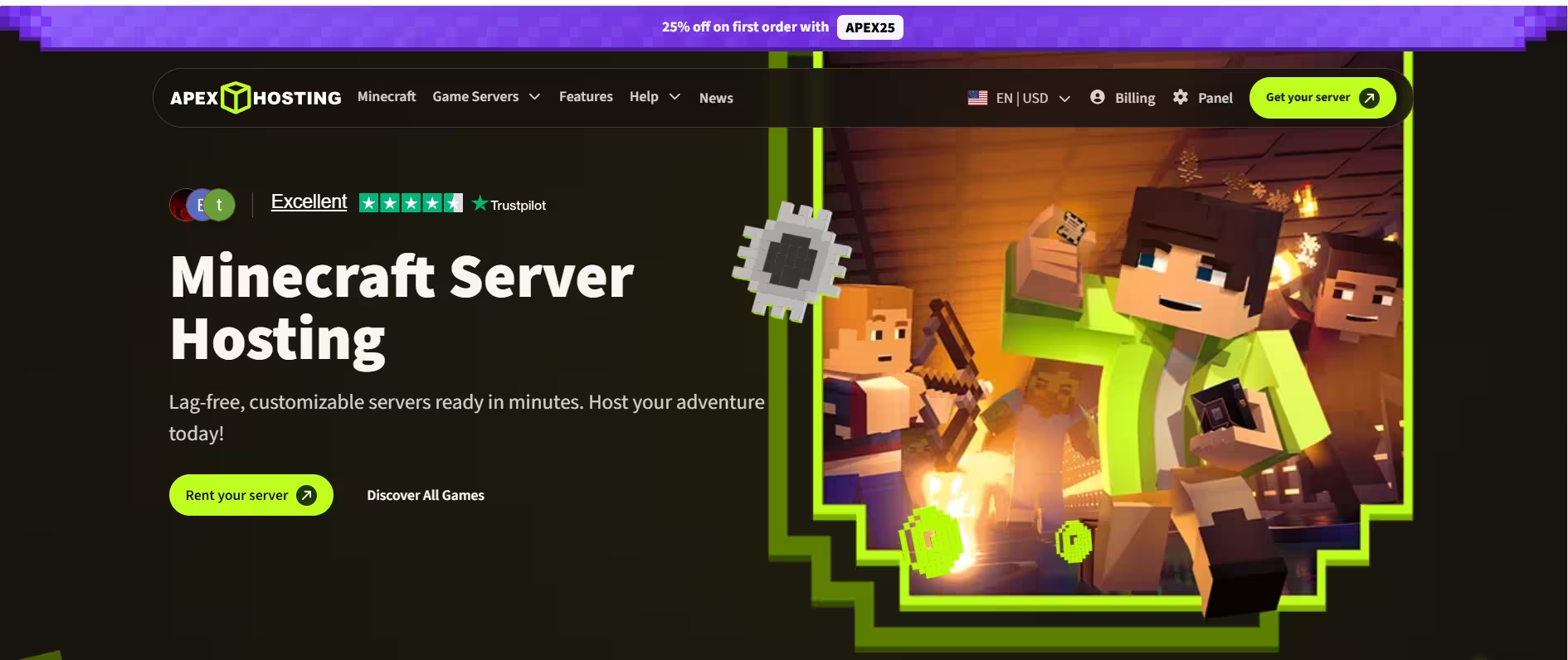
Modded Minecraft can be intimidating when you factor in loader versions, pack compatibility, and client-server matching. Apex Hosting addresses that directly with 200+ one-click modpack installers covering Forge, Fabric, NeoForge, and Quilt, combined with step-by-step guides that walk newer admins through common setup scenarios. The result is a “do this next” experience that keeps first-time server owners from getting stuck at the basics.
Automatic world snapshots protect your progress, and the platform offers multiple regions so you can place the server close to your players. Support runs 24/7, with optional premium support tiers for faster response times. Active since 2011, Apex carries a long reputation for beginner-friendly onboarding.
The main trade-off is cost. Apex prices run higher than budget options, especially as you scale RAM for larger packs. Some users also report that support quality has weakened in recent years compared to the platform’s earlier reputation. On the hardware side, reaching modern AMD Ryzen processors requires higher-priced plans.
If your Bedrock friends ever encounter crashes during setup, the Minecraft Bedrock Failed to Start Game error is a common post-install issue worth bookmarking.
Pros:
- 200+ one-click modpack installers
- Strong guides and onboarding documentation
- Automatic world snapshots
- Multiple server regions
- Active since 2011
Cons:
- Higher pricing than budget alternatives
- Modern AMD Ryzen plans carry a premium cost
- Support quality has been mixed in recent reviews
4. Shockbyte: Best Budget Option for Small Modded Servers
Best for: Smaller friend groups, lighter modpacks, and players who want modded features without paying a premium price.
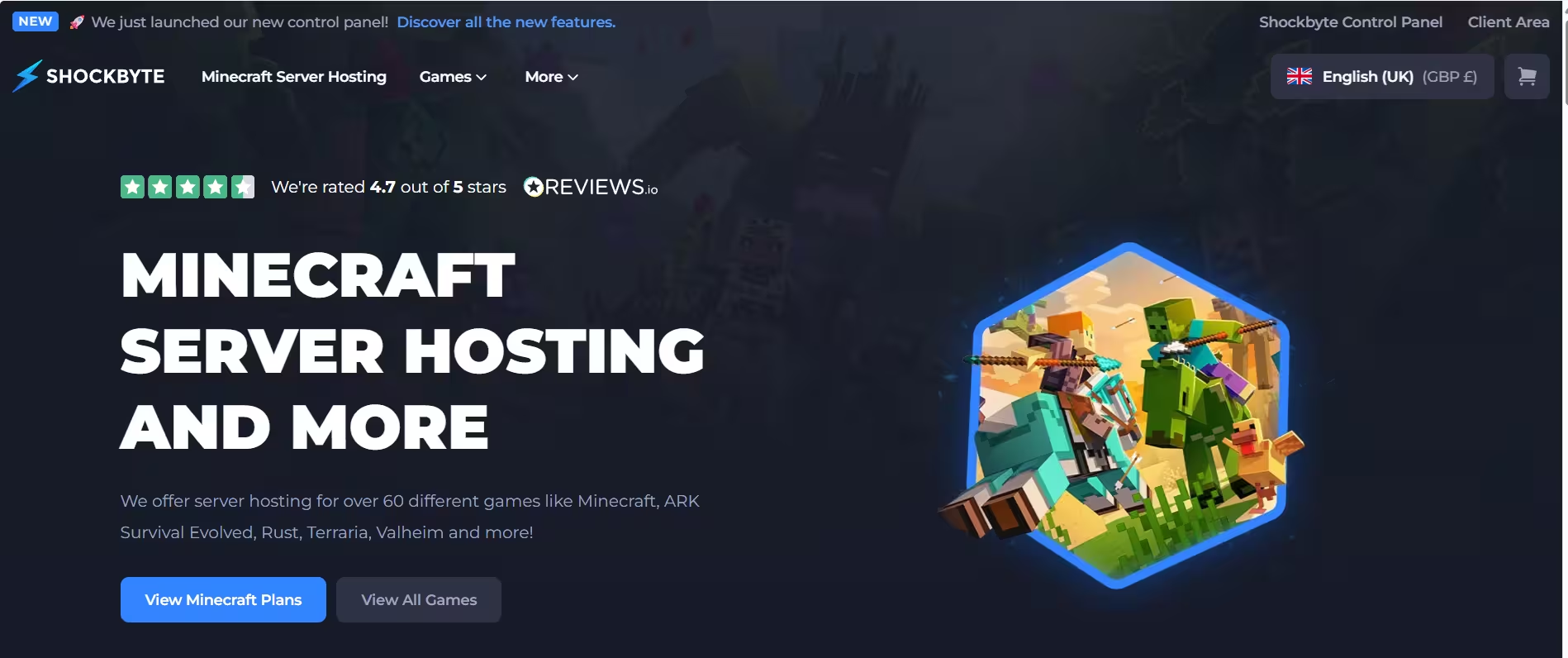
Shockbyte has operated since 2013 and remains one of the most recognizable names in affordable Minecraft hosting. The platform provides a one-click modpack installer, DDoS protection, backups, and a panel that handles the basics without getting in your way. For casual servers running lighter packs with a small group of players, that combination covers what you need at a competitive price per GB.
The honest caveat is scaling. Modded servers can jump from stable to struggling fast when you add content mods, build automation systems, or bring more players online. Shockbyte works best when you select a plan with headroom above your estimated requirements, and when you treat an upgrade as part of the plan if your modlist grows.
Support response times appear as the most common complaint in user reviews, and you cannot select a specific server location beyond broad regions. If you need reliable fast support or precise geographic placement, BisectHosting or Godlike.host are better fits.
Pros:
- Established provider with a long track record since 2013
- One-click modpack installer
- Competitive price per GB for entry-level plans
- Solid hardware performance for lighter packs
Cons:
- Support response times receive frequent criticism
- Cannot select a specific server location
- Heavier modpacks may push you to upgrade plans quickly
5. Host Havoc: Best for Reliability and Backups
Best for: Small to mid-size modded servers where stability, clean backups, and direct file access matter more than a large modpack library.
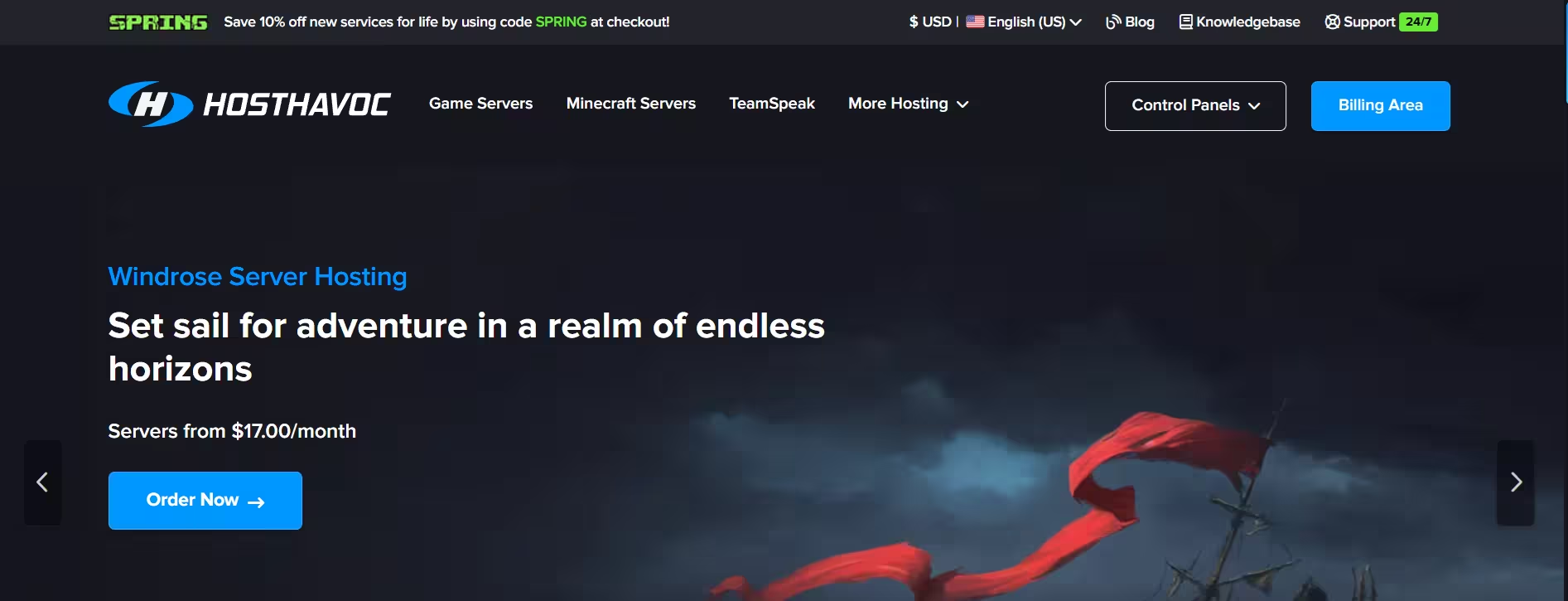
Host Havoc focuses on the hosting fundamentals that matter most when you run a long-term modded world: stable uptime, scheduled backups with simple restores, and full FTP access for direct file management. That combination is specifically practical for modded servers because problems often require a quick config edit or a rollback to a working world state after a bad update.
Users on Trustpilot consistently praise response times, with some noting that Host Havoc answers faster than competing hosts that take days to respond. The panel does not bury you in features you do not need, which makes day-to-day admin tasks straightforward. Popular modded setups run without requiring you to manage a complicated ecosystem around the hosting itself.
Host Havoc is not the right choice if you want a massive one-click modpack library or a highly guided beginner experience. It works best for admins who already know how modded servers operate and want a dependable foundation under their world.
Pros:
- Scheduled backups with fast, simple restore paths
- Full FTP access for direct file and config management
- Stability-focused hosting fundamentals
- Fast support response times per user reviews
Cons:
- Smaller modpack library compared to ecosystem-heavy hosts
- Less guided setup experience for new admins
6. G-Portal: Best for Low-Latency Global Play
Best for: Friend groups and communities spread across multiple regions who prioritize low ping over everything else.
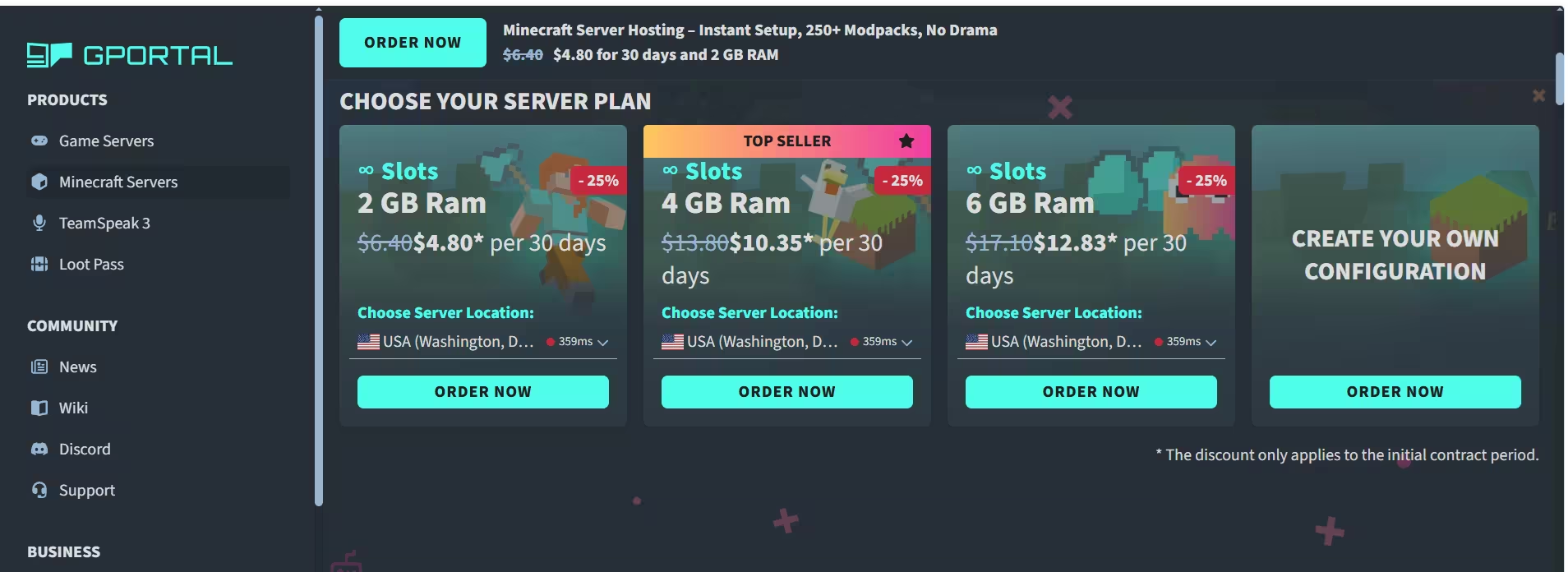
G-Portal earns its spot through geographic flexibility. The platform operates across a wide range of server locations, which matters more for modded servers than many players realize. Lag during chunk loading, automation ticks, and boss fights feels worse on modded servers than on vanilla, and placing your server close to your playerbase cuts that problem significantly.
The admin experience is intentionally simple. The panel handles everyday tasks like profile changes and server restarts without requiring you to dig through menus. Support responses on Trustpilot frequently mention assistance within minutes for common issues.
The key expectation to set: G-Portal does not center its product around a massive one-click modpack library the way Godlike.host or BisectHosting do. Some modpack workflows require more manual file handling, so you want to be comfortable with uploading and managing pack files yourself if you run anything beyond the most popular packs.
Pros:
- Wide selection of global server locations
- Low-latency routing for geographically spread playerbases
- Simple, clean admin panel for daily management tasks
- Fast support response times
Cons:
- Modpack installs may require more manual work than library-focused hosts
- Not built primarily around a large modpack ecosystem
7. Akliz: Best for Experienced Admins
Best for: Server owners who run custom modpacks, maintain long-term worlds, or need to migrate an existing modded server cleanly.
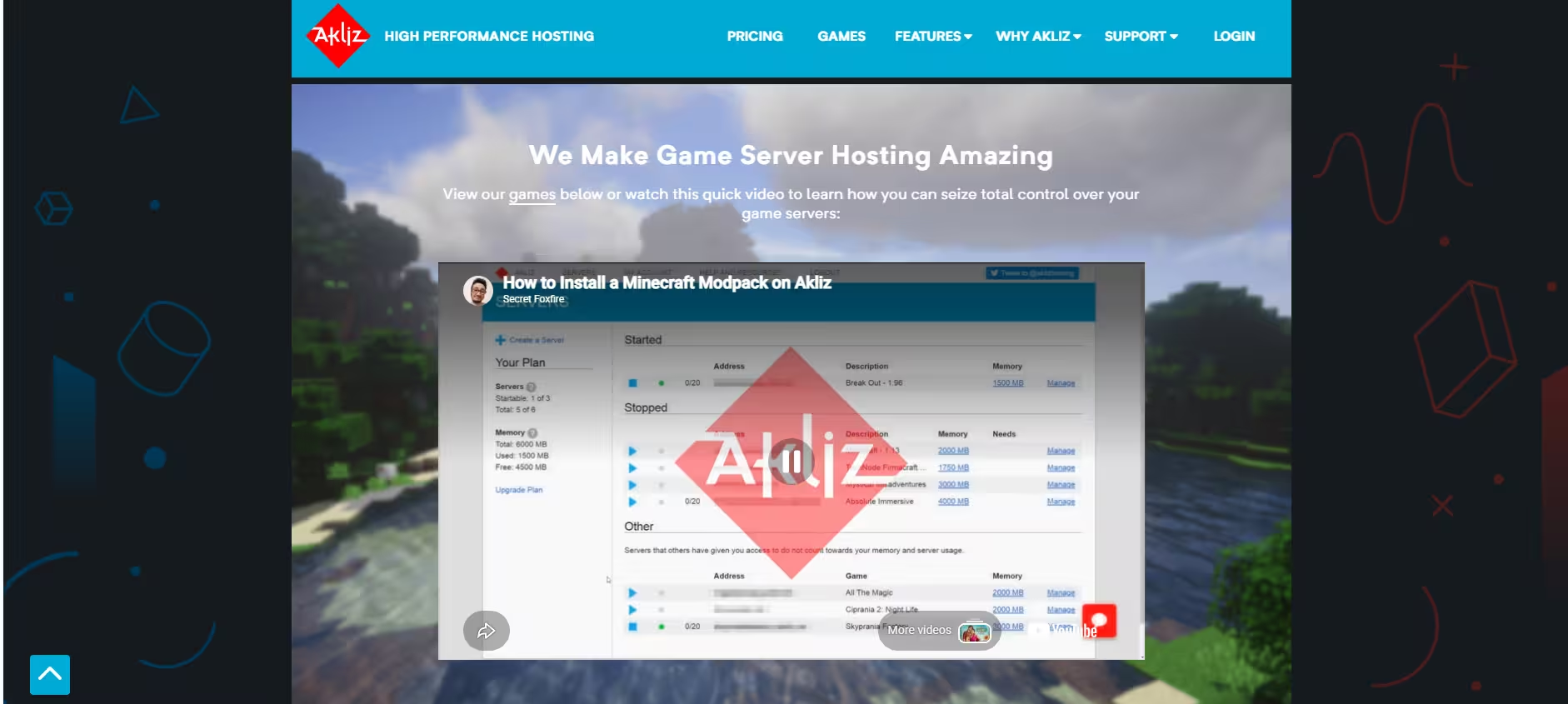
Akliz takes a different approach than beginner-focused hosts. The platform targets admins who want to get into configs, build or maintain custom modpacks, and manage their server structure without being boxed into a preset workflow. If your plan involves testing different packs, running hybrid setups, or migrating an existing world from another host with a specific file layout, Akliz handles that admin style well.
The support team receives consistent praise for hands-on help with tricky setups rather than copy-paste responses. Users on Trustpilot specifically call out migration assistance and long-running server maintenance as areas where Akliz stands out. Full file access and console tools make it practical to tune JVM settings, add server-side mods manually, and work through Forge or Fabric compatibility issues.
The trade-off is that Akliz does not offer the most guided “click and play” experience. Players who want maximum hand-holding through the setup process will find Apex Hosting or Godlike.host more comfortable.
Pros:
- Admin-friendly workflow for custom and complex setups
- Strong support for modpack migrations from other hosts
- Good for long-running, actively maintained servers
- Staff praised for hands-on, non-generic support
Cons:
- Less guided than beginner-first platforms
- Fewer pre-packaged one-click modpack options
How to Choose the Right Modded Hosting Plan
Start with RAM, not price: Most modpacks list a recommended server RAM in their CurseForge or Modrinth documentation. Use that as your floor and add 2 GB of headroom for player activity. Kitchen-sink packs and automation-heavy worlds commonly need 10 to 16 GB.
Pick a region close to your players: Distance and routing cause most of what players describe as lag on modded servers. Choose a server location that minimizes the average distance to your regular players.
Confirm SFTP and file manager access before buying: You will need to edit configs, add server-side mods, or fix files after updates at some point. Any host that restricts direct file access becomes a serious problem when something breaks.
Verify backup schedules and restore speed: A 10-second restore from the panel beats a 2-hour ticket wait when your world state needs rolling back. Ask specifically about how many backup versions the host retains and how you trigger a restore.
Plan for upgrades: Check whether upgrading RAM on your plan requires downtime or a migration to a new server. Zero-downtime upgrades are significantly better for active communities.
Frequently Asked Questions
How much RAM does a modded Minecraft server need?
Light modpacks usually need 4 to 6 GB, mid-range packs need 8 to 10 GB, and heavy automation packs may need 12 to 16 GB or more. Always check the RAM recommendation on the modpack’s CurseForge or Modrinth page.
What is the difference between Forge, Fabric, and NeoForge?
Forge, Fabric, and NeoForge are mod loaders. Forge has the largest older mod library, Fabric is lightweight and fast, and NeoForge is a newer Forge fork used by many modern modpacks. Choose the loader your modpack requires.
Can I run a modded server on Java and Bedrock at the same time?
Not directly. Java mods work with Forge, Fabric, or NeoForge, while Bedrock uses a different add-on system. Some hosts support Geyser, which lets Bedrock players join Java servers, but the mods still run on the Java side. If you encounter Minecraft Launcher issues connecting to services, those are separate account-side problems unrelated to your server host.
What causes lag on modded servers?
Common causes include low RAM, weak CPU performance, too many entities, heavy machines, excessive chunk loading, and a far-away server location. For modded servers, poor single-core CPU performance and low RAM are usually the biggest issues.
Do I need coding knowledge to run a modded server?
No. Most hosting services offer control panels, modpack installers, and file managers. You may need to edit simple config files, but you do not need to write code. If you want to understand the full manual process, the guide on how to make a Minecraft server in Java Edition explains the underlying setup steps clearly.
What is a modpack versus a mod versus a plugin?
A mod adds new content or mechanics. A modpack bundles many mods together. A plugin adds server-side features like ranks, economy, or permissions without requiring players to install mods.
Can I switch modpacks without losing my world?
Usually no. Different modpacks use different blocks, items, and world generation. Always back up your world first, then start a new world when switching to another modpack.
What should I do if my Minecraft launcher shows errors after server setup?
Server-side setup problems and launcher-side errors are separate issues. If your launcher crashes or refuses to authenticate, check these guides: Minecraft Error 0x89235107 for Gaming Services crashes, Minecraft Bedrock Failed to Start Game for Bedrock launch failures, and Feather Launcher Failed to Get Minecraft Profile for third-party launcher authentication errors.
Godlike.host takes the top spot for modded Minecraft hosting in 2026 thanks to its 18,000+ modpack library, AMD Ryzen 9950X3D performance nodes, one-click deployment, and under-one-minute support response times. BisectHosting remains the strongest choice for CurseForge and FTB-focused admins who want guided modpack management and reliable technical support. Apex Hosting works best for complete beginners who need documentation and a simple onboarding experience, while Akliz suits experienced admins who maintain custom packs and long-running worlds.
G-Portal fills the niche for groups spread across multiple regions where latency matters most. Host Havoc delivers the stability and backup fundamentals that long-term modded worlds depend on. Shockbyte provides solid entry-level value for smaller groups running lighter packs on a budget.
Every host on this list covers the core modded requirements. Your final choice comes down to how much you prioritize price, modpack library size, support quality, or geographic placement for your specific group.
Related Gaming Guides
- 5 Best Minecraft Server Hosting Services
- How to Make a Minecraft Server (Java Edition Guide)
- 10 Best Minecraft Pocket Edition Seeds to Try Right Now
Game Error Fixes

