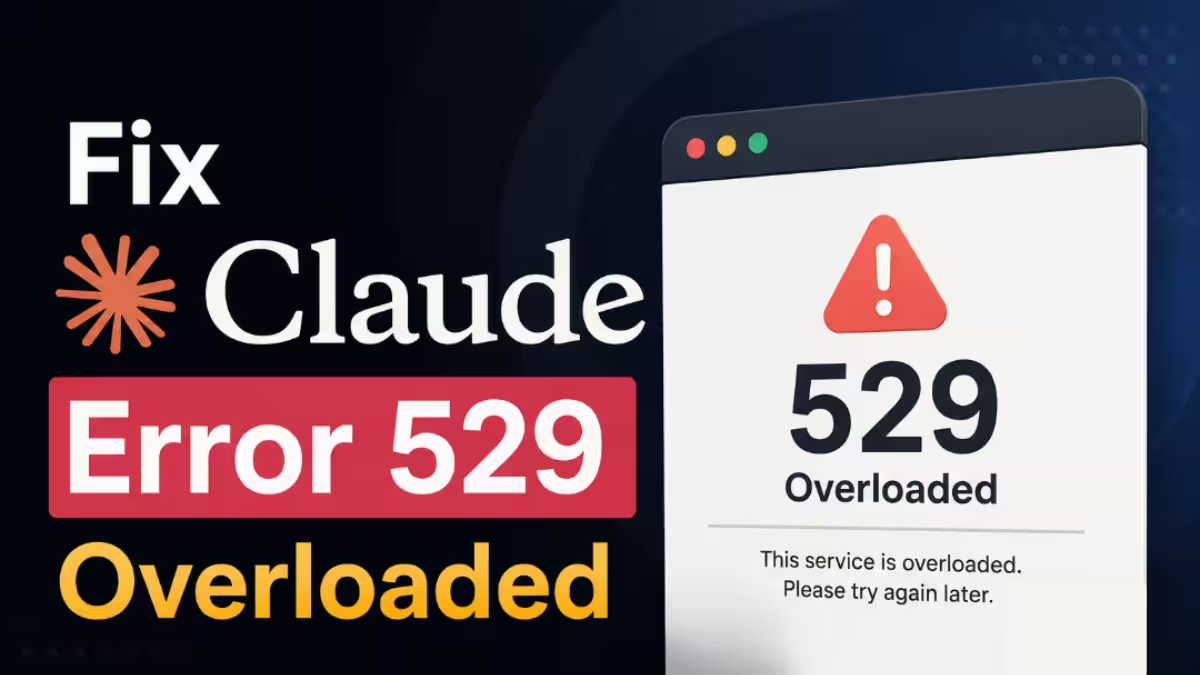
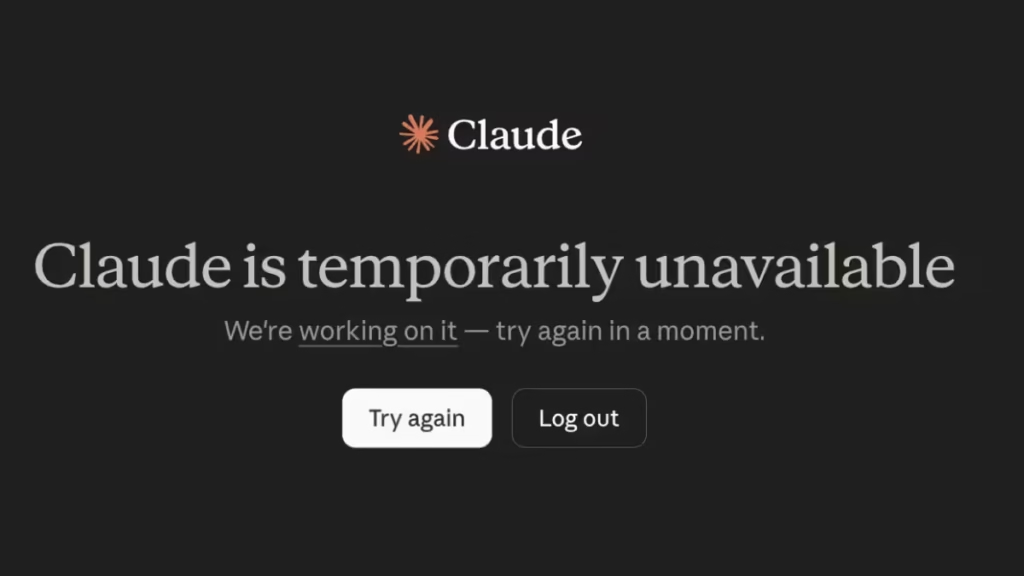
When you open Claude and see "Claude is temporarily unavailable," it stops your work cold. The error shows up in Claude.ai, Claude Code, and the Claude API, and it rarely explains what is actually wrong.
This guide shows you how to confirm whether the issue is on Claude's end or yours, what to do while the service is down, and how to get alerts so you are not caught off guard next time.
What "Claude Temporarily Unavailable" Actually Means
The error appears when Claude's servers cannot process your request. It is not a problem with your browser, your internet, or your account in most cases.
You will usually see one of these messages:
- "Claude is temporarily unavailable"
- "Service is temporarily busy"
- "API Error: 529 Authentication service is temporarily unavailable"
- "Can't reach Claude. Check your connection."
The 529 error code specifically means Claude's servers are overloaded or experiencing an outage. It is a server-side error, not a client-side one.
Step 1: Check Claude's Official Status Page
Before you try anything else, check whether the issue is on Anthropic's end.
- Open a new browser tab.
- Go to status.claude.com.
- Look at the current status for Claude.ai, the API, and Claude Code.
If the status page shows a yellow or red indicator, Claude is having a server issue. You will also see an incident description and a timeline.
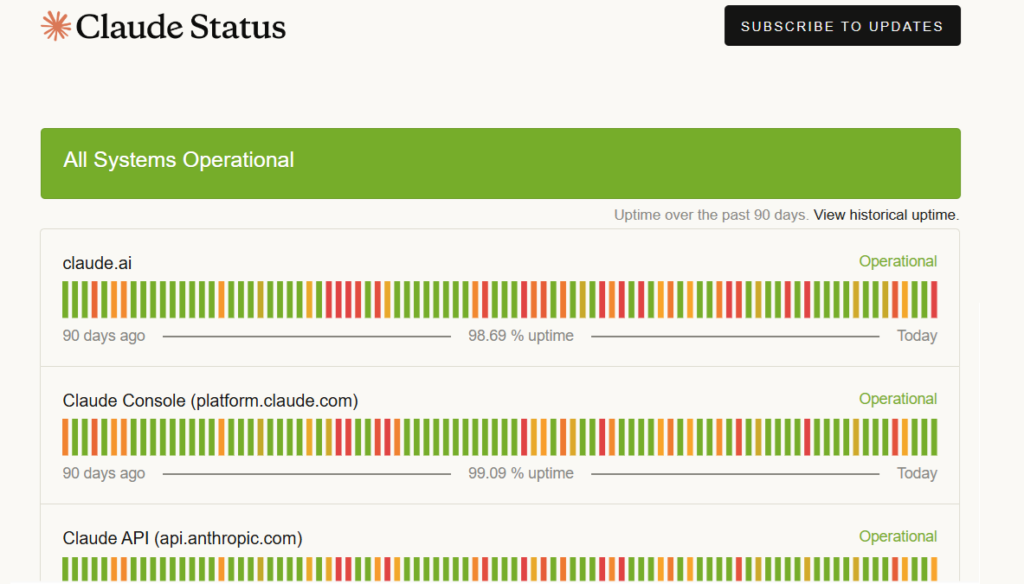
During major outages, Anthropic updates the status page every 10 to 30 minutes with progress reports.
Step 2: Rule Out Your Own Connection
If the status page shows everything is fine, the issue might be on your end. Run through these checks quickly:
- Check your internet connection: Open any other website. If pages load normally, your connection is fine.
- Try a different browser: Open Claude in Chrome, Firefox, or Edge to rule out a browser-specific issue.
- Disable browser extensions: Ad blockers and VPN extensions sometimes interfere with Claude. Disable them temporarily and reload.
- Clear your browser cache: In Chrome: press Ctrl + Shift + Delete, select "Cached images and files," and clear data. Then reload Claude.
- Try incognito mode: Open an incognito or private window and go to claude.ai. If Claude loads there, a browser extension or cached session is the cause.
- Check your VPN: If you use a VPN, try turning it off. Some VPN servers route traffic through regions where Claude is experiencing higher load.
Step 3: Try These Fixes During an Outage
If Claude's servers are the problem, your options are limited, but these steps sometimes help during partial outages:
- Wait two to five minutes and retry: Many outages are brief spikes. A short wait often resolves intermittent errors without any action from you.
- Reload the page: Press F5 or Ctrl + R to reload. During partial outages, some requests go through while others fail.
- Log out and log back in: Go to claude.ai, click your profile icon, and select Sign Out. Then sign back in. This refreshes your session token, which occasionally clears authentication-related errors.
- Shorten your prompt: During high server load, long prompts and large file uploads fail more often than short ones. If you need to test whether Claude is responding at all, try a short one-line message first.
- Switch to the Claude mobile app: If the desktop site is failing, the Claude iOS or Android app sometimes connects through a different path. Worth trying during partial outages.
- For Claude Code users: If you see the 529 error inside Claude Code, restart the terminal session. Do not log out, since logging out during an outage can lock you out of your session entirely. Run a simple command to test connectivity before starting a long task.
Step 4: Set Up Status Alerts So You Know First
Checking the status page manually every time is slow. These free tools send you an alert the moment Claude goes down:
- IsDown (isdown.app): Monitors Claude's official status page and sends email or Slack alerts when an incident starts. Free tier covers basic monitoring.
- StatusGator (statusgator.com): Similar service. Also tracks when vendors acknowledge issues later than users actually experience them, which is useful context.
- Downdetector (downdetector.com/status/claude): Shows a real-time chart of user-reported issues. Useful for confirming an outage before the status page updates.
Setting up alerts takes less than two minutes and saves you from spending 20 minutes debugging your own setup during the next outage.
What to Use While Claude Is Down
If Claude is in the middle of a major outage and you need to keep working, these are the most reliable alternatives:
| Tool | Best For |
|---|---|
| ChatGPT | General chat, writing, research |
| Gemini | Search-grounded answers, long documents |
| Cursor | AI coding if Claude Code is down |
| GitHub Copilot | In-editor code suggestions |
None of these fully replicate Claude's output quality for every task, but they keep your workflow moving during downtime.
If Claude is unavailable for more than 30 minutes, check Anthropic's status page for an estimated resolution time. Outages in 2025 and 2026 have typically resolved within one to two hours.
Have you run into this error in a specific tool like Claude Code or the API? Drop your question in the comments and we will help you troubleshoot.
FAQs
Why does Claude say temporarily unavailable?
Claude shows this error when its servers are overloaded or experiencing an outage. It is a server-side issue, not a problem with your device or connection.
How long does Claude temporarily unavailable last?
Most outages resolve within 15 to 60 minutes. Major incidents have typically cleared within one to two hours based on Anthropic's 2025 and 2026 outage history.
Does logging out fix Claude temporarily unavailable?
Logging out rarely fixes a server outage. During active incidents, logging out can actually lock you out of your session entirely, especially in Claude Code.
Is Claude temporarily unavailable the same as a 529 error?
Yes. The 529 error code and the "temporarily unavailable" message both mean Claude's servers are overloaded or down. They are the same underlying issue displayed differently.
How do I know if Claude is down for everyone?
Check status.claude.com for the official incident status. You can also visit Downdetector or IsDown to see real-time user reports from other regions.