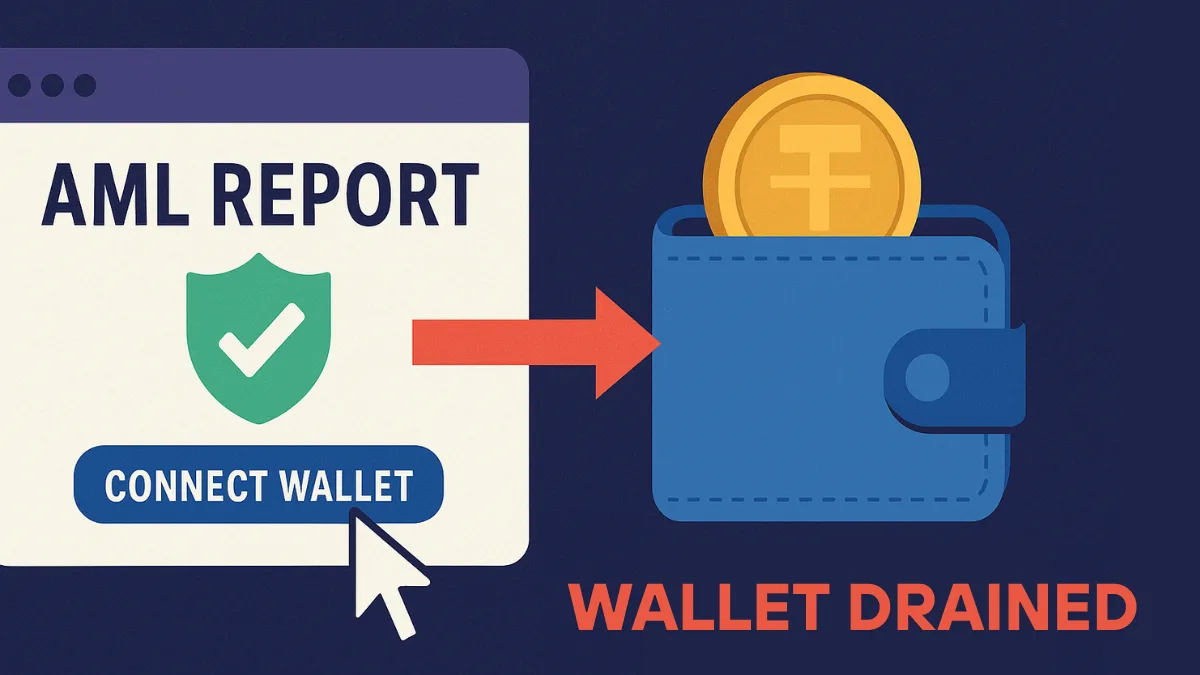
Crypto gives you full control over your money, and that control cuts both ways. A bank can reverse a fraudulent card charge. A blockchain cannot reverse a transfer. Once a thief moves your coins, they stay moved.
Most people imagine crypto theft as some genius hacker cracking encryption. Reality looks far more ordinary. Attackers trick you into handing over a seed phrase, steal a password you reused on another site, or slip malware onto your laptop through a fake app. The good news: you can block nearly all of these attacks with a handful of habits and settings.
This guide walks you through how attackers actually steal crypto, then shows you how to lock down your email, exchange accounts, devices and wallets.
Common Crypto Wallet and Exchange Security Threats
Before you fix anything, you need to know what you are defending against. Four attack types cause most personal losses.
Phishing and Fake Support
Phishing works because it targets people, not code. A scammer sends an email that looks like it came from your exchange, warns you about a "suspicious login," and pushes you to click a link. The link opens a cloned login page. You type your password and 2FA code, and the attacker uses them seconds later.
Social media phishing follows the same script. You post a complaint about a stuck withdrawal on X or in a Discord server, and within minutes a "support agent" sends you a DM. Their goal stays the same every time: get your seed phrase, your login details, or a screen share that reveals them.
Watch for these variations too:
- Fake airdrop sites promoted through paid search ads and sponsored posts, which ask you to connect your wallet to "claim" free tokens
- Lookalike domains that swap a single letter or add a hyphen, such as an extra "n" in an exchange name
- AI voice and video deepfakes that impersonate executives, influencers or even people you know
- Physical mail and fake devices sent to customers whose addresses leaked in data breaches
Malware on Your Computer or Phone
Crypto stealing malware hides inside ordinary looking downloads: a free PDF converter, a cracked game, a pirated video editor or a "wallet helper" browser extension. Once it runs, it searches your files, browser storage and even your photo gallery for passwords, seed phrases and wallet keys.
Two types deserve special attention:
- Clipboard hijackers watch for a wallet address you copy, then swap it for the attacker's address when you paste. You send funds to the thief without noticing.
- Fake browser extensions copy the name, logo and reviews of popular wallets like MetaMask or Phantom. Install one, and it captures your keys the moment you import your wallet.
Criminals now rent ready made malware kits on dark web forums, so even attackers with zero technical skill can run these campaigns. Many of these tools also slip past basic antivirus scans.
A newer trick asks you to run a command yourself. A fake CAPTCHA page tells you to press a key combination and paste some text into your Run box or terminal "to verify you are human." That pasted command installs the malware for you. No legitimate CAPTCHA ever asks you to do this.
SIM Swaps
In a SIM swap, an attacker convinces your mobile carrier to move your phone number to a SIM card they control. From that point, every SMS code meant for you lands on their phone. If your exchange or email uses SMS for two factor authentication or password resets, the attacker can take over those accounts within minutes.
Malicious Approvals and Blind Signing
DeFi apps and NFT marketplaces ask you to sign approvals that let a smart contract move tokens from your wallet. Legitimate apps need these. Wallet drainers abuse them. A fake mint page or airdrop site shows you a harmless looking request, and you unknowingly grant unlimited access to your tokens.
The danger grows when you sign without reading what the transaction does, a practice called blind signing. You approve a long hex string and trust the website to tell the truth about it. If the site or your computer is compromised, you approve exactly what the attacker wants.
Secure the Email Account Linked to Your Crypto
Start with your email, not your exchange. Every exchange sends password resets to your inbox, so whoever controls your email can eventually control your crypto.
- Set a long, unique password for your email account that you use nowhere else.
- Turn on two factor authentication with an authenticator app or hardware key, never SMS.
- Review connected apps and active sessions, and remove anything you do not recognize.
- Consider a separate email address used only for crypto services. Keep it off social media, newsletters and shopping sites so phishers have a harder time finding it.
Use Strong, Unique Passwords for Every Crypto Account
Credential stuffing remains one of the most common ways attackers break into exchange accounts. They take email and password pairs leaked from unrelated breaches and try them on every major exchange. If you reused a password, they get in.
A password manager solves this problem cleanly:
- Generate a random password of at least 16 characters for every exchange, wallet app and email account.
- Protect the password manager itself with a strong passphrase of five or more random words, plus two factor authentication.
- Let the manager autofill logins. A good manager refuses to fill your password on a lookalike domain, which quietly blocks many phishing pages.
- Check your email addresses on Have I Been Pwned every few months and change any password linked to a breach right away.
Best 2FA for Crypto: Hardware Key vs Authenticator App vs SMS
Not every form of 2FA protects you equally. Rank your options like this:
| 2FA Method | Protection Level | Main Weakness |
|---|---|---|
| Hardware security key (FIDO2, YubiKey) | Strongest | You must keep a backup key |
| Authenticator app (Google Authenticator, Microsoft Authenticator, Aegis) | Strong | Real time phishing pages can still capture codes |
| SMS codes | Weak | Fails completely to SIM swaps |
A hardware key checks the website's domain before it responds, so it simply refuses to work on a phishing site. That makes it the best choice for your email and your largest exchange account.
After you set up 2FA:
- Remove SMS as a backup option wherever the service allows it.
- Print your recovery codes and store them somewhere physical and safe. Do not save them as screenshots.
- Set a PIN or passcode on your mobile carrier account to make SIM swaps harder.
Crypto Exchange Account Security Settings You Should Enable
Most major exchanges offer extra protection that stays switched off until you enable it. Spend 20 minutes in your security settings and turn on:
- Withdrawal address allowlist: Your account can only send funds to addresses you approved in advance. New addresses usually face a waiting period of a day or two, which gives you time to spot an intruder.
- Anti-phishing code: You pick a word or phrase that appears in every genuine email from the exchange. If an email lacks your code, delete it.
- Login and withdrawal alerts: Get a notification for every login, security change and withdrawal.
- Security change cooldown: Some exchanges freeze withdrawals for 24 hours after you change your password or 2FA. Turn it on if available.
- API key limits: If you use trading bots, give each API key only the permissions it needs, never withdrawal rights, and restrict it to specific IP addresses. Delete keys you no longer use.
Also open your active sessions list once a week and log out any device you do not recognize.
Protect Your Devices From Crypto Malware
Every security layer above fails if malware runs on the device you use for crypto. Clean up your phone and computer:
- Install operating system and browser updates as soon as they arrive.
- Download software only from official websites and app stores. Skip cracked software completely on any machine that touches crypto.
- Keep browser extensions to a minimum. Install wallet extensions only through the link on the wallet's official website, and check the publisher name.
- Use a dedicated browser profile, or better, a separate device, for exchanges and wallets only.
- Run reputable anti-malware software with real time protection.
- Enable full disk encryption (BitLocker, FileVault) and a strong screen lock with auto-lock after a minute or two.
- Use a trusted paid VPN on public Wi-Fi in airports, hotels and cafes. Avoid free VPNs, since many collect and sell your data.
Before every transfer, compare the first and last several characters of the pasted address with the address you meant to copy. That simple check defeats clipboard hijackers.
Hardware Wallet vs Software Wallet: Which Is Safer?
Keep on an exchange only the amount you actively trade. An exchange balance is an IOU, and exchanges can get hacked, freeze withdrawals or collapse, as FTX customers learned the hard way.
Here is how the two wallet types compare:
| Feature | Hardware Wallet | Software Wallet |
|---|---|---|
| Internet connection | Offline | Always online |
| Malware risk | Very low, because keys never leave the device | Higher, because keys sit on your phone or computer |
| Convenience | Slower for daily use | Fast for daily use |
| Cost | Roughly $50 to $200 | Free |
| Best for | Long-term savings | Small balances and DeFi activity |
Use a hardware wallet for savings and a software wallet only for the small amount you spend or trade often.
For savings you plan to hold, use a hardware wallet such as Ledger, Trezor, Tangem or Keystone. These devices store your private keys offline and sign transactions inside the device itself, so malware on your laptop never touches the keys.
Follow these rules when you set one up:
- Buy only from the manufacturer's official store or an authorized reseller. Never buy secondhand.
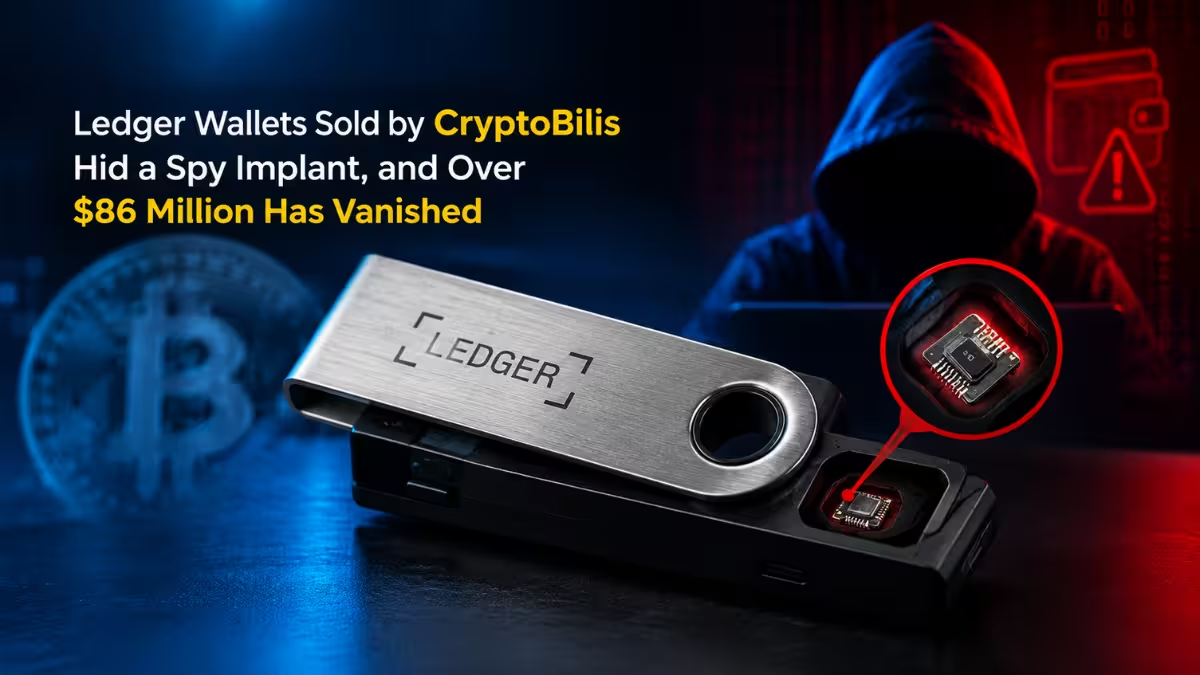
- Treat any device that arrives unrequested in the mail as a scam, no matter how official the packaging looks.
- Reject any device that comes with a seed phrase already printed or filled in. A genuine wallet generates a fresh phrase during setup.
- Pick a random PIN, not a birthday or simple pattern.
- Update firmware only through the official companion app.
- Read every transaction on the device's own screen before you approve it. Choose wallets and apps that support clear signing, which shows what the transaction actually does in plain language.
How to Store Your Seed Phrase Safely
Your 12 or 24 word seed phrase controls every account in that wallet. Anyone who reads it owns your crypto, and nobody can undo the theft.
- Write it on paper or stamp it into a steel backup plate.
- Never type it into a website, chat, form or app. Never photograph it. Never store it in cloud notes, email or a password manager.
- Store the backup in a secure physical location, such as a fireproof home safe, away from guests and housemates.
- Test your backup: send a small amount to the wallet, reset the device, restore from your phrase and confirm access before you move larger sums.
- Consider adding a passphrase (sometimes called a 25th word). It creates a hidden set of accounts that stay safe even if someone finds your written seed phrase.
- For large holdings, look into multi-signature wallets or Shamir backups, which split control across several keys or locations so no single loss empties your funds.
Remember one rule without exceptions: no real exchange, wallet company or support agent ever needs your seed phrase. Any request for it is an attack.
How to Avoid Wallet Drainers and Malicious Approvals
If you use DeFi or NFTs, add a few habits that limit the damage of a bad signature:
- Split your wallets. Use a cold wallet for savings, a separate hot wallet with a small balance for DeFi, and an exchange account only for trading. A drainer can only empty the wallet you connected.
- Simulate before you sign. Wallets like Rabby and add-ons like Pocket Universe preview what a transaction will move before you approve it.
- Revoke old approvals. Approvals stay active until you cancel them, even for apps you used once years ago. Check your addresses with Revoke.cash or a block explorer's token approval checker every few months and cancel anything you no longer need.
- Ignore free money. Treat every unexpected airdrop, mint invite or token sitting in your wallet as bait. Never interact with tokens you did not buy.
How to Spot Crypto Phishing Scams
Keep these red flags in mind and pause whenever you see one:
- The message pushes urgency: "Your account will close in 24 hours."
- Someone contacts you first offering help, especially through DMs.
- A link points to a domain that looks almost right but not quite.
- A page asks for your seed phrase, private key or a "wallet sync."
- Someone asks you to share your screen or install remote access software.
- A website tells you to paste a command into your terminal or Run box.
- An email from your exchange lacks your anti-phishing code.
Bookmark the official sites of your exchanges and wallets, and only open them through those bookmarks. Do not click exchange links from search ads, emails or social posts.
What to Do If Your Crypto Wallet or Exchange Account Is Hacked
Speed matters. Attackers often run automated scripts that empty compromised wallets within minutes.
If someone breaks into your exchange account:
- Log in through your bookmark, change your password and log out every other session.
- Delete all API keys.
- Reset your 2FA so old codes stop working.
- Remove any withdrawal addresses you did not add.
- Contact the exchange's official support through its website and ask it to freeze withdrawals.
- Scan your devices for malware before you log in again.
If your seed phrase leaks:
- Set up a new wallet with a fresh seed phrase on a clean device.
- Move every remaining asset to the new wallet immediately.
- Revoke token approvals on the old address.
- Never use the old seed phrase again.
Report the theft to your exchange and local cybercrime authorities. Ignore anyone who promises to "recover" stolen crypto for an upfront fee. Recovery scams target victims right after a loss.
Crypto Wallet Security Checklist
Work through this list once, then review it every three months:
Attackers rarely beat crypto's math. They beat people in a hurry. When you protect your email, drop SMS codes, enable your exchange's built-in protections, keep your keys offline and read every signature, you close the routes behind most real-world thefts. The phishing emails and fake support DMs will keep coming, but with these defenses in place, they become noise instead of a threat.
Frequently Asked Questions
What is the safest way to store crypto?
A hardware wallet gives you the strongest protection for long-term holdings. It keeps your private keys offline, and you back up the seed phrase on paper or steel in a secure physical location.
Is SMS 2FA safe for crypto exchanges?
No. Attackers use SIM swaps to redirect your text messages and take over your accounts. Switch to an authenticator app or a hardware security key instead.
Do I need a VPN for crypto?
A VPN helps on public Wi-Fi because it encrypts your traffic. It does not stop phishing or malware, so treat it as an extra layer, not a replacement for 2FA and a hardware wallet.
Can I recover stolen crypto?
Rarely. Blockchain transfers cannot be reversed, so act fast: secure your accounts, report the theft to the exchange and law enforcement, and ignore anyone who offers paid recovery services.
Is a hardware wallet worth it?
Yes, if you hold more than you can afford to lose. The device costs far less than most losses, and it blocks the malware attacks that drain software wallets.
Related Guides
- How to Keep Crypto Safe: Complete Wallet and Exchange Security Guide
- Ledger Wallets Sold by CryptoBilis Hid a Spy Implant, and Over $86 Million Has Vanished
- Crypto AML Scam Draining Wallets Explained: How to Avoid P2P Trading Frauds
- Binance P2P Scam Explained: Flash USDT, AML Bots & How Victims Are Losing Crypto
- Is Hotel Wi-Fi Safe? What Your IP Reveals on Public Networks
This article provides general security guidance and does not offer financial advice.