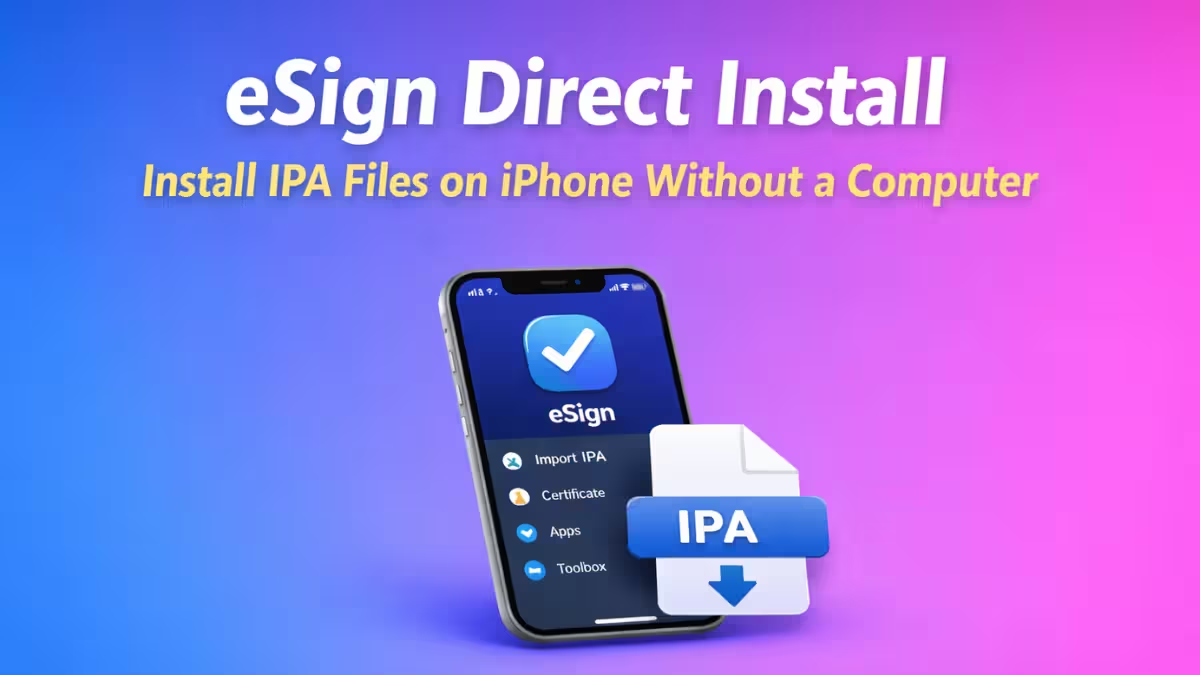
Installing IPA files on iPhone no longer requires a PC, Mac, or jailbreak. With eSign direct install, users can sign and install apps directly on their iPhone or iPad using Safari and on-device tools. This guide explains how the method works, what you need, the DNS install alternative, and what risks to understand before using it.
What Is eSign Direct Install?
eSign direct install is an on-device IPA signing method. It allows users to install unsigned apps by:
- Installing eSign through a configuration profile
- Trusting a temporary developer certificate
- Signing IPA files locally on the iPhone or iPad
This approach removes the need for a desktop computer and works on modern iOS versions. The current stable version is eSign v5.0.2.
What You Need Before Installing
Before starting, make sure you have:
- An iPhone or iPad running a recent iOS version
- Safari browser (required for profile installation)
- Internet connection
- IPA files saved in the Files app
No PC, Mac, or jailbreak is required.
How eSign Direct Install Works
The process relies on enterprise-style certificates and on-device signing:
- A signed eSign build installs through Safari
- iOS asks you to trust the developer profile
- eSign imports a certificate file (P12)
- eSign signs IPA files locally
- iOS installs the signed app on the home screen
This entire workflow runs directly on the device.
Method 1: Install eSign via Profile (Standard)
Step 1: Install the eSign Profile
- Open Safari
- Visit a trusted eSign distribution page
- Tap Install
- Go to Settings → General → VPN & Device Management
- Install the downloaded profile
Step 2: Trust the Developer
- Open Settings → General → VPN & Device Management
- Under Developer App, tap the eSign developer
- Tap Trust and confirm
Step 3: Open eSign
- Launch eSign from the home screen
- The app should open without crashing
Method 2: Install eSign via DNS Profile (Alternative)
The DNS method adds an anti-revocation layer alongside the standard profile install. Use this if your standard certificate revokes frequently.
Step 1: Remove Existing Profiles
- Open Settings → General → VPN & Device Management
- Remove any existing DNS profiles and enterprise apps
- Delete any previous eSign installs for a clean start
Step 2: Install the DNS Profile
- Open Safari and visit the eSign DNS distribution page
- Tap the DNS option
- Download the profile
- Go to Settings → tap Profile Downloaded → tap Install
Step 3: Install eSign Through the DNS Source
- From the DNS page, tap the eSign option
- Select a valid certificate entry (look for a green tick indicator)
- Tap Install then Open, then Install again
Step 4: Trust the Profile
- Open Settings → General → VPN & Device Management
- Open the installed profile
- Tap Trust → Allow
- Restart the device
The DNS profile routes certificate validation through an alternate path, which can reduce revoke frequency on shared certificates.
Import a Certificate in eSign
To sign IPA files, eSign needs a certificate.
- Download the provided P12 certificate file
- Open eSign
- Tap the menu (three dots) → Import
- Select the P12 file
- Enter the certificate password
- Import it into certificate management
Once imported, eSign becomes ready for app signing.
How to Install IPA Files Using eSign
- Open eSign
- Tap Import
- Select the IPA file from Files
- Go to the Apps tab
- Tap the app → Sign
- Tap Install
- Wait for the app icon to appear on the home screen
The app installs like a normal iOS app.
Certificate Types: Free vs Paid
The type of certificate you use directly affects how long your signed apps stay working.
| Certificate Type | Duration | Revoke Risk |
|---|---|---|
| Free / shared | Around 7 days | High (shared with many users) |
| Private paid | Up to 1 year | Low |
| Apple Developer (personal) | 1 year | Very low |
Free certificates revoke faster because many users share the same certificate. When Apple detects high-volume distribution, it revokes the certificate and all apps signed with it stop working. A paid or personal developer certificate avoids this.
Risks and Warnings Before Using eSign Direct Install
eSign direct install is not permanent.
- Free certificates can be revoked anytime
- Shared certificates revoke faster than private ones
- DNS-based installs may affect network behavior
- Banking and payment apps may not work correctly
This method suits temporary or testing use, not long-term stability.
Troubleshooting eSign Direct Install
1. eSign App Crashes on Launch
This happens when Apple revokes the certificate used to install eSign itself. The fix is to reinstall eSign using a fresh signed build from a new certificate source. Deleting the old profile from Settings → General → VPN & Device Management before reinstalling helps avoid conflicts.
2. “App Integrity Could Not Be Verified” Error
This error means the certificate attached to the app has expired or been revoked. Re-sign the IPA inside eSign using a valid active certificate and reinstall it.
3. “Unable to Install” Error
Three common causes:
- The iOS version is not supported by the IPA
- The certificate is invalid or expired
- The IPA file is corrupted
Check the IPA source, confirm your iOS version matches the app’s requirements, and try re-importing the IPA.
4. Signed Apps Stop Working After a Few Days
This is a certificate revocation. Free shared certificates typically last around 7 days before Apple revokes them. Switch to a private paid certificate or re-sign with a fresh certificate to restore access.
5. eSign Crashes During Signing
Clear the app cache by going into eSign settings and tapping Clear Cache. Restart the app, confirm the certificate is still valid, and try signing again. Large IPA files over 1 GB may take significantly longer on older devices.
6. “eSign No Longer Available” After iOS Update
iOS updates sometimes invalidate existing profiles. Delete the current eSign profile and app, then reinstall from a current distribution source that supports your updated iOS version.
7. Apps Crash Immediately After Opening
The signed app’s certificate was likely revoked between install and launch. Re-sign the IPA with an active unrevoked certificate and reinstall.
Is eSign Direct Install Safe?
eSign itself works as designed, but the certificate source matters. Use this method only if:
- You understand certificate revokes
- You avoid sensitive apps like banking or payment apps
- You accept temporary access
For long-term reliability, a paid developer account offers better stability.
Frequently Asked Questions
What is eSign direct install?
eSign direct install is a method that lets you install IPA files on iPhone or iPad without using a computer. It works by installing the eSign app through Safari, trusting a developer profile, and signing IPA files directly on the device.
Is eSign direct install safe to use?
eSign direct install works safely if you understand the risks. Free enterprise certificates can be revoked anytime. Avoid using this method for banking or sensitive apps because certificate-based installs may stop working without warning.
Does eSign direct install require a jailbreak?
No. eSign direct install does not require jailbreak. It uses enterprise-style certificates and on-device signing instead of system modification.
Can I use eSign direct install without a PC or Mac?
Yes. eSign direct install works completely without a PC or Mac. You only need Safari, internet access, and the IPA file stored on your device.
Why does eSign direct install stop working?
eSign direct install stops working when Apple revokes the certificate used to sign the app. When this happens, the app may crash on launch. You must reinstall eSign using a new signed build.
How long does eSign direct install last before revoke?
Free certificates typically last around 7 days. Private paid certificates can last up to 1 year. Shared public certificates revoke faster than private or paid ones.
Do I need to trust the developer after eSign direct install?
Yes. After installing eSign, go to Settings → General → VPN & Device Management and trust the developer profile. Without this step, the app will not open.
Can I update apps installed through eSign direct install?
No automatic updates exist. You must re-import the updated IPA file into eSign and reinstall it manually.
What is the difference between eSign direct install and AltStore?
eSign direct install works without a computer but relies on enterprise certificates. AltStore requires a PC for setup but offers more stability through Apple ID signing.
Is eSign direct install permanent?
No. eSign direct install is temporary when you use free certificates. For long-term stability, you need a paid Apple Developer account.
What is the difference between free and paid certificates in eSign?
Free certificates last around 7 days and are shared among many users, making them prone to fast revocation. Paid or personal developer certificates last up to 1 year and offer much better stability.
What does the DNS method do differently from the standard install?
The DNS method routes certificate validation through an alternate DNS path, which can slow down revoke detection. It does not eliminate revokes but can extend how long signed apps stay working compared to a raw shared certificate.
Why does my app show “App Integrity Could Not Be Verified”?
The certificate used to sign the app has expired or been revoked. Re-sign the IPA inside eSign with a valid active certificate and reinstall the app.
Can I install multiple IPA files using one certificate?
Yes. One imported certificate can sign multiple IPA files. All apps signed with the same certificate stop working at the same time if that certificate gets revoked.
What is a P12 certificate file?
A P12 file is a package that contains a signing certificate and its private key. eSign uses P12 files to authenticate and sign IPA files so iOS will accept them for installation.
Why does eSign itself crash after an iOS update?
iOS updates can invalidate existing enterprise profiles. Delete the old eSign profile and app from your device, then reinstall from a distribution source that supports your updated iOS version.
Can I use my personal Apple Developer account with eSign?
Yes. You can import a P12 certificate exported from your personal Apple Developer account. This gives you a stable 1-year certificate that only you control.
What should I do if eSign crashes during signing?
Clear the eSign app cache from its settings, restart the app, and confirm your certificate is still valid. If the issue continues, delete and reinstall eSign from a fresh signed build.
How do I know if my certificate has been revoked?
Signed apps will crash on launch or show a trust error when their certificate is revoked. You can also check by going to Settings → General → VPN & Device Management and seeing if the certificate still appears as trusted.
Is there a limit to how many apps I can install with eSign using a free certificate?
Free shared certificates are typically capped at 3 app installs. Paid or enterprise certificates remove this limit.
eSign direct install makes IPA installation simple and computer-free. It works well for quick testing, mod apps, and short-term use. Certificate revokes remain unavoidable with free methods, but switching to a paid or personal developer certificate resolves most stability issues.
If you need zero PC setup, eSign direct install handles the job. If you need long-term stability, choose a paid signing certificate or an official signing method.
Read More:
- FaceTime Audio Not Working on iPhone? 7 Fixes That Actually Help
- iPhone GPS Not Working? 10 Fixes That Actually Work
- iPhone Texts Not Sending? 13 Fixes That Actually Work
- What Is “Indexing in Progress” on iPhone After iOS 27 Update and How Long Does It Last
- iPhone Charging Port Not Working? 10 Fixes to Try

