Microsoft has pushed LG to disable a McAfee pop-up that appeared on Windows 11 PCs after users connected certain LG monitors. The pop-up came from the LG Monitor App Installer, a companion tool that Windows Update delivered alongside standard display drivers.
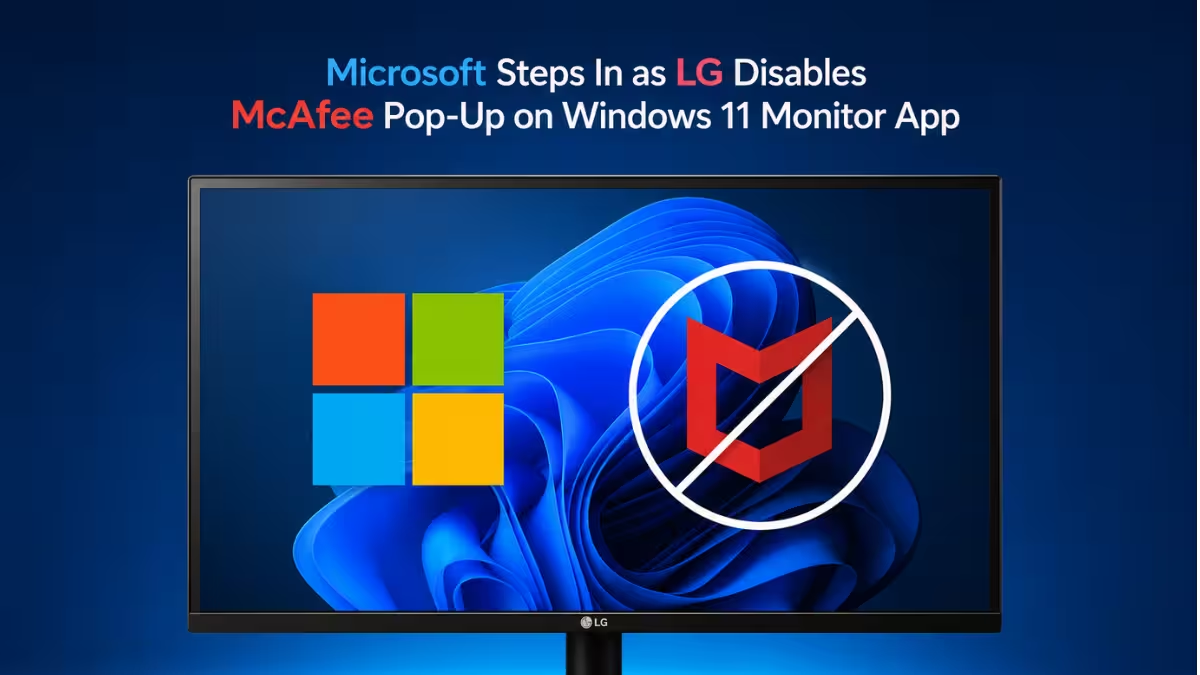
Windows 11 users noticed that connecting select LG monitors installed extra software they never explicitly approved. Along with monitor management features, the installer began showing pop-up ads for McAfee antivirus and LG's own streaming service. Many users reported the app appeared without a clear consent prompt, which made the pop-ups feel intrusive rather than optional.
Reports spread across Reddit and social media over several days. The volume of complaints grew large enough to reach Windows chief Pavan Davuluri, who publicly confirmed on X that Microsoft had raised the issue with LG and that LG committed to turning off the pop-up.
Why Microsoft Rarely Steps In on Hardware Partner Issues
Microsoft rarely comments publicly on decisions made by its hardware partners. PC manufacturers routinely preload antivirus trials, cloud storage promotions, and other bundled software, and Microsoft has generally allowed OEMs to make those calls independently.
This case differed because the companion app reached users through the Windows Update pipeline itself, not through pre-installed manufacturer software on a new PC. A monitor is a peripheral, not a full system purchase, so many users did not expect connecting one to trigger third-party advertising through Windows' own update mechanism. That distinction appears to be what pushed Microsoft to intervene directly instead of leaving the matter to LG alone.
LG's Response to the McAfee Pop-Up Complaints
LG did not stay silent through the backlash. LG's position is that no user ends up with McAfee on their system unless they actively choose to install it. Several affected users dispute this, saying the pop-up showed up on their desktop without them clicking any install button, and a few described the app landing on their PC with no prompt at all. That gap between LG's account and what users actually experienced remains one of the unresolved parts of the story.
What the Windows 11 Fix Actually Changes
Microsoft's intervention addresses the pop-up itself. It does not change how the LG Monitor App Installer reaches user devices through Windows Update in the first place. The installer can still arrive alongside driver updates when an LG monitor is connected.
This leaves a few open questions. It is unclear whether Microsoft will review how companion apps get distributed through the driver update system more broadly, and whether other hardware manufacturers bundling similar promotional software will face the same scrutiny.
How to Check Your PC for the LG Monitor App Installer
For everyday users, the fix means the McAfee pop-up should no longer appear when connecting affected LG monitors. It does not necessarily mean the underlying installer process has changed. Anyone who already has the LG Monitor App Installer on their system can still check installed apps through Settings > Apps > Installed apps and remove any companion software they did not intend to install.
Beyond this one fix, the bigger takeaway is how Microsoft chose to handle it. Microsoft's willingness to publicly pressure a hardware partner marks a shift from its usual approach of letting OEMs manage their own bundled software. Whether this becomes a broader policy change or stays a one-time response to a loud complaint cycle will likely depend on how future hardware companion apps behave on Windows 11.