Nintendo Switch error code 2168-0002 stops your session without warning and gives you no clear reason why it happened. It appears on Nintendo Switch 2, Nintendo Switch, Nintendo Switch Lite, and Nintendo Switch OLED Model during normal gameplay or when you attempt a system transfer from Nintendo Switch to Nintendo Switch 2.
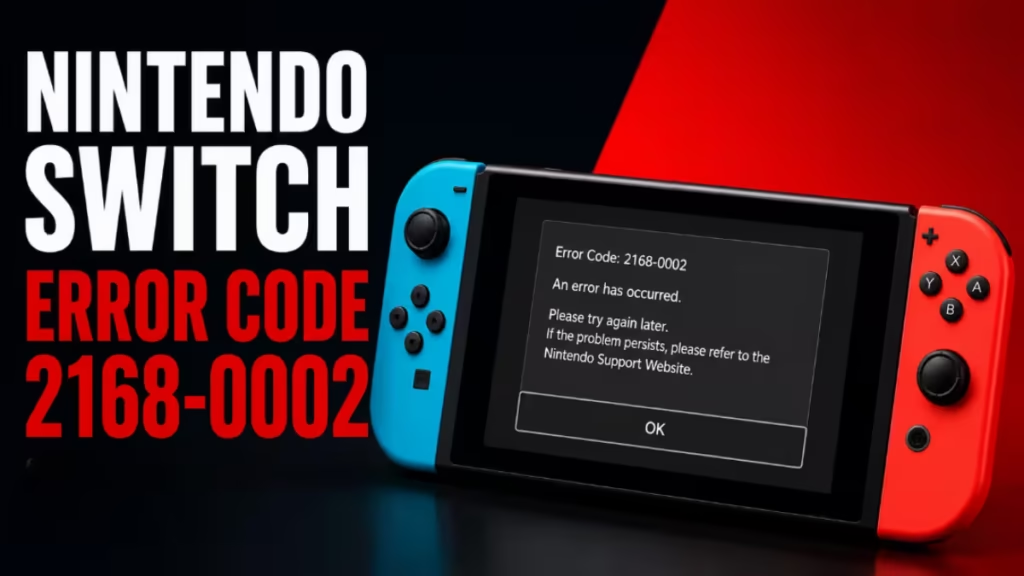
The fix depends on which situation triggered the error. A general restart works for most cases, but the system transfer scenario has its own set of steps that most guides miss entirely. This guide covers both paths so you can resolve error 2168-0002 and get back to playing fast.
What Is Nintendo Switch Error Code 2168-0002?
Error 2168-0002 is a system-level error. Nintendo’s support documentation ties it to two specific situations:
- Normal console use (gameplay or system navigation)
- A system transfer attempt from Nintendo Switch to Nintendo Switch 2
Both situations have different resolution paths, so identify which one applies to you before following the steps below.
Fix 1: Restart Your Console
A clean restart clears most temporary system errors. Follow the steps for your console below.
Restart Nintendo Switch 2
- Press and hold the POWER Button for at least three seconds.
- Select Power Options.
- Select Restart.
Restart Nintendo Switch (Original, Lite, or OLED)
- Press and hold the POWER Button for at least three seconds.
- Select Power Options.
- Select Restart.
Console Not Responding?
If your console freezes and does not respond, force-shut it down by holding the POWER Button for 12 seconds. The console will shut down completely. Press the POWER Button again to turn it back on.
Fix 2: Install the Latest System Update
Outdated system software causes many Nintendo Switch game error fixes. After restarting, check whether your console needs a firmware update.
Steps to update your Nintendo Switch or Nintendo Switch 2:
- Select System Settings on the HOME Menu.
- Scroll to the bottom of the menu and select System.
- Select System Update.
- The console checks for an available update and installs it automatically.
Keep your console connected to the internet throughout the update. Once the update finishes, test your console to confirm error 2168-0002 no longer appears.
Fix 3: Error During a System Transfer
If error 2168-0002 appears during a system transfer from Nintendo Switch to Nintendo Switch 2, follow these steps instead of the general fixes above.
Step 1: Stop the transfer
Cancel the process if you are able to. If the console is unresponsive, restart it by holding the POWER Button for 12 seconds to force a shutdown, then power it back on.
Step 2: Set up your Nintendo Switch 2 without the transfer
Proceed through the Nintendo Switch 2 setup process without performing the system transfer. Once setup is complete and you sign in to your Nintendo Account, you can manually transfer your save data.
Still want to transfer your data?
Follow these steps to retry the transfer successfully:
- Cancel the transfer and restart it from the beginning.
- On your source Nintendo Switch console, hold the Left Control Stick and both the + and – Buttons at the same time for approximately three seconds. This cancels the transfer and returns you to the HOME Menu.
- Restart the system transfer.
- When prompted, select Do not transfer Albums.
Important: Including album data in the transfer causes the error to reoccur. Excluding albums allows the transfer to complete. You can move album content manually after the transfer finishes.
Still Getting Nintendo Switch Error Code 2168-0002?
If the error keeps coming back after you restart, update your system, and follow the transfer steps above, your console needs professional assessment. Nintendo offers a quick online service request process to handle this without long wait times.
Visit Nintendo’s official support page, select your device, and submit a service request. Nintendo will guide you through the next steps from there.

