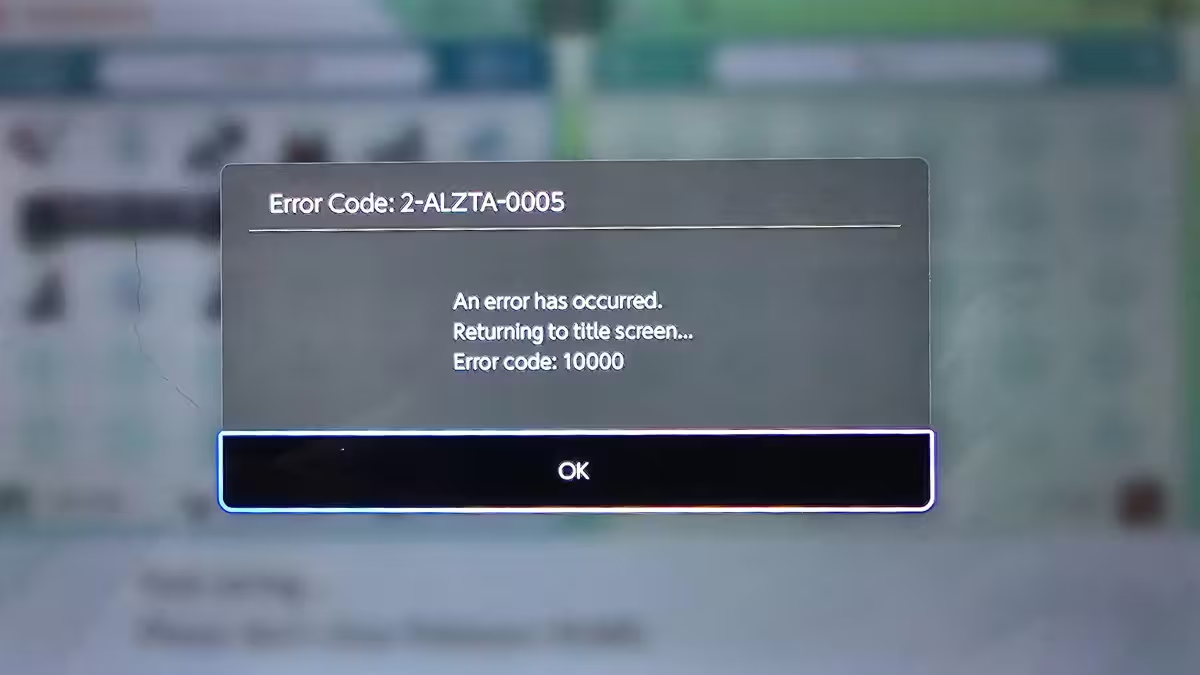
Pokémon Center Error 20 appears as a TCP connection timeout when the site's security system fails to reach its backend servers. This error shows up most often during high-demand events like Pokémon TCG restocks, Elite Trainer Box launches, and limited-edition preorders. It does not mean your account is banned, and in most cases it resolves on its own once server load drops.
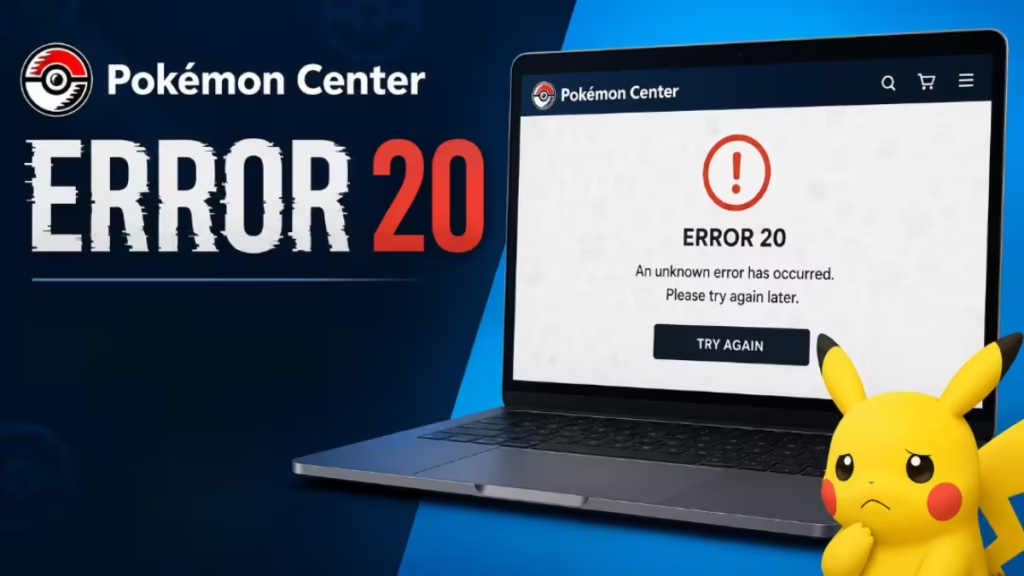
This guide explains what causes Error 20 and walks you through every fix worth trying.
What Is Pokémon Center Error 20?
Error 20 signals a TCP connection timeout between Pokémon Center's security infrastructure and its backend servers. When the server does not respond within the expected time limit, the connection times out and the error appears on your screen.
This is a server-side connectivity problem, not a permanent account restriction. Unlike Error 15, which indicates an access denial or a ban, Error 20 usually points to temporary overload or a network routing issue.
What Causes Pokémon Center Error 20?
The error has more than one cause, and the fix depends on which one applies to you.
Heavy server traffic: During major product drops, thousands of users enter the queue simultaneously. Servers must handle queue updates, inventory checks, payment processing, and session management all at once. When that load becomes too high, connection timeouts occur.
Checkout congestion: Server demand peaks when large groups of users reach checkout at the same time. The system must verify inventory, process payments, update stock, and manage sessions in parallel. If it gets overwhelmed at this stage, Error 20 appears.
Queue session conflicts: Refreshing the page repeatedly, opening multiple tabs, or switching devices mid-queue can break your session and trigger connection errors.
VPN interference: VPNs can create routing delays and latency problems that push connection times past the server's threshold.
Local network or browser issues: A weak Wi-Fi connection, corrupted session cookies, or a misconfigured browser can also produce this error even when Pokémon Center's servers are running normally.
How to Fix Pokémon Center Error 20
Work through these fixes in order. Start with the quickest checks before making any major changes.
1. Wait and Retry
If the error appears during a major restock or preorder launch, server overload is the most likely cause. Wait 5 to 15 minutes before trying again. During very large drops, the wait may stretch to 30 to 60 minutes.
Do not refresh the page repeatedly while waiting. The queue system updates automatically, and constant refreshing increases server load, risks triggering anti-bot protections, and can reset your queue position entirely.
2. Check Whether Pokémon Center Is Down
Before troubleshooting your own setup, confirm whether the issue is widespread.
- Visit Downdetector and search for Pokémon Center
- Check the official Pokémon Twitter/X account for service announcements
- Browse recent threads on r/PokemonTCG or r/pokemoncenter on Reddit
If many users report the same error at the same time, the fix is simply to wait for Pokémon Center's engineering team to restore service.
3. Disable Your VPN
If you use a VPN, disable it before loading Pokémon Center. VPNs can cause routing delays and latency problems that push your connection past the server's timeout threshold. Pokémon Center's official guidance also advises against VPN use during high-demand sales, as the system can flag VPN traffic as suspicious behavior.
Disconnect from the VPN, clear your browser cache, and reload the site.
4. Clear Browser Cookies and Cache
Corrupted session data from a previous visit can interfere with the connection. Clearing your cookies and cache forces the browser to establish a clean session.
In Chrome:
- Press
Ctrl + Shift + Delete(Windows) orCmd + Shift + Delete(Mac) - Set the time range to All time
- Check Cookies and other site data and Cached images and files
- Click Clear data
- Reload Pokémon Center and try again
In Firefox:
- Press
Ctrl + Shift + Delete(Windows) orCmd + Shift + Delete(Mac) - Select Everything for the time range
- Check Cookies and Cache
- Click Clear Now
5. Switch to a Wired Connection
Wi-Fi drops and connection interruptions can look like bot behavior to Pokémon Center's security system. If possible, connect your device directly to your router using an Ethernet cable. A wired connection is more stable and reduces the chance of a timeout mid-queue.
If you are on a mobile device, be aware that your phone can quietly refresh the page when you switch apps. This resets your queue position. Stay on a desktop if you can.
6. Try a Different Browser
If the error persists after clearing cache, switch browsers. Open Pokémon Center in a standard browser window without Incognito or Private mode. The site requires cookie access to maintain your session and queue position. Incognito mode blocks persistent cookies and can trigger errors.
Avoid browser extensions that modify headers or block scripts. Disable ad blockers and privacy extensions before loading the site.
7. Switch Networks
If your current network is the source of the issue, switching connections can help. Try connecting through a mobile hotspot instead of your home Wi-Fi. This changes your IP address and network path, which can resolve routing problems causing the timeout.
Do not use a VPN as a substitute network. Stick to a direct mobile hotspot connection.
8. Navigate the Site Slowly
If you get past the queue and land on the store during a busy drop, move slowly. Pokémon Center interprets fast navigation as bot behavior.
- Click through pages at a pace of 3 to 5 seconds per click
- Do not use autofill for payment or address fields. Type everything manually and deliberately
- Start from the homepage, not a direct product URL
- Complete everything in a single transaction. Do not go back to add more items after checkout
If a CAPTCHA appears, complete it at a normal, unhurried pace.
How Long Does Pokémon Center Error 20 Last?
The duration depends on the underlying cause:
| Cause | Typical Duration |
|---|---|
| Heavy traffic during a drop | 5 to 60 minutes |
| Queue congestion | Can last several hours during major restocks |
| Scheduled maintenance | Until engineers restore service |
| Local network or browser issue | Resolves immediately after troubleshooting |
Because Error 20 is almost always temporary, waiting and retrying later is often the most effective approach.
Error 20 vs. Other Pokémon Center Errors
Error 17 means Pokémon Center has flagged your account as a bot and blocked you from purchasing during the current sale. To attempt a fix, log out, clear your cache, and try again with a different payment method and email address. This does not always work.
Error 15 is an access denial. It typically indicates a security block related to VPN usage, suspicious activity, or IP reputation issues. Error 15 is more serious than Error 20 and may require contacting Pokémon Center Support.
Error 20 is a TCP connection timeout. It is not a ban or an access restriction. It means the server could not respond in time.
Frequently Asked Questions
Does Error 20 mean I am banned?
No. Error 20 is a connectivity timeout, not an account ban. If you were banned, you would see Error 15 or an explicit access denied message.
Can clearing cookies fix Error 20?
Sometimes. If corrupted session data is the cause, clearing cookies restores a clean connection. If the cause is server overload, you need to wait for traffic to drop.
Does Error 20 make me lose my queue position?
It depends. If you refresh the page after seeing the error, you may lose your spot. Let the page sit and wait for it to recover automatically if possible.
Why does Pokémon Center keep giving me errors?
Repeated errors often point to one of three things: you are shopping during an extremely high-traffic event, your browser or network configuration conflicts with the site's security system, or a VPN is interfering with your connection.
Can I bypass the Pokémon Center queue?
No. There is no legitimate method to skip the queue. The system exists to distribute access fairly and prevent bots from buying out inventory before real customers.
Contact Pokémon Center Support
If none of the steps above resolve the error, contact Pokémon Center Support directly. Provide your order details, a screenshot of the error, and your approximate queue entry time. Support can check whether a broader technical issue is affecting your account or region.
Visit the official support page: support.pokemon.com