Sam’s Club Error 429 appears when the server blocks your connection for sending too many requests in a short time. This happens most often during high-demand product drops, flash sales, and peak shopping hours. The site treats rapid clicks, repeated refreshes, or automated behavior as bot activity and cuts off your session.
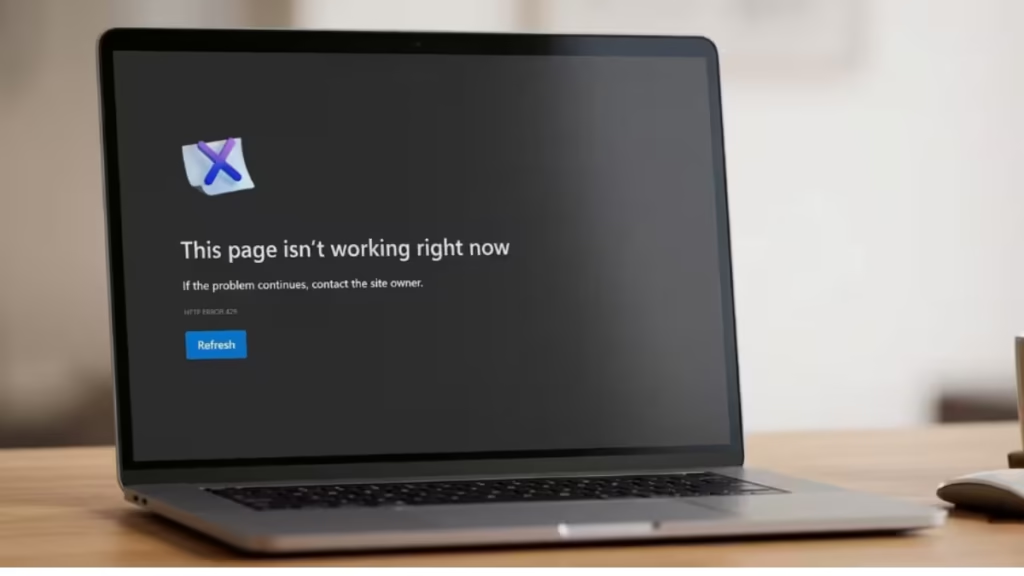
This guide covers every working fix to get you back in and checking out.
What Causes Sam’s Club Error 429
The 429 status code means “Too Many Requests.” Sam’s Club rate-limits connections to protect its servers during high-traffic events. Several behaviors trigger it:
- Refreshing the page repeatedly while waiting for a product to go live
- Using a VPN or shared IP address flagged for bot traffic
- Opening multiple tabs and adding items from more than one session
- A browser extension interfering with page requests
- A slow or unstable connection forcing automatic retries
How to Fix Sam’s Club Error 429
1. Stop Refreshing the Page
Rapid refreshing is the most common trigger for Error 429. Each refresh counts as a new request. If you hit the page dozens of times before a drop, the server flags your IP and blocks the connection.
Wait at least 30 seconds before trying to reload again after you see the error.
2. Clear Your Browser Cache and Cookies
Cached data or corrupted cookies can cause your browser to send bad requests repeatedly. Clearing them resets your session cleanly.
Chrome:
- Press Ctrl + Shift + Delete (Windows) or Cmd + Shift + Delete (Mac)
- Set the time range to All time
- Check Cached images and files and Cookies and other site data
- Click Clear data
- Reload samsclub.com and sign back in
Firefox:
- Press Ctrl + Shift + Delete
- Select Everything from the time range dropdown
- Check Cache and Cookies
- Click Clear Now
3. Disable Your VPN
VPN servers route thousands of users through shared IP addresses. Sam’s Club flags these IPs quickly during high-traffic drops because bots commonly use them.
Turn off your VPN completely before loading the site. If you need a VPN active for other reasons, switch to a server in a different location and try again.
4. Switch to the Sam’s Club App
The mobile app handles traffic differently from the website and tends to stay more stable during high-demand drops. If you keep hitting Error 429 on a browser, switch to the official Sam’s Club app on iOS or Android. Log in, add the item to your cart, and complete checkout there.
5. Try a Different Browser or Device
Your current browser session may carry a flagged request history from the same drop attempt. Open a fresh browser (switch from Chrome to Edge, for example), sign in to your Sam’s Club account, and try to add the item again.
Alternatively, switch to a different device on a different network, such as your phone on mobile data instead of home Wi-Fi.
6. Disable Browser Extensions
Ad blockers, price trackers, and shopping assistant extensions send extra requests in the background. Sam’s Club may interpret this as bot behavior and return a 429 error.
Disable all extensions temporarily:
- Chrome: Go to Menu > More Tools > Extensions and toggle off all active extensions. Reload the page.
- Firefox: Go to Menu > Add-ons and Themes and disable each extension. Reload the page.
7. Wait and Retry
If Sam’s Club actively rate-limits your IP, the block lifts automatically after a short cooldown period. Wait 5 to 10 minutes without attempting to load the page. Then return and try again without refreshing rapidly.
8. Check Sam’s Club Server Status
Sometimes the 429 error reflects a site-wide overload rather than anything specific to your connection. Check the current Sam’s Club server status at Downdetector or the official Sam’s Club support channels on X (formerly Twitter) at @SamsClub.
If reports show widespread issues, the only fix is to wait for the servers to stabilize.
9. Contact Sam’s Club Support
If none of the above fixes work and you can sign in through the app but not the website, contact Sam’s Club support directly. Provide the exact error message, the time it appeared, and your browser and device details. Support can check whether your account or IP address is flagged on their end.
- Phone: 1-888-746-7726
- Live Chat: Available at samsclub.com under Help Center

