Skip to content
fdaytalk

Tech Blog

  • Home
  • Errors & Fixes
  • Game Guides & Walkthroughs
  • Game Reviews
  • Web3 & Crypto
  • Guest Posting
    • Privacy Policy
    • Disclaimer

Gaming Services DLL error

  • Home
  • Gaming Services DLL error
How to Fix "Failed to Load xgameruntime.dll – Error Code 126" on Windows 10/11
Posted inTech

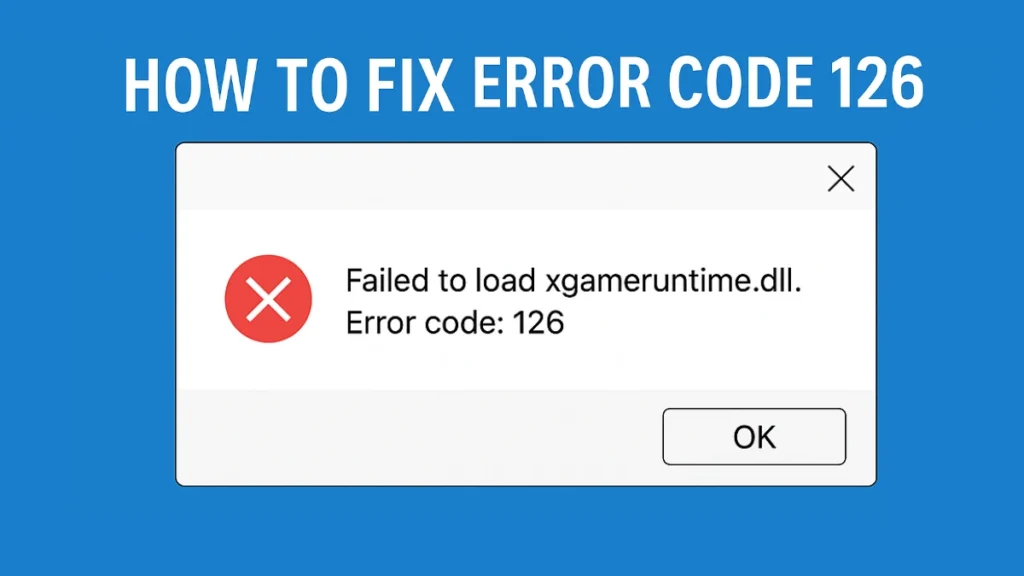
How to Fix “Failed to Load xgameruntime.dll – Error Code 126” on Windows 10/11

If you’re getting the error message: "Failed to load xgameruntime.dll. Error code: 126" or “LoadLibrary failed with error 126: The specified module could not be found”. How to Fix "Failed…
Trending Now

  • Eggs-ceptional Decorating Dreamlight Valley Guide
  • House Flipper on Xbox and PlayStation: Can You Play It Now?
  • Halo Campaign Evolved Rumors: Content Complete, Skin System, and Release Window
  • FC 26 Trophy Titans Team 2 Release, Players List, Leaks and Countdown
  • Crimson Desert Unique Weapons Guide (Best Weapons & How to Get Them)
  • Linux 7.0 Release Confirmed: What to Expect From the Next Kernel Update

Game Codes & Rewards
Tech
  • Linux 7.0 Release Confirmed: What to Expect From the Next Kernel Update
  • How to Fix Outlook Not Receiving Emails on Laptop and Phone
  • How to Fix Entra API 403 Error exchangelib
  • Microsoft Removes Semi-Annual Enterprise Channel for New Microsoft 365 Devices
  • Windows 11 Screenshots Washed Out Colors: How to Fix Color Profile Issues
  • How to Fix Blue Screen After Installing Graphics Driver
Gaming Guides
  • Eggs-ceptional Decorating Dreamlight Valley Guide
  • House Flipper on Xbox and PlayStation: Can You Play It Now?
  • Halo Campaign Evolved Rumors: Content Complete, Skin System, and Release Window
  • FC 26 Trophy Titans Team 2 Release, Players List, Leaks and Countdown
  • Crimson Desert Unique Weapons Guide (Best Weapons & How to Get Them)
  • Raccoin Difficulty Levels Explained (All Tickets Guide)
Contact Us
Privacy Policy
Follow us @Google News
Scroll to Top