Skip to content
fdaytalk

Tech Blog

  • Home
  • Errors & Fixes
  • Game Guides & Walkthroughs
  • Game Reviews
  • Web3 & Crypto
  • Guest Posting
    • Privacy Policy
    • Disclaimer

GPU and CPU Workload

Home » GPU and CPU Workload

Why Your Laptop Slows Down When Connected to an External Monitor and How to Fix It
Posted inBlog Tech

Why Your Laptop Slows Down When Connected to an External Monitor and How to Fix It

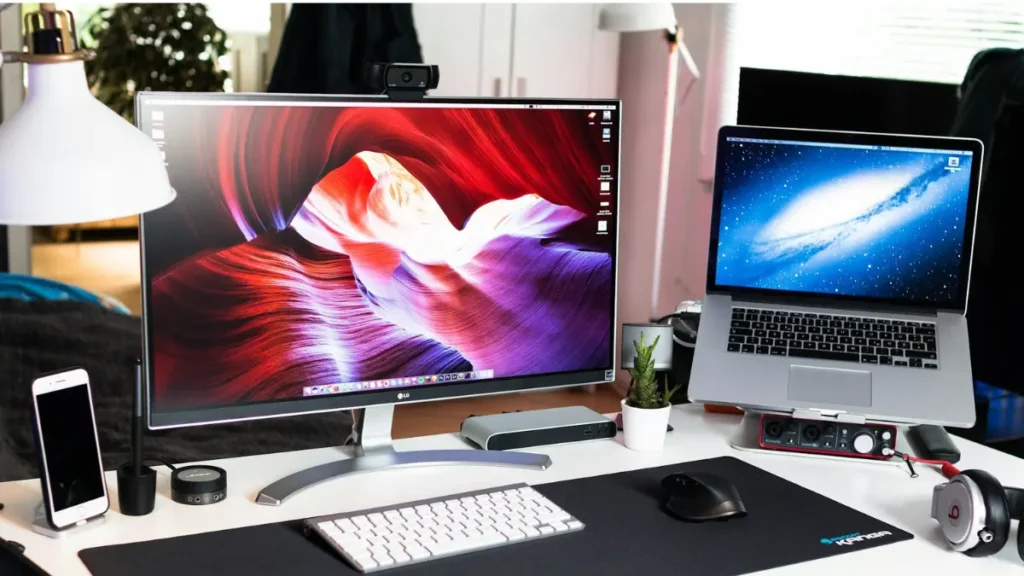
We often connect our laptop to an external monitor for secondary display to enhance work and productivity. However, some users have reported that their laptop slows down when connected to…
Trending Now

  • Marvel Rivals Season 7.5 Free Ranked Skin: How to Get Black Cat Beguiling Blue
  • Best Logo Maker Tools 2026 for Professional Branding
  • Sailor Piece Sea 2 Quest Guide: How to Unlock Sea 2
  • How to Increase Island Size in Tomodachi Life: Living the Dream
  • Marvel Rivals Black Cat Guide: Best Abilities, Combos, Tips, Tricks & Counters
  • Alpha MODDED Codes (April 2026)

Game Codes & Rewards
Tech
  • How to Fix Error 0x80070490 on Xbox
  • Windows Secure Boot Status: Check & Fix Guide
  • How to Fix PS5 Error CE-117773-6
  • BitLocker Vulnerability CVE-2026-27913 Lets Attackers Bypass Security – Fix Now
  • Windows 11 KB5083769 Update: Smart App Control, sfc Fix, and New Features
  • How to Fix OAuth Request Failed Upstream Connect Error (Reset Overflow Issue)
Gaming Guides
  • Marvel Rivals Season 7.5 Free Ranked Skin: How to Get Black Cat Beguiling Blue
  • Sailor Piece Sea 2 Quest Guide: How to Unlock Sea 2
  • How to Increase Island Size in Tomodachi Life: Living the Dream
  • Marvel Rivals Black Cat Guide: Best Abilities, Combos, Tips, Tricks & Counters
  • How to Remove Halloween Weather Permanently in GTA Online
  • Rocket League Rivals and Rockets Rewards: How to Get Havoc Car
Contact Us
Privacy Policy
Follow us @Google News
Scroll to Top