Skip to content
fdaytalk

Tech Blog

  • Home
  • Errors & Fixes
  • Game Guides & Walkthroughs
  • Game Reviews
  • Web3 & Crypto
  • Guest Posting
    • Privacy Policy
    • Disclaimer

NVIDIA update failed

Home » NVIDIA update failed

How to Fix NVIDIA Error Code 0x80070005 (Access Denied) – Step-by-Step Guide
Posted inTech

How to Fix NVIDIA Error Code 0x80070005 (Access Denied): Step-by-Step Guide

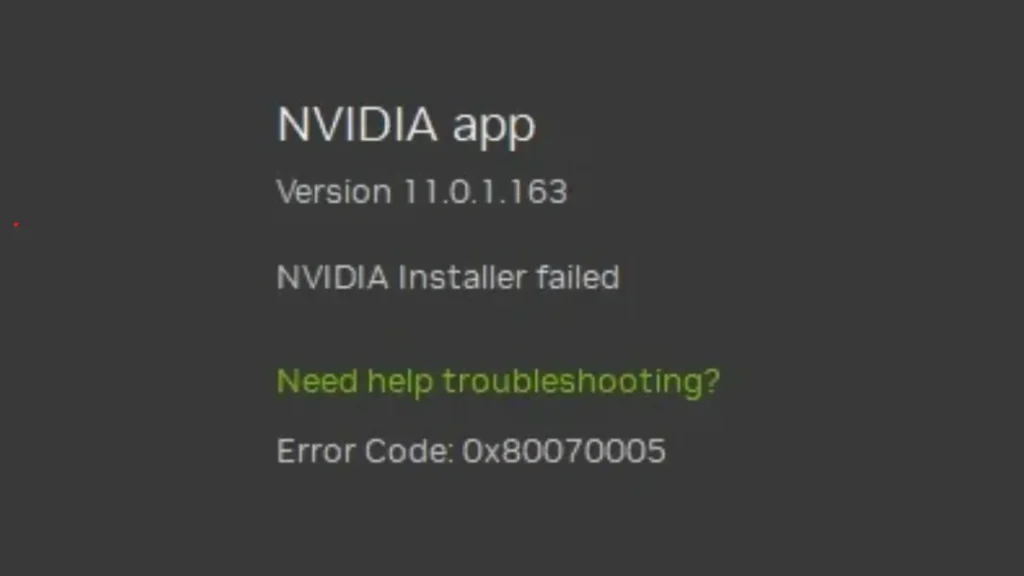
If you are encountering the NVIDIA error code 0x80070005, it usually indicates an "Access Denied" issue that prevents the installation or update of NVIDIA software. This error is often caused…
Trending Now

  • All NBA 2K26 2KTV Answers (Episode 1 to 27)
  • Windows 11 Built-In Antivirus in 2026: Do You Still Need Third-Party Protection?
  • iCloud+ Pricing 2026: Are You Overpaying for Storage?
  • NGate Malware Returns: How Hackers Hijacked a Legitimate NFC App to Drain Android Users’ Bank Accounts
  • Apache ActiveMQ CVE-2026-34197 Remote Code Execution Flaw Leaves 6,400 Servers Exposed to Active Attacks
  • Aurelia Game Guide: Walkthrough, Cheats, Quests, Items, and Full Progression Tips

Game Codes & Rewards
Tech
  • Windows 11 Built-In Antivirus in 2026: Do You Still Need Third-Party Protection?
  • iCloud+ Pricing 2026: Are You Overpaying for Storage?
  • NGate Malware Returns: How Hackers Hijacked a Legitimate NFC App to Drain Android Users’ Bank Accounts
  • Apache ActiveMQ CVE-2026-34197 Remote Code Execution Flaw Leaves 6,400 Servers Exposed to Active Attacks
  • How to Fix Fortnite Error ESP-INIT-001 (PC, Xbox, PS5)
  • How to Disable Video on Spotify (PC, Android & iPhone Guide)
Gaming Guides
  • Fate of the Prophets Windrose Guide: How to Complete Quest, Solve Puzzles & Beat Chick Chan
  • How to Find Special Resin in Disney Dreamlight Valley
  • Replaced Beginner Guide: Tips to Survive Phoenix City
  • How to Get Fortnite KD Rattical Skin (LEGO Pass Guide)
  • How to Get Quagmire Powder in Windrose (Locations & Farming Tips)
  • Best BloxStrike Settings and Crosshair Guide
Contact Us
Privacy Policy
Follow us @Google News
Scroll to Top