Playing Neverness to Everness with friends transforms the experience entirely. Exploring Hethereau City in a squad, fighting anomalies together, and racing through the streets is where the game really opens up. The catch is that multiplayer is locked behind a gate, and the invite system is not immediately obvious when you first boot up.
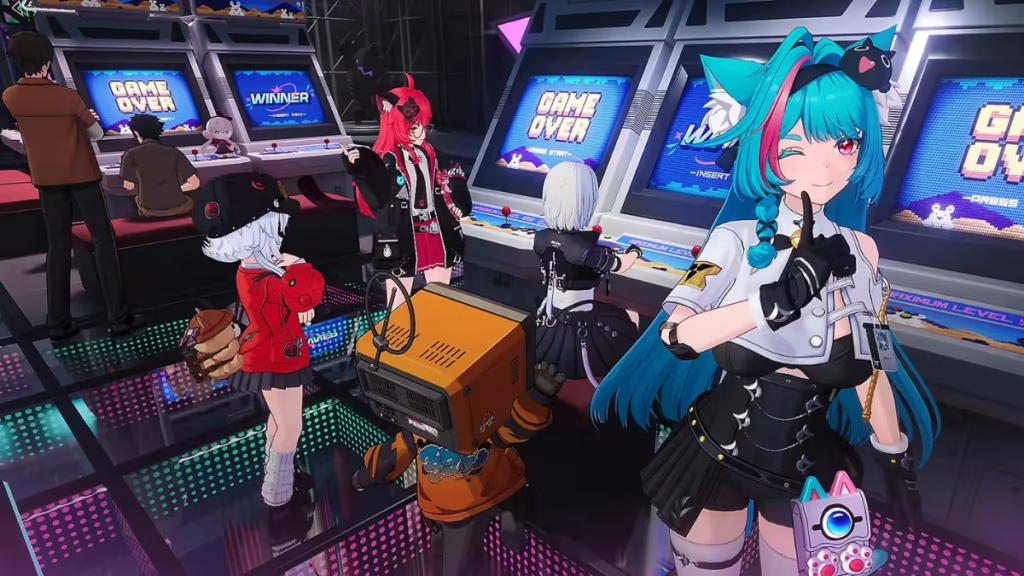
This guide covers every step to add friends, invite them to your session, and covers what you can actually do together once you are in the same world.
When Does Multiplayer Unlock in NTE?
Multiplayer and co-op in Neverness to Everness unlock after you complete the in-game tutorial. The tutorial takes roughly 25 to 30 minutes to finish, and you cannot skip it. Once it is done, co-op access opens automatically with no additional steps required.
You also need to reach Hunter Level 8 before the multiplayer features become fully active. Hunter XP comes in quickly through quests and daily missions, which reset every day and involve straightforward tasks, so you will hit Level 8 without much trouble.
How to Add Friends in NTE
Before you send any invites, note down your own UID. It appears at the bottom-left corner of the screen, and that is what your friends need to search for you.
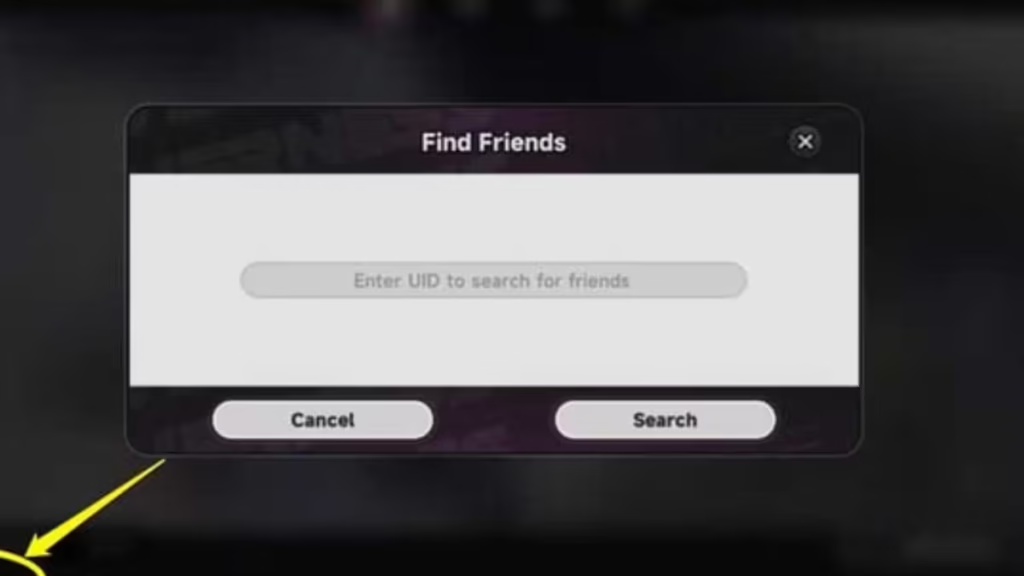
To add a friend:
- Tap the phone icon in the top-right corner of the screen to open your in-game phone.
- Select the Friends option from the app list.
- Tap Add Friend in the bottom-right corner.
- Enter your friend’s UID and send the request.
Your friend will receive the request in their Friend Requests tab under the Friends menu, where they can accept it directly.
How to Invite Friends to Your Session
Once you have added friends, you can pull them into your world through the Multiplayer section:
- Open your in-game phone.
- Navigate to the second page of apps.
- Select the Multiplayer icon.
- Enter the UID of the player you want to invite.
- Click their name to send the invite.
When your friend accepts, both of you land in the same world and can start playing together immediately. Parties support up to four players total, so you can bring in three friends for a full group.
Important Rules Before You Start
- Server region must match: NTE restricts co-op to players on the same server. If you and your friends are on different servers, one of you needs to switch. Switching is possible, but expect noticeable lag and longer loading times as a trade-off. Test it during a low-stakes session before committing to longer play.
- Friends also need Hunter Level 8: Your friend must reach the same level threshold before they can join co-op. If they are still working through early content, they cannot accept your invite yet.
- Story missions are solo only: The main narrative stays locked to single-player. Co-op does not carry over into campaign missions, so plan your sessions around the activities listed below.
What Can You Do in NTE Multiplayer?
NTE multiplayer is not just a thin co-op layer. There is a solid range of activities available for your party, split across combat, mini-games, racing, and social features.
Combat and Open-World Exploration
Fighting anomalies as a group is one of the most rewarding Neverness to Everness combat activities in multiplayer since it pays out real in-game rewards for your time. Beyond fights, you can free-roam Hethereau City together, including riding vehicles as a full party, which makes the city feel noticeably more alive than solo play.
Mini-Games and Street Racing
The mini-game selection includes Mahjong and Tetrominoes, both solid options when you want a break from combat. Street racing lets up to four players compete directly against each other, making it one of the more competitive modes in the game.
Home Ownership and Social Visits
NTE lets players own and decorate property, similar in concept to apartment systems in games like GTA Online. You can furnish your space with furniture and art, then invite friends over to show it off. Companion characters can also visit your home as guests, adding another social layer on top of player-to-player visits.
Friends Menu Options
The Friends menu has several tabs beyond just adding people:
- My Friends: Manage your current friend list and add new ones via UID.
- Request Friends: View and respond to incoming friend requests.
- Recent: See players you have recently interacted with in-game.
- Blocklist: View and manage blocked players.
- PlayStation Network (PS5 only): Invite friends directly from your PSN list.
The multiplayer setup in Neverness to Everness covers enough ground to keep a regular group busy well beyond the early hours. Once you clear the tutorial and hit Hunter Level 8, the system works smoothly. Get your UIDs ready before you coordinate with friends, confirm you are both on the same server, and the rest takes care of itself. Play Now!

