A first smart home purchase often goes wrong for a simple reason: people buy gadgets before they know what problem they want to solve. You end up with three apps, a hub you did not need, and a bulb that stops working every time someone flips the wall switch.
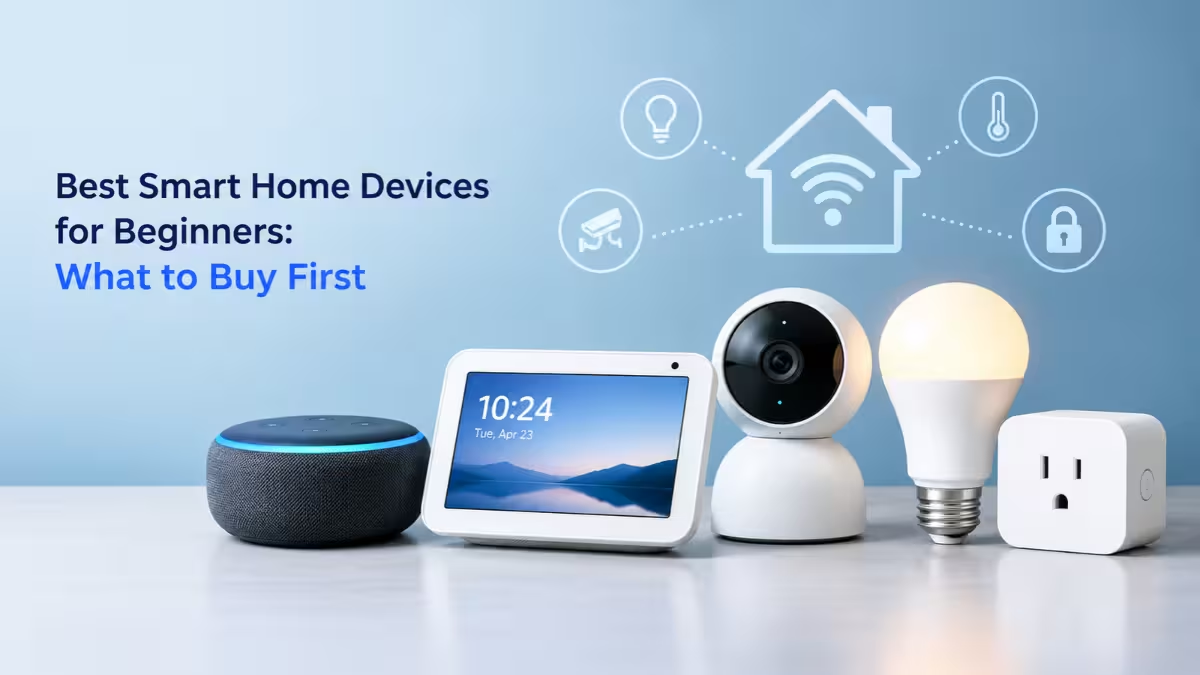
You can avoid all of that with five well-chosen devices. Each pick below connects straight to your home Wi-Fi, needs no separate hub, and takes minutes to set up. Together they cover voice control, lighting, appliance automation, security, and heating and cooling.
Best Smart Home Devices for Beginners: Quick Comparison
Smart home devices let you control your home from a phone or voice assistant, and the table below shows how each pick stacks up on price and compatibility.
| Device | Category | Approx. Price | Hub Needed | Works With |
|---|---|---|---|---|
| Amazon Echo Dot (5th Gen) | Smart speaker | $25 to $50 | No | Alexa, Matter |
| Tapo P125M | Smart plug | $12 to $18 | No | Alexa, Google, Apple Home, SmartThings |
| Tapo L535E | Smart bulb | $10 to $15 | No | Alexa, Google, Apple Home |
| Tapo C120 | Security camera | $30 to $40 | No | Alexa, Google |
| Amazon Smart Thermostat | Thermostat | $60 to $80 | No | Alexa |
Prices move often, and all five regularly drop during sales events.
Choose Your Smart Home Ecosystem Before Buying Anything
Your choice of voice assistant shapes every purchase after it.
Amazon Alexa, Google Home, and Apple Home each control lights, plugs, and cameras from one app. Choose the one that fits the phones and speakers your household already uses. iPhone families tend to feel at home with Apple Home, Android users with Google Home, and anyone starting from zero usually finds Alexa the cheapest and widest option.
Also look for the Matter logo on the box. Matter is a shared standard that lets one device work across Alexa, Google Home, and Apple Home, so you avoid getting stuck if you switch platforms later. Three of the five picks here support it.
1. Amazon Echo Dot (5th Gen): Best Smart Speaker for Beginners
The Amazon Echo Dot (5th Gen) gives you a voice remote for everything else on this list.
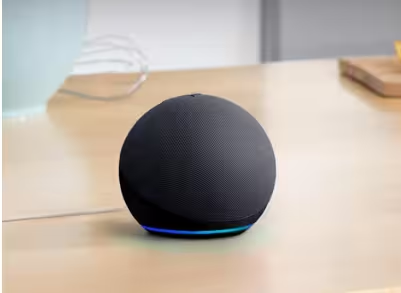
Plug it in, open the Alexa app, and you can say "Alexa, turn off the bedroom lamp" within five minutes. It also handles timers, alarms, weather, music, and routines that trigger several devices with one phrase. A built-in temperature sensor lets you start a fan or heater when a room crosses a set point, and the speaker doubles as an eero mesh extender if you own an eero router.
You do not strictly need a speaker, since every device here also runs from its own app. Still, voice control is what makes a smart home feel effortless, especially for family members who will never open an app.
Pros
- Lowest-cost way to add voice control
- Setup takes about five minutes
- Supports the largest range of third-party devices
- Temperature sensor powers handy routines
Cons
- Ties you to the Alexa ecosystem
- Bass sounds thin for serious music listening
2. Tapo P125M: Best First Smart Home Device
The Tapo P125M turns any lamp, fan, or coffee maker into a device you can schedule and control by voice.
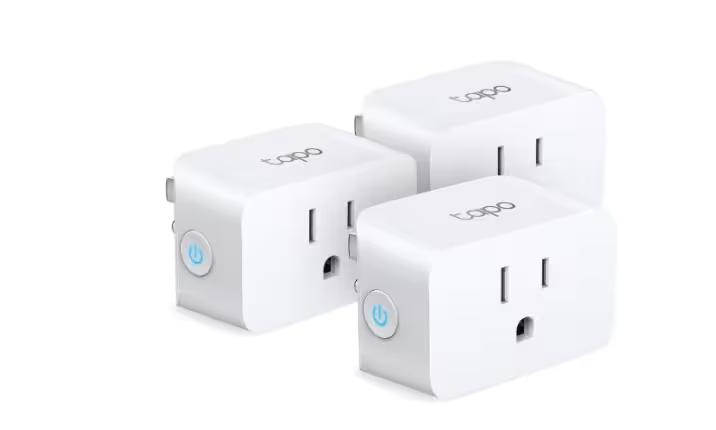
This is the safest first buy for anyone unsure whether smart home tech suits them. You plug it into the wall, plug an appliance into it, and pair it over Bluetooth with the Tapo app. From there you can set a lamp to switch on at sunset, cut power to a fan after an hour, or fold the plug into a bedtime routine. If you lose interest, unplug it and nothing in your home has changed.
Matter certification lets the P125M join Alexa, Google Home, Apple Home, or SmartThings, so it follows you if you change platforms. Its compact body also leaves the second outlet free.
One limit matters: the plug only cuts or restores power. Appliances with physical on/off switches, such as basic lamps and fans, work perfectly. TVs and many electronic devices that wait in standby after power returns will still need a button press.
Pros
- Works with all four major platforms through Matter
- No wiring or permanent changes
- Compact design keeps the second outlet open
- Rated for 15A, enough for most household appliances
Cons
- Needs a 2.4GHz Wi-Fi network
- Cannot switch on devices that sit in standby mode
3. Tapo L535E: Best Smart Bulb for Beginners
The Tapo L535E delivers the most visible upgrade a beginner can make, for the price of a lunch.
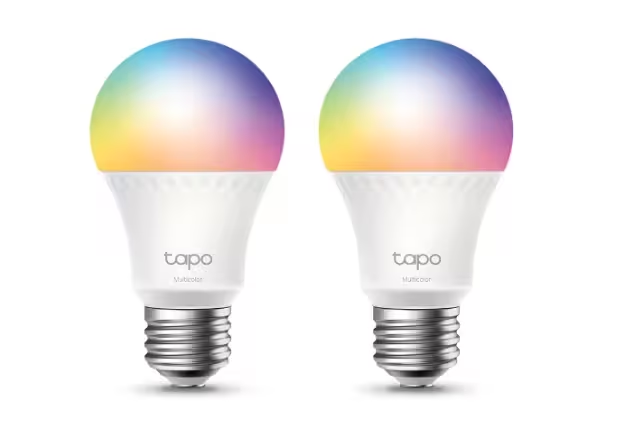
Screw it into any standard socket and it connects directly to Wi-Fi. You get dimming, millions of colors, and adjustable white light from warm 2,500K to cool 6,500K. Most people use it for simple, daily wins: bright cool light for working, warm amber light in the evening, and a gradual brighten-up in the morning instead of a jarring alarm. At 1,055 lumens, it outshines most budget smart bulbs.
The Tapo app also tracks how much energy each bulb uses, and Matter support adds it to Apple Home alongside Alexa and Google.
Teach everyone in the house one rule: leave the wall switch on. A smart bulb with no power cannot respond to voice commands or schedules. A cheap switch guard solves this if old habits persist.
Pros
- Bright 1,055-lumen output
- Full color plus tunable white
- Energy monitoring in the app
- Renter-friendly, with no wiring work
Cons
- Wall switch must stay on
- Many Wi-Fi bulbs can crowd an older router
4. Tapo C120: Best Budget Security Camera for Beginners
The Tapo C120 gives you home monitoring without forcing a monthly fee.
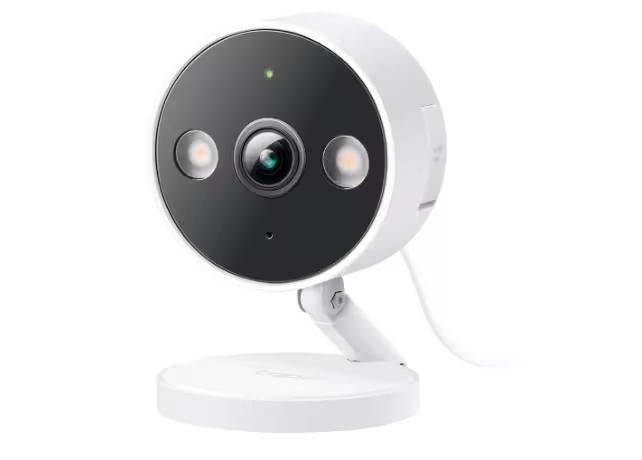
Most cameras push you toward a cloud plan to keep any video history. The C120 records motion clips to a microSD card instead, so you get playback for free. It shoots 2K video, offers color night vision and two-way audio, and carries an IP66 weather rating, which means you can mount it indoors or outside.
Point it at your front door, a back entrance, or a pet's room, then turn on motion alerts. Privacy Mode stops recording whenever you want the camera off. If you need protection against theft of the camera itself, add the optional Tapo Care cloud plan as a backup.
Pros
- Free local storage on microSD
- 2K resolution with color night vision
- Works indoors and outdoors
- Two-way audio for deliveries and visitors
Cons
- Footage on the card leaves with a stolen camera
- No Apple Home support
5. Amazon Smart Thermostat: Cheapest ENERGY STAR Thermostat
The Amazon Smart Thermostat is the pick that actually saves money over time.
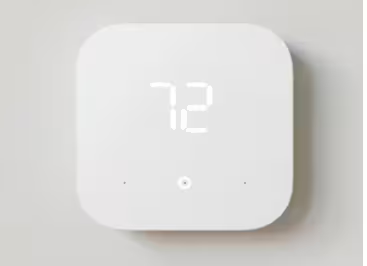
Heating and cooling make up the biggest share of most energy bills. This ENERGY STAR certified thermostat runs schedules, switches to away mode when your phone leaves home, and lets you adjust the temperature from anywhere. Honeywell Home technology runs underneath, and it costs roughly a third of a Nest or Ecobee.
Leave it for last on your shopping list. Installation involves basic thermostat wiring, and your system needs a C-wire. Amazon includes a C-wire adapter in the box, and the Alexa app walks you through the swap with wiring diagrams. If you rent, ask your landlord first, and if wiring makes you nervous, budget for a professional install.
Pros
- Cheapest thermostat from a major brand
- ENERGY STAR certified with automatic away mode
- C-wire adapter included
- Guided install in the Alexa app
Cons
- Works with Alexa only
- Basic scheduling compared with premium models
- Requires wiring work
What to Buy First: Recommended Starting Order
Buying one device at a time teaches you what you actually use before you spend more.
- Start with the Echo Dot and one Tapo P125M plug. For under $60, you get voice control and your first automation.
- Add two or three Tapo L535E bulbs in the rooms you use most, usually the living room and bedroom.
- Bring in the Tapo C120 once you know which entry point you want to watch.
- Finish with the Amazon Smart Thermostat when you feel ready for a wiring job.
The full set lands between roughly $150 and $230. The first two steps alone build a setup you will use every day.
Common Smart Home Mistakes Beginners Make
A few small habits decide whether your smart home works smoothly or keeps going offline.
- Connecting on the wrong Wi-Fi band: All five devices here need 2.4GHz Wi-Fi. If your router merges both bands under one name and a device keeps dropping, create a separate 2.4GHz network for smart devices.
- Vague device names: Names like "Light 1" confuse voice assistants. Use room and purpose instead, such as "Kitchen Ceiling" or "Bedroom Lamp."
- Buying hub-only gear by accident: Some Zigbee and Thread sensors refuse to work without extra hardware. Check the box for hub or border router requirements first.
- Ignoring privacy settings: Turn on auto-delete for voice recordings in the Alexa app and turn off voice purchasing to block accidental orders.
What to Skip When Starting a Smart Home
Some popular gadgets add cost without adding much value to a starter setup.
Smart displays like the Echo Show do more than a speaker, but you will not need a screen until you own cameras or want video calls. Smart fridges and washers rarely justify their premium, so wait until you replace an appliance anyway. Advanced controllers like Home Assistant reward tinkerers, yet they add complexity a first-timer does not need. Color light strips also tend to lose their appeal after the first week.
Frequently Asked Questions
What is the best first smart home device to buy?
A smart plug like the Tapo P125M makes the safest first buy. It costs little, needs no wiring, works with any platform through Matter, and shows you how schedules and voice control feel in daily life.
Do I need a hub to start a smart home?
No. All five devices in this list join your Wi-Fi directly. You only need a hub or Thread border router when you add Zigbee, Z-Wave, or Thread sensors later.
Are these devices good for renters?
The Echo Dot, Tapo plug, Tapo bulb, and Tapo camera all work without permanent changes, so you can take them with you when you move. The thermostat needs wiring work and landlord approval.
Can I mix brands in one smart home?
Yes, as long as each device supports your chosen platform. Products with the Matter logo give you the most freedom, since they work across Alexa, Google Home, and Apple Home.
How much does a beginner smart home cost?
A basic speaker, plug, and bulb combo starts around $50 to $80. Adding a camera and thermostat brings the total to roughly $150 to $230.