Google Play now requires India-based developers to verify their merchant account with BillDesk before selling to users outside India. If you already earned payouts on or before December 31, 2025, you must finish by March 15, 2027. After that date, Google pauses your paid app and in-app sales outside India. New merchants must verify before their first sale outside India.
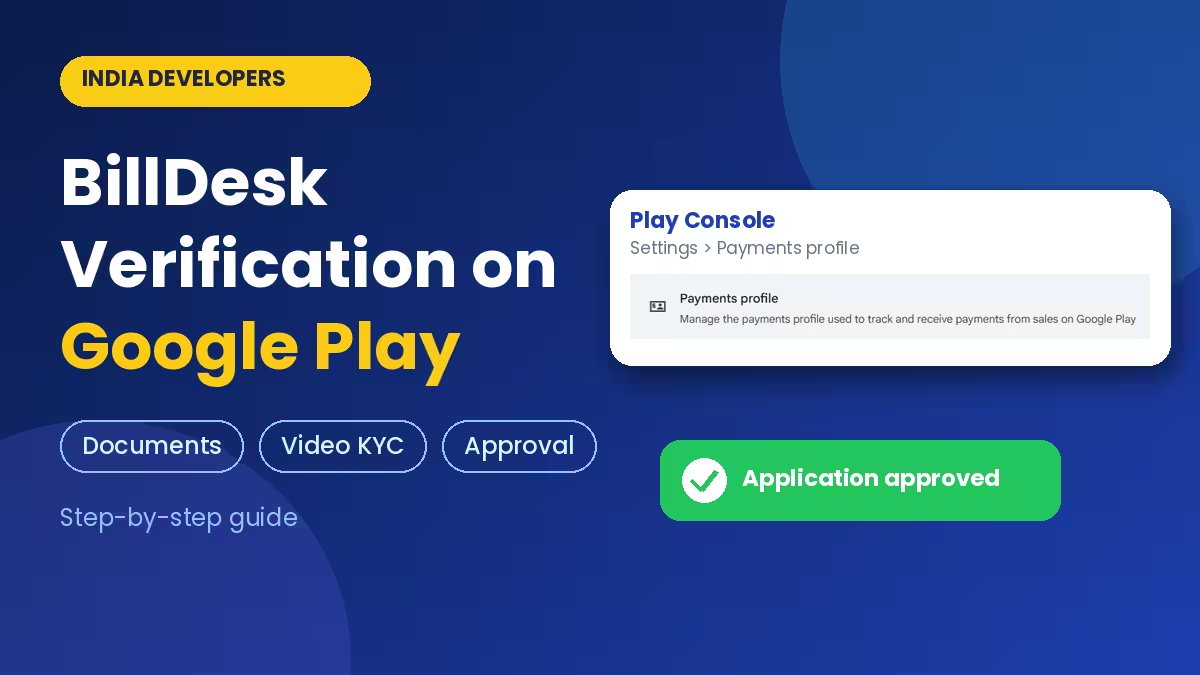
The rule comes from the Reserve Bank of India's Payment Aggregator Cross Border (PA-CB) regulations. This guide covers who must verify, the documents you need, how to start in Play Console, what the video call asks, and how long approval takes.
Who Must Complete BillDesk KYC on Google Play
You need it if your Play payments profile is based in India and your paid apps or in-app products reach users in other countries. Sales to users inside India are not affected by this rule.
BillDesk Verification Deadline for Google Play Developers
Your deadline depends on when you started earning:
- Existing merchants: You received a Google Play payout on or before December 31, 2025. You must finish verification by March 15, 2027. After that date, Google pauses your app and in-app product sales to users outside India.
- New merchants: You started selling on or after January 1, 2026. You must finish verification before you can sell to users outside India at all.
Documents Required for BillDesk KYC
The BillDesk invitation email lists the documents to keep ready before you begin.
Individuals
- Proof of identity: PAN card.
- Proof of address: driving licence, passport, Aadhaar card or voter ID.
Organisations
- Proof of identity: PAN card of the organisation.
- Proof of address: GST certificate, registration certificate, Importer Exporter Code or Shop and Establishment licence number.
Companies, LLPs, partnership firms and trusts may also need the incorporation or registration certificate, a partnership or trust deed, an authority resolution and a list of directors or partners. Directors and authorised signatories submit their own PAN and an address proof.
BillDesk checks each self-attested copy against the original, so keep the originals within reach.
Preparation Checklist
- Keep the primary contact email of your payments profile accessible, since every BillDesk message goes there.
- Make sure the name, date of birth and address in your payments profile match your PAN and address proof.
- Remember which email ID you used for the verification process, since the agent asks for it.
- Use a supported browser: Chrome 65 or later on Android and Windows, Samsung Internet 10 or later on Android, Safari 15 or later on iPhone and Mac. Older or other browsers can cause problems during the application and video check.
- Set aside time for the video call in a quiet place with a stable connection.
- Check the rest of your Play Console account while you are there, including your trader status declaration.
- Do the location check from the address you registered.
How to Start BillDesk Verification in Play Console
Start by checking your inbox. If you received a payout in December 2025 or earlier, Google already opened a KYC application for you. Look for an email from onboarding@billdesk.com with the subject line "Verification required with BillDesk to receive payments on Google Play". Check spam and promotions too, and note that it goes to the primary contact on your payments profile.
If your application expired, or you are a new merchant, start it yourself:
- Sign in to your Google Play Console.
- Open Settings.
- Click Payments profile or Google Play billing.
- Find the BillDesk verification banner at the top of the page.
- Click Start verification.
BillDesk then emails the primary contact of your payments profile. Open the link in that email to continue. The link stays valid for 500 days from the date it was generated, and BillDesk sends reminder emails if you have not started the application.
BillDesk Video KYC Call: What They Ask
The process has several steps. You may need to submit documents, join a live video call, and verify your location. Google warns that it takes significant time, so do not leave it for the last week before the deadline.
For an individual developer, the video call was short. The BillDesk agent asks for your name and date of birth, then asks you to confirm your address. Next comes the email ID you used for the verification process, and the call closes with a close-up of your PAN card to the camera. Keep the original PAN card in your hand before you join, and answer each question exactly as it appears in your records.
How Long BillDesk Verification Takes
After you finish the application and the video call, BillDesk sends an email confirming your application is approved. A second notification follows when your payment setup is complete. In one verified case, approval arrived within a week of the first invitation email.
BillDesk says approval can take anywhere from a few days to a few weeks, depending on how complete your documents are and how many requests are in the queue. If BillDesk rejects the application, it explains why, and you may need to send additional or different documents.
GST, Withholding Tax and FIRC for India Developers
Verification does not replace your tax setup. If you must register for GST, add your GSTIN and business address under India tax info in your payments profile. If you sold apps earlier, check that your PAN and legal name are correct, because Google issues quarterly withholding tax certificates (Form 131) based on those details.
Need a Foreign Inward Remittance Certificate? Submit the request to Google. Google passes it to BillDesk, and Citibank issues the certificate and mails you a copy, so allow extra time. For problems with your FIRC, email onboarding@billdesk.com.
Google does not give tax advice. Ask a tax professional how GST and withholding apply to your account.
Frequently Asked Questions
Is BillDesk verification mandatory for every Play developer in India?
It is required for developers in India who sell paid apps or in-app products to users outside India.
What is the deadline?
Existing merchants must finish by March 15, 2027. New merchants must finish before they can sell outside India.
What happens if I do not complete it?
Google pauses your app and in-app product sales to users outside India.
I cannot find the BillDesk email. What should I do?
Check spam, then start verification from the banner in Play Console under Settings, then Payments profile.
What does the video call ask?
For an individual developer, the agent asks for your name, date of birth, address confirmation and the email ID used for verification, then asks for a close-up of your PAN card on camera.
What documents do I need?
A PAN card and proof of address at minimum. Companies, LLPs, firms and trusts need extra registration and authority documents.
What if BillDesk rejects my application?
BillDesk explains the reason, and you may need to submit additional or different documents.
Who receives the BillDesk email?
The primary contact of your payments profile.
Does verification affect sales inside India?
The rule covers sales to users outside India.
Who do I contact for FIRC problems?
Email onboarding@billdesk.com.
Related Guides
- Google Play Trader Status: How to Declare It, Who Must Do It and What Goes Public
- Google Play Account Deletion URL: What to Add If Your App Has No Login
- Google Play DMCA Suspension: Why Apps Get Removed, How to File a Counter-Notice and Get Reinstated
- Google Play Impersonation Policy: Why Apps Get Suspended, How to Fix Your Listing and Appeal
- Google Play Device and Network Abuse Suspension: Causes, Fixes and How to Appeal