Monthly fees creep up quietly. A cloud storage plan here, a password manager there, a streaming service or two on top, and suddenly you pay hundreds of dollars a year for software you could run yourself. A Raspberry Pi gives you a cheap, low-power way to take that money back.
The Pi sips only a few watts, so it can stay on around the clock without hurting your electricity bill. Pair it with Docker and a decent storage drive, and it becomes a small home server that handles real daily work. You keep your files, passwords and media on hardware you own, and no company can raise prices, change policies or lock features behind a paywall.
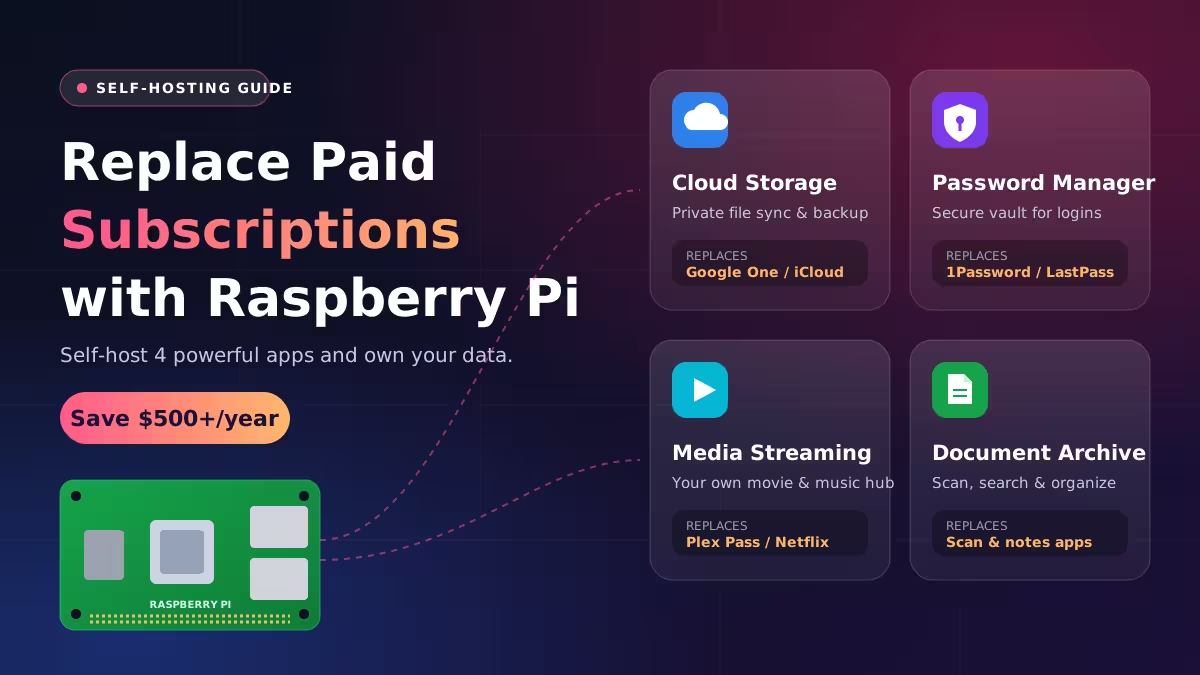
We picked the four projects that give you the biggest savings for the least effort. Each one replaces a popular subscription and runs well on a Raspberry Pi 4 or Pi 5.
What You Need to Self-Host on a Raspberry Pi
You do not need a pricey setup. Here is the basic kit:
- Raspberry Pi 4 or Pi 5: A model with 4GB of RAM or more gives you room to run several services at once.
- External SSD: MicroSD cards wear out fast and fill up quickly. A USB SSD keeps your data safer and faster.
- Docker and Docker Compose: Every app below ships as a container, which makes installs, updates and backups simple.
- Ethernet connection: A wired link keeps file transfers and streams stable.
If you already own an older Pi that sits in a drawer, start with that. Most of these tools ask for very little.
1. Self-Host Nextcloud as a Google Drive and Dropbox Alternative
Saves you: roughly $20 to $100 a year on cloud storage
Nextcloud turns your Pi into a private cloud. It syncs files across your phone, laptop and desktop, and it gives you a clean web portal to reach your drive from any browser. You get the convenience of Dropbox without handing your documents to a third party.
Nextcloud does far more than store files. Its app store adds calendars, contacts, document editing and team collaboration tools, so it can replace several paid services in one go.
Setup tips:
- Flash DietPi to your SSD. It offers Nextcloud as a ready-made install, which removes most of the setup headache.
- Run Nextcloud inside a Docker container if you plan to host other apps on the same Pi.
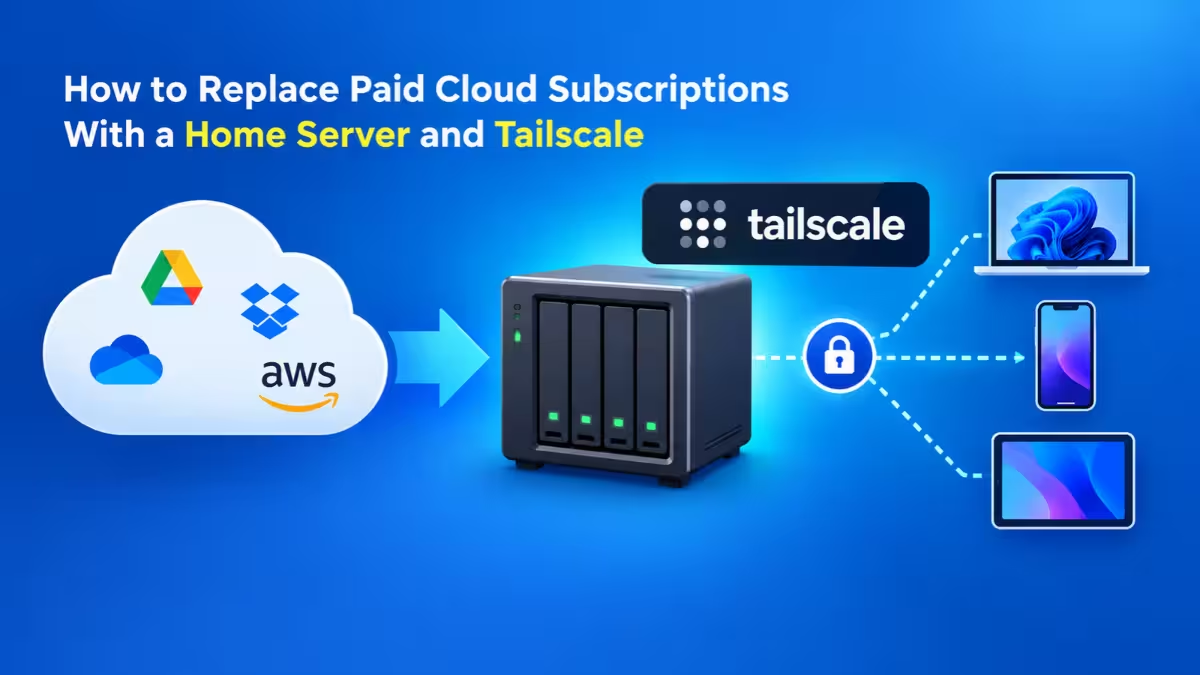
- Install Tailscale to reach your files securely when you leave home, without opening ports on your router.
- Skip the Pi Zero 2W for this one. Nextcloud needs the memory of a Pi 4 or Pi 5.
Want something lighter? Syncthing syncs folders between devices with almost no overhead, though it lacks a web portal.
2. Host Your Passwords for Free with Vaultwarden
Saves you: about $36 to $60 a year per user
Your passwords deserve the most protection of anything you store online. Vaultwarden lets you keep them on your own server. It works as a lightweight, community-built server for Bitwarden, so you use the official Bitwarden browser extensions and mobile apps while your vault stays at home.
Vaultwarden barely touches system resources. It runs smoothly on any Pi, including the tiny Pi Zero 2W, so you can tuck it into the same box as your other services.
What you get for free:
- Unlimited devices and cross-platform sync
- A built-in random password generator
- Secure notes and file sharing through download links
- Two-factor authentication for your vault
- No upgrade nags every time you open the app
Install it in a Docker container, point your Bitwarden apps to your server address, and you are done. Pair it with Tailscale or a reverse proxy with HTTPS so your phone can sync when you are away from home. Back up the Vaultwarden data folder regularly, since you now own the only copy.
3. Use Jellyfin as a Free Plex Alternative
Saves you: $100 or more a year, depending on how many services you drop
Plex once felt like the perfect way to escape Netflix. Over time it added ads, moved free features behind a subscription and raised its lifetime pass price sharply. Jellyfin offers a fully free and open-source path instead.
Jellyfin streams your own movies, TV shows and music to almost any screen. It has apps for Android, iOS, Roku, Android TV, Fire TV, LG webOS and Samsung Tizen, plus a web player for everything else. Features that Plex charges for, like remote access and hardware transcoding, cost nothing here.
Make it work well on a Pi:
- Store your media on an external drive and point Jellyfin to those folders.
- Use direct play wherever possible. Heavy transcoding of 4K files will push a Pi too hard, so keep files in formats your TV or phone plays natively.
- Add the Finamp app if you want a Spotify-style music player on your phone that pulls from your Jellyfin library.
- Use Tailscale for safe remote streaming instead of exposing the server to the internet.
You need your own media collection for this to make sense. Rip your discs, buy DRM-free files, and your library stays yours even if a studio pulls a title from a streaming catalog.
4. Organize Documents with Paperless-ngx Instead of Evernote
Saves you: around $100 to $130 a year on premium note and document plans
Bills, invoices, warranty cards and tax papers pile up fast. Paperless-ngx scans, reads and files them for you. Drop a PDF or a photo into it, and the app runs OCR on the text, applies tags, sorts it into categories and makes every word searchable.
That search power changes how you handle paperwork. Need the receipt for a laptop you bought two years ago to claim warranty? Type the store name or product, and Paperless-ngx pulls it up in seconds.
Why it beats paid apps:
- Your financial and personal records never leave your home network.
- Automatic matching rules assign tags, correspondents and document types on upload.
- It watches a "consume" folder, so a network scanner can feed it documents with no clicks.
- Full-text search covers scanned images, not just typed files.
Paperless-ngx runs comfortably in Docker on a Pi 4 or Pi 5 with 4GB of RAM. Some users connect it to a local LLM for chat-style searches, but that extra layer pushes the Pi hard. The core app works brilliantly on its own.
How Much Money Can a Raspberry Pi Save You Each Year?
Here is what a typical user could save each year by dropping the matching paid plans:
| Paid service replaced | Typical yearly cost | Raspberry Pi alternative |
|---|---|---|
| Google Drive or Dropbox | $20 to $120 | Nextcloud |
| LastPass or 1Password | $36 to $60 | Vaultwarden |
| Plex Pass plus one streaming plan | $100 to $180 | Jellyfin |
| Evernote Personal | $100 to $130 | Paperless-ngx |
| Total | $256 to $490 | One Pi and an SSD |
A Raspberry Pi 5 kit and a 1TB SSD cost far less than a single year of those fees combined. Most people recover the hardware cost within a few months, and every year after that becomes pure savings. Subscription prices also tend to rise over time, which makes the gap grow wider.
Tips to Keep Your Raspberry Pi Home Server Reliable
- Back up everything. Self-hosting means you handle your own data safety, and self-hosted tools never back themselves up. Copy important folders to a second drive or a cheap offsite backup on a schedule.
- Use a good power supply. The official Raspberry Pi adapter prevents random crashes and corrupted drives.
- Add cooling. A case with a fan or a heatsink keeps the Pi 5 from throttling under load.
- Update containers often. Pull new Docker images regularly to get security patches, especially for Vaultwarden and Nextcloud.
- Avoid exposing ports. A VPN like Tailscale or WireGuard keeps your services private while still letting you reach them from anywhere.
Frequently Asked Questions
Can one Raspberry Pi run all four of these apps at once?
Yes. A Pi 5 with 8GB of RAM can run Nextcloud, Vaultwarden, Jellyfin and Paperless-ngx together in Docker. On a 4GB model, run them side by side but avoid heavy video transcoding.
Which Raspberry Pi model should I buy for self-hosting?
The Raspberry Pi 5 with 4GB or 8GB of RAM gives you the best mix of speed and price. A Pi 4 still handles all four apps well. Save the Pi Zero 2W for very light tools like Vaultwarden.
Is self-hosting a password manager safe?
It is safe if you follow good practices. Use HTTPS, enable two-factor login, keep the container updated, reach it through a VPN instead of open ports, and back up your vault on a regular schedule.
Do I need coding skills to set these up?
No. Basic comfort with Linux CLI tools and Docker Compose files is enough. Each project offers official guides, and DietPi can install Nextcloud for you from a simple menu.
Can I access these services when I am away from home?
Yes. Install Tailscale or WireGuard on the Pi and on your phone or laptop. You then reach every service securely from anywhere, as if you sat on your home network.
Will a Raspberry Pi increase my electricity bill?
Only slightly. A Pi 5 typically draws around 5 to 10 watts under normal load, which adds just a few dollars to a yearly power bill.