Microsoft introduced WSL containers at Build 2026, and the feature now sits in public preview. WSL containers let you build, run, and manage Linux containers directly inside Windows 11 without installing Docker Desktop or any other third-party tool. The feature adds a new command-line tool called wslc.exe and an API that Windows applications can call to run Linux containers as part of their own logic.
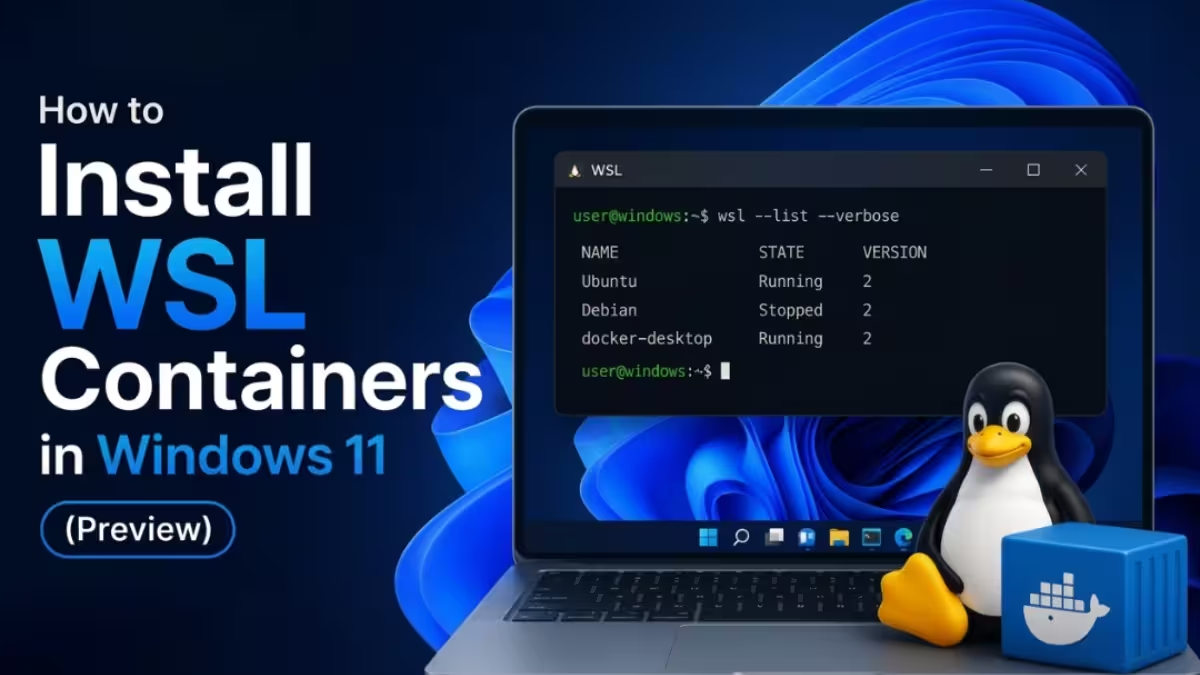
This guide walks through what WSL containers do, how to install the preview build, and how to run your first container.
New WSL Container Features on Windows 11
WSL containers introduce two new pieces to the Windows Subsystem for Linux.
The first piece is wslc.exe, a built-in Linux container CLI. It handles full container workflows, including running, debugging, and testing Linux containers. The tool also ships a container.exe alias, so you can type either command and get the same result.
The second piece is a container API that Windows applications can call directly. The API ships as a NuGet package on nuget.org and supports C, C++, and C#. Developers can use it to reuse existing Linux code, bring cloud workloads down to a local machine, or limit a Linux process to specific host resources.
Unlike standard WSL distributions, each WSL container runs in its own lightweight Hyper-V utility VM. This isolates containers from each other and reduces the chance that one application accesses another container’s data.
How to Install WSL Containers
WSL containers currently work only in the pre-release build of WSL. Follow these steps to install it.
- Open PowerShell or Windows Terminal with administrator privileges.
- Run the following command to update WSL to the pre-release channel:
wsl --update --pre-release- Restart your terminal once the update finishes.
- Confirm the install by running
wslc --versionto check that the binary is on your path.
If you prefer a manual install, download the package directly from the WSL releases page on GitHub instead of running the update command.
Running Your First WSL Container
Once wslc.exe is installed, you can run a Linux container the same way you would run a Docker container. The command syntax matches familiar container tooling, so existing scripts and habits carry over.
To run a full Linux desktop environment in a container, use this command:
wslc run -d --name=webtop -e PUID=1000 -e PGID=1000 -e TZ=Etc/UTC -p 3000:3000 -p 3001:3001 lscr.io/linuxserver/webtop:ubuntu-kdeThis pulls a Linux desktop image and exposes it on local ports 3000 and 3001.
To check GPU access from inside a container, run a CUDA test through PyTorch:
wslc run --rm --gpus all pytorch/pytorch:2.5.1-cuda12.4-cudnn9-runtime python -c "import torch; print(torch.cuda.is_available()); print(torch.cuda.get_device_name(0))"The --gpus all flag passes your graphics card directly into the container, which makes this useful for local machine learning workloads.
Setting Up VS Code Dev Containers with wslc
VS Code dev containers now support wslc starting with release 0.462.0-pre-release. To switch your dev container setup to use wslc instead of Docker:
- Open VS Code settings.
- Search for Docker Path.
- Change the value to
wslc.
This setting is still in pre-release, but Microsoft plans to move it to general availability soon.
Enterprise Controls for WSL Containers
Organizations get two new management options with WSL containers.
Microsoft Defender for Endpoint now reads Linux container events alongside standard WSL distro events, giving security teams the same visibility across both. This monitoring feature is currently in private preview and requires a separate sign-up.
IT administrators can also manage WSL container settings through Group Policy and ADMX policies today, with full Intune dashboard support arriving within a few weeks. These settings let admins control whether users can run WSL distros, containers, or both, and they include an allowlist for which container registries are permitted inside the organization.
What’s New in WSL Container Performance
Microsoft built two new defaults specifically for WSL containers.
The first is virtiofs, a new default file system that doubles file access speed between Windows and Linux compared to the previous system.
The second is consomme, an experimental networking mode that routes Linux network traffic through Windows. This helps Linux applications inherit the same VPNs, proxies, and security policies that Windows applications already use, which solves a common compatibility problem in enterprise networks.
WSL containers also include improved memory reclaim, which gradually releases unused memory back to Windows instead of holding onto it inside the Linux VM.
These improvements currently apply only to WSL containers. Microsoft plans to bring them to standard WSL distros in a future update. Tools built on top of WSL, including Docker Desktop, Podman Desktop, and Rancher Desktop, will also benefit once that rollout happens.
WSL Containers Release Timeline: What to Expect
WSL containers remain in public preview as part of the WSL pre-release channel. Microsoft targets general availability for fall 2026. You can report bugs or request features directly on the WSL GitHub page.
If you run development workflows that depend on Linux containers, installing the pre-release build now lets you test wslc.exe and the container API before the official release lands.
Related Guides
- WSL Slow Internet Speed? Here Are 6 Fixes That Actually Work
- How to Install Linux on Windows Using WSL: Complete Step-by-Step Guide
- How to Install OpenClaw on Windows Using WSL2 (Official Local Setup Guide)
- How to Install Moltbot Locally on macOS, Linux, and Windows (WSL Guide)
- How to Install Ubuntu on Windows 11 (WSL and Dual Boot Guide)

