Every team that pays for a stack of SaaS tools eventually asks the same question: would it cost less to run open-source versions on our own server? The honest answer depends on three numbers most comparisons skip, namely how many people need a login, how many apps you plan to run, and what an hour of your time is worth. This guide works through those numbers so you can find your own break-even point instead of trusting a vendor's pitch.
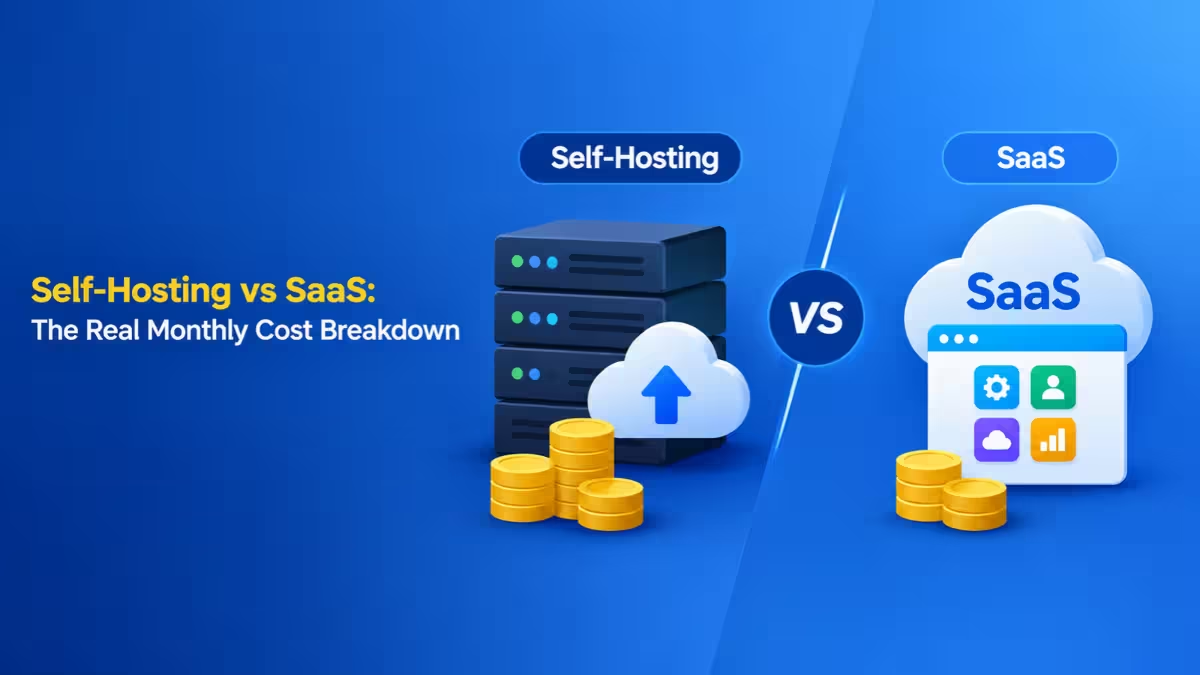
How SaaS vs Self-Hosting Pricing Works (Per Seat vs Per Server)
The two models grow along completely different axes, and that difference drives every cost comparison.
SaaS tools usually bill per user, per month. Add a teammate and the bill rises across every tool that person touches. A self-hosted server bills you for CPU, RAM and storage. Ten users and forty users can share the same machine, so headcount barely moves the monthly figure.
This creates a simple pattern:
- SaaS: near-zero cost to start, then a line that climbs with every hire and every new app.
- Self-hosting: a setup cost up front, then a mostly flat line driven by the server and your maintenance hours.
At some team size, the climbing line crosses the flat one. Your goal is to figure out where that crossover sits for your situation.
How Much Does a SaaS Stack Cost Per Month for a 10-Person Team?
Common collaboration tools add up faster than most people expect once you multiply each price by the number of seats.
Here is a sample stack for a 10-person team, using rounded list prices for standard paid tiers:
| Tool category | Example SaaS | Approx. price | 10 users per month |
|---|---|---|---|
| Team chat | Slack Pro | $7.25/user | $72.50 |
| Wiki and docs | Notion Plus | $10/user | $100 |
| Project management | Jira Standard | $7.90/user | $79 |
| Code hosting and CI | GitHub Team | $4/user | $40 |
| Web analytics | Plausible Cloud | ~$9 flat | $9 |
| Uptime and infra monitoring | Datadog Infra Pro | $15/host | $150 (10 hosts) |
| Total | ~$450/month |
That works out to roughly $5,400 a year. Grow the team to 25 people and the per-seat lines alone more than double, while the flat-priced tools stay put. Vendor prices also change, so check each tool's current pricing page before you plug these into a budget.
How Much Does Self-Hosting Cost Per Month?
Open-source alternatives exist for nearly every tool in that table, and most of them run comfortably on one server.
Popular swaps include:
- Slack to Mattermost or Rocket.Chat
- Notion to Outline
- Jira to Plane
- GitHub to GitLab Community Edition
- Datadog uptime checks to Uptime Kuma
- Google Analytics or Plausible Cloud to self-hosted Plausible or Umami
The infrastructure bill for this setup looks like this:
| Item | Monthly cost |
|---|---|
| VPS with 8 vCPU and 16 GB RAM | $40 to $80 |
| Off-site backup storage | $5 to $10 |
| Domain (annual fee spread monthly) | ~$1 |
| TLS certificates via Let's Encrypt | $0 |
| Infrastructure total | ~$50 to $90/month |
Plan the server size around your heaviest app. GitLab CE wants at least 4 GB of RAM on its own, and self-hosted Sentry needs a similar amount, so a cheap 2 GB VPS will not carry the full stack.
On infrastructure alone, self-hosting looks five to eight times cheaper. That gap shrinks fast once you add the line most comparisons leave out.
Hidden Cost of Self-Hosting: Maintenance Hours and Labor
Your time decides whether the savings are real, so you must put an actual number on it.
Someone has to apply updates, check that backups restore, renew anything that breaks, upgrade databases between major versions and fix the occasional container that refuses to start. Expect these ranges:
- Initial setup: 1 to 3 hours per app, plus data migration and training time.
- Ongoing upkeep: 1 to 4 hours per month for a mature server, mostly fixed regardless of app count.
- Bad days: budget one rough weekend a year for a failed disk, a botched upgrade or a DNS problem.
Now price those hours. If you value your time at $50 an hour and spend 3 hours a month on upkeep, that adds $150 a month. Spread a yearly 8-hour emergency across twelve months and you add roughly $33 more.
Updated monthly total for the 10-person self-hosted stack:
| Cost line | Monthly |
|---|---|
| Infrastructure | ~$70 |
| Routine maintenance (3 hrs at $50) | $150 |
| Emergency buffer | ~$33 |
| Setup cost spread over 24 months (20 hrs at $50) | ~$42 |
| Real monthly cost | ~$295 |
Compared with roughly $450 for SaaS, self-hosting still wins for this team, but by about $155 a month, not the $380 the infrastructure-only view suggested.
Self-Hosting vs SaaS Break-Even Point by Team Size
Seats and app count together decide which side comes out ahead.
Run the same math for different situations and a clear pattern appears:
| Scenario | SaaS per month | Self-hosted real cost | Winner |
|---|---|---|---|
| 1 person, 2 apps | ~$20 | ~$200 | SaaS |
| 1 person, 10 apps | ~$90 | ~$220 | SaaS |
| 5 people, 6 apps | ~$250 | ~$260 | Roughly even |
| 10 people, 6 apps | ~$450 | ~$295 | Self-hosted |
| 25 people, 6 apps | ~$1,050 | ~$320 | Self-hosted |
A solo user almost never saves money by self-hosting a few apps, because the fixed maintenance cost has nothing to spread across. Once you pass roughly 5 to 10 users on several per-seat tools, the flat server cost starts paying for itself, and every new hire widens the gap.
A quick rule: multiply your number of apps by the number of people who need a paid seat. If that figure stays under about 20 and you have no storage-heavy workload, SaaS is probably the better deal.
Hidden Costs of SaaS and Self-Hosting Beyond the Monthly Bill
Both models carry expenses that never appear on an invoice, and they deserve a place in your decision.
On the SaaS side:
- Price increases that you cannot negotiate, often several percent a year per tool.
- Feature gating that pushes you into a higher tier for SSO, audit logs or API access.
- Seat rationing, where teams share logins or limit access to keep the bill down.
- Exit friction when you leave and discover that some history or workflow data will not export cleanly.
On the self-hosted side:
- Missing features. Check the integration directories of tools like Slack and Rocket.Chat before you commit, because a gap in a must-have integration can make the cheaper option unusable.
- Security responsibility. You own patching, secrets management and access control.
- Migration disruption. A team relearning daily tools loses some productivity for a few weeks.
- No on-call vendor. If the server goes down at 2 AM, you are the support team.
When SaaS Is Cheaper Than Self-Hosting
Some tools and situations favor paying a vendor, even when self-hosting looks cheaper on paper.
Stick with SaaS when:
- Email delivery matters. Running your own mail server means fighting spam filters and blocklists full time.
- Revenue depends on uptime. A vendor SLA and a professional on-call rotation are worth real money for payment, billing or e-signature workflows.
- You collaborate with outsiders. Asking clients to create accounts on your private Nextcloud or Mattermost adds friction.
- Your team is tiny. A few seats on a few tools rarely justify the fixed maintenance time.
- Compliance needs certified vendors. If you handle regulated healthcare data, a vendor that signs a BAA may save you a compliance project.
- Video calls are involved. Self-hosted Jitsi can work, but quality with many participants needs serious bandwidth and CPU.
When Self-Hosting Saves More Money Than SaaS
A handful of situations favor your own server consistently, even when you price your time at consultant rates.
- Many seats on per-seat tools. Chat, wiki, project management and CRM bills grow with every hire, while your server does not.
- Storage-heavy workloads. Hosted storage charges per terabyte every month, while a disk you buy costs a fraction of that over its lifetime.
- Data location requirements. Client contracts or data transfer rules sometimes require data to stay on infrastructure you control, which settles the question regardless of cost.
- Long time horizons. Over five or more years, avoided price hikes compound in your favor.
- Homelab hobbyists. If you enjoy running servers, your maintenance hours cost you nothing, and almost any self-hosted setup becomes cheap.
Managed Self-Hosting: Lower Cost Without the Maintenance
A provider can run the server for you while you keep flat, per-server pricing.
Platforms such as Cloudron, along with various managed hosting providers, install open-source apps, handle backups, renew certificates and apply updates for a fixed fee. You still avoid per-seat billing, and you pay less for operations than your own hourly rate because the provider spreads that work across many customers. For a small team without a dedicated sysadmin, this option often gives the best balance of cost and peace of mind.
How to Calculate Self-Hosting vs SaaS Total Cost of Ownership (TCO)
A five-step worksheet gives you a defensible answer for your own team in about 15 minutes.
- List every per-seat tool that has an open-source equivalent, then multiply seats by monthly price. Include contractors and occasional users.
- Add flat-priced tools such as analytics or monitoring to get your total SaaS monthly spend.
- Price one server large enough for all the apps together, plus backup storage.
- Add labor honestly. Multiply realistic monthly maintenance hours by your hourly rate, add an emergency buffer and spread setup time over 24 months. Never enter zero here.
- Subtract lost features. If a missing integration forces a workaround, add the cost of that workaround to the self-hosted column.
Compare the two totals. If self-hosting saves at least 30 percent after labor, start planning a migration. If the gap is small, stay where you are, since a marginal saving rarely justifies the disruption.
How to Migrate From SaaS to Self-Hosted Tools
Teams that move in stages avoid most of the pain that gives self-hosting a bad reputation.
- Export everything first. Pull full data exports while your SaaS subscriptions are still active, and keep them running for about 30 days after cutover.
- Move one tool at a time. Give the team a week or two to adjust before migrating the next app.
- Set up a reverse proxy on day one. Use Caddy or nginx with subdomains like
chat.yourdomain.comand automatic HTTPS. - Test restores, not just backups. Restore each database at least once within the first 48 hours of going live.
- Right-size the server. Start with enough RAM for your heaviest app, or split resource-hungry tools like GitLab onto their own VPS.
Frequently Asked Questions
Is self-hosting always cheaper than SaaS?
No. For a single user or a very small team running only a few apps, SaaS usually costs less once you count maintenance time. Self-hosting starts to save money when several people need paid seats across multiple tools.
How much does a VPS for self-hosting cost per month?
A VPS that can run a full collaboration stack with 8 vCPU and 16 GB RAM typically costs $40 to $80 per month. A smaller 4 GB server for two or three lightweight apps costs roughly $10 to $25 per month.
How many hours a month does self-hosting take?
A stable, mature setup usually needs 1 to 4 hours a month for updates, backup checks and small fixes. Expect more time during the first few months while you set up and tune each app.
What is the break-even team size for self-hosting?
For most per-seat collaboration tools, self-hosting starts to pay off somewhere between 5 and 15 users, depending on how many apps you run and how you value your time. Larger teams see bigger savings because the server cost stays flat as headcount grows.
Which apps should I never self-host?
Email is the most common tool to keep on SaaS because deliverability is hard to maintain on your own server. Payment processing, e-signature tools and large video conferencing setups also tend to cost more to self-host than they save.
Does self-hosting make my data more secure?
It gives you more control, not automatic security. You decide where data lives and who can access it, but you also take full responsibility for patching, backups and access control. A poorly maintained server can be less secure than a reputable SaaS product.