AI face swap tools now handle photos, GIFs and full video clips right in your browser or phone. The catch is that many "free" tools lock HD exports, add watermarks or cap video length, so picking the right one saves time. This updated list covers the best free and freemium face swap tools in 2026, what each one does well and where it falls short.
What Is AI Face Swap and How Does It Work?
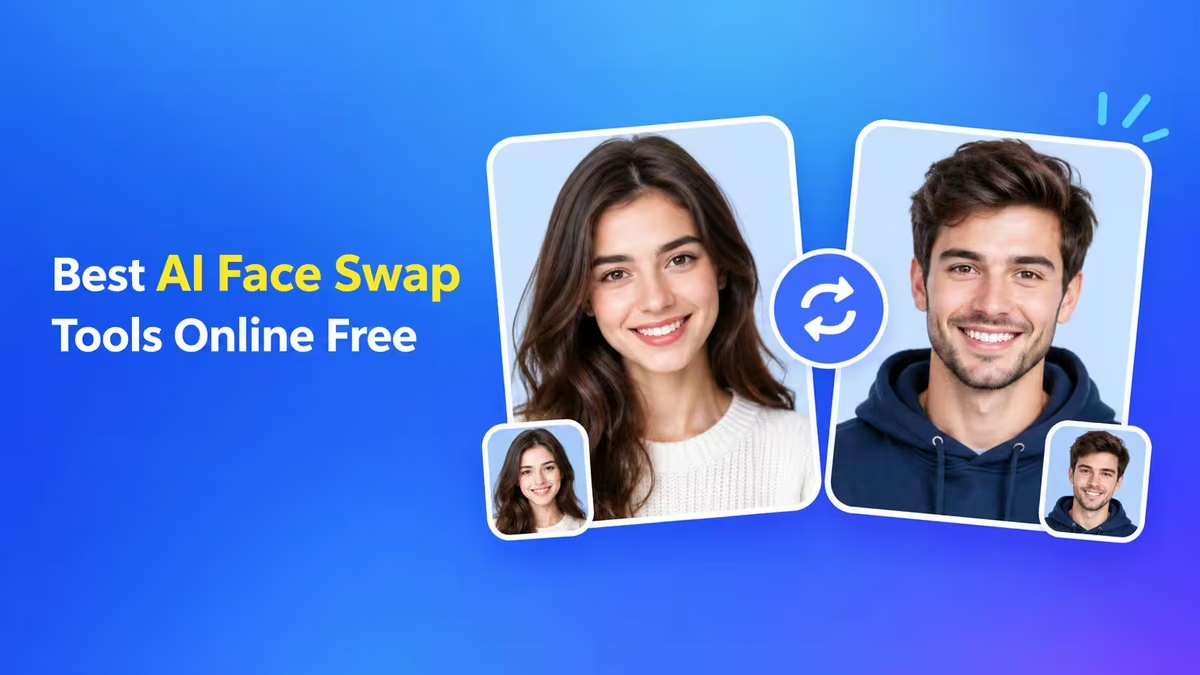
AI face swapping replaces one person's face with another in a photo or video while keeping the original expression, lighting and movement.
Modern tools use deep learning models that map facial landmarks on both images, then blend the new face onto the target frame by frame. Earlier GAN-based tools needed hours of training on your own GPU. Today's browser tools finish a photo swap in seconds and a short video in a few minutes, because the heavy processing runs on cloud servers.
Best AI Face Swap Online Free Tools Compared
This table compares the free tier of each tool so you can shortlist quickly.
| Tool | Photo Swap | Video Swap | Multi-Face | Platform | Free Tier |
|---|---|---|---|---|---|
| Magic Hour | Yes | Yes | Yes | Web | Free credits, watermark on free exports |
| Remaker AI | Yes | Yes | Yes | Web | Free daily credits |
| Vidnoz AI Face Swap | Yes | Yes | Yes | Web | Free daily usage with limits |
| Reface | Yes | Yes (templates) | No | Android, iOS | Free with ads, Pro unlocks more |
| MyEdit | Yes | No | Yes | Web | Free credits |
| FaceFusion | Yes | Yes | Yes | Windows, macOS, Linux | Free and open source |
| MioCreate | Yes | Yes (short clips) | Not stated | Web | Limited free credits |
1. Magic Hour: Best Free AI Face Swap for Photo and Video
Magic Hour is an AI video platform that includes photo face swap, video face swap, head swap and lip sync in one dashboard.
Its video swaps stay stable across frames, which matters most in clips with head turns and changing light. You can chain a face swap with other tools on the same platform, such as image-to-video, without exporting between apps.
Pros
- Stable, low-flicker video face swaps
- Photo, video, head and body swap modes in one place
- Extra AI video tools on the same account
Cons
- Free exports carry a watermark
- Longer and HD videos need a paid plan
2. Remaker AI: Best Free Online Photo Face Swap
Remaker AI is a browser-based face swapper built for fast, no-fuss photo swaps.
Upload a target image and a face image, then click swap. It also supports multiple face swap for group photos and offers video swaps through credits.
Pros
- Very simple interface with almost no learning curve
- Multi-face swap for group photos
- Free daily credits
Cons
- Video swaps use up credits quickly
- Side profiles and glasses reduce accuracy
3. Vidnoz: Best Free AI Face Swap Video Tool
Vidnoz AI Face Swap offers photo face swap, video face swap and multiple face swap from one web page.
It sits inside a larger AI video toolkit, so creators who already make talking avatar or explainer videos on Vidnoz can add face swaps without switching tools.
Pros
- Three swap modes: photo, video and multi-face
- Ready-made templates for memes and short clips
- No install needed
Cons
- Daily free limits and length caps on video
- Higher resolution exports need a paid plan
4. Reface: Best Face Swap App for Android and iPhone
Reface is one of the most popular face swap apps on Android and iOS, built around short video and GIF templates.
You take a selfie, pick a clip, and the app places your face on it in seconds. It works best for fun social content rather than custom footage.
Pros
- Fast, fun results on mobile
- Huge library of video and GIF templates
- Easy sharing to social apps
Cons
- Limited control over custom videos
- Many features and ad-free use need Pro
5. MyEdit: Best for Realistic AI Face Swap Photos
MyEdit is CyberLink's online photo editor, and its AI face swap focuses on natural-looking photo results.
Because it sits inside a full photo editor, you can retouch, remove backgrounds or fix lighting right after the swap.
Pros
- Realistic skin tone and lighting blending
- Built-in photo editing tools after the swap
- Simple drag-and-drop workflow
Cons
- No video face swap
- Free credits are limited
6. FaceFusion: Best Free Offline Face Swap Software
FaceFusion is a free, open-source face swapper that runs locally on your own computer.
Your photos and videos never leave your machine, which makes it the most private option on this list. It needs a decent GPU and some setup, so it suits technical users more than beginners.
Pros
- Completely free with no watermarks or credit limits
- Runs offline, so files stay private
- Full control over models and output quality
Cons
- Requires installation and a capable GPU
- Steeper learning curve than web tools
7. MioCreate: Best Free Face Swap With Extra AI Video Tools
MioCreate is a web tool that swaps faces in photos and short video clips, with a set of extra AI creation tools on the same site.
Beyond face swap, you get voice generation, dance motion for portraits, image combining, and text-to-video or image-to-video tools under one account. MioCreate also asks users to swap faces only when they have permission to use both images, which fits a consent-first workflow.
Pros
- Photo and short video clip face swaps
- Voice, dance motion and image-to-video tools in one account
- Clear consent reminder before swapping
Cons
- Free tier is limited, with paid credit plans for more use
- Fewer face swap controls than the top tools on this list
How to Face Swap Online Free (Photo and Video)
Most web tools follow the same three-step process.
- Pick a clear source photo where the face looks straight at the camera with even lighting.
- Upload the target photo or video and the source face to the tool, then click the swap button.
- Preview the result, download it, and only share it if everyone shown has agreed.
For better results, use high-resolution images, avoid sunglasses or hair covering the face, and match the head angle of both images as closely as possible.
Which Free AI Face Swap Tool Should You Use?
Your choice depends on the type of content you make and how much control you need.
- For quick photo fun: Remaker AI or MyEdit
- For video clips and memes: Magic Hour or Vidnoz
- For mobile: Reface
- For privacy and no limits: FaceFusion
- For face swap plus voice and AI video: MioCreate
Is AI Face Swap Legal? Consent and Safety Rules
Face swap tools are creative, but using someone's face without permission can cause real harm.
Always get consent before swapping a real person's face, and never use these tools to impersonate someone, spread false information or create intimate content of anyone. Several countries now treat non-consensual deepfakes as a crime, and major platforms remove unlabeled manipulated media. Label AI-edited content when you post it.
How to Detect AI Face Swap Photos and Videos
Even good swaps leave small clues if you know where to look.
- Blurry or shifting edges around the hairline, jaw and ears
- Skin tone or lighting on the face that does not match the neck or body
- Unnatural blinking, teeth or mouth movement in videos
- Glasses, earrings or hands that warp when they cross the face
Frequently Asked Questions
Are AI face swap tools really free?
Most offer a free tier with daily credits, watermarks or length limits. FaceFusion is the only option on this list that is fully free with no limits, because it runs on your own computer.
Which is the best free AI face swap tool for video?
Magic Hour and Vidnoz give the best video results among web tools. For unlimited, watermark-free video, FaceFusion is the best free choice if your PC has a capable GPU.
Is it legal to use AI face swap?
Swapping your own face or a consenting friend's face for fun is generally fine. Using someone's face without permission for fraud, harassment or explicit content is illegal in many countries.
Are face swap websites safe for my photos?
Web tools upload your images to their servers, so read each tool's privacy policy before using personal photos. For full privacy, use an offline tool like FaceFusion.
Can I swap multiple faces in one photo?
Yes. Magic Hour, Remaker AI, Vidnoz, MyEdit and FaceFusion all support multiple face swap in group photos.