SABC+ gives South Africans free access to SABC 1, SABC 2, SABC 3, SABC News, SABC Sport, radio stations and a large on-demand library. Step outside the country, though, and most of that catalogue disappears behind a geo-block. This guide shows you how to keep watching SABC+ while you travel or live abroad, which content still works without any workaround, and how to set things up on every device you own.
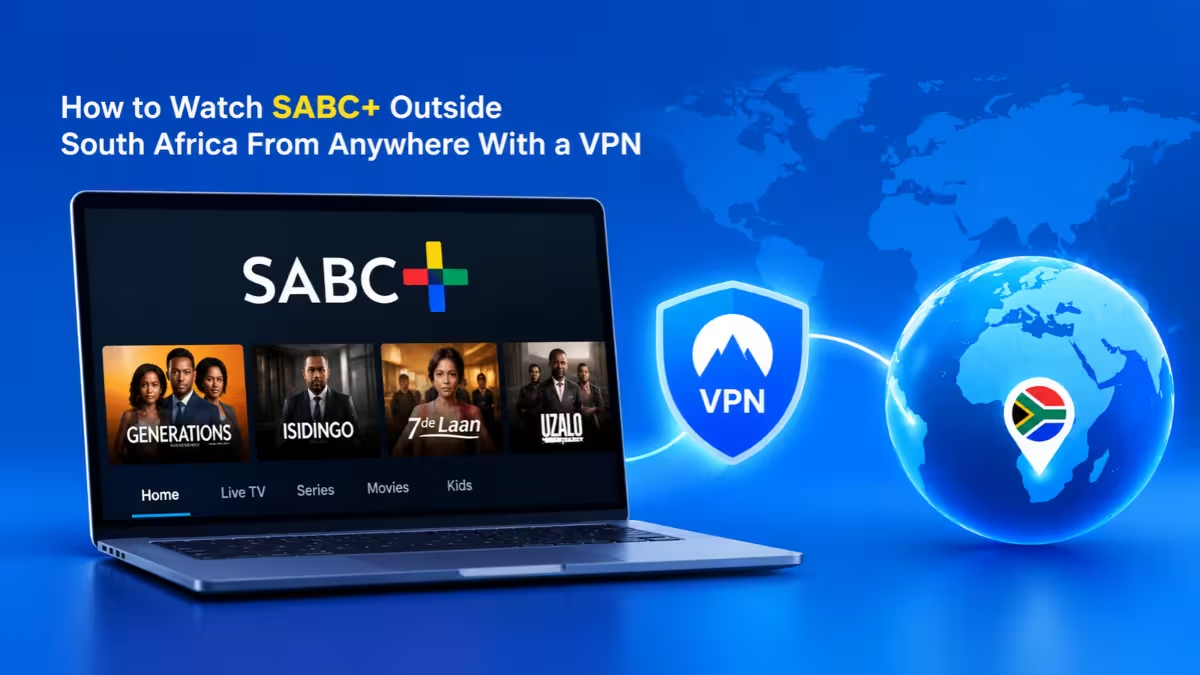
Why You Can't Watch SABC+ Outside South Africa
SABC+ checks your IP address before it shows you anything.
The broadcaster buys many shows, films and sports rights for South Africa only. When the platform sees a foreign IP address, it hides live channels, sport and most on-demand titles to stay within those licensing deals. Your SABC+ account itself stays valid; the location check is what stops playback.
How to Watch SABC+ Outside South Africa With a VPN
A VPN gives you a South African IP address so SABC+ treats you like a local viewer.
- Choose a paid VPN that runs servers in South Africa, usually in Johannesburg or Cape Town.
- Install the VPN app on the device you plan to watch on.
- Sign in and connect to a South African server.
- Open the SABC+ website or app.
- Sign in to your account, or create a free one.
- Pick a channel or show and press play.
If the stream still refuses to load, clear your browser cookies, reload the page and try a different South African server. Streaming services cache your old location, and a fresh session usually fixes it.
How to Sign Up for SABC+ Outside South Africa
You need a South African IP address when you register, so connect your VPN first.
- Connect to a South African server in your VPN app.
- Open the SABC+ website and click Sign Up.
- Enter your email address or mobile number.
- Verify your account with the code SABC+ sends you.
- Add your details and start streaming for free.
Email sign-up works fine, so you do not need a South African phone number.
Best VPNs to Watch SABC+ Outside South Africa
Not every VPN gets past SABC+, so check a few features before you pay.
Look for these points when you compare providers:
- Several South African servers: More servers mean less crowding during big matches and a better chance of an IP address that SABC+ has not flagged.
- Fast WireGuard or similar protocols: Live sport needs steady speeds to avoid buffering.
- Apps for your devices: Check support for Android, iOS, Windows, macOS, Fire TV, Android TV and routers.
- A no-logs policy: Pick a provider with an audited policy so your browsing stays private.
- A money-back guarantee: A 30-day refund window lets you test SABC+ before you commit.
Large providers such as NordVPN, Surfshark, ExpressVPN, Proton VPN and CyberGhost all run South African servers and support most streaming devices.
Pros and Cons of Using a Paid VPN
Paid services handle streaming far better than free ones.
Pros
- Reliable South African IP addresses
- Speeds that handle HD live sport
- Multiple devices on one account
- Encryption on hotel and airport Wi-Fi
Cons
- Costs money, though long plans cut the monthly price
- Some servers get blocked now and then, so you may need to switch
Why Free VPNs Usually Fail
Free VPNs rarely survive a live football match.
They pack thousands of users onto a handful of servers, which slows speeds and causes endless buffering. Streaming platforms also spot and block their shared IP addresses quickly. Some free apps skip proper encryption or carry adware, so they put your data at risk too. A browser extension VPN can work for a quick news clip, but it only covers browser traffic and will not help the SABC+ app on your phone or TV.
How to Download the SABC+ App on Android Outside South Africa
Google Play may hide the app in your country, so switch your store region first.
- Connect your VPN to a South African server.
- Open Google Play and tap your profile icon.
- Go to Settings > General > Account and device preferences > Country and profiles.
- Select South Africa and follow the prompts to add a payment method for that region.
- Search for SABC+ and install the app.
- Sign in and start streaming.
Google only lets you change your country once a year. If you plan to switch back soon, use SABC+ in Chrome instead.
How to Download the SABC+ App on iPhone Outside South Africa
The App Store needs a South African region before it shows the app.
- Connect your VPN to a South African server.
- Open Settings, tap your name, then go to Media & Purchases.
- Tap View Account > Country/Region > Change Country or Region.
- Choose South Africa, accept the terms and enter a payment method and billing address.
- Search for SABC+ in the App Store and install it.
Apple asks for region-specific billing details, so the Safari route is often simpler. Open the SABC+ website in Safari while the VPN runs and skip the app.
How to Watch SABC+ on Smart TV, PC, Mac and Consoles
Each device needs a slightly different approach.
Windows PC and Mac
- Install the VPN desktop app and connect to a South African server.
- Open SABC+ in Chrome, Edge, Firefox or Safari.
- Sign in and watch on the larger screen.
A laptop gives you the most stable setup for live sport because you can plug into a wired connection.
Smart TVs and Streaming Devices
SABC+ supports Android TV, Google TV, Apple TV, Chromecast and LG Smart TVs.
- On Android TV, Google TV or Fire TV, install the VPN app directly and connect to South Africa.
- On TVs without VPN apps, set the VPN up on your router so every connected device gets a South African IP address.
- Alternatively, cast SABC+ from a phone or laptop that already runs the VPN.
Gaming Consoles
Consoles do not run SABC+ or VPN apps natively.
Route your console through a VPN-enabled router, then use the console browser or cast from another device. In most cases a laptop connected to the TV over HDMI works more reliably.
What You Can Watch on SABC+ Outside South Africa Without a VPN
A few SABC services load from any country, so test them before you pay for anything.
SABC News streams live on YouTube, and SABC radio, podcasts and SABC News video on demand generally play abroad too. If you only want headlines and current affairs, skip the VPN entirely.
With a South African IP address, the full catalogue opens up:
- Live TV: SABC 1, SABC 2, SABC 3, SABC News and SABC Sport, plus SABC Lehae.
- Dramas and soapies: Isidingo, Skeem Saam, Paradys, The Estate, Soul City and Zone 14.
- Reality and lifestyle: Tropika Island of Treasure, Deal or No Deal, The Longest Date and Top Billing.
- Sport: CAF Champions League and Confederations Cup football, Banyana Banyana matches, rugby, cricket test matches and major tournaments when SABC holds the rights.
- Documentaries and more: Award shows, international dramas and factual series.
SABC also sells an AMP add-on that unlocks extra local and international movies, series and reality shows on daily, weekend and weekly passes.
Can You Watch SABC+ Without a VPN?
Only partly. SABC News, radio and podcasts work abroad, but live channels, sport and most on-demand shows need a South African IP address.
Start with the free global content. If a live match or a favourite soapie refuses to load, switch to a VPN for those streams.
Is It Legal to Watch SABC+ Outside South Africa With a VPN?
VPNs are legal in South Africa and in most countries.
Using one to reach geo-blocked content can break a streaming service's terms of use, but it is not usually a crime. The typical consequence is a blocked stream until you switch servers. Countries with strict VPN rules, such as China, the UAE and Russia, are the exception, so check local laws before you travel there.
Frequently Asked Questions
Is SABC+ free to watch?
Yes. SABC+ is free with a registered account. Only the optional AMP add-on costs extra.
Can I watch SABC+ without a South African phone number?
Yes. You can sign up with an email address instead of a mobile number.
Why does SABC+ still block me with a VPN on?
SABC+ may have flagged that server's IP address, or your browser may still hold your old location in cookies. Switch to another South African server, clear cookies and reload the page.
Can I watch live sport on SABC+ from abroad?
Yes, if you connect to a South African server first. Sport carries the strictest geo-blocking, so a VPN with plenty of local servers works best.
Which devices support SABC+?
SABC+ runs on Android and iOS phones and tablets, Huawei devices, Windows PCs, Macs, Android TV, Google TV, Apple TV, Chromecast, LG Smart TVs and other compatible smart TVs.
Related Guides
- How to Watch SparkTV From Anywhere With a VPN
- How to Play Persona 5 Phantom X on PC if It's Region-Locked in Your Country
- How to Use a VPN to Protect Yourself from Hackers and Scammers
- How to Pay for a VPN Anonymously in 2026 (5 Methods That Work)
- Can You Be Hacked Through a VPN? What You Need to Know