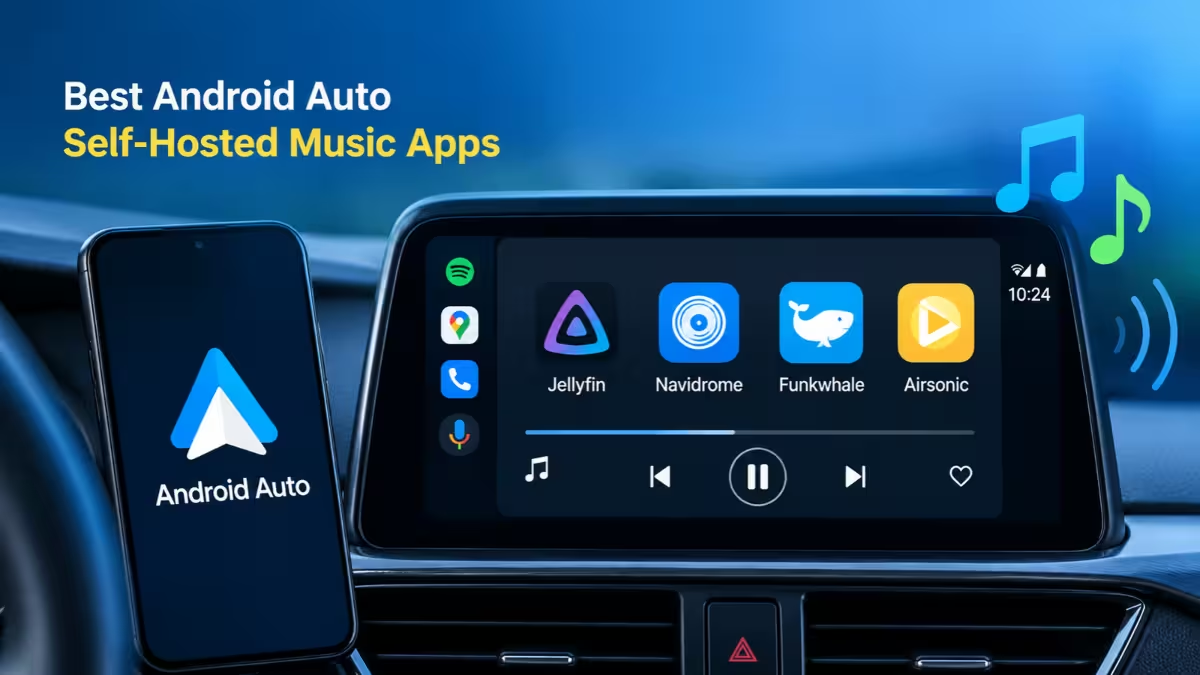
Streaming apps own the Android Auto dashboard for most drivers, but they are not the only option. If you keep your own music on a home server, a NAS, or your phone, several players can push that library straight to your car screen with steering wheel controls, offline caching, and gapless playback. This guide covers the apps that work well, what each one needs on the server side, and how to pick the right one for your setup.
Why Play Your Own Music Library on Android Auto Instead of Streaming
Owning your files solves several problems that streaming services create on the road.
Spotify, YouTube Music, and Amazon Music rent you access to a catalog. Licensing deals change, so albums can vanish from your playlists without warning, and remasters sometimes replace the versions you liked. Your listening also feeds recommendation and ad systems you cannot switch off.
The car makes these issues worse. Rural roads and tunnels drop your signal, and a weak connection means buffering in the middle of a song. A local or self-hosted library lets you cache music ahead of time, so playback keeps going when the network disappears. You also get access to material streaming services never carry, such as DJ mixes, bootleg live sets, old radio shows, and rare recordings.
What to Look for in an Android Auto Music App for Your Own Library
Your setup decides which app fits, so sort out these pieces first.
- A music library: Ripped CDs, Bandcamp purchases, or other DRM-free files in FLAC, MP3, AAC, or Opus.
- A server (optional): Plex Media Server, Jellyfin, or a Subsonic-compatible server such as Navidrome. Skip this if you only want to play files stored on your phone.
- Remote access: A reverse proxy with HTTPS, or a VPN tunnel like Tailscale or WireGuard, if you want to stream from home while driving.
- A Play Store install: Android Auto only lists media apps that pass Google's checks, and sideloaded builds often fail them.
Navidrome is the lightest server option. It runs as a single Go binary or Docker container and needs very little RAM, so a Raspberry Pi or an old NAS handles it easily. Plex needs more resources but gives you the polished Plexamp client.
Android Auto Self-Hosted Music Apps Compared
Android Auto self-hosted music apps differ mainly in the servers they connect to and the price they charge, and the table below lines up both for each app.
| App | Works With | Price | Android Auto Quality |
|---|---|---|---|
| Symfonium | Plex, Jellyfin, Emby, Subsonic, Navidrome, local files, SMB, WebDAV, cloud drives | One-time purchase, free trial | Excellent |
| Plexamp | Plex only | Free core, Plex Pass for extras | Excellent |
| Finamp | Jellyfin only | Free | Good |
| Substreamer | Subsonic, Navidrome, Airsonic, Gonic, Ampache | Free with ads, one-time unlock | Good |
| Tempo | Subsonic, OpenSubsonic, Navidrome | Free | Good |
| DSub | Subsonic, Navidrome, Airsonic | Free | Good, very stable |
| Ultrasonic | Subsonic, Navidrome | Free | Fair, can stall at handoff |
| Poweramp | Local files on the phone | Trial, then one-time unlock | Excellent |
1. Symfonium: Best for Multiple Servers and Offline Caching
Symfonium is the best pick if your music lives in more than one place.
It connects to Plex, Jellyfin, Emby, Subsonic servers, Navidrome, Audiobookshelf, SMB shares, WebDAV, Google Drive, OneDrive, Dropbox, and files on the phone, all inside one app. You can keep albums on Plex, radio shows on Jellyfin, and live sets on local storage, then browse them together on the dashboard.
Caching is its standout feature. You can set a rolling cache with a size limit, and Symfonium deletes the oldest tracks when it fills up. It also pre-caches upcoming songs, so a dead zone on the highway does not interrupt the queue. On Android Auto, you choose which sections (Home, Recent, Library, Favorites) show up on the head unit, which keeps the screen clean. It also handles metadata and album art accurately, supports voice commands, and plays FLAC, ALAC, AAC, and Opus.
Pros
- Supports nearly every self-hosted backend in one app
- Configurable rolling and offline cache
- No ads, no subscription
- Strong metadata and artwork handling
Cons
- The free trial is short
- Paid app, which puts off users who want fully free software
2. Plexamp: Best for Plex Users
Plexamp gives Plex users the most refined in-car experience.
The app focuses purely on music and builds discovery features around your own collection. Sonic Analysis studies the actual audio, so Track Radio and Album Radio can queue similar-sounding songs from your library. Mixes for You draws on your listening history, and smart playlists let you set rules like "4 stars and above, not played in the last 7 days" so favorites rotate instead of repeating every drive.
Playback suits long trips. Loudness leveling keeps volume steady across albums from different decades, Sweet Fades picks smart crossover points between tracks, and gapless mode keeps live albums flowing. Plex also lets separate devices stream independently from one server, so someone at home will not cut off your music in the car.
Pros
- Polished Android Auto integration with generated stations
- Audio-based recommendations from your own library
- Loudness leveling, smart crossfades, and gapless playback
Cons
- Works only with Plex Media Server
- Offline downloads, lyrics, and advanced mixes need Plex Pass
- Some users report slow loading from a NAS
3. Finamp: Best for Jellyfin Libraries
Finamp is the natural choice when Jellyfin runs your whole media setup.
It downloads music per album or playlist, and you can browse your offline content even when the server is unreachable. Artwork loads cleanly on the car screen, and the app costs nothing.
Install it from the Play Store. Android Auto does not register the sideloaded or F-Droid build because those skip the media session checks Google trusts.
Pros
- Free, with no ads or in-app purchases
- Offline browsing works without the server
Cons
- Jellyfin only
- Transcoding options trail Symfonium
4. Substreamer: Best Free Subsonic App on the Play Store
Substreamer is the easiest Subsonic client to install for less technical users.
It connects to Navidrome, Airsonic, Gonic, Nextcloud Music, and Ampache without extra configuration. You can download single albums instead of entire artist catalogs, which saves phone storage.
Pros
- Simple setup straight from the Play Store
- Wide Subsonic server support
Cons
- Ads in the free version
- Higher cache limits and format conversion sit behind a one-time upgrade
5. Tempo: Best Modern Free Client for Navidrome
Tempo is the modern free option for Navidrome owners.
Many users moved to Tempo after the original DSub stopped receiving updates. The GitHub build supports Android Auto without workarounds and covers album, playlist, and station browsing, offline downloads, and steering wheel controls. It also plays gapless tracks correctly in the car.
Pros
- Free and actively developed
- Keeps up with OpenSubsonic features like lyrics
Cons
- The F-Droid build lags behind GitHub releases
- Some Android Auto behavior on the F-Droid build needs developer mode
6. DSub and Ultrasonic: Best Free Open-Source Subsonic Clients
Both apps are free, open-source Subsonic clients with long track records.
DSub offers the smoothest handoff of the free Subsonic apps when the head unit takes over, with large buttons and quick response to wheel controls. The original project is no longer maintained, so grab the DSub2000 fork on F-Droid for current builds. Its interface looks dated, and switching between servers feels clunky.
Ultrasonic keeps a small app size and a clean Material You design, with support for multiple server profiles. Playback can pause for a few seconds when Android Auto connects, and new features arrive slowly.
7. Poweramp: Best for Offline Files and Sound Quality
Poweramp works best when you would rather sync files to your phone than stream them.
It does not connect to any server. Instead, you mirror a folder from your home library with Syncthing, rclone, or Nextcloud, and Poweramp plays those files. In return, you get one of the strongest playback engines on Android, a detailed parametric equalizer for tuning your car speakers, folder-based browsing, and Gemini voice control that hands songs straight to the app.
Pros
- Excellent equalizer and sound control
- Folder browsing that follows your own file structure
- Works fully offline by design
Cons
- No streaming support at all
- Phone storage limits how much music you can carry
How to Pick the Best Android Auto Music App for Your Server
Match the app to the server you already run.
- You run Plex for movies and music: Use Plexamp. Add Plex Pass if you need offline downloads.
- You run Jellyfin: Start with Finamp from the Play Store.
- You run Navidrome or another Subsonic server: Pick Tempo for a free modern client, DSub for stability, or Substreamer for the simplest setup.
- Your music sits on multiple servers or cloud drives: Pay once for Symfonium.
- You want no server at all: Sync files to your phone and use Poweramp.
How to Keep Offline Music Playing Without Signal on Android Auto
A few habits prevent most in-car hiccups.
- Download or cache the albums and playlists you plan to hear before a long drive.
- Set a cache size limit that fits your phone's free storage.
- Keep FLAC masters on the server and let the client transcode to a smaller format over mobile data.
- Connect your VPN tunnel before you start Android Auto if you reach your server through Tailscale or WireGuard.
- Clean up tags with MusicBrainz Picard or Beets so albums show in the right order on the car screen.
Frequently Asked Questions
Do I need a subscription to play my own music on Android Auto?
No. Finamp, Tempo, DSub, Ultrasonic, and Substreamer are free, while Symfonium and Poweramp are one-time purchases. Plexamp is free to install, though Plex Pass unlocks offline downloads and some extra features.
Why does my music app not appear in Android Auto?
Android Auto only lists media apps that implement Google's media session APIs correctly. Sideloaded builds often fail this check, so install the Play Store version or enable unknown sources in Android Auto's developer settings.
Can I stream from my home server while driving?
Yes. Expose your server through a reverse proxy with a valid HTTPS certificate, or use a VPN tunnel such as Tailscale. Plex and Jellyfin also offer their own remote access options.
Which apps support gapless playback in the car?
Symfonium, Plexamp, Poweramp, and Tempo handle gapless playback well on Android Auto. Finamp and Substreamer come close, with an occasional short stutter between tracks.
Is self-hosting music legal?
Yes, as long as you own the files. Ripping your own CDs and buying DRM-free downloads from stores like Bandcamp keeps your library legal.
Related Guides
- How to Set Up a Self-Hosted PostgreSQL Database with SSL Support
- 7 Best Free Phone Automation Apps Replacing Zapier for Android and iPhone (2026)
- How to Fix Subtitle Delay in VLC on Android and iPhone (Auto Sync Method)
- Android Auto Signal Icon Fix Is Rolling Out: What Google Confirmed
- Android Auto Signal Bars Missing? Here's Why They're Coming Back