You land in another country, open your streaming app, and the show you were halfway through has vanished. Or the big match starts and your sports app greets you with a "not available in your region" message. Streaming platforms license their content country by country, so your location decides what you can watch, even on a subscription you already pay for.
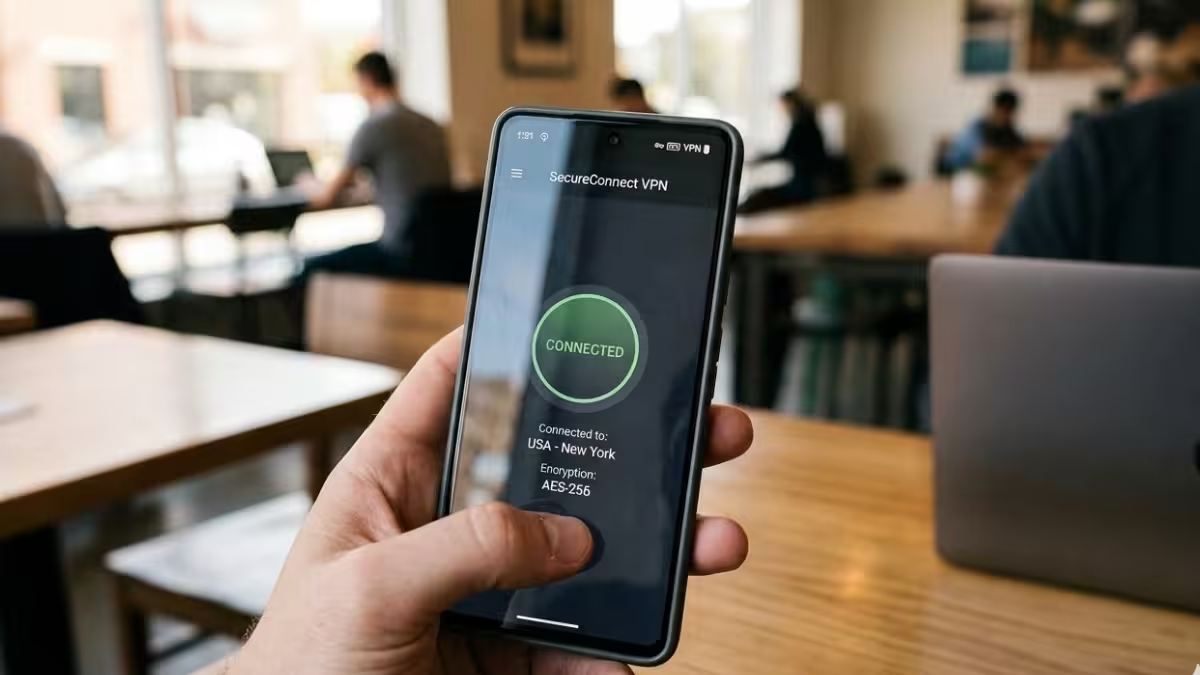
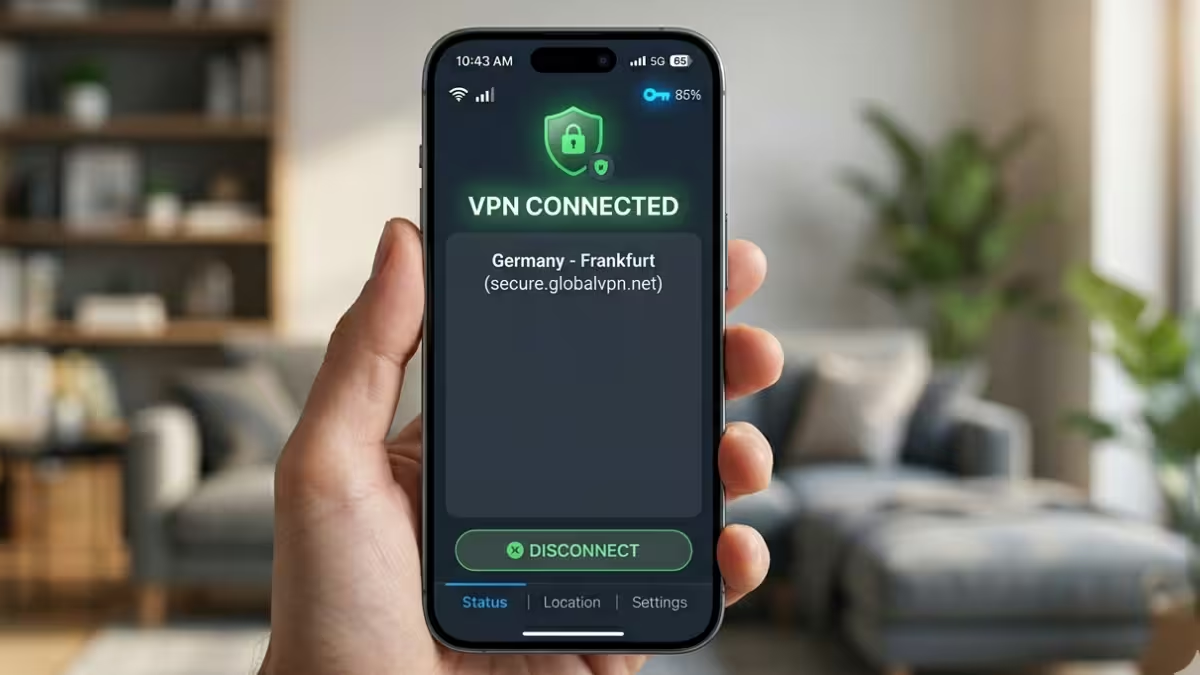
A good VPN fixes this. It routes your connection through a server in the country you choose, so the streaming service sees that location instead of your real one. The catch: most VPNs fail against modern streaming detection, and many slow your connection so much that live sports turn into a buffering slideshow.
This guide ranks the VPNs that handle streaming and live sports best in 2026, shows which services each one unlocks, and walks you through setup and troubleshooting.
Top 6 VPNs for Streaming Sports and TV Abroad
| VPN | Best For | Devices | Standout Feature |
|---|---|---|---|
| NordVPN | Best overall for sports and TV | 10 | Lowest speed loss, Smart DNS for TVs |
| ExpressVPN | Easiest setup on every screen | 10+ | MediaStreamer and Aircove router |
| Surfshark | Families and shared homes | Unlimited | GPS spoofing on Android for live TV apps |
| Proton VPN | Privacy focused streaming | 10 | Free plan and open-source apps |
| CyberGhost | Beginners | 7 | Servers labeled by streaming service |
| Private Internet Access | US sports on a budget | Unlimited | Servers in every US state |
Why Do Streaming Services Block Content Abroad?
Streaming services check your IP address to work out where you are. That address decides which catalog you see and whether a live channel plays at all. Netflix shows a different library in the UK than in the US. BBC iPlayer only plays in the UK. ESPN+, Peacock, and YouTube TV lock their content to the US.
Live sports add a second layer of restriction: blackouts. Leagues and regional networks buy exclusive rights for specific areas, so a game can be blocked in your own city even when you have a paid package. MLB blackouts often cover entire states, while NBA and NHL blackouts usually hit viewers within a set radius of the home arena.
A VPN handles both problems. Connect to a server in the right country or the right US city, and the service treats you as a local viewer.
How to Choose a VPN for Streaming Live Sports
Not every VPN can do this job. Before you pay, check these five things.
Unblocking record. Streaming platforms blacklist VPN IP addresses constantly. You want a provider that keeps refreshing its servers and works across several services, not just Netflix.
Speed. HD video needs roughly 5 to 10 Mbps. 4K needs at least 25 Mbps, and 50 Mbps gives you comfortable headroom. Live sports punish slow VPNs harder than movies do, because a delayed stream means you hear your neighbors cheer before you see the goal. Look for a VPN that drops your speed by 25% or less.
Server spread. More countries means more catalogs. For US sports, servers in many states matter just as much, since they let you hop out of a blackout zone.
TV and console support. Most people watch games on a big screen. Native apps for Fire TV, Android TV, and Apple TV help a lot. For Samsung and LG TVs, PlayStation, Xbox, and Roku, you need Smart DNS or a router setup.
Privacy basics. A kill switch, leak protection, and an audited no-logs policy keep your real location from slipping out mid-stream.
Best VPNs for Streaming: Tested and Ranked
1. NordVPN: Best Overall
NordVPN delivered the smallest speed drops of the group, which makes it the safest pick for live 4K sports. Its NordLynx protocol, built on WireGuard, keeps streams smooth even on distant servers, so fast plays rarely stutter.
It unlocks the big names without fuss: Netflix in multiple regions, Hulu, Prime Video, Disney+, BBC iPlayer, ITVX, and Max. On the sports side, it handles ESPN+, Peacock, Sling TV, and DAZN. Servers across many US cities make blackout hopping simple.
For TVs and consoles without VPN apps, NordVPN offers Smart DNS. You enter a DNS address in your device's network settings and the streaming app sees your chosen location. It also has native apps for Fire TV, Android TV, and Apple TV, though the Apple TV server picker feels clumsy.
What we liked: Fastest results, strong Smart DNS, independently audited no-logs policy, 10 connections.
What to watch: Some streaming device apps lack a kill switch, and renewal prices climb steeply after the first term.
2. ExpressVPN: Easiest on Every Device
ExpressVPN wins on simplicity. Its apps look and work the same on phones, laptops, Fire TV, Android TV, and Apple TV, so you connect in a couple of taps no matter where you watch. Beginners feel at home immediately.
It opens Netflix, Hulu, Disney+, Prime Video, and Max for most viewers, and its Lightway protocol keeps live games on DAZN and FuboTV smooth. MediaStreamer, its Smart DNS tool, gets geo-blocked content onto consoles and TVs that can't run a VPN app. If you want every device in the house covered, its Aircove router has the VPN built in.
ExpressVPN runs RAM-only servers that wipe data on every reboot, and its base in the British Virgin Islands keeps it outside major surveillance alliances.
What we liked: Clean apps everywhere, Aircove router option, strong privacy setup.
What to watch: It costs more than rivals, renewals jump sharply, and it skips advanced extras like multi-hop. Some reviewers have also reported Netflix catalog gaps in recent rounds, so test it on your own services during the refund window.
3. Surfshark: Best for Families
Surfshark puts no cap on simultaneous connections. One account covers every phone, tablet, laptop, and TV in the house, so the kids can watch cartoons while you catch the game on another screen.
Netflix is where Surfshark shines. It opens more regional libraries than most competitors, including smaller European catalogs. It also handles Disney+, Prime Video, ESPN+, Sky Sports, and UFC streams without trouble. A neat bonus: its GPS spoofer on Android helps with live TV apps like YouTube TV that check your phone's GPS location, not just your IP.
Its Camouflage Mode and NoBorders Mode hide VPN traffic on networks that try to block it, such as hotel or office Wi-Fi.
What we liked: Unlimited devices, wide Netflix reach, GPS spoofing, low intro price.
What to watch: Hulu acts up on some devices, ITVX stayed blocked in one round of checks, and long plans more than double in price when they renew.
4. Proton VPN: Best for Privacy Minded Viewers
Proton VPN suits people who want strong privacy without giving up streaming. It sits under Swiss jurisdiction, publishes open-source apps anyone can inspect, and gets its no-logs policy audited regularly. Secure Core routes traffic through hardened servers when you want extra protection.
Its paid plan opens Netflix in several regions, including some libraries that NordVPN and Surfshark struggled with, plus Prime Video, BBC iPlayer, Peacock, and international sports streams like Eurosport and F1 TV. VPN Accelerator boosts speeds on long-distance connections.
Proton also runs the most generous free plan in this group, with no data cap. Keep your expectations low, though: free servers often get detected, so serious streaming needs the paid tier.
What we liked: Top privacy credentials, free plan, wide server network.
What to watch: No Smart DNS, Hulu and ITVX were hit or miss, and refunds are prorated.
5. CyberGhost: Best for Beginners
CyberGhost removes the guesswork. Its apps list servers by the service they unlock, so you pick "BBC iPlayer" or "Netflix US" instead of hunting through countries. That makes it a friendly choice if you've never used a VPN.
It works with ESPN, NBC Sports, Sling TV, Hulu, and BBC iPlayer, and its streaming servers keep HD playback steady. CyberGhost also gives you a 45-day money-back window, longer than most rivals.
What we liked: Labeled streaming servers, easy apps, long refund period.
What to watch: Only seven devices, no obfuscation for restrictive networks, and Netflix Japan stayed out of reach in some checks.
6. Private Internet Access: Best Budget Pick for US Sports
PIA keeps servers in all 50 US states, which makes it handy for dodging local MLB, NBA, and NHL blackouts. It also allows unlimited connections at one of the lowest long-term prices around.
Its privacy record holds up well. US courts have demanded its logs and found nothing to hand over. The trade-off is reach: PIA slows connections more than the top picks, and it missed several services, including Prime Video and Hulu on desktop.
What we liked: Every US state covered, unlimited devices, proven no-logs record.
What to watch: Weaker international unblocking and bigger speed drops.
Which Streaming Services Each VPN Unblocked
This table shows how each provider performed against popular services in recent comparison tests. Results shift as platforms update their detection, so treat them as a guide and confirm with the refund window.
| VPN | Netflix US | Hulu | Prime Video | BBC iPlayer | ITVX | Avg. Speed Loss |
|---|---|---|---|---|---|---|
| NordVPN | Yes | Yes | Yes | Yes | Yes | About 8% |
| ExpressVPN | Yes | Yes | Yes | Yes | Yes | About 8% |
| Surfshark | Yes | Yes | Yes | Yes | No | About 10% |
| Proton VPN | Yes | No | Yes | Yes | No | About 10% |
| CyberGhost | Yes | Yes | Yes | Yes | Yes | About 13% |
| Private Internet Access | Yes | No | No | Yes | Yes | About 13% |
Two takeaways stand out. NordVPN and ExpressVPN cover the widest range, so they suit viewers who juggle many services. Proton VPN trades some coverage for privacy, and PIA works best when your viewing stays inside US platforms.
How We Tested These Streaming VPNs
We ranked each provider on the same five measures, ordered by how much they affect your viewing:
- Unblocking consistency. Does the VPN open Netflix, Hulu, Prime Video, BBC iPlayer, and live sports apps across several server locations, and does it keep working from one day to the next?
- Speed retention. How much download speed survives once the VPN connects, and does that leave enough for 4K, which needs about 25 Mbps?
- Device and TV support. Does the provider offer native apps for Fire TV, Android TV, and Apple TV, plus Smart DNS or a router option for everything else?
- Privacy and security. Does it ship a kill switch, leak protection, modern encryption, and an audited no-logs policy?
- Value. What do the intro and renewal prices look like, how many devices can you connect, and how long is the refund window?
We weighed published lab results alongside feature checks, then ranked the VPNs by how well they hold up for streaming specifically, not for general privacy use.
How to Watch Blacked-Out NFL, NBA and MLB Games With a VPN
The trick is simple: connect to a server outside the blackout zone. If your local team's game is blocked in New York, connect to a server in another state where the game airs on your package.
Follow these steps:
- Open your VPN app and pick a US server in a city far from the blacked-out team's market.
- Close and reopen your sports app, or clear your browser cookies.
- Log in with your subscription and check that the game now plays.
- If the stream stays locked, switch to another city and try again.
Remember that you still need a valid subscription to the service that carries the game. A VPN changes your location, not your access rights.
Best VPN Server Locations for Each Sports League
For international viewing, pick the country that holds the broadcast rights:
| You Want to Watch | Connect To | Common Platforms |
|---|---|---|
| Premier League, Wimbledon, Six Nations | UK | BBC iPlayer, ITVX, Sky Sports |
| NFL, NBA, MLB, NHL | US | ESPN+, Peacock, YouTube TV, Fubo |
| Bundesliga | Germany | DAZN, Sky Deutschland |
| Formula 1 free broadcasts | Austria | ServusTV, ORF |
| AFL, NRL, cricket | Australia | Kayo Sports, 9Now |
| NHL in Canada | Canada | Sportsnet Now |
Free broadcasters like BBC iPlayer may ask for a UK postcode or TV license confirmation before they play.
How to Use a VPN to Stream on Smart TV, Fire Stick and Consoles
Setup takes a few minutes on any device:
- Pick a VPN from the list above and subscribe.
- Install the app on the device you watch on. Fire TV, Android TV, and Apple TV all run native VPN apps.
- Connect to a server in the country or state where your content airs.
- Clear your browser cookies or restart the streaming app so it forgets your old location.
- Open the service and start watching.
PlayStation, Xbox, Roku, and many Samsung and LG TVs don't support VPN apps. For these, use your provider's Smart DNS feature, or install the VPN on your router so every device on your network connects through it. NordVPN and ExpressVPN both support Smart DNS, while Proton VPN does not.
VPN Not Working With Netflix or Sports Apps? Try These Fixes
Platforms and VPNs play an endless game of cat and mouse. A server that works today might fail tomorrow. Try these fixes in order:
- Switch servers in the same country. One blocked IP doesn't mean the whole location is dead.
- Clear cache and cookies. Old location data can betray you even with the VPN on.
- Change your VPN protocol in the app settings.
- Try the browser extension if the desktop app gets detected.
- Contact live chat support. Most top providers will name a server that currently works.
Because unblocking can change overnight, think twice before locking into a long plan purely for one service. Use the 30-day refund window to test your exact apps first.
Is It Legal to Stream With a VPN?
In most countries, including the US, UK, and EU members, using a VPN is legal. Watching another region's catalog, however, usually breaks the streaming service's terms of use. In practice, the typical result is a "VPN detected" error rather than a banned account. A handful of countries, such as China and Russia, restrict VPNs heavily, so check local rules before you travel.
Can You Use a Free VPN for Streaming Live Sports?
Free VPNs rarely cut it for live sports. Most cap your data, limit server choices, or get blocked instantly. A two-hour match in HD can eat through a 10 GB monthly allowance in a few sessions. Some free services also log and sell user data. If budget matters, a paid plan with a money-back guarantee costs less than a single month of most sports packages and works far better.
Which Streaming VPN Should You Choose?
NordVPN is the best all-round choice for streaming live sports and TV shows abroad. It keeps the most speed, opens the widest set of services, and covers smart TVs through Smart DNS.
Pick ExpressVPN if you want the simplest apps on every screen. Go with Surfshark if your household has too many devices to count. Choose Proton VPN if privacy matters as much as streaming. CyberGhost suits first-time users, and PIA handles US blackouts on a tight budget.
Whichever you choose, test it against your own services during the refund period. Your favorite league or show is the only benchmark that truly counts.
Frequently Asked Questions
Which VPN is best for live sports?
NordVPN is the best pick for live sports. Its low speed loss keeps live games smooth in 4K, and its wide US and international server spread helps you dodge blackouts and reach foreign broadcasts.
Can a VPN get around NFL or MLB blackouts?
Yes. Connect to a server in a region outside the blackout area where the game streams on your package. Your subscription still has to include the game, because a VPN only changes your location.
Will a VPN slow down my stream?
Every VPN costs some speed, but the top picks here lose so little that HD and 4K playback stay smooth on a normal home connection. Pick a nearby server when you can, since distance adds the most slowdown.
How do I use a VPN on a smart TV?
Install the app on Fire TV, Android TV, or Apple TV. For Samsung, LG, Roku, or game consoles, use your provider's Smart DNS feature or set up the VPN on your router.
Can Netflix ban me for using a VPN?
It's unlikely. Netflix usually just shows an error or limits you to its own originals when it detects a VPN. Switching to another server often clears the block.
What speed do I need to stream sports in 4K?
Aim for at least 25 Mbps after the VPN connects. A 50 Mbps connection gives you a safe buffer for live events.
Related Guides
- How to Watch SparkTV From Anywhere With a VPN
- How to Play Persona 5 Phantom X on PC if It's Region-Locked in Your Country
- How to Use VPN Split Tunneling for Online Banking Without Getting Locked Out
- Can You Be Hacked Through a VPN? What You Need to Know
- How to Pay for a VPN Anonymously in 2026 (5 Methods That Work)