Microsoft has confirmed that native Windows 11 apps built on the WinUI 3 framework consume more RAM than they should, and a fix is now in active development. The company plans to roll out memory and performance improvements to WinUI before it rewrites core Windows 11 components like the Start menu using the framework.
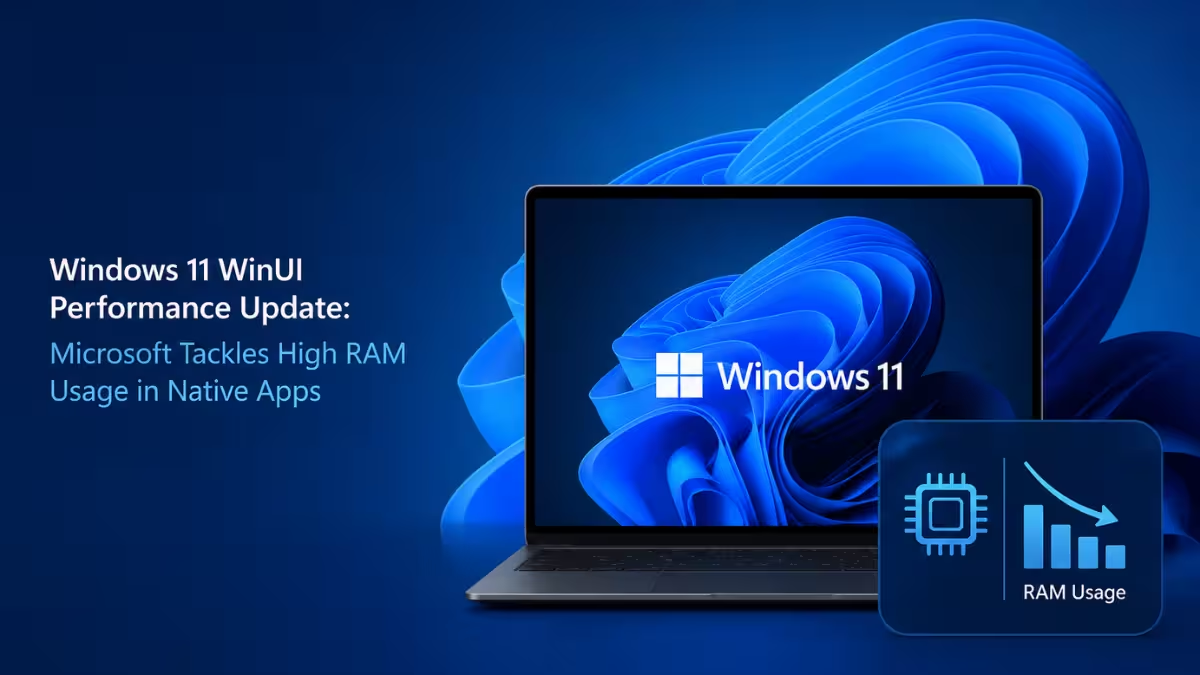
Microsoft Confirms WinUI 3 Apps Are Eating Too Much RAM
Microsoft first teased these changes at the Build 2026 developer conference, and the company is now testing them internally.
Chris Anderson, an engineer on Microsoft's Windows UI team, said the current priority is fixing "performance, fundamentals, and quality" issues in WinUI before adding new features. He also confirmed that Microsoft is shifting WinUI to the Windows system compositor, a move expected to improve rendering speed alongside the memory reduction work.
Why WinUI Feels Heavier Than Older Windows Apps
WinUI apps have a reputation for feeling heavier than their older Win32 counterparts, and Microsoft has not hidden from this criticism.
- The framework carries overhead that affects apps built on it as well as parts of the Windows shell itself.
- File Explorer is a good example of the lag. Older, non-WinUI views open almost instantly, but newer WinUI-based screens can take a visible extra second or two to render on weaker machines.
- Low-spec PCs feel the impact the most, since limited RAM leaves less headroom for a heavier framework.
Microsoft has not shared exact figures for how much memory usage will drop once the fixes ship.
The WinUI-Based Start Menu Redesign Is Still on Track
The plan to rebuild the Start menu on WinUI has not changed, and the Agenda view inside the Notifications center is also moving to the framework. Microsoft wants the memory and compositor work finished first, so the transition does not make either feature feel slower than the current version.
Most people will not notice a visual redesign when the WinUI-based Start menu arrives. The difference will show up in smoothness and reduced RAM load, particularly on budget hardware.
Microsoft Is Adding DataGrid and Charting Controls to Win Over Enterprise Developers
Microsoft is also adding DataGrid and Charting controls to WinUI, a move meant to reduce how often developers reach for third party libraries to handle data-heavy app scenarios.
Anderson explained that missing capabilities have been a recurring complaint from developers, including a complete system tray implementation. Microsoft says a large backlog of feature gaps is next in line once the performance work wraps up.
Anderson also pushed back on concerns that Microsoft might abandon WinUI for a new framework down the line, and confirmed the company is dropping the "3" from the name going forward, calling it simply WinUI.
What the WinUI Performance Fix Changes for Your PC
There is no fix you can apply yet since these changes are still in internal testing. Once the update rolls out, expect:
- Lower RAM usage from built-in WinUI apps
- Smoother performance on low-spec PCs
- No major visual changes to the Start menu itself
- A faster, less stuttery experience when resizing or dragging windows
Frequently Asked Questions
When will the WinUI performance update release?
Microsoft has not shared a release date. The company is currently testing the memory and compositor changes internally ahead of the Start menu rewrite.
Will this update reduce RAM usage on all Windows 11 PCs?
Yes, though the biggest improvement will show up on low-spec PCs where extra RAM overhead has the most noticeable impact.
Is the Start menu getting a visual redesign?
No. The rewrite moves the Start menu to WinUI internally, but Microsoft says most users will not see visible changes to its look.
What is WinUI in Windows 11?
WinUI is the native app framework Microsoft uses to build modern Windows 11 elements, including parts of the Start menu and Notifications center. It replaced older UI toolkits and is meant to give apps a consistent, modern look across the system.
Why is Microsoft dropping the "3" from WinUI's name?
Microsoft wants to signal long-term commitment to the framework instead of shipping another rewrite later. Dropping the version number is meant to tell developers that WinUI is the permanent native framework going forward, not a temporary stepping stone.