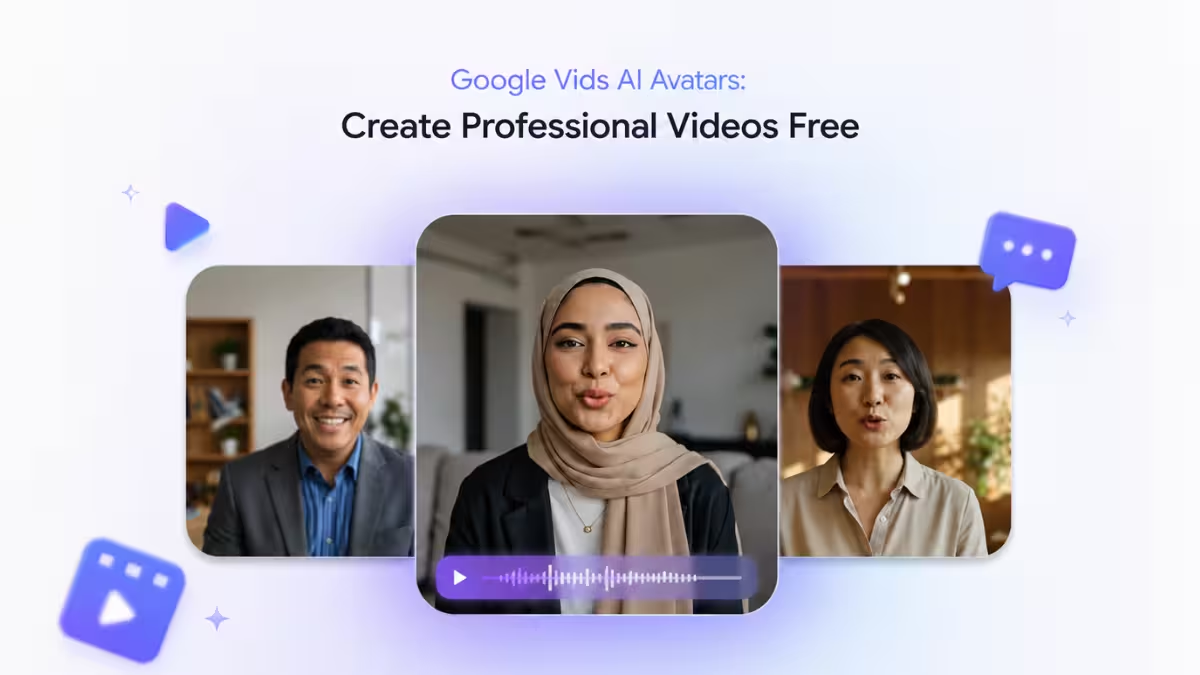
Google now lets anyone with a US Google account create professional work videos using AI avatars, and you do not need a paid Workspace plan to try it. Google Vids turns slides, scripts, and product ideas into finished videos using a digital presenter, and the free tier gives you enough generations to test it on real work.
What You Get with Free AI Avatars in Google Vids
Google Vids is a video creation tool built inside Google Workspace, and it now serves more than 7 million users every month.
- Free personal accounts get 10 video generations per month, split between AI avatars and Veo video generation.
- Paid AI Pro and Ultra subscribers get up to 1,000 generations a month.
- The free tier is live for US accounts first, with other regions rolling out in the coming months.
- All avatar content carries a SynthID watermark, so viewers can confirm a video was AI generated.
How to Turn a Google Slides Presentation into a Video
If you already have a slide deck, Google Vids can convert it into a narrated video without extra editing work.
- Open your Google Slides presentation.
- Use the Google Slides integration to send the presentation to Google Vids.
- Let Vids generate a storyboard automatically from your slide content.
- Review the script that Vids drafts for the AI avatar.
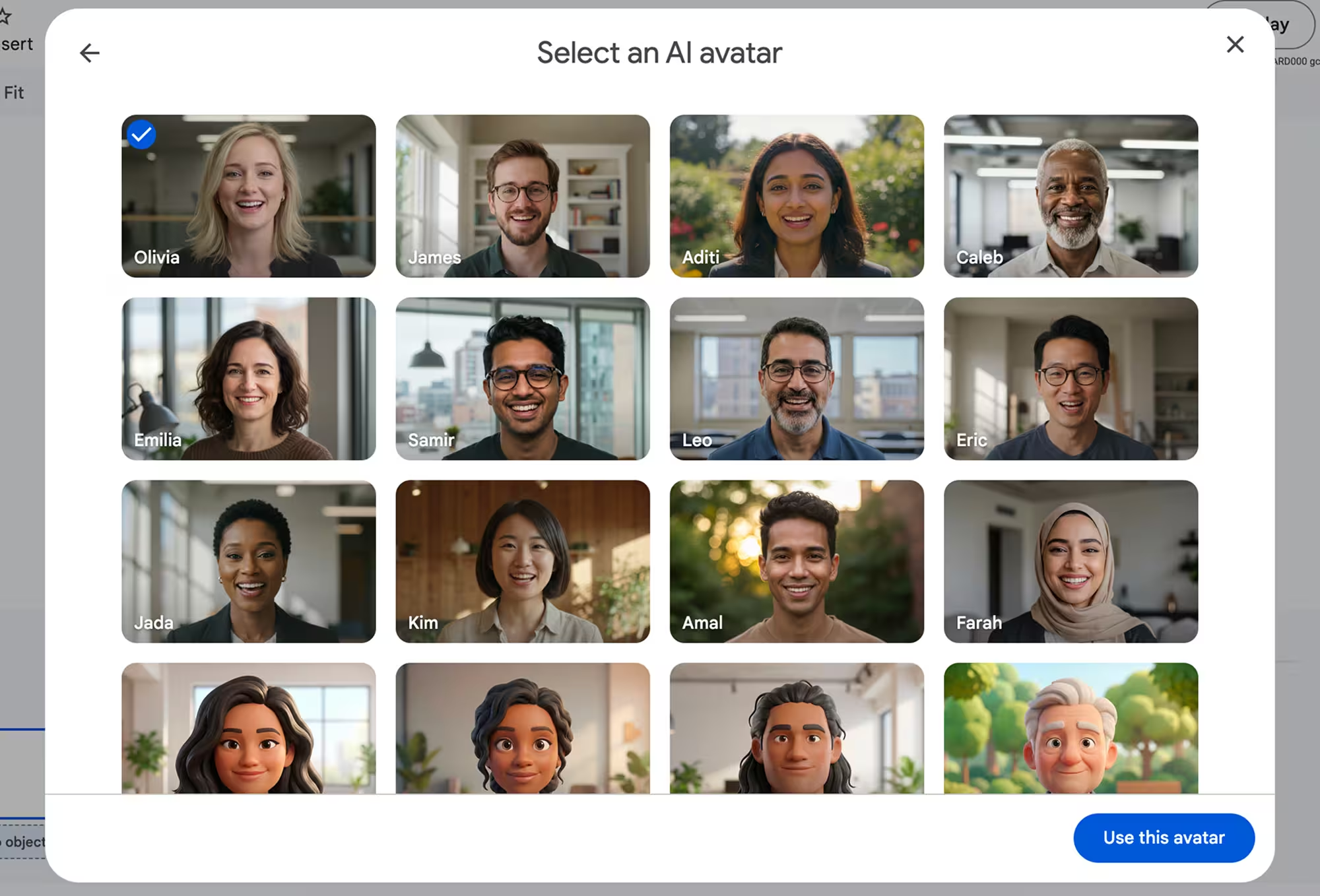
- Choose an avatar from the gallery to narrate the presentation, or select an AI voiceover if you prefer no on-screen presenter.
- Edit the script if you need to update the message, since the avatar can be re-scripted at any time.
Soon, Vids will also generate AI voiceovers for Slides presentations in multiple languages, including Japanese, Korean, Spanish, and French, so you can reach viewers in different regions without recording new audio.
How to Create a Custom AI Avatar for Pitches
For repeated presentations like sales pitches, a custom avatar keeps your delivery consistent every time.
- Start a new project at vids.new.
- Build a custom avatar and add your company logo and a custom background.
- Write or paste your pitch script.
- Steer the emotional delivery of the avatar or voiceover to match your intended tone.
- Generate the avatar in one of 24 supported languages, including Arabic, Hindi, Dutch, and Vietnamese, if you need to scale the pitch globally.
Google is also expanding avatar presets from 23 to 53 defaults across different visual styles, and adding more language options such as Bengali, Marathi, Tamil, Telugu, Russian, Polish, Thai, Turkish, Romanian, and Ukrainian.
How to Create a Product Demo Without a Video Shoot
Traditional product demos take time to film and are hard to keep updated. Google Vids replaces the video shoot with a directed AI avatar.
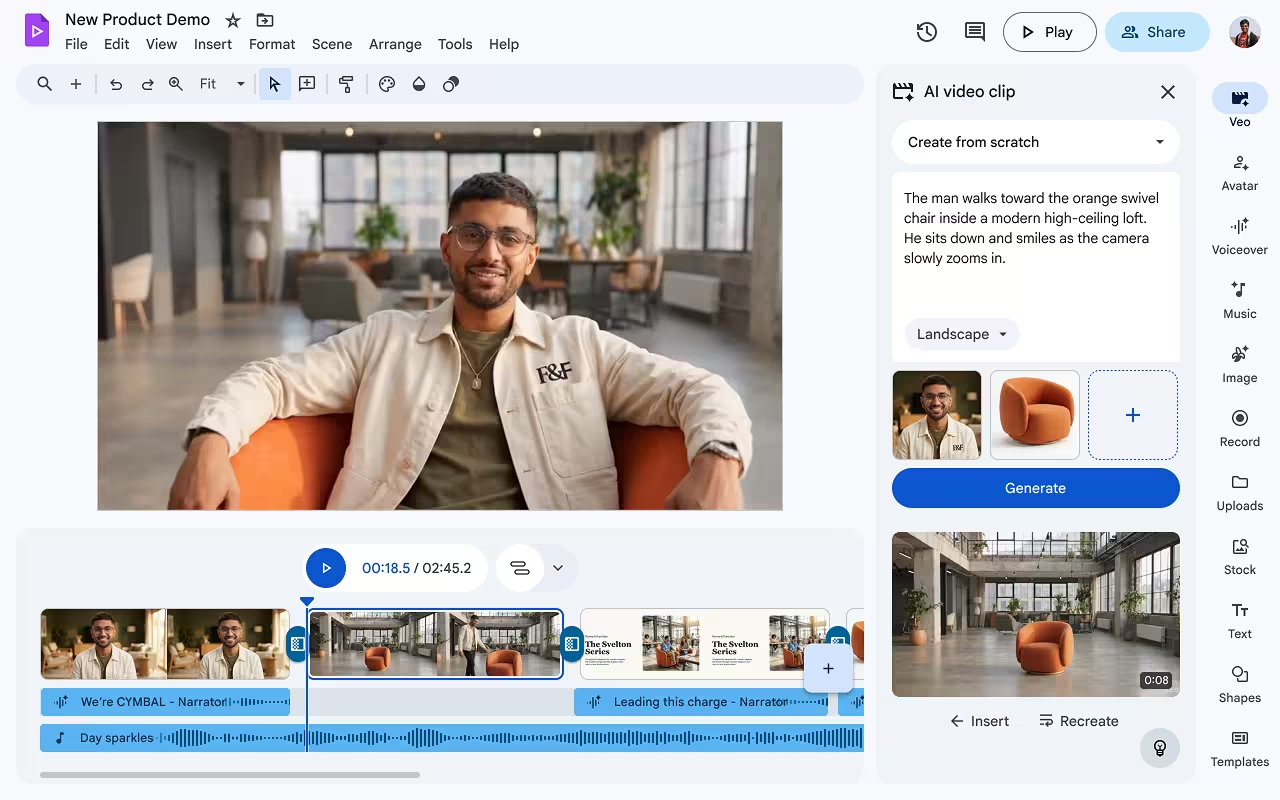
- Upload your product images or assets as ingredients in the project.
- Type a prompt describing how you want the avatar to walk, talk, or interact with the product.
- Generate the clip using Veo, Google’s video generation model.
- Extend the clip as needed, since Veo generations no longer have a duration limit, compared to the earlier 8 second cap.
- Review the final demo and export it for your team or customers.
How to Access Google Vids for Free
You do not need to buy a Workspace or AI Pro plan to start.
- Sign in with a Google account based in the US.
- Go to vids.new to start a new project.
- Choose to build a video from Slides, from a script, or from a blank project.
- Track your monthly usage, since free accounts are capped at 10 video generations a month.
- Upgrade to AI Pro or Ultra later if you need more than 10 generations monthly.
Frequently Asked Questions
Is Google Vids completely free to use?
Free personal accounts get 10 video generations a month at no cost, covering both AI avatars and Veo video generation. Paid AI Pro and Ultra plans unlock up to 1,000 generations a month for heavier use.
Which countries can access free AI avatars right now?
The free tier is available to Google account holders in the US first. Google plans to expand access to other regions over the coming months.
What video model powers the AI avatars?
The avatars run on Google’s Veo 3.1 video generation model, with Lyria 3 handling custom music scoring for the videos.
How many languages do AI avatars support?
Avatars and voiceovers can be generated from scripts in 24 languages, including Arabic, Hindi, Dutch, Vietnamese, and several South Asian and European languages added in the latest update.
Can I tell the AI avatar what to do in a video?
Yes. You can direct a custom avatar to walk, talk, and interact with objects by adding them as ingredients and typing a prompt describing the action.
Read More:

