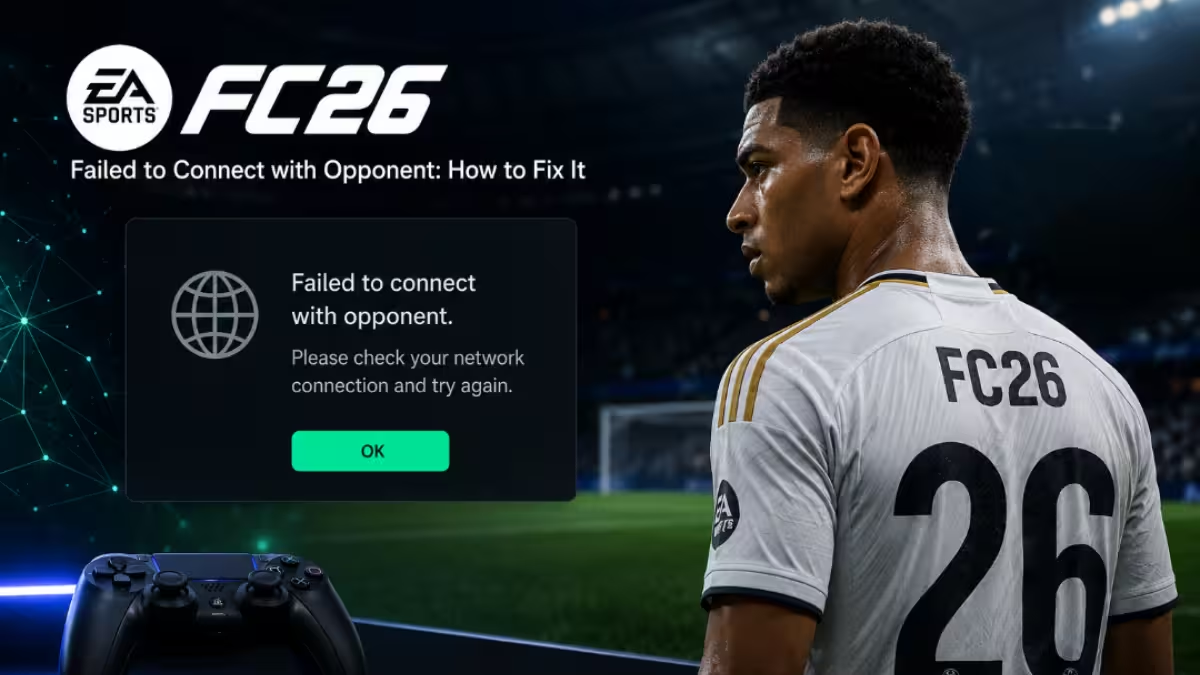
EA Sports FC 26 sometimes throws a “failed to connect with opponent” message right when a match should start. The game finds a player, then drops the connection before the match loads. This shows up most often in Rivals, Rush, and Clubs, and it usually points to a break somewhere between your network, your game version, and EA’s matchmaking servers.
What Causes the Failed to Connect with Opponent Error in FC 26
This error has a small set of recurring triggers rather than one single cause.
- EA’s matchmaking or Clubs servers are struggling after a patch or during peak hours
- Crossplay settings do not match between you and the opponent
- Your FC 26 build is outdated compared to the matchmaking pool
- Your network connection is unstable or overloaded with background traffic
Any one of these can break the handshake between two players right as the match tries to load.
Fix 1: Check EA Server Status for FC 26 Matchmaking
If EA’s servers are down or degraded, no local fix will help. Confirm this first so you don’t waste time.
- Visit the EA server status page in a browser, not through the game.
- Find the entry for EA SPORTS FC 26 and note whether it’s marked as operational or degraded.
- Scroll for any maintenance window or incident report posted that day.
- Skip local troubleshooting entirely if there’s a flagged issue, since it will resolve on EA’s end.
Community reports on the EA Forums about failed lobby joins and matchmaking often cluster right after a game update, which is a sign the issue sits on EA’s side rather than yours.
Fix 2: Turn Off Crossplay to Fix FC 26 Connection Errors
Crossplay mismatches are one of the most common reasons a connection fails right as a match is about to begin.
- From the FC 26 main menu, pull up your settings panel.
- Locate the matchmaking preferences inside that panel.
- Flip crossplay to off, then back out and fully close the game.
- Relaunch and start a fresh search with crossplay disabled.
- Only switch it back on at the start of a new session, not mid-search.
Disabling crossplay narrows the matchmaking pool to your own platform, which sidesteps compatibility issues between different platform groups.
Fix 3: Update FC 26 So Your Version Matches Your Opponent’s
A version mismatch between you and your opponent can cause the connection to fail even when both players are online and searching.
- Check your platform’s store or launcher for a pending FC 26 update.
- Install the update completely before relaunching.
- Close FC 26 fully, not just the match screen.
- Restart the game and sign back into Ultimate Team or Clubs.
- Search for a new match instead of reusing a stalled session.
Players who stay on an older build often see this error even while everyone else in the matchmaking pool is fine.
Fix 4: Refresh Your Network to Stop FC 26 Connection Drops
A weak or congested network can interrupt the connection at the exact moment two players are matched.
- Restart your router and modem.
- Switch to a wired Ethernet connection if you are currently on WiFi.
- Pause large downloads or streaming on the same network.
- Confirm your NAT type is set to Open in your platform’s network settings.
- Turn off any VPN before searching for a match again.
If you’re on WiFi and can’t go wired, switching to a less congested 2.4GHz channel or moving closer to the router also helps reduce packet loss during the handshake.
Fix 5: Reinstall EA AntiCheat to Fix FC 26 PC Connection Issues
PC players sometimes see this error tied to a broken or outdated AntiCheat install, especially right after a patch.
- Navigate to the folder where FC 26 is installed on your PC.
- Find and run the AntiCheat setup file bundled inside that folder.
- Point the installer at FC 26 when it asks which title to target.
- Choose the repair or reinstall option rather than a fresh install.
- Reboot your PC before opening FC 26 again to let the driver changes take effect.
This fix mainly applies to PC and won’t apply if you’re on console.
When the FC 26 Connect to Opponent Error Is on EA’s Side
If you’ve confirmed servers are up, toggled crossplay, updated the game, and refreshed your network, and the error still shows up, you’re likely dealing with a server-side matchmaking bug rather than anything on your end. In that case, Squad Battles and Moments stay playable and still award progress, so you can keep earning rewards while EA works on a patch.
Frequently Asked Questions
Why does FC 26 fail to connect with an opponent even when my internet is fine?
The most common reason is a crossplay or platform mismatch between you and the opponent, not your own connection. EA server load after a recent update is the next most likely cause.
Does disabling crossplay actually help matchmaking?
Yes, several players have restored matchmaking by disabling crossplay, restarting the game, and searching again. It narrows the pool to same-platform opponents, which reduces the chance of a compatibility mismatch during the connection handshake.
Which FC 26 modes stay playable if matchmaking is broken?
Squad Battles and Moments typically remain playable and still award progress and rewards even when Rivals, Rush, or Clubs matchmaking is affected.
How long does it usually take EA to fix a matchmaking outage in FC 26?
There’s no fixed timeline. Minor server load issues often clear within a few hours, while bugs tied to a recent patch can take longer since EA needs to test and roll out a fix.
Can a VPN cause the failed to connect with opponent error in FC 26?
Yes, a VPN can add latency or route your connection through a path that disrupts the matchmaking handshake. Turning it off before searching for a match removes that variable.

